Gemini CLI with Any LLM: A Deep Dive into the EasyLLM CLI Open-Source Modification
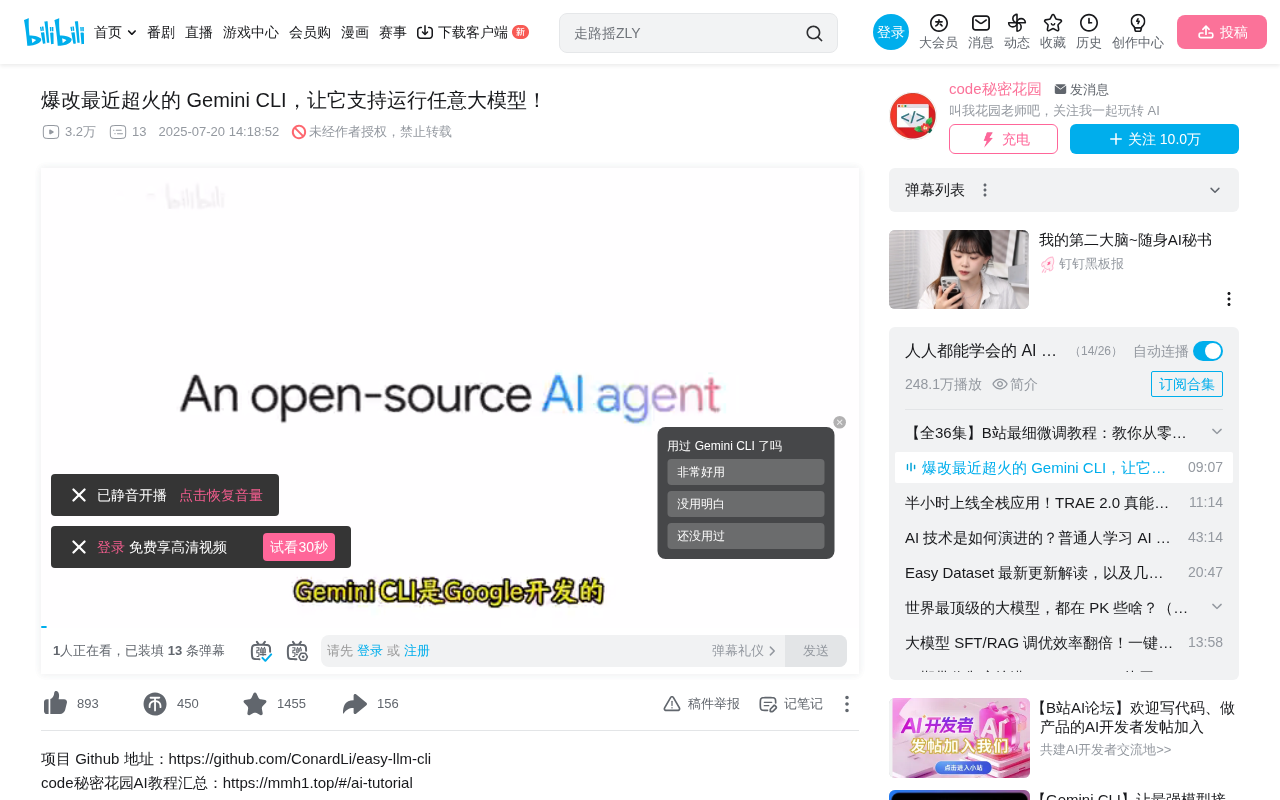
EasyLLM CLI modifies Gemini CLI to support any LLM with code-level API integration
Google's open-source Gemini CLI is a powerful AI Agent command-line tool but suffers from account barriers, model lock-in, data security risks, and lack of code integration. EasyLLM CLI (ELC) is a deep modification that decouples the Agent core logic from the CLI interface, enabling support for any LLM (including local models) and providing programmatic API access. This opens up enterprise development, automation pipelines, and custom Agent applications while ensuring data security.
Google's open-source Gemini CLI quickly amassed 61K stars on GitHub thanks to its powerful Agent capabilities, making it the hottest command-line AI tool available today. An AI Agent refers to an AI system capable of autonomously perceiving its environment, making plans, and executing multi-step tasks—distinct from simple Q&A chatbots. In the programming domain, Agent capabilities mean the AI can not only generate code snippets but also autonomously read project files, analyze code structure, execute Shell commands, invoke external tools, and dynamically adjust strategies based on execution results. Packaging this capability as a command-line tool allows AI to work directly as a "pair programming partner" in the terminal environment developers know best.
However, issues like account registration barriers, model lock-in, and data security concerns have limited its use cases. A Chinese tech content creator known as "Teacher Huayuan" performed a deep modification of Gemini CLI and released an open-source version that supports any LLM (including local models)—EasyLLM CLI (abbreviated as ELC)—complete with code-level API integration capabilities.
Why Gemini CLI Deserves Attention
Gemini CLI is an open-source AI Agent command-line tool developed by Google, designed to directly compete with Anthropic's Claude Code. Claude Code was the pioneer in this space—launched in early 2025, it quickly became the go-to AI coding tool for professional developers, built on the Claude model series and renowned for its excellent code comprehension and generation capabilities. However, Claude Code uses a paid subscription model (requiring a Claude Pro/Max subscription) and poses access restrictions and ban risks for users in mainland China. Google's strategic intent with Gemini CLI is crystal clear: rapidly capture market share through open-source code and generous free quotas (1,000 requests per day). This represents Google's direct competition against Anthropic in the AI developer tools space.
The two tools share largely the same functionality and design philosophy. The key differences are that Gemini CLI integrates Google's own Gemini 2.5 Pro model by default, is fully open-source, and offers very generous free API call quotas.
Given the frequent banning of Chinese users from Claude Code, Gemini CLI has become an extremely attractive alternative. Its core features include:
- Excellent coding capabilities: A million-token context window covering the entire code writing lifecycle. A token is the basic unit of text processing for large language models—one Chinese character corresponds to roughly 1-2 tokens. Traditional models typically have context windows of 4K-32K tokens, while Gemini 2.5 Pro's million-token context window means it can load and understand an entire medium-to-large software project's complete codebase in one go—including hundreds of source files, configuration files, and documentation. This is crucial for code refactoring, cross-file dependency analysis, and global architecture understanding, forming the foundational capability that enables Agents to complete complex coding tasks.
- Multimodal processing: Supports analysis of images, video, and audio files
- Intelligent workflows: Built-in context management, secure sandbox environments, and infinite loop protection
- MCP protocol support: Can connect to custom APIs or third-party tools via MCP. MCP (Model Context Protocol) is a standardized protocol proposed and open-sourced by Anthropic in late 2024, designed to solve the connection problem between large language models and external tools/data sources. Before MCP, every AI tool needed custom integration code for each external service. MCP defines a unified communication standard: AI applications act as "clients," external tools and services act as "MCP Servers," and both sides interact through standardized JSON-RPC messages. This is similar to how the USB protocol unified peripheral interfaces—developers only need to write an MCP Server once for it to be callable by all MCP-compatible AI tools. MCP has now gained support from major AI vendors including OpenAI and Google, and is becoming the de facto standard for the AI tool ecosystem.
- Custom user memory: Can remember user preferences and project context
In practice, Gemini CLI can accomplish quite complex tasks. For example, you can ask it to search for the hottest AI papers from the past month, summarize their core content, and build an elegant webpage to display them. Or it can directly analyze the audio content of a video and automatically generate a Chinese article. Combined with MCP Servers, it can also analyze project technical architecture and automatically generate architecture diagrams.
Why Gemini CLI Needs Modification: Five Pain Points
Despite Gemini CLI's excellence, several clear limitations exist in practical use:
High Account Registration Barrier
Using Gemini CLI requires first registering a Google Cloud account, then configuring a Project ID environment variable after login. This step alone is already a significant obstacle for many regular users.
Opaque Model Downgrade Strategy
While Gemini 2.5 Pro has solid coding capabilities, Google employs a downgrade strategy—in many cases, your tasks are actually completed by the downgraded Gemini Flash. Model downgrade/routing is a common cost-control strategy used by AI service providers: the inference cost of high-performance models (like Gemini 2.5 Pro) is 10-50x higher than lightweight models (like Gemini Flash). To maintain service availability under free quotas, providers route some requests to lower-cost models based on request complexity, server load, usage frequency, and other factors. This strategy is opaque to users—API responses look consistent in format, but actual inference quality may drop significantly. This explains why task completion quality is sometimes excellent and sometimes suddenly "dumbed down."
Unsustainable Free Pricing Strategy
"Free first, monetize later" is a classic internet product playbook. If you can use custom models, you don't need to worry about future pricing changes. Moreover, different tasks suit different models—being locked to Gemini is not always optimal.
Data Security Risks
When processing internal enterprise code or sensitive files, sending data to overseas models poses leakage risks. In enterprise applications, data security compliance is the primary consideration for adopting AI tools. China's Data Security Law and Personal Information Protection Law impose strict regulations on cross-border data transfer, and many industries (such as finance, healthcare, and government) explicitly require sensitive data to remain on domestic servers. Many companies' security compliance requirements only allow locally deployed models, directly limiting Gemini CLI's applicability in enterprise scenarios. Local model deployment means running large language models on enterprise-owned servers or private clouds, with all data processing completed locally without passing through any external network. Common local deployment solutions include using inference frameworks like Ollama and vLLM to run open-source models (such as Llama, Qwen, DeepSeek, etc.), which typically provide OpenAI-compatible API interfaces, facilitating subsequent tool adaptation.
Lack of Code Integration Capability
The official version only provides CLI interaction—there's no way to directly invoke its powerful Agent capabilities from code, limiting the possibility of integrating it into custom projects or business workflows.
EasyLLM CLI Modification Explained in Detail
Based on these pain points, Teacher Huayuan performed deep analysis and modification of Gemini CLI's core code, releasing EasyLLM CLI (ELC). The core philosophy of this modification is: Decouple the Agent core logic from the CLI interface logic, while abstracting the model invocation layer into a configurable interface.
Decoupling is a core design principle in software engineering—it refers to separating different functional modules of a system so they can change and be reused independently. In Gemini CLI's original architecture, the Agent's core logic (task planning, tool invocation, context management, multi-turn conversation state machine, etc.) was somewhat coupled with the CLI's interface logic (terminal rendering, user input handling, progress display, etc.). EasyLLM CLI's modification completely separates these two layers: the underlying ELCAgent class encapsulates complete Agent capabilities and can run independently in any Node.js environment; the upper CLI interface is merely a "consumer" of ELCAgent. This architecture allows developers to embed the same Agent capabilities into web services, Electron desktop applications, automation scripts, and any other scenario, greatly expanding the tool's applicability.
Installation and Usage
Usage is very simple, with the prerequisite of having a local Node.js environment:
# Method 1: Run directly with npx
npx elc

# Method 2: Install globally then run
npm install -g elc
elc
By default, without specifying any environment variables, ELC can still use Google's native authentication and Gemini models. To switch to a custom model, you only need to configure four required environment variables:
- Whether to enable custom model (toggle)
- Custom model API Key
- Custom model API endpoint
- Custom model name
Environment variables can be configured via a .env file in the project directory or injected via export commands. Once configured successfully, the CLI interface displays the current model provider and model name in the bottom-right corner. Since most Chinese domestic models and local deployment frameworks (like Ollama, vLLM) provide OpenAI API-compatible interfaces, switching only requires pointing the API endpoint to the corresponding service address—no additional adaptation work needed.
Multi-Model Compatibility Test Results
Teacher Huayuan conducted systematic testing across multiple mainstream models, covering the following dimensions:
| Test Dimension | Description |
|---|---|
| Thinking Process | Whether it has reasoning capabilities |
| Basic Conversation | Whether it can complete simple multi-turn tasks |
| Tool Calling | Basic tool capabilities like file reading |
| Multimodal | Whether it can analyze image content |
| MCP | Whether it can invoke custom MCP Servers |
| Complex Tasks | Comprehensive tasks requiring multi-tool collaboration |
Test results show that several popular models (such as Kimi K2, Doubao, etc.) can basically complete fairly complex tasks, matching or even exceeding the original Gemini 2.5 Pro's performance. For example, when using Kimi K2 to analyze a project's technical architecture and build an introduction website, the generated results were excellent. After switching to Volcengine's Doubao model, multimodal analysis tasks were also completed very well. It's worth noting that tool calling (Function Calling) capability is the Agent framework's core requirement for models—the model needs to understand when to call a tool, which tool to call, and how to construct correct parameters. Not all models have good tool calling capabilities, making this the most critical evaluation dimension in compatibility testing.
Code-Level API Integration
This is the most valuable part of the modification. Teacher Huayuan decoupled Gemini's Agent core logic from the CLI interface, providing an ELCAgent class that can be directly integrated into Node.js programs for Agent functionality.
The API supports:
- Custom model provider configuration
- Custom tool invocation
- Parameterized MCP Server integration
- Custom system prompts
- Multiple use cases including basic conversation and file operations
The core API design is very clean: a run method executes tasks, combined with methods to get all results or just the last result, allowing developers to call it flexibly based on their needs. The significance of this programmatic interface is that developers can build complex automation workflows within their own applications—for example, automatically triggering the Agent for code review on commits, or automatically generating technical specification documents upon receiving user requirements.
Practical Use Cases for EasyLLM CLI
This modified version opens up many new possibilities:
- Enterprise internal development: Connect to locally deployed LLMs (running open-source models like Qwen, DeepSeek via frameworks like Ollama, vLLM), enjoying Agent coding capabilities while ensuring data security—all code and conversation data never leaves the corporate intranet
- Automation pipelines: Integrate the Agent into CI/CD or other automation workflows via the code API—for example, automatically performing code reviews, generating test cases, or updating project documentation in GitHub Actions
- Model comparison and evaluation: Quickly switch between different models to compare their actual performance under the same Agent framework—invaluable for enterprise model selection and capability assessment
- Customized Agent applications: Build intelligent assistants for specific business scenarios based on the ELCAgent class, such as operations diagnosis Agents, data analysis Agents, or technical documentation generation Agents
Conclusion
Gemini CLI itself is an open-source Agent tool with excellent architectural design—this is the fundamental reason it gained 60K+ stars in such a short time. EasyLLM CLI's modification doesn't negate the original's value but rather solves three critical problems—model lock-in, data security, and code integration—building upon its excellent architecture.
For developers in China, the significance of this modified version is: We can finally use a mature Agent framework, paired with models of our choosing, in environments we control, to complete complex coding and analysis tasks. This "framework-model separation" approach also represents an important trend in AI development tools—as open-source model capabilities rapidly improve and standard protocols like MCP become widespread, developers will have increasing freedom to assemble the AI tool stack that best fits their needs. The project is open-source, and interested developers can get hands-on experience right away.
Related articles
 Tutorials
Cursor + Codex Dual-IDE Collaboration: A Practical Methodology for Open-Source Project Customization
A complete methodology for open-source project customization based on real-world experience, detailing the Cursor+Codex dual-IDE workflow, seven-stage process, MVP validation, and AI source code reading techniques.
 Tutorials
Cursor Multi-Agent in Practice: Building a Full-Stack Next.js Blog in 50 Minutes
Build a full-stack blog in 50 minutes using Cursor IDE's multi-Agent mode with Next.js, Clerk auth, and Supabase. Learn the 4-phase AI Agent workflow and key integration pitfalls.
 Tutorials
Building an AI Software Factory from Scratch: A Cursor Engineer's Hands-On Experience with Multi-Agent Collaboration
Cursor engineer Eric shares practical insights on building an AI software factory: automation levels, guardrail design, parallel Agent management, and scaling to 1000+ Agents for 24/7 development.