Building a Home Appliance Repair Platform on WeChat Mini Program: A Full-Stack Solution with Spring Boot + uni-app

Full-stack WeChat Mini Program home appliance repair O2O platform with Spring Boot, uni-app, and Vue
This article presents a home appliance repair platform built on WeChat Mini Program, using a Spring Boot backend, Vue + Element UI admin panel, and uni-app Mini Program client. The system implements a complete business loop across three roles—administrators, repair technicians, and users—covering core features including service publishing, online booking, order management, smart customer service, and data reporting. It serves as an excellent reference for full-stack development learning and graduation projects.
Project Overview
In daily life, home appliance repair is a high-frequency service need, yet traditional repair services suffer from pain points like information asymmetry and difficulty scheduling appointments. Users often struggle to assess a technician's expertise and pricing standards, while repair professionals lack stable customer acquisition channels. This article introduces a home appliance repair platform system built on WeChat Mini Program, covering three roles—users, repair technicians, and platform administrators—implementing a complete business loop from service publishing and online booking to order management.
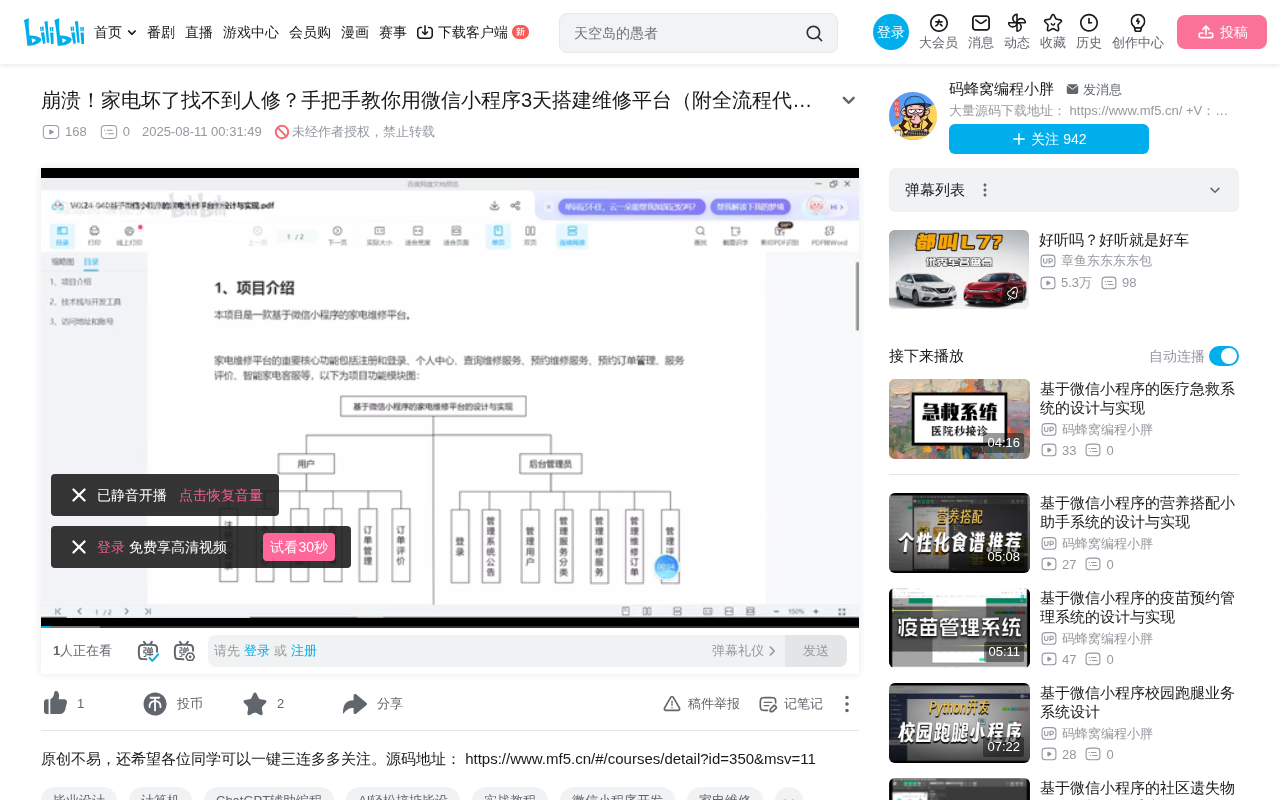
Technical Architecture Analysis
Backend Tech Stack: Spring Boot Framework
The system's backend is built on the Spring Boot framework, currently the most mainstream microservice development framework in the Java ecosystem, offering advantages like rapid development and auto-configuration. Spring Boot's core design philosophy is "Convention over Configuration." Building on the traditional Spring framework, it simplifies the previously tedious XML configuration and environment setup through embedded Tomcat servers, Auto-Configuration mechanisms, and Starter dependency management, reducing everything to a few annotations. Developers only need to include the corresponding starter dependencies (such as spring-boot-starter-web, spring-boot-starter-data-jpa), and the framework automatically completes initialization of infrastructure like data source configuration, transaction management, and security authentication, significantly lowering the barrier to project startup.
The admin panel frontend uses Vue + Element UI to implement a front-end/back-end separation architecture—a very mature combination for enterprise-level admin systems. The core idea of front-end/back-end separation is: the backend only provides RESTful API endpoints (returning data in JSON format), while the frontend independently handles page rendering after fetching data via HTTP requests. Vue, as a progressive JavaScript framework, combined with Element UI's rich enterprise-grade UI components (forms, tables, modals, etc.), enables rapid construction of fully-featured admin panels through its reactive data binding and component-based development model. This architecture allows front-end and back-end teams to develop in parallel, collaborating through API documentation (such as Swagger), significantly improving development efficiency.
Frontend Tech Stack: uni-app Cross-Platform Solution
The WeChat Mini Program client is developed using the uni-app framework. uni-app is a cross-platform development framework based on Vue.js, created by DCloud. Its underlying principle is using a compiler to transform Vue-syntax source code into native code for each target platform—compiling to WeChat Mini Program generates WXML+WXSS+JS, compiling to H5 generates standard HTML+CSS+JS, and compiling to native App uses a native rendering engine (rather than WebView) to achieve near-native performance.
Compared to developing directly with WeChat's native tools (which requires learning WXML template syntax and WXS scripting), uni-app allows developers to use familiar Vue syntax, resulting in a lower learning curve. Compared to similar cross-platform frameworks like Taro (developed by JD.com, based on React syntax), uni-app has a larger community and plugin marketplace within China's Mini Program ecosystem. However, it's worth noting that WeChat Mini Programs have inherent technical constraints—package size limits (main package cannot exceed 2MB), inability to directly manipulate the DOM, and APIs that must be called through the wx object. uni-app handles platform-specific logic differences through conditional compilation (#ifdef MP-WEIXIN).
uni-app's advantage lies in compiling a single codebase to multiple platforms including WeChat Mini Program, H5, and native App simultaneously, dramatically reducing development costs for multi-platform adaptation. For projects aiming for quick launches, this is a very pragmatic technology choice.
Overall Architecture Characteristics
The entire project follows a typical "all-in-one development framework" pattern:
- Data Layer: Spring Boot + Database
- Admin Panel: Vue + Element UI (Web)
- User Client: uni-app (WeChat Mini Program)
The benefit of this architecture is a unified tech stack with low maintenance costs, suitable for small-to-medium teams iterating quickly. From a deployment perspective, the backend service is packaged as a single JAR file for execution, the admin frontend compiles to static files served via Nginx, and the Mini Program is uploaded to WeChat servers through WeChat Developer Tools—keeping overall operational complexity low.
Core Feature Modules Explained
Three-Role Permission Design
The system is designed with three user roles, each with distinct responsibilities:
- Platform Administrator: Logs in via the web admin panel, responsible for managing announcements, repair categories, carousel banners, user and merchant management, and report statistics
- Repair Technician (Merchant): Functions like an onboarded service provider, able to publish repair services, manage orders, and view reviews
- Regular User: Browses services, makes online bookings, manages orders, and rates services through the WeChat Mini Program
This multi-role design is the standard pattern for O2O platforms, where clear permission boundaries ensure system security and maintainability. From a technical implementation perspective, such systems typically adopt the RBAC (Role-Based Access Control) permission model. RBAC's core concept is assigning permissions (like "publish service," "delete order," "view reports") to roles, then assigning roles to users, rather than binding permissions directly to specific users. This way, when adjusting permissions for a user category, you only need to modify the role's permission configuration without changing each user's settings individually. In Spring Boot, this is typically implemented through Spring Security or Shiro frameworks combined with JWT (JSON Web Token) for API-level permission interception.
From an industry perspective, the O2O (Online to Offline) model experienced explosive growth during 2014-2016, with platforms like Meituan, 58 Daojia, and Helijia validating the viability of the "online matching + offline service" business model. O2O platforms in the home appliance repair space (such as Zhuomuniao Home Repair and JD Service+) typically need to solve three core problems: service standardization, price transparency, and trust-building mechanisms. This system addresses these three needs through category management, transparent pricing, and a review system respectively.
Repair Service Management Module
The repair service module is the system's core. Administrators can set up repair categories in the backend (such as home appliance repair, air conditioning repair, TV repair, etc.), with each category supporting custom icons and names. After logging in, repair technicians can publish their services with the following details:
- Repair brand
- Service name
- Service price
- Category classification
Published services are displayed on the Mini Program frontend, where users can browse and book them.
Booking and Order Flow
The user-side booking process is designed to be smooth:
- Browse the repair service list and select the needed service
- Click "Book Now" to add the service to the cart
- Fill in the on-site service address (delivery address management)
- Select the appointment time
- Pay the fee to complete the booking
After a successful booking, the corresponding repair technician can see the new order in their order management panel, confirm the appointment time, and provide on-site service. Once the service is completed, the technician marks the order as "Completed," and the user can then rate the service. Reviews are displayed on the corresponding service's detail page, forming a reputation feedback loop.
From a system design perspective, this flow involves Order State Machine design. A typical service order goes through multiple state transitions: "Pending Payment → Paid/Awaiting Acceptance → Accepted/Awaiting Service → In Service → Completed → Reviewed." Each state transition requires clear trigger conditions and permission controls (for example, only the repair technician can change an order from "Awaiting Service" to "In Service"). Unlike physical e-commerce, service-based e-commerce orders don't involve logistics, but require additional handling of interactions like "appointment time negotiation" and "on-site service confirmation," making the state machine design more focused on bilateral confirmation mechanisms.
Smart Customer Service Feature
The system includes a built-in keyword-matching smart customer service module—a noteworthy highlight feature. Administrators can enter frequently asked questions (keywords) and corresponding answers in the backend. When users ask questions in the customer service interface, the system automatically matches keywords in the question and returns preset answers.
For example, if an administrator sets up the keyword "service fee" with a corresponding answer, when a user types "Do I need to pay a service fee for this?", the system identifies the "service fee" keyword and automatically displays the preset response.
From a technical implementation perspective, this keyword-matching customer service works as follows: it performs word segmentation or substring matching on user input text, compares extracted keywords against a preset keyword list in the database, and returns the corresponding preset answer upon a match. Implementation can range from simple SQL LIKE queries to string matching algorithms (such as Aho-Corasick automaton) for improved multi-keyword matching efficiency.
This differs fundamentally from true AI-powered customer service. Modern AI customer service is typically based on NLP (Natural Language Processing) technology, using Intent Recognition to understand users' actual needs, then generating answers through knowledge graphs or large language models. For instance, "Does the technician need travel money?" and "How is the service fee calculated?" express the same intent—AI customer service can identify this semantic equivalence, while keyword matching cannot handle such cases. Smart customer service has evolved through the stages of "keyword matching → rule engines → machine learning classification → deep learning NLU → large language models." This system adopts the most basic yet most stable and controllable first-stage approach.
While this isn't true AI-powered customer service, it's sufficient for resolving 80% of common inquiries, and the implementation cost is extremely low.
Data Reports and Visual Analytics
The admin panel integrates reporting functionality using the ECharts charting library for data visualization, helping administrators intuitively understand platform operational data. ECharts is an open-source JavaScript visualization library originally from Baidu (now donated to the Apache Foundation), supporting dozens of chart types including line charts, bar charts, pie charts, maps, and heatmaps, with excellent interactivity and animation effects. In Chinese enterprise applications, ECharts has far greater market share than international alternatives like D3.js and Chart.js, primarily due to its out-of-the-box configuration-based API design, comprehensive Chinese documentation, and optimization for large dataset rendering (through dual Canvas/SVG engines and incremental rendering technology, capable of smoothly displaying millions of data points). In this system, the reporting feature helps administrators monitor key operational metrics such as order volume trends, service category distribution, and technician performance rankings.
Learning Value and Applicable Scenarios
Target Audience
This project is particularly suitable for the following learners:
- Computer Science Students: As a graduation project or course design project, it covers core knowledge points including front-end/back-end separation, Mini Program development, and multi-role permissions
- Junior Developers: Learn the full-stack development workflow of Spring Boot + Vue + uni-app through a complete project
- Startup Teams: Use as an MVP prototype to quickly validate home services/repair O2O business models
Possible Extensions
To further develop this project into a commercial product, consider the following extensions:
- Integrate real payment (WeChat Pay API)
- Integrate map positioning for proximity-based order dispatching
- Introduce AI large language models to replace keyword-matching customer service
- Add real-time location tracking for repair technicians
- Implement service guarantees and refund mechanisms
Conclusion
This home appliance repair platform Mini Program project adopts a mainstream and mature framework combination in its technology choices, with business logic fully covering the core processes of an O2O service platform. For students learning full-stack development or seeking graduation project ideas, it serves as a well-structured and feature-complete reference case. However, it's important to note that bridging the gap from a demo to a truly production-ready product requires substantial work in areas such as security (SQL injection prevention, API authentication hardening), performance optimization (database index optimization, API caching strategies), and exception handling (payment callback idempotency, distributed transaction consistency).
Related articles
 Tutorials
Cursor + Codex Dual-IDE Collaboration: A Practical Methodology for Open-Source Project Customization
A complete methodology for open-source project customization based on real-world experience, detailing the Cursor+Codex dual-IDE workflow, seven-stage process, MVP validation, and AI source code reading techniques.
 Tutorials
Cursor Multi-Agent in Practice: Building a Full-Stack Next.js Blog in 50 Minutes
Build a full-stack blog in 50 minutes using Cursor IDE's multi-Agent mode with Next.js, Clerk auth, and Supabase. Learn the 4-phase AI Agent workflow and key integration pitfalls.
 Tutorials
Building an AI Software Factory from Scratch: A Cursor Engineer's Hands-On Experience with Multi-Agent Collaboration
Cursor engineer Eric shares practical insights on building an AI software factory: automation levels, guardrail design, parallel Agent management, and scaling to 1000+ Agents for 24/7 development.