Building a Weather Data Visualization & Prediction System with Cursor in 40 Seconds
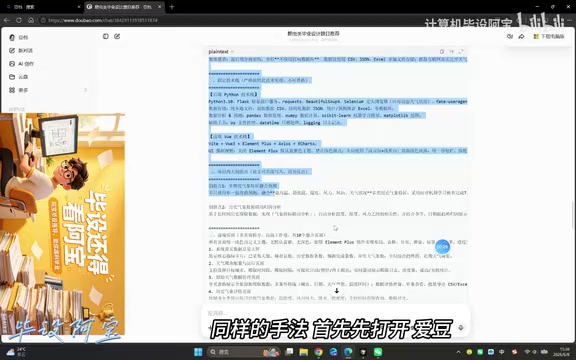
A complete weather visualization system built with Cursor AI in just 44 seconds.
A content creator demonstrated building a full weather data visualization and prediction system using Cursor AI in only 44 seconds. The project uses a Python backend with Vue frontend and JSON storage — no database needed. The key to success lies in structured prompt engineering rather than casual input. While AI tools dramatically accelerate development, understanding the generated code remains essential, especially for thesis defenses.
Overview
A Bilibili content creator demonstrated how to use the Cursor AI coding tool to build a complete weather data visualization, analysis, and prediction system in under one minute. This case once again proves the transformative impact of AI-assisted programming tools on development efficiency — especially for scenarios like graduation projects, where it offers tremendous practical value.
Project Technical Architecture
Frontend-Backend Separation Design
The project adopts the classic frontend-backend separation architecture:
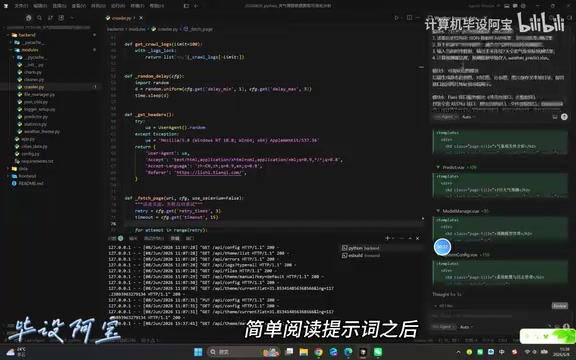
- Backend: Developed in Python, handling data processing, analysis, and prediction logic
- Frontend: Built with the Vue framework, responsible for data visualization and user interaction
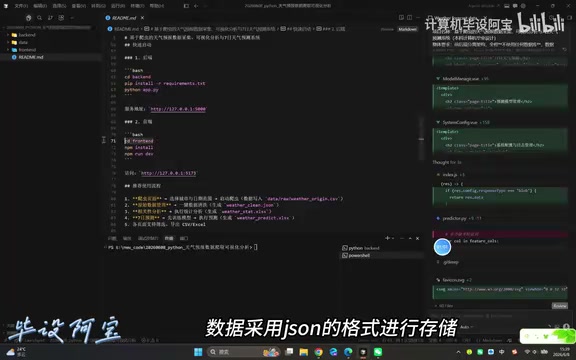
- Data Storage: Uses JSON format — no database configuration needed, keeping things simple and convenient
Frontend-backend separation is the mainstream pattern in modern web development. Its core idea is to decouple the user interface (frontend) from business logic and data processing (backend), with communication handled through interface protocols like RESTful APIs. The advantage of this architecture is that the frontend and backend can be developed, deployed, and scaled independently. In this project, the Vue framework handles chart rendering and interaction logic on the frontend, while the Python backend focuses on weather data cleaning, statistical analysis, and machine learning predictions. The two exchange JSON data via HTTP interfaces.
Vue.js is known for its lightweight nature, reactive data binding, and component-based development. In data visualization scenarios, it's typically paired with charting libraries like ECharts, D3.js, or Chart.js. Vue's reactive system automatically tracks data changes and updates the DOM — when the backend returns new weather data, frontend charts can re-render automatically. Vue's single-file components encapsulate templates, logic, and styles together, allowing each visualization chart to be developed and reused as an independent component.
The reasoning behind this tech stack is worth noting — choosing Python without a database dramatically reduces the complexity of environment setup, while JSON-based data storage is more than sufficient for small-to-medium-scale weather datasets. For scenarios like graduation projects, this is an extremely pragmatic choice.
Why a Database-Free Approach
Traditional web projects typically require database support from MySQL or MongoDB, but for weather data visualization projects where data volume is relatively manageable, JSON file storage offers several advantages:
- Zero configuration — no need to install a database service
- Highly readable data, easy to debug
- Simple deployment and easy migration
- Faster development by eliminating ORM and other middleware layers
Technical Implementation of Weather Prediction
Weather data prediction systems typically involve time series analysis techniques. In the Python ecosystem, common approaches include: the statistics-based ARIMA (AutoRegressive Integrated Moving Average) model, Facebook's open-source Prophet time series forecasting library, and machine learning regression methods based on scikit-learn. For graduation-project-level work, linear regression, random forests, or LSTM neural networks are commonly used to predict trends in historical temperature, humidity, wind speed, and other metrics. Python's pandas library handles data cleaning and feature engineering, numpy performs numerical computation, and prediction results are exposed as APIs through lightweight web frameworks like Flask or FastAPI for the frontend to consume.
Cursor Development Workflow in Detail
Core Workflow
The entire development process can be summarized in four steps:
- Generate the prompt: First, use an IDLE tool to generate a structured prompt tailored for Cursor
- Paste the prompt: Paste the generated prompt into Cursor
- Review and confirm: Briefly read through the AI-generated code and run documentation
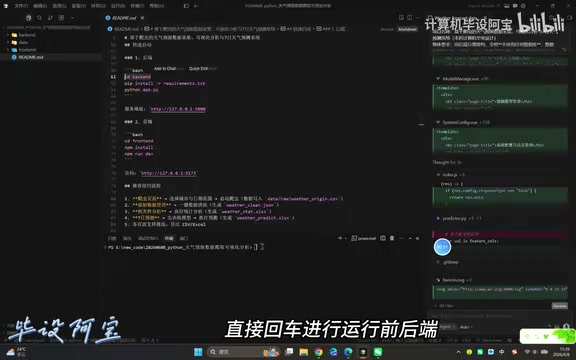
- Execute the run command: Paste the run command in the command panel and hit Enter
The entire process took only 44 seconds — from zero to a fully runnable system.
Cursor is an AI code editor deeply customized on top of VS Code, with its core capabilities powered by integrated large language models like Claude and GPT-4. Unlike traditional code completion tools (such as GitHub Copilot, which only provides line-level or function-level completions), Cursor supports project-wide code generation and refactoring. Users can describe requirements in natural language, and Cursor will understand the project context — including existing file structures, dependencies, and code style — then generate complete multi-file code. Its Composer feature allows creating an entire project's file structure in one go, including frontend components, backend routes, configuration files, and more. This is the technical foundation behind the 44-second system completion in this case. Cursor also supports conversational iteration, where developers can continue making modification requests after code generation to progressively refine the system.
The Importance of Prompt Engineering
Interestingly, the creator didn't just casually type requirements into Cursor. Instead, they first used a dedicated tool to generate a structured prompt. This highlights that in the age of AI programming, the quality of your prompt directly determines the quality of the output code. A well-designed prompt should include:
- Clear project type and functional requirements
- Specified tech stack
- Data format and storage requirements
- Clear division of responsibilities between frontend and backend
Prompt Engineering refers to the practice of carefully designing input instructions for AI models to guide them toward producing high-quality, expected outputs. In the AI programming domain, prompt engineering has developed several mature methodologies: role assignment (having the AI act as a domain expert), explicit constraint specification (defining tech stack, code style, file structure), step-by-step instructions (breaking complex tasks into ordered subtasks), and example-driven prompting (providing samples of expected output). In this case, the creator's use of a specialized tool to generate structured prompts essentially transforms project requirement documents into formatted instructions that AI can precisely understand. This approach yields more stable and complete code output compared to casual natural language descriptions. It also means that mastering prompt engineering is becoming a new core skill for developers.
Implications for Graduation Projects
An Efficiency Revolution
The creator mentioned "how to graduate in a single day" — while somewhat tongue-in-cheek, it genuinely reflects the enormous value AI programming tools offer to students. Traditionally, developing a frontend-backend separated data visualization system would take even experienced developers several days. With tools like Cursor, core code generation can be compressed to the minute level.
Behind this efficiency boost is the large language model's learning and pattern extraction from massive amounts of open-source code. The model has seen millions of similar web project structures, enabling it to quickly generate code scaffolding that follows best practices. However, it's important to note that the quality of AI-generated code heavily depends on the richness of similar projects in the training data. For common project types like weather visualization, generation results are typically good. For highly customized or cutting-edge technology projects, AI output may require significantly more human intervention.
Things to Watch Out for When Using AI Programming Tools
Of course, code generated in 44 seconds doesn't mean the project is done. In practice, you still need to:
- Understand and review the generated code
- Make customizations based on specific requirements
- Add exception handling and edge cases
- Prepare to explain technical details during thesis defense
AI tools are accelerators, not replacements — understanding code logic remains essential. This is especially true in thesis defense scenarios, where reviewers may probe deeply into technical implementation details, such as the rationale behind prediction algorithm selection, error handling mechanisms in frontend-backend communication, and the system's scalability design. If a developer lacks deep understanding of the AI-generated code, these questions could expose serious gaps. Therefore, it's recommended to treat AI tools as a "first draft generator" and build upon that foundation with in-depth learning and personalized modifications.
Conclusion
This case demonstrates the current capability boundaries of AI programming tools — for small-to-medium projects with clear structure and well-defined requirements, tools like Cursor can already achieve near-instant code generation. As prompt engineering matures and AI model capabilities continue to improve, the barrier to software development is being rapidly lowered. Yet the ability to judge system design and code quality remains a developer's core competitive advantage.
From a broader perspective, AI programming tools are redefining the role of the "developer" — shifting from a line-by-line code "implementer" to an architectural design and quality control "decision-maker." Future developers will need stronger systems thinking, requirements analysis skills, and code review capabilities, while repetitive coding tasks will increasingly be delegated to AI. This isn't the end of programming — it's a fundamental evolution in how programming is done.
Related articles
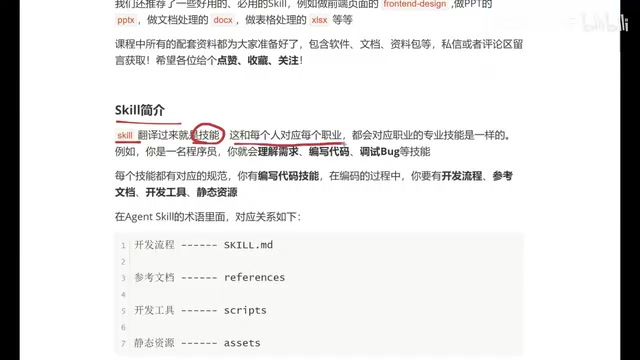
Beginner's Guide to Agent Skills: Structure Breakdown & Custom AI Skill Development
A deep dive into Agent Skill's core concepts and internal structure, covering skill.md, references, scripts, and assets with a restaurant poster Skill example.
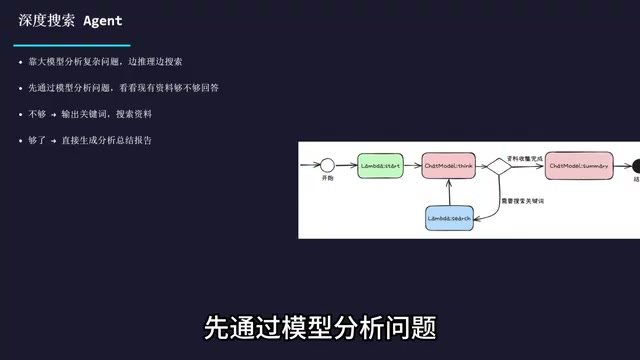
Complete Guide to Commercial AI Agent Development: From Requirements Analysis to Production Deployment
Complete guide to commercial AI agent development from scratch, covering requirements analysis, architecture design (ReAct framework, deep search, intent recognition), hands-on Coze platform implementation, workflow creation, and production deployment.
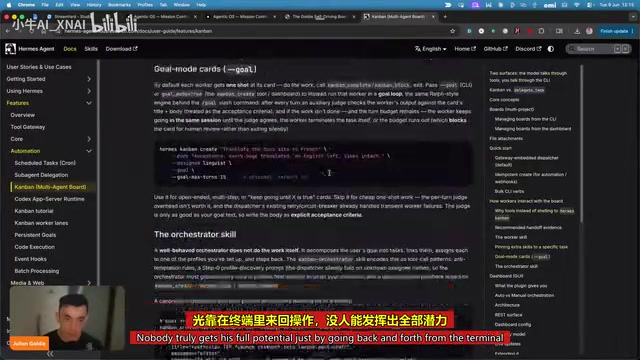
Hermes AI Kanban: A Five-Layer Autonomous Architecture for Fully Automated Delivery from Idea to Finished Product
Deep dive into Hermes Kanban 2.0's five-layer autonomous architecture covering intelligent planning, human approval gates, multi-agent execution, and Obsidian integration for fully automated delivery.