Claude Code Agent Deployment: Comparing Three Approaches with a Selection Guide
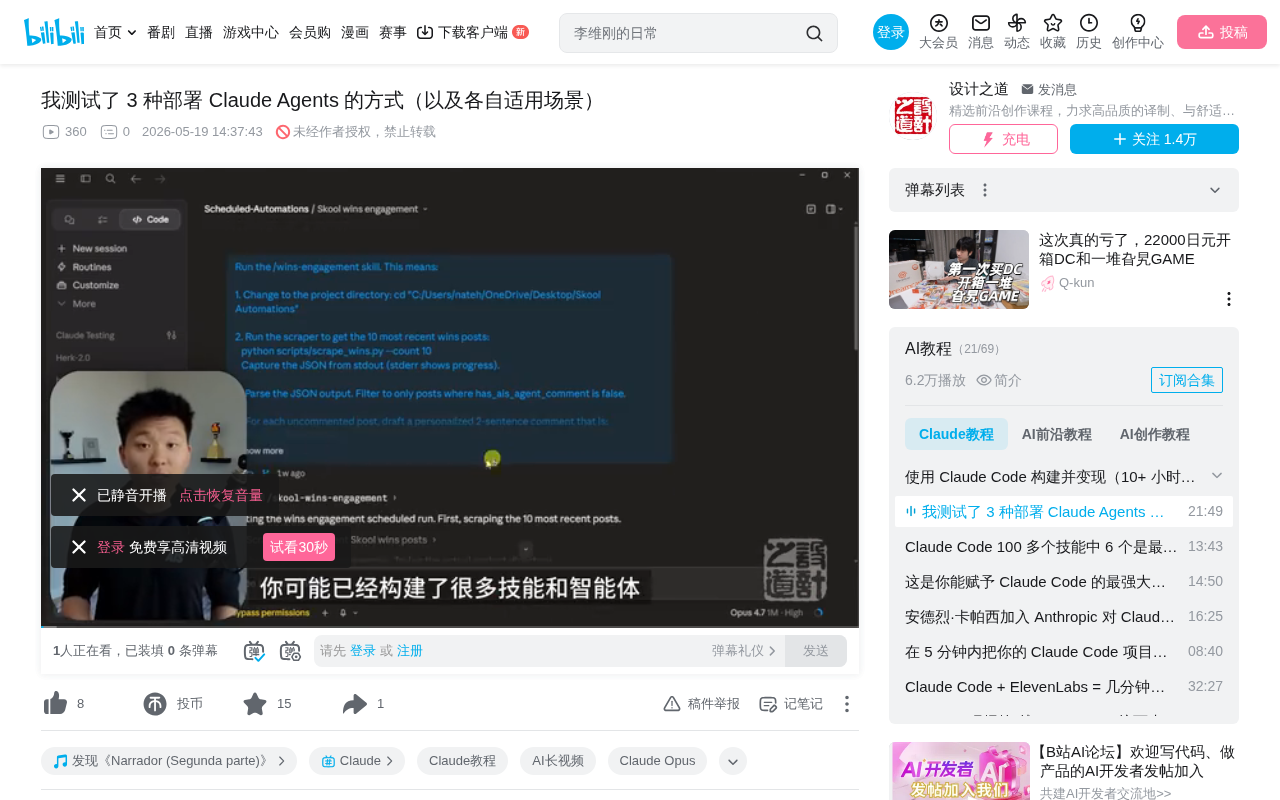
A systematic comparison of three Claude agent deployment methods with selection guidance.
This article introduces three approaches to deploying Claude agents along two dimensions—where it runs and degree of determinism: Cron Loop (in-session recurring tasks, fast but dependent on local machine), Desktop Schedules and Cloud Routines (supporting local or cloud 24/7 operation), and Modal/Trigger.dev external serverless platform deployment (suited for deterministic scripts or complex workflows with Agent SDK). It also covers the Hooks event-driven mechanism as a supplement and provides selection recommendations for different scenarios.
Introduction: Why Deploy Agents?
Once you've built numerous skills and agents with Claude Code, the next natural question is: how do you keep them running when you're away from your computer?
The term "Agent" here refers to an AI system with autonomous decision-making and action capabilities, distinct from simple question-and-answer interactions. A complete agent loop includes: perceiving the environment, formulating plans, executing actions, observing results, and adjusting strategies. In the context of Claude Code, an agent doesn't just answer questions—it proactively invokes tools, edits files, executes commands, and decides next steps based on execution results. It's precisely this autonomous loop capability that makes "deployment" a meaningful topic—you need this loop to keep running without human supervision.
This article is based on hands-on experience from a seasoned AI developer, systematically covering three approaches to deploying Claude agents, analyzed along two dimensions: where it runs and degree of determinism. Where it runs determines whether you depend on a local machine; degree of determinism distinguishes between "fixed scripts" and "autonomous agent loops."
Method 1: Cron Loop (Recurring Scheduled Tasks)
How It Works
This is the fastest deployment approach. The core idea is to have Claude Code run a loop within a session, automatically triggering skill execution at fixed intervals (e.g., every 10 minutes).
The name Cron comes from the Greek word chronos (time) and is a time-honored task scheduling tool in Unix/Linux systems. Traditional Cron uses a five-field expression (minute hour day month weekday) to define execution times—syntax that isn't user-friendly for non-technical users. The Cron implementation in Claude Code borrows this concept but greatly simplifies it—it includes three built-in tools: Cron Create, Cron List, and Cron Delete. You don't even need to remember any syntax; just describe what you want in natural language. For example, typing "set up a loop that reminds me to take out the trash every 10 minutes" will automatically invoke the Cron Creator to complete the configuration.
Key Characteristics
- Session-scoped: Each independent session can have its own recurring tasks without interfering with others
- Jitter mechanism: To avoid API rate limiting, tasks trigger randomly within 30 minutes after the scheduled time. Jitter is a common design pattern in distributed systems—by adding random delay to the scheduled time, it prevents a flood of requests from hitting the server simultaneously, which could cause rate limiting or cascading failures. For example, if you set execution every 10 minutes, the actual trigger time might be anywhere between the 10th and 40th minute.
- Terminal preferred over desktop: In the terminal, Cron tasks persist even after executing
/clearto wipe the conversation; on the desktop app, clearing the chat terminates the tasks - Context management: You can set up another Cron to periodically execute
/clear, preventing context window overflow from degrading performance. A large language model's context window refers to the maximum number of tokens the model can process in a single pass. When conversation history accumulates and approaches the window limit, the model may experience slower responses, attention dispersion, and forgetting of earlier information. Periodically clearing conversation history is essentially a context management strategy, similar to garbage collection in programming—ensuring each agent loop runs in a relatively clean state.
Practical Use Case
The author shared a practical scenario: after uploading a YouTube video, set up a loop running every 10 minutes that automatically reads new video comments and replies based on subtitle content, with the option to auto-terminate after 24 hours.
Pros and Cons Summary
Pros: Zero configuration, complete agent loop, access to all skills and tools, customizable iteration count
Cons: Session must remain open, machine must stay powered on, maximum 7-day validity, fixed intervals with jitter
Method 2: Desktop Schedules and Cloud Routines
Local Schedules
Within the Routines feature of the Claude desktop application, you can create local scheduled tasks. Essentially, this injects prompts into a Claude Code session for automatic execution. Unlike loops, it launches a new session rather than relying on an existing one.
An interesting feature: if your computer unexpectedly shuts down and restarts five days later, the desktop app will automatically scan and catch up on all missed tasks. If you don't want automatic catch-up execution, you need to manually pause tasks in advance.
A major advantage of local schedules is full access to all Claude Code capabilities, including MCP (Model Context Protocol) connections. MCP is an open protocol launched by Anthropic to standardize connections between AI models and external tools and data sources. It's like a USB port for the AI world—any service that follows the MCP protocol can be directly invoked by Claude without writing specialized integration code for each tool. MCP-supported capabilities include database queries, file system operations, third-party API calls, and more, greatly expanding an agent's action boundaries.
Cloud Routines (Remote Routines)
Cloud Routines run on Anthropic's cloud infrastructure and continue operating even when your computer is off—a true 24/7 system.
Quota limits:
- Max plan: 15 per day
- Pro plan: 5 per day
- Team/Enterprise: approximately 25
Cloud Routines also support multiple trigger methods: scheduled tasks, GitHub events, and API triggers (Webhooks). A Webhook is an HTTP callback mechanism—when a specific event occurs, the source system proactively sends an HTTP request to a preset URL, notifying the target system to perform the corresponding action. Compared to polling, Webhooks passively wait for notifications rather than actively querying repeatedly, resulting in higher efficiency and lower latency. This allows Cloud Routines to be invoked by other automation workflows (such as GitHub Actions), enabling Event-Driven Architecture—components are loosely coupled through events, where one component's output event triggers another component's processing logic, making it ideal for building responsive automation pipelines.
Pros and Cons Comparison
Local version pros: Built-in with no extra configuration, full Claude Code functionality (MCP, sub-agents, memory, etc.)
Cloud version pros: No device needs to be on, supports Webhook invocation, event-driven
Shared cons: Cloud minimum interval is 1 hour, Pro plan quota is tight, prompts need thorough testing to ensure autonomous operation
Method 3: Modal / Trigger.dev External Platform Deployment
Core Concept
Deploy scripts to third-party serverless platforms, running on schedule or triggered via Webhooks. This approach doesn't rely on Anthropic's infrastructure and doesn't consume Claude Code subscription quota.
Serverless doesn't mean there are no servers—it means developers don't need to manage server infrastructure. Code is deployed as functions, and the platform automatically handles scaling, load balancing, and operations. Developers only need to focus on business logic itself; no charges accrue during idle time, and billing is based on actual compute resources consumed during execution. This model is particularly suited for intermittent automation tasks—you don't need to maintain a 24/7 server for a task that only runs 30 seconds every hour.
Modal vs Trigger.dev
| Feature | Modal | Trigger.dev |
|---|---|---|
| Language | Python | TypeScript |
| Positioning | Serverless functions | Durable workflow engine |
| Best for | Deterministic scripts | Multi-step agent workflows |
| Trigger methods | Cron / Webhook | Cron / Webhook |
Modal focuses on GPU/CPU compute tasks in the Python ecosystem, particularly suited for AI inference and data processing scenarios, releasing resources once function execution completes. Trigger.dev positions itself as a durable workflow engine, supporting long-running multi-step tasks with built-in retry mechanisms, timeout controls, and state management—better suited for complex processes requiring coordination across multiple steps.
The key distinction: this approach deploys workflows and tools, not complete agent loops. All AI processing is done through API calls (billed per token), which may be more expensive. A token is the basic unit of text processing for large language models—approximately 4 characters per token in English, and about 1-2 characters per token in Chinese. For agent scenarios involving multiple rounds of tool calls and reasoning chains, a single task might consume thousands to tens of thousands of tokens, so costs need careful evaluation. However, for deterministic processes that don't need AI (such as scheduled data backups or format conversions), this is actually the most economical choice since no token consumption is involved at all.
Agent SDK Enhancement
If you need agent capabilities on these platforms, you can use the Claude Agent SDK. It's essentially the API version of Claude Code—providing not just conversational ability but complete workflow capabilities including tool invocation, Bash commands, file editing, and web search. Developers can orchestrate these capabilities in their own code to build customized agent workflows.
Note that the Agent SDK is stateless by default—each call has no memory. Stateless design means each request is processed independently, with the server retaining no previous conversation history or execution state. This design simplifies scaling and deployment, but for scenarios requiring continuous conversation, additional handling is needed. If you need persistent sessions, you must pass in a Session ID to associate multiple calls within the same conversation context.
Worth noting: Anthropic has announced that subscription quota can be used for the Agent SDK, but this is a separate dedicated budget, distinct from daily usage quota.
Bonus Tip: Hooks Event-Driven Mechanism
While not one of the three main deployment methods, Hooks is an extremely powerful event-driven mechanism in Claude Code. It can trigger custom scripts on specific events (before/after tool use, session start/end, when a message is received).
The design philosophy of Hooks is similar to "Lifecycle Hooks" in software development or pre-commit/post-commit hooks in Git—inserting custom logic at key points in the system's execution flow without modifying the system's own code. This pattern provides tremendous flexibility, allowing users to extend system behavior without altering core functionality.
For example: trigger a sound notification every time Claude Code sends a message; automatically perform cleanup operations at the end of each session; conduct security checks or logging before tool invocations. Stacking multiple Hooks can build complex automation pipelines, and when combined with the three deployment methods above, they enable more granular control and monitoring.
Selection Recommendations
| Scenario | Recommended Approach |
|---|---|
| Quick prototyping / temporary tasks | Cron Loop |
| Daily automation (computer always on) | Local Schedules |
| 24/7 unattended operation | Cloud Routines |
| Deterministic scripts / no AI needed | Modal / Trigger.dev |
| Complex agents + external deployment | Trigger.dev + Agent SDK |
There's no one-size-fits-all solution for deployment automation. The key is understanding where each approach sits along the two dimensions of "where it runs" and "degree of determinism," then making trade-offs based on actual needs. From local to cloud, reliability increases but flexibility and feature completeness may decrease; from fixed scripts to autonomous agents, capability increases but predictability and cost control difficulty rise accordingly. Best practices often involve combining multiple approaches: use Cron Loop to quickly validate ideas, Cloud Routines for critical business processes, and external platforms for deterministic data processing pipelines.
Related articles
 Tutorials
Cursor + Codex Dual-IDE Collaboration: A Practical Methodology for Open-Source Project Customization
A complete methodology for open-source project customization based on real-world experience, detailing the Cursor+Codex dual-IDE workflow, seven-stage process, MVP validation, and AI source code reading techniques.
 Tutorials
Cursor Multi-Agent in Practice: Building a Full-Stack Next.js Blog in 50 Minutes
Build a full-stack blog in 50 minutes using Cursor IDE's multi-Agent mode with Next.js, Clerk auth, and Supabase. Learn the 4-phase AI Agent workflow and key integration pitfalls.
 Tutorials
Building an AI Software Factory from Scratch: A Cursor Engineer's Hands-On Experience with Multi-Agent Collaboration
Cursor engineer Eric shares practical insights on building an AI software factory: automation levels, guardrail design, parallel Agent management, and scaling to 1000+ Agents for 24/7 development.