Claude Code Channels Remote Control Tutorial: Programming Your Computer from Your Phone

Claude Code's Channels mechanism enables remote development control via Telegram from your phone.
Claude Code offers remote control capabilities comparable to OpenClaw through its Channels mechanism, allowing users to issue development commands from Telegram. Built on a persistent polling architecture with MCP protocol for tool invocation and result delivery, the setup involves five steps: plugin installation, Token configuration, Channel mode startup, 6-character verification code pairing, and permission locking. The security design is robust, and the remote experience is identical to local terminal operation.
Introduction: It's Not Just OpenClaw — Claude Code Can Be Remotely Controlled Too
The hottest thing in AI development tools lately is OpenClaw (Open Claw), which enables automated computer management through various means — automatically installing tools, organizing files, replying to messages in your tone, and most impressively, remotely controlling your computer from your phone for 24/7 development anywhere, anytime.
But what many people don't know is that Claude Code has the same remote control capability. Through its Channels mechanism, you can remotely issue commands to Claude Code from clients like Telegram, achieving the same remote development experience as OpenClaw. This feature just hasn't been promoted enough, so few people know about it.
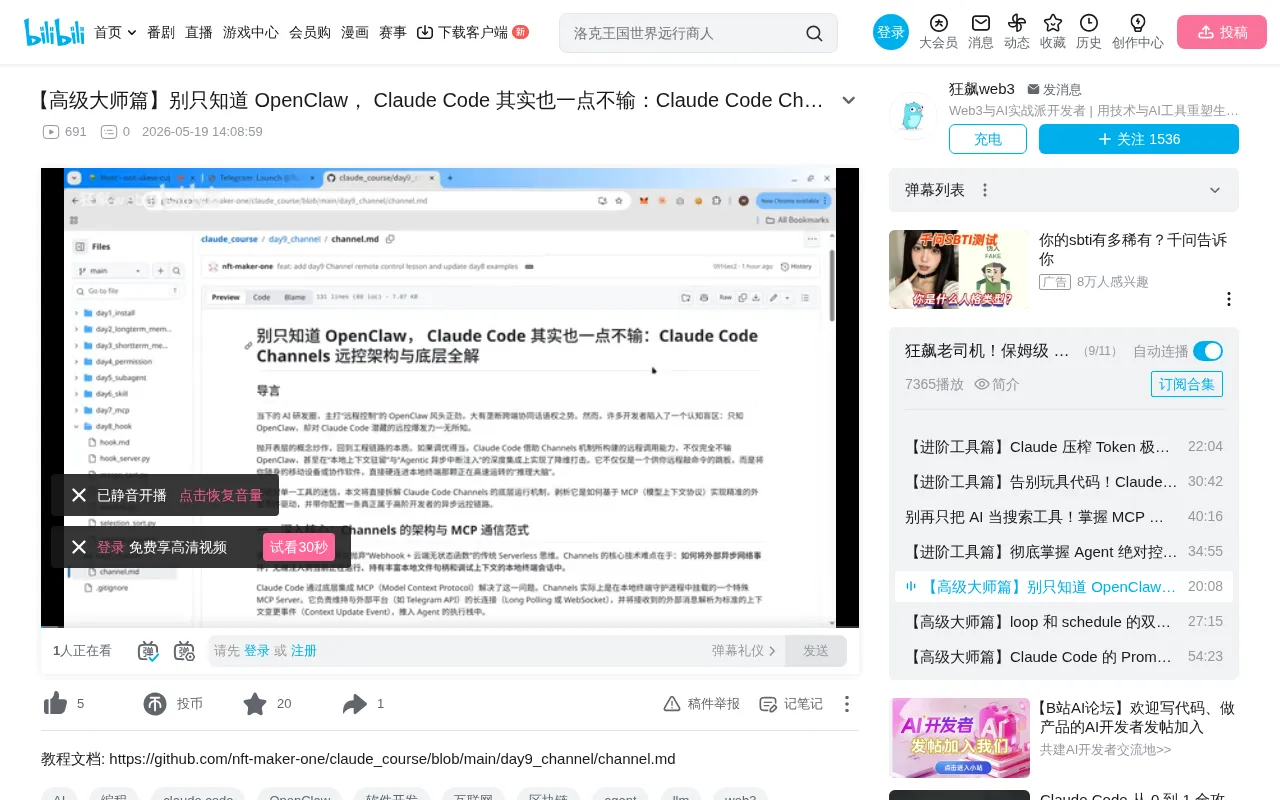
The Underlying Principles of Claude Code's Channel Mechanism
Architecture Overview
Claude Code's remote control is based on the Channel mechanism. The underlying workflow can be summarized as follows:
- Client sends commands: Users send messages to the Claude Code Bot through clients like Telegram or Discord
- Persistent polling mechanism: Claude Code continuously polls to check whether new commands have arrived from the client
- Agent reasoning and processing: Once commands are received, they're handed to the Agent model for reasoning and task execution
- Results returned to client: Execution results are sent back to the corresponding client via MCP tools (e.g., Telegram Reply)
Technical Rationale Behind Polling
Polling is a classic client-server communication pattern where the client actively sends requests to the server at fixed intervals to check for new data. The alternative is long-connection solutions like WebSocket, where the server proactively pushes messages. Polling's advantages lie in its simple implementation, low network requirements, and no need to maintain persistent connections — making it particularly suitable for Claude Code's need to run stably under various network conditions. Its drawbacks include some latency (depending on the polling interval) and additional network overhead, but for development commands that don't require extreme real-time responsiveness, this latency is perfectly acceptable.
The Role of MCP Protocol
The result return step relies on MCP (Model Context Protocol), an open protocol introduced by Anthropic to standardize interactions between AI models and external tools/data sources. Through MCP, Claude Code can invoke various external tools — such as file system operations, browser control, API calls — without writing custom integration code for each tool. In the remote control scenario, Telegram Reply is an MCP tool that Claude Code calls through a standardized MCP interface to send reply messages to Telegram. This plugin-based architecture allows Claude Code to flexibly extend supported client types, theoretically supporting any communication channel that implements the MCP protocol in the future.
The core advantage of this architecture is: your Claude Code Session runs continuously on your computer, while you can interact with it anytime through Telegram on your phone, enabling true mobile productivity.
Session Persistence and Autonomous Agent Execution
Claude Code's Session concept is similar to a continuously running development session that maintains complete conversation context, working directory state, and permission configurations. The Agent architecture means the AI system can not only generate text responses but also autonomously plan task steps, invoke tools, observe results, and iterate on execution. In Claude Code, the Agent breaks down users' natural language instructions into specific development operations (such as creating files, writing code, running tests) and decides the next action based on execution results. This autonomy makes remote control practical — users only need to describe their goals without guiding every operation step by step.
Why You Need to Specify a Startup Driver
An important design detail: not all Claude Code Sessions listen for Telegram messages. You must explicitly specify the Channel driver (e.g., Telegram) at startup — only specific Sessions will establish communication with the client. This prevents the disruption of suddenly receiving remote messages during normal development.
Hands-On Configuration: Setting Up Claude Code Remote Control from Scratch
Step 1: Install the Channel Plugin
First, install the Channel plugin in terminal mode (this feature currently only supports terminal mode):
# Install the Channel plugin globally
# Refer to official documentation for specific commands
After successful installation, proceed with Token configuration.
Step 2: Obtain and Configure the Telegram Token
The Token needs to be obtained from a dedicated Telegram channel:
- Find the corresponding Bot channel on Telegram
- After creation, a Token will be returned
- Use the configuration command in Claude Code to bind the Token
Telegram Bot API Background
The Telegram Bot API is Telegram's official bot development interface that allows developers to create automated programs that interact with users. Each Bot created through BotFather receives a unique API Token, which serves as the Bot's identity credential and access key. Bots can receive user messages, send text/images/files, create custom keyboards, and more. In Claude Code's scenario, the Bot acts as a bridge between the user's phone and the remote development environment. Telegram became the preferred client because of its mature Bot ecosystem, stable API, support for rich text and file transfers, and good global availability — making it ideal as a transmission channel for development commands.
Once configured, the Claude Code Session can establish a communication channel with the Telegram client.
Step 3: Start Channel Mode
After configuring the Token, restart Claude Code and launch with the specific command:
# Start with Channel mode, specifying Telegram as the driver
claude --channel telegram
Step 4: Security Verification (Critical Step)
This step is crucial. When you first message the Bot, the system generates a 6-character verification code displayed on the Claude Code terminal (not on the Telegram side). You need to enter in Telegram:
/telegram-access pair <6-digit-code>
This ensures that only messages sent from your Telegram account will be received by Claude Code. Imagine if this verification didn't exist — anyone who found your Bot could issue commands to your Claude Code, such as viewing sensitive files. That's clearly unacceptable.
The Security Philosophy of Out-of-Band Verification
The 6-character verification code pairing mechanism used by Claude Code is essentially an Out-of-Band Verification strategy. This security design is very common in remote access scenarios — for example, SSH fingerprint confirmation on first connection, or PIN code verification during Bluetooth device pairing. The core idea is: verify the legitimacy of one channel (Telegram) through a separate, already-trusted channel (the local terminal). This approach effectively prevents man-in-the-middle attacks and unauthorized access, because an attacker would need to simultaneously control two independent channels to complete the pairing.
Step 5: Lock Permissions (Optional but Strongly Recommended)
You can further execute the Policy Allow Lease command to seal the verification permissions. After execution, even the Claude Code terminal cannot add new authorized users, ensuring bulletproof security. This is similar to a permission freeze mechanism — once enabled, the system enters a read-only authorization state, preventing runtime tampering. This defense-in-depth strategy is especially important when dealing with high-risk operations like remote code execution — after all, remote control means arbitrary operations can be performed on your development environment, and security cannot be overemphasized.
Remote Development Demo: Building a Pomodoro Timer App via Telegram
Basic Communication Verification
In the demo, simple conversations first verify that communication is working:
- Tell Claude Code in the terminal to "remember you are a scientist"
- Ask on the Telegram side "what do you do for work"
- Claude Code correctly replies by invoking the
Telegram Replytool
This proves that information is fully synchronized between both ends — Telegram and the terminal can simultaneously control the same Session.
Full Development Task Execution
A more complex development task was then issued — building a Pomodoro timer app with requirements:
- Support running multiple timers simultaneously
- Use colors to display remaining time (green >60%, yellow 35%-60%)
- Support custom time settings
The entire development process was controlled entirely from the Telegram side:
- Claude Code automatically writes code after receiving commands
- When file write permissions are needed, you can click "Allow" to authorize from Telegram
- After completion, it automatically takes screenshots and sends a development results report
- Subsequent modification requests (like custom time) are also issued directly from Telegram
Final verification showed: multiple Pomodoro timers running concurrently worked correctly, colors changed properly with time, and the custom time feature was perfectly implemented.
User Experience Compared to Terminal Development
Feature Consistency
From actual experience, controlling from Telegram is no different from operating directly in the Session. All tool invocations, file read/write operations, browser testing, and other operations work normally.
Operational Differences
- In the terminal, you can use
Ctrl+Oto expand detailed thought processes and tool invocation logs - Telegram's larger font makes the experience even smoother than the terminal
- Both ends can simultaneously control the same Session, allowing flexible switching
Conclusion: An Underrated Remote Development Solution
Claude Code's Channels feature provides developers with an underrated remote development solution. Compared to OpenClaw's high-profile marketing, Claude Code is equally powerful in this regard — it just lacks sufficient exposure. For developers who need mobile productivity or want to monitor development progress anytime, this is a tool combination worth trying. While the configuration process involves multiple steps, they're all one-time setups — once complete, you can enjoy a seamless remote development experience.
From a broader perspective, this remote control capability represents an important trend in AI-assisted development: the physical decoupling of the development environment from the developer. Traditional development requires developers to sit in front of their computers, but the combination of Agent architecture + remote channels completely breaks this limitation. In the future, as more communication channels (such as WeChat, Slack, or even voice assistants) are integrated, AI development assistants will truly become always-on-call "remote development partners."
Key Takeaways
- Claude Code achieves remote control through the Channels mechanism, built on an architecture that continuously polls client messages and delegates them to Agent reasoning
- The configuration process includes five steps: installing the plugin, obtaining the Token, starting Channel mode, 6-character verification code pairing, and permission locking
- Security is ensured through verification code pairing so only authorized users can issue commands, with Policy Allow Lease available to completely lock down permissions
- The Telegram control experience is completely identical to terminal operation, supporting all development operations including file read/write, browser testing, and screenshots
- This feature is comparable to OpenClaw's remote control capability but remains relatively unknown due to insufficient promotion
Related articles
 Tutorials
Cursor + Codex Dual-IDE Collaboration: A Practical Methodology for Open-Source Project Customization
A complete methodology for open-source project customization based on real-world experience, detailing the Cursor+Codex dual-IDE workflow, seven-stage process, MVP validation, and AI source code reading techniques.
 Tutorials
Cursor Multi-Agent in Practice: Building a Full-Stack Next.js Blog in 50 Minutes
Build a full-stack blog in 50 minutes using Cursor IDE's multi-Agent mode with Next.js, Clerk auth, and Supabase. Learn the 4-phase AI Agent workflow and key integration pitfalls.
 Tutorials
Building an AI Software Factory from Scratch: A Cursor Engineer's Hands-On Experience with Multi-Agent Collaboration
Cursor engineer Eric shares practical insights on building an AI software factory: automation levels, guardrail design, parallel Agent management, and scaling to 1000+ Agents for 24/7 development.