Claude Code Desktop Hands-On: Transparent Context Window & CC Switch for Compute Freedom
Claude Code Desktop offers full context transparency plus CC Switch for compute freedom.
This hands-on review explores Claude Code Desktop's core features — 100% transparent context window, multi-project activity heatmap, and one-click efficiency panel — alongside CC Switch, an open-source routing gateway that lets developers swap underlying AI models freely while keeping Claude's premium visual interface intact.
Industry Pain Points: When AI Coding Tools Start Holding Developers Hostage
The current AI development experience is plagued by a series of frustrating issues: token quotas burning through rapidly, models being silently downgraded behind the scenes, complex business contexts crashing frequently, context usage being deliberately hidden, and forced phone verification popping up constantly. The essence of these problems is: developers are betting all their productivity on a single AI platform, and the moment that platform changes its policies, the entire workflow grinds to a halt.
To understand the severity of these issues, some technical background is needed. Tokens are the basic unit of measurement for how large language models process text — a single Chinese character is typically split into 1–3 tokens, while an English word is roughly 1–1.5 tokens. When users interact with AI, both the input prompts and the model's generated responses consume tokens, and the conversation history retained in the context window continues to occupy quota as well. "Silent downgrading" refers to platforms secretly switching the backend model from a high-parameter version to a lower-parameter or quantized-compressed version without the user's knowledge, in order to reduce inference compute costs. Users perceive this as a sudden drop in answer quality and degraded complex reasoning ability, yet the interface still displays the original model name. This practice is far from isolated in the industry — its root cause is that LLM inference costs are extremely high. Taking GPT-4-class models as an example, a single complex conversation's inference cost can reach several cents, and platforms under commercial pressure often choose to sacrifice transparency to control costs.
This should serve as a wake-up call for all developers — single-point dependency is extremely dangerous. We need to find a solution that lets us enjoy a top-tier AI coding tool experience while maintaining autonomy over our compute resources.
The Trinity Architecture: From Terminal to Super Developer Workstation
Claude Code's desktop version delivers a genuinely impressive answer. Working in the terminal command line used to look very hacker-cool, but in practice it wasn't very efficient — you had to constantly switch between the terminal, editor, and debug panels, making it easy to lose your train of thought.
Now Claude Desktop has delivered a decisive upgrade: file review, status tracking, code diffing, and more are all integrated into a single intuitive visual interface. More importantly, the desktop and terminal share the same underlying logic, with configurations and project memory fully synchronized — you get the convenience of mouse-driven operations while retaining hardcore low-level control.
A True Three-in-One Entry Point
- Chat: Lightweight Q&A for quick answers
- Code: Focused deep modifications to local code
- CodeWork: Handling complex, long-running automated tasks
Three entry points unified into one — this is no longer a simple chat box, but a genuine super developer application.
Deep Dive: Core Visual Features Hands-On
Multi-Project Concurrency & Activity Heatmap
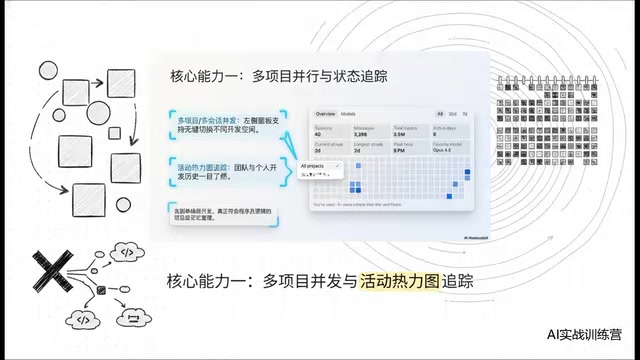
The left panel natively supports multi-project, multi-session concurrency, with seamless switching between different workspaces. Especially worth highlighting is the activity heatmap feature — a single glance gives you a clear picture of your and your team's historical activity levels. This is project memory management that truly understands how programmers work.
Project Memory here is a persistence mechanism worth understanding in depth. It stores critical cross-session information — such as project architecture, coding conventions, and tech stack preferences — in local structured files (typically CLAUDE.md files), automatically injecting them into the context at the start of each new session. This design is essentially an engineering supplement to the limited context window. Even though the Claude 3.5 series supports up to 200K tokens of context (roughly 150,000 Chinese characters), as input length increases, the model's attention to information in the middle still decays — a phenomenon academics call "Lost in the Middle." Project Memory ensures the most important project context always stays within the model's effective attention range by distilling and structuring key information, preventing developers from having to repeatedly explain the same project background to the AI.
One-Click Efficiency Panel
Type a slash command in the chat box, and custom commands and dedicated skills pop up instantly. The right panel provides a one-click efficiency dashboard: real-time preview, deep diff comparison, embedded terminal — all in a matrix layout where you click exactly where you need to go, completely eliminating the hassle of hunting for features across multiple windows.
The Killer Feature: 100% Transparent Context Window
This is the most noteworthy feature of Claude Code Desktop — a 100% fully transparent context window. How many tokens each conversation turn consumed, what percentage the system prompt takes up, how many resources external tools are eating — everything is precise down to 0.1%.
This directly exposes all those practices of secretly consuming user quotas behind the scenes. What developers fear most is the token black box that could blow up at any moment without warning. Now everything is under control — the principle here is "spend with full visibility."
Advanced Play: CC Switch Breaks Through Model Lock-In
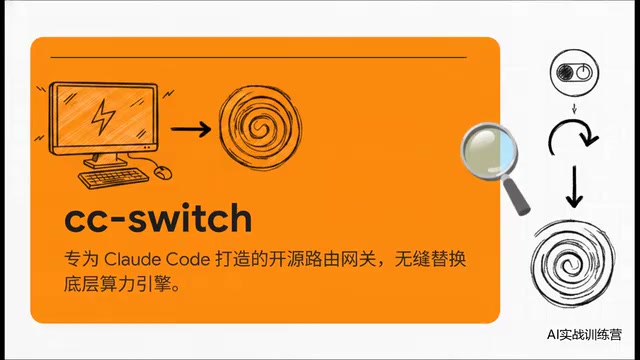
No matter how good the interface is, if the underlying engine is bottlenecked, it's just a "luxury birdcage." For free-tier users or developers who want more flexibility, the open-source routing gateway CC Switch provides an elegant solution.
CC Switch Core Logic
Keep Claude's top-tier visual shell, but swap the underlying model engine for a cheaper or even free model of your choice. Insert the CC Switch routing gateway between Claude's native UI and the model ecosystem, enabling one-click switching to domestic LLM ecosystems or various cost-effective endpoints.
From a technical architecture perspective, CC Switch is essentially an API Reverse Proxy gateway. It works by intercepting API requests sent by the Claude client, replacing the model call address and authentication information in the request with user-defined third-party model endpoints, then packaging the third-party model's response according to Claude API format standards before returning it to the client. This architecture borrows from the API Gateway design pattern in the microservices domain, with core technologies including request interception, protocol conversion (unifying different vendors' API formats into OpenAI-compatible or Anthropic format), load balancing, and failover. Domestic LLMs such as Zhipu GLM, DeepSeek, and Tongyi Qianwen all provide API interfaces compatible with the OpenAI format, which significantly reduces the engineering complexity of protocol conversion. Developers only need to modify the base_url and api_key fields in the local configuration file to switch the underlying compute from Anthropic's official servers to any compatible endpoint, while the upper-layer visual interface, toolchain integration, project memory, and other features remain completely unaffected.
CC Switch Three-Step Deployment Tutorial
- Mount Configuration: Add the models you want to use to the configuration file
- Switch Compute: Click the blue enable button in the interface for seamless underlying engine replacement
- Real-World Verification: Restart, confirm the model identifier, and run it against a real project
In hands-on testing, after mounting Zhipu GLM, I had it perform a full scan of a large Spring Boot project. The Markdown analysis output — from multi-module organization to core dependencies — was thorough and well-structured, virtually indistinguishable from the official version. This means: we've preserved the purest coding environment, but the freedom over compute resources is firmly in our own hands.
The Future Fork in AI Coding Tools
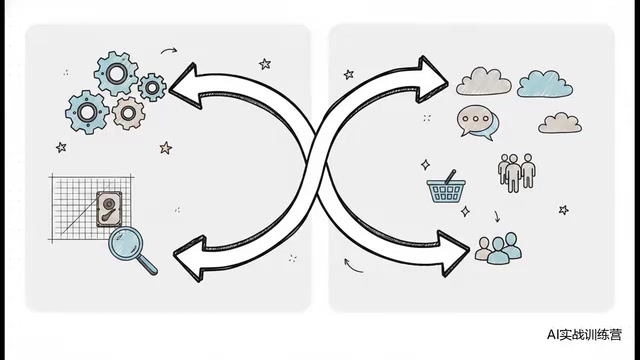
Mainstream AI coding tools on the market today have clearly diverged onto two distinct paths:
| Path | Representative | Characteristics |
|---|---|---|
| Developer-Centric | Claude Code | Ultimate transparency, local control, super-IDE direction |
| Mass Consumerization | Some competitors | Merging with general chat tools, blurring professional boundaries |
Claude's path is building the ultimate tool for hardcore developers step by step, putting control back in the hands of the people who write code. Meanwhile, some other products are gradually losing their focus on professional coding in the pursuit of mass-market traffic.
Developer Survival Rules: Building a Decentralized Workflow
Back to the core conclusion: Never bind your productivity to a single AI platform.
What we need to build is a decentralized, multi-node mesh workflow:
- Shell: Use the most enjoyable GUI (e.g., Claude Desktop)
- Core Routing: Must be in your own hands (e.g., CC Switch)
- Strategy: An ironclad visual workstation with interchangeable underlying models
The rise of this philosophy is no coincidence — it's closely tied to multiple platform-level incidents between 2024 and 2025: OpenAI adjusted its API pricing strategy multiple times, Cursor was exposed for automatically downgrading models during peak hours, and several AI coding tools suddenly changed their free quota policies. These events made the developer community acutely aware of the risks of Vendor Lock-in. From a technology evolution perspective, this trend closely mirrors the Multi-Cloud Strategy in cloud computing — enterprises no longer place all workloads on a single cloud provider, but instead achieve cross-cloud deployment through orchestration layers like Kubernetes. In the AI coding domain, open protocols like MCP (Model Context Protocol) are playing a similar role, defining standardized interaction methods between AI tools and external data sources and development environments, significantly reducing the coupling between upper-layer applications and underlying models. The ideal future state is: developers' workflow definitions, project memory, custom toolchains, and other assets are fully localized, and the underlying model can be swapped out as easily as replacing a battery.
Claude Code Desktop demonstrates the standard answer for next-generation code generation tools — absolute visual control + absolute freedom over the compute foundation. Developers with budget can opt for the official flagship experience first, but regardless, a local routing tool should always be set up as a backup plan.
Once underlying compute is no longer an insurmountable barrier, developers' core competitive advantage in the future will no longer be "which tool you know how to use," but rather architectural thinking, business understanding, and workflow orchestration ability.
Key Takeaways
Related articles
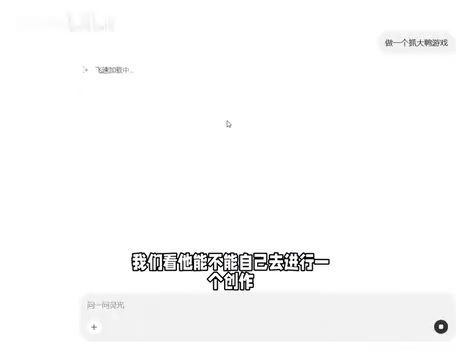
Generate a Game with One Sentence: Hands-On Review of AI Coding Tools — No Experience Required
Hands-on review of AI coding tools: generate a complete mini-game in one minute with a single sentence. Supports iterative refinement via natural language. Exploring zero-code development trends.
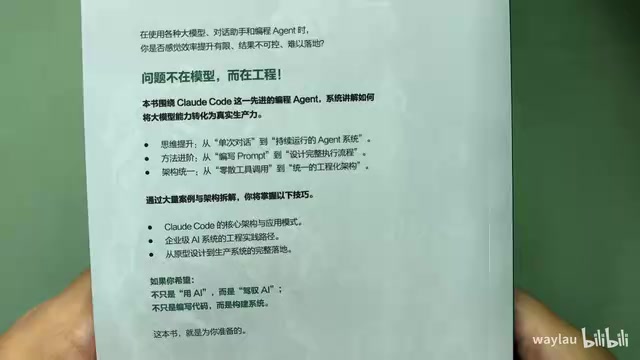
New Book Breakdown: "Claude Code in Practice: The Way of Harness Engineering" — Master AI Programming Engineering in Ten Chapters
Deep breakdown of the new book on Claude Code engineering, covering Harness concepts, four-layer architecture, five-layer memory, sub-agents, hooks, MCP protocol, and CI/CD integration.
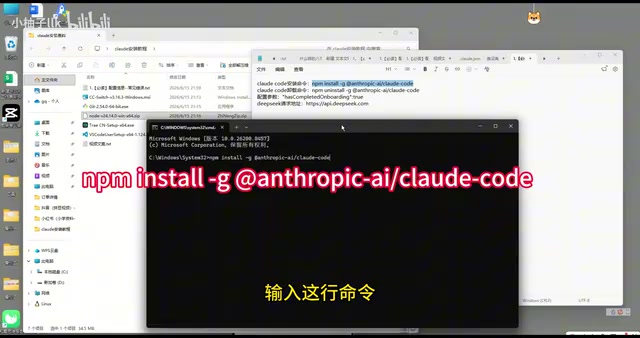
Claude Code Installation Guide: Complete Tutorial for Connecting to the DeepSeek Model
Step-by-step guide to installing Claude Code and connecting it to DeepSeek V4 Pro via CC Switch proxy, covering setup, API configuration, and troubleshooting.