Claude Code for Test Development in Practice: An AI Programming Workflow That Doubles Your Efficiency

A practical roadmap for using Claude Code to build efficient AI-assisted test development workflows.
This article provides a comprehensive guide to leveraging Claude Code in test development, covering automated test script generation, Plan Mode for specification-driven workflows, MCP integration with Playwright for browser automation, and Subagent parallel task execution. It outlines a complete learning path from environment setup to production-grade applications, helping test engineers double their efficiency through systematic AI collaboration.
When Test Development Meets AI Programming: A Long-Overdue Efficiency Revolution
As a test development engineer, your daily work revolves around writing automation scripts, debugging APIs, generating test data, fixing bugs, and doing code reviews — keeping you constantly busy. While AI programming tools have been popular for a while, most people are still stuck at the beginner stage of asking AI to write a sorting algorithm.
In reality, Claude Code's capabilities go far beyond that. It can directly generate complete test cases, automatically fix bugs, and even handle code review tasks. The key question is: have you mastered the right way to use it?
This article outlines a practical roadmap for using Claude Code in test development scenarios — from environment setup to advanced techniques — helping you build a systematic AI-assisted development workflow.
Three Core Takeaways: Why Test Developers Should Learn Claude Code
Takeaway 1: Automated Code Generation That Directly Doubles Efficiency
The most immediate change is the efficiency boost from automated code generation. Claude Code can:
- Auto-generate API test scripts with complete assertion logic and report output
- Execute Git operations with one command, creating PRs using natural language
- Automatically generate test data and Mock services, eliminating the tedium of manual data creation
For test developers, this means a massive amount of repetitive script-writing work can be handed off to AI — you only need to review and fine-tune.
Takeaway 2: Plan Mode — A Specification-Driven AI Development Workflow
A common pain point when using AI to write code is inconsistent output quality — generated code often can't be used directly. The solution is Plan Mode — having AI plan first, then execute.
Here's the specific workflow:
- Use Claude Amped (custom instructions) so AI understands your project specifications from the start
- Generate a Plan file through Plan Mode, clearly defining implementation steps
- Use the Spec command to generate PRD-level specification documents with one click
This "plan first, execute second" approach significantly improves the usability of AI-generated code and avoids repeated rework.
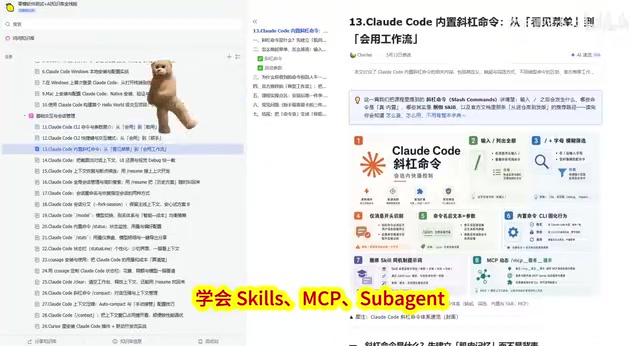
Takeaway 3: Skills, MCP, and Subagent — The Advanced Skill Stack
At the advanced level, you need to master three core capabilities: Skills, MCP (Model Context Protocol), and Subagent:
- Skills: Build custom skills like code explanation and code visualization, adapting Claude Code to your specific work scenarios
- MCP Integration: For example, connecting Playwright MCP so Claude can directly operate a browser to execute end-to-end automated tests
- Subagent: Run multiple subtasks in parallel, efficiently handling complex test scenarios
The Complete Claude Code Learning Path: From Hello World to Production-Grade Applications
Foundation Stage: Environment Setup and Core Interactions
The introductory phase requires completing the following preparations:
- Account registration and subscription configuration
- Environment installation and your first Hello World verification
- Mastering basic interactions: Clean command, screenshots as context, checkpoint resumption, session forking
These basic operations may seem simple, but mastering them fluently dramatically improves daily usage efficiency. The "screenshot as context" feature is particularly useful when debugging UI automation tests — just drop the error screenshot to Claude, and it can pinpoint the problem.
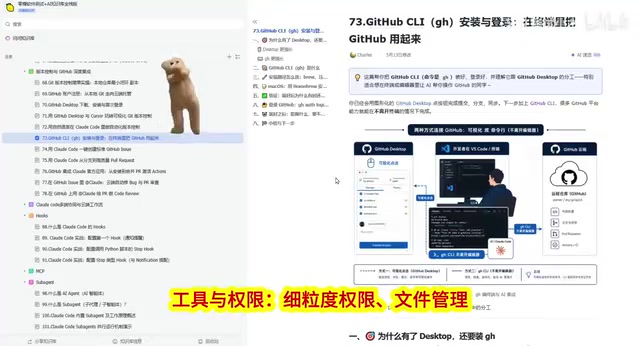
Intermediate Stage: Tool Integration and Permission Management
Intermediate content focuses on building engineering capabilities:
- Fine-grained permission management: Precisely control AI's access scope to files and systems, ensuring code security
- Deep GitHub integration: Use natural language for version control, creating PRs, and executing code reviews
- Multi-device collaboration: Web, app, and remote control of local sessions — work anytime, anywhere
For test developers, GitHub integration is particularly critical. Imagine this: after running automated tests, you can create a PR with the test report included using just one sentence. That's a qualitative leap in efficiency.
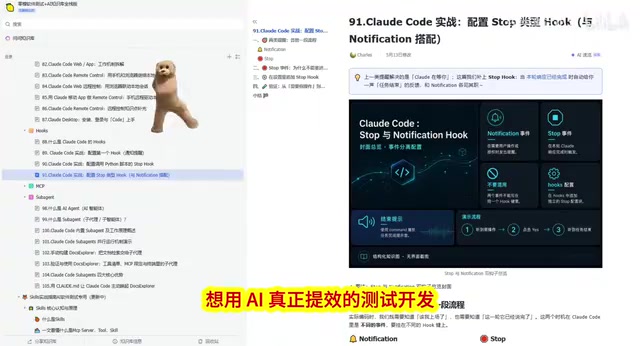
Advanced Stage: Deep Customization and Automation Pipelines
The ultimate core capabilities to master include:
- Hooks mechanism: Automatically execute preset actions when specific events trigger — for example, automatically running tests before code commits
- MCP + Playwright integration: Build end-to-end browser automation test pipelines
- Context 7 optimization: Improve code generation quality in long conversation scenarios, reducing context loss
- Subagent parallel execution: Process multiple test tasks simultaneously, dramatically shortening regression test cycles
Who Is This Claude Code Practical Roadmap For?
This learning path is precisely targeted at the following groups:
- Those looking to advance from manual testing to AI-assisted development — Claude Code is the best springboard, lowering the programming barrier while improving output quality
- Test developers who need automated testing, code review, and documentation generation daily — directly boosting everyday work output
- QA engineers who want to maintain technical competitiveness — AI-assisted programming has become an industry standard; the earlier you master it, the greater your advantage
Final Thoughts: From Code Generator to AI Collaborator
The test development field is undergoing a profound transformation. Claude Code isn't here to replace test engineers — it's here to free you from repetitive labor so you can focus on more valuable work, like test strategy design and quality system architecture.
The key is a mindset shift: stop treating AI as a "code generator" and start treating it as an "AI collaborator". Mastering systematic methodologies like Plan Mode, Skills, and MCP is what truly makes AI work for you — rather than you paying for AI's mistakes.
Start building your Claude Code test development workflow now, and invest the time you save in areas that truly require human judgment.
Related articles
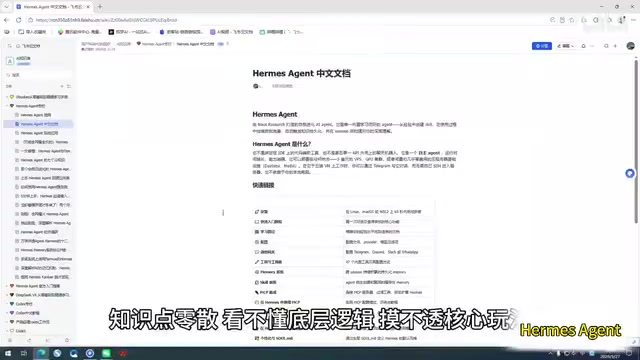
Claude Code Chinese Tutorial: A 100-Page Systematic Learning Guide on Feishu Docs
A detailed look at the Claude Code Chinese learning resource on Feishu Docs, covering AI agent learning, memory systems, and task decomposition with a systematic path from beginner to advanced.
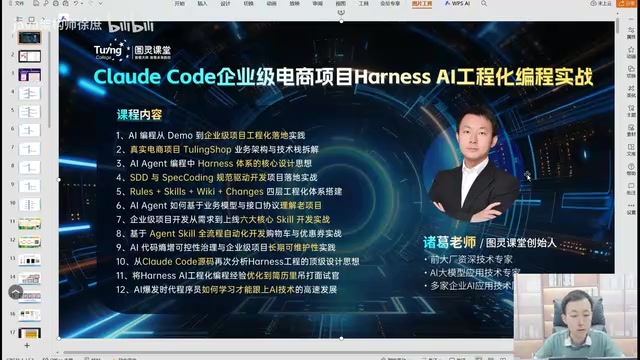
Claude Code Enterprise E-commerce in Practice: A Methodology for Taking AI Programming from Demo to Industrial-Grade
A deep dive into engineering methodology for enterprise e-commerce development with Claude Code and Harness AI, covering architecture, code quality, and CI/CD practices.
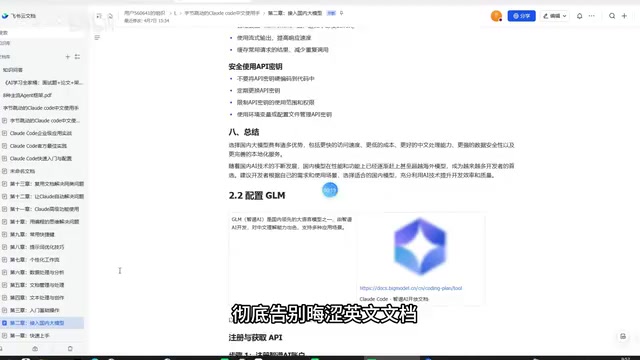
Claude Code Chinese Tutorial: A Complete Guide from Installation to Real-World Applications
A detailed Chinese practical guide for Claude Code covering installation, domestic model integration, code development, copywriting, data analysis, and more to help you master this AI programming tool.