Claude Code Local Deployment: A Practical Guide to Connecting Local LLMs
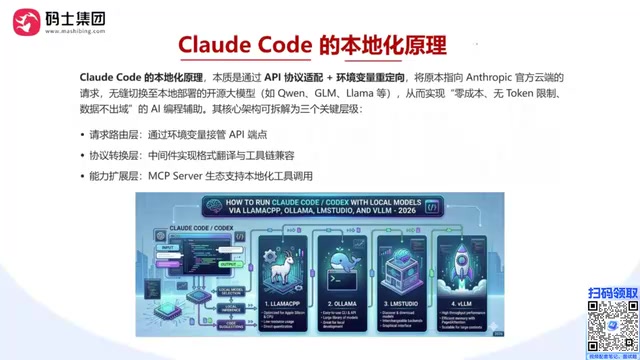
A practical guide to connecting Claude Code with local LLMs for zero-cost, private AI coding.
This guide covers everything you need to deploy Claude Code locally with your own LLMs. It explains the three-layer architecture (request routing, protocol translation, and MCP integration), compares inference engines like Ollama, LM Studio, and vLLM, details hardware and VRAM requirements, and provides model selection strategies — enabling zero-cost, data-private AI-assisted development.
Why Deploy Claude Code Locally
Claude Code (CC) is one of the most popular AI coding agents available today, but using the default Anthropic API means ongoing token consumption and costs. If you can connect Claude Code to a locally deployed LLM, you achieve a zero-cost, unlimited-token, data-stays-local development experience.
This article provides a detailed walkthrough of the principles, solution options, and hands-on steps for deploying Claude Code locally — accessible enough for developers with zero prior experience.
Core Architecture: A Three-Layer Model That Makes Local Deployment Possible
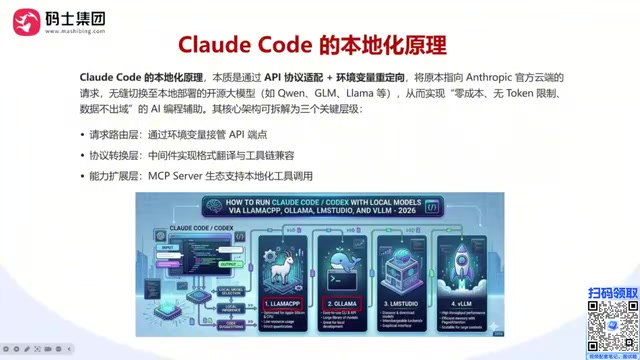
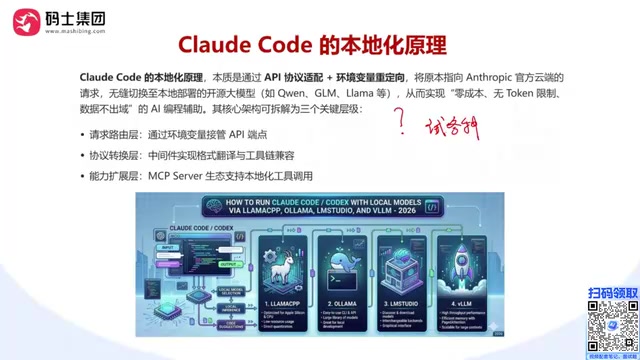
The core architecture of a Claude Code local deployment can be broken down into three key layers:
Request Routing Layer: Environment Variables Take Over the API Endpoint
Claude Code was originally designed for users to connect to the official Anthropic API. However, we can redirect requests to a local service using two critical environment variables:
- ANTHROPIC_BASE_URL: The address (IP + port) of your local model service — this is the most important configuration
- ANTHROPIC_AUTH_TOKEN: An authentication token; local deployments typically don't validate this, so it can be set to any value
Environment variables are key-value configuration mechanisms at the operating system level — programs read these variables at startup to determine runtime behavior. In modern software architecture, injecting configuration via environment variables rather than hardcoding is one of the core principles of the Twelve-Factor App methodology. Claude Code adopts this design pattern, meaning it checks whether ANTHROPIC_BASE_URL is set before making HTTP requests. If the variable exists, it replaces the default api.anthropic.com domain with the specified value. This "dependency injection" style design is very common in API clients — OpenAI's Python SDK similarly supports the OPENAI_BASE_URL environment variable. It's this seemingly simple design decision that opens the door to the entire local deployment approach — users can alter the program's network behavior through OS-level configuration alone, without decompiling or modifying any source code.
Protocol Translation Layer: Format Translation and Interface Compatibility
Claude Code expects Anthropic-style API endpoints (such as /v1/messages), while local model services (like vLLM) typically provide OpenAI-compatible formats.
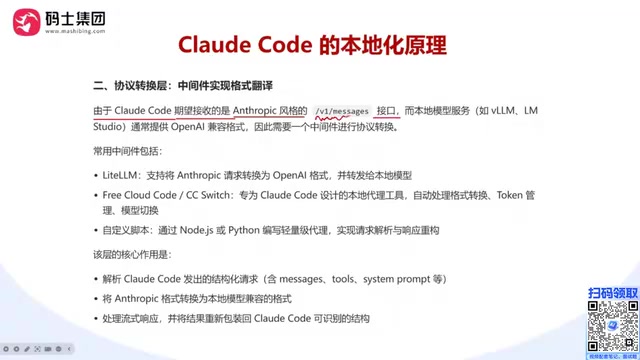
There are significant differences between these two API specifications: OpenAI's Chat Completions API uses the /v1/chat/completions endpoint with a simple JSON array of messages containing role and content fields; Anthropic's Messages API uses the /v1/messages endpoint and supports more complex content structures (such as multimodal content blocks), a separate system prompt field, and a different streaming response format. Additionally, the two differ in token counting methods, stop reason identifiers (stop_reason vs. finish_reason), tool calling formats, and more. Because OpenAI's API format became the de facto industry standard due to its first-mover advantage, most open-source inference engines prioritize OpenAI format compatibility — which is precisely why the protocol translation layer is necessary.
A protocol translation middleware is needed to bridge the two formats. Common options include:
- LiteLLM: Converts Anthropic requests to OpenAI format for forwarding; has a highly active community
- CC Switch: A switching tool designed specifically for Claude Code
- Custom scripts: Write your own translation logic based on specific needs
You may not have realized that if you use inference engines like Ollama or LM Studio that natively support multiple protocols, you may not need an additional translation layer at all.
Capability Extension Layer: MCP Server Ecosystem Integration
Claude Code's power lies not just in code generation, but in its toolchain and MCP (Model Context Protocol) ecosystem. In a local deployment, MCP Servers allow Claude Code to invoke local tools (such as Git, terminal commands, etc.), enabling truly automated development.
MCP is a standardized protocol open-sourced by Anthropic in late 2024, designed to solve the fragmentation problem of connecting LLMs with external tools and data sources. Before MCP, every AI application needed custom integration code for each external tool, creating M×N complexity. MCP reduces this to M+N by defining a unified client-server communication standard. An MCP Server can expose three core capabilities: Tools (e.g., executing shell commands), Resources (e.g., reading file contents), and Prompts (prompt templates). In the Claude Code context, MCP enables AI to not only generate code text but also directly manipulate the file system, execute Git commands, and run test suites — achieving a qualitative leap from "code suggestions" to "automated development."
Data Security Reminder: If you connect external MCP services, data may still flow to third-party providers. To achieve complete data isolation, ensure that your MCP integrations also connect to local tools only.
Choosing an Inference Engine: Ollama, vLLM, or LM Studio
The key component of local deployment is the inference engine, which is responsible for loading and running the LLM. Here's a comparison of mainstream inference engines:
| Inference Engine | Features | Best For |
|---|---|---|
| Ollama | Simple and easy to use; top choice for individual developers | Personal use, low concurrency needs |
| LM Studio | User-friendly GUI, one-click deployment | Local development and testing |
| vLLM | Enterprise-grade, excellent high-concurrency performance | Production environments, Linux systems |
| llama.cpp | Lightweight, can run on CPU | Resource-constrained environments |
vLLM stands out in enterprise scenarios thanks to its core innovation — the PagedAttention algorithm. In traditional Transformer inference, KV Cache (key-value cache) memory management is inefficient, with significant VRAM wasted due to fragmentation. PagedAttention borrows the paged memory management concept from operating system virtual memory, dividing the KV Cache into fixed-size blocks that are allocated and reclaimed on demand. This increases VRAM utilization from the traditional 20%-40% to nearly 100%. This means the same GPU hardware can handle significantly more concurrent requests with vLLM. Additionally, vLLM supports Continuous Batching — unlike traditional static batching that waits for an entire batch to complete, continuous batching allows new requests to join at any time and completed requests to exit immediately, dramatically reducing average response latency.
While Ollama is easy to use, its parallel processing capability is limited — vLLM is recommended for enterprise scenarios. Note that vLLM is typically deployed only on Linux; Mac users should opt for Ollama or LM Studio.
Three Typical Deployment Approaches in Detail
Approach 1: Claude Code + LM Studio (Recommended for Beginners)
LM Studio provides a graphical interface ideal for getting started quickly. After installation, simply download a model and start the local service to get an API endpoint — no command-line operations required.
Approach 2: Claude Code + Ollama (Lightweight and Efficient)
Ollama offers clean command-line operations — a single command pulls and runs a model, automatically exposing the API port. This is suitable for developers with some command-line experience.
Approach 3: Claude Code + vLLM + LiteLLM (Enterprise-Grade)
Ideal for Linux server environments, with vLLM providing high-performance inference and LiteLLM handling protocol translation. This offers the best performance but the most complex configuration — recommended for teams and production environments.
Regardless of which approach you choose, the underlying logic is the same: preserve Claude Code's interaction experience and toolchain while replacing the backend model API service.
Hardware Configuration and VRAM Requirements
The relationship between model size and GPU VRAM is the core consideration when choosing hardware:
- 7B/8B models: Can run on a single GPU with 8GB+ VRAM
- 14B-30B models: Require 24GB+ VRAM (e.g., RTX 4090)
- 70B+ models: Require multiple high-end GPUs or quantized versions
Quantized Models Lower the Barrier: Quantization is the technique of converting model weights from high-precision values (such as FP16, 16-bit floating point) to lower-precision representations (such as INT8, 8-bit integers, or INT4, 4-bit integers). A 70B parameter model requires approximately 140GB of VRAM at FP16 precision, but only about 35GB after INT4 quantization — a 75% reduction in VRAM requirements. Common quantization methods include GPTQ (post-training quantization requiring a calibration dataset), AWQ (activation-aware quantization that protects weight channels with high output impact), and GGUF (a quantization format in the llama.cpp ecosystem that supports hybrid CPU+GPU inference). Quantization inevitably introduces some precision loss, but modern quantization algorithms can keep this loss within acceptable bounds — INT8 quantization causes virtually imperceptible loss, and INT4 quantization maintains good performance for most coding tasks. Choosing a quantization level is essentially about finding the balance between inference quality and hardware cost.
MacBook User Solutions: Apple's M-series chips use a Unified Memory Architecture (UMA) that is fundamentally different from traditional PC architectures. In traditional architectures, the CPU uses system memory (RAM) and the GPU uses dedicated VRAM, with data transfers between them going through the PCIe bus — limited in bandwidth and relatively high in latency. UMA integrates the CPU, GPU, Neural Engine, and memory controller onto a single chip, with all compute units sharing the same physical memory pool without data copying. Apple's memory bandwidth (e.g., M4 Pro at 273GB/s) far exceeds the theoretical bandwidth of PCIe 4.0 x16 (32GB/s), which is why a MacBook with 48GB of unified memory on an M5 Pro can run models of considerable size, with performance that can even rival desktops with discrete GPUs.
Cloud Server Alternative: If your local GPU is insufficient (e.g., a 2080Ti with only 11GB VRAM), you can rent cloud GPU servers with a range of options from low-end to high-end GPUs, paying on demand to control costs.
Model Selection Strategy and Recommendations
One major advantage of local deployment is the ability to switch between and compare different models at zero cost:
- The more complex the task, the larger the model parameter count needed
- Models with a "flash" suffix typically offer faster inference speeds, suitable for everyday coding
- Start with a smaller model to validate your workflow, then switch to a larger model for better output quality
- Chinese open-source models like DeepSeek and Qwen can also be integrated, with impressive results
For developers who need to evaluate different models, this eliminates the hassle of registering accounts and applying for API keys across multiple platforms.
Summary
The essence of Claude Code local deployment is: redirecting API requests via environment variables, using a local inference engine to serve the model, and employing protocol translation middleware when necessary for format compatibility. The entire process requires no modifications to Claude Code's source code, and the configuration is flexible and reversible.
For individual developers, starting with Ollama or LM Studio is recommended for a quick local AI coding experience. For teams and enterprises, the vLLM + LiteLLM combination provides better concurrency performance and scalability. Choose the approach that fits your needs and start enjoying an AI coding experience where your data stays local and token limits are a thing of the past.
Related articles

A Gen-Z Woman Making $1.5M/Month: Deconstructing the Growth Methodology Behind AI Apps
Gen-Z indie dev Nicole built 4 hit AI apps earning $1.5M/mo. Deep dive into her industrialized UGC engine, traffic testing system, and minimalist tech stack.
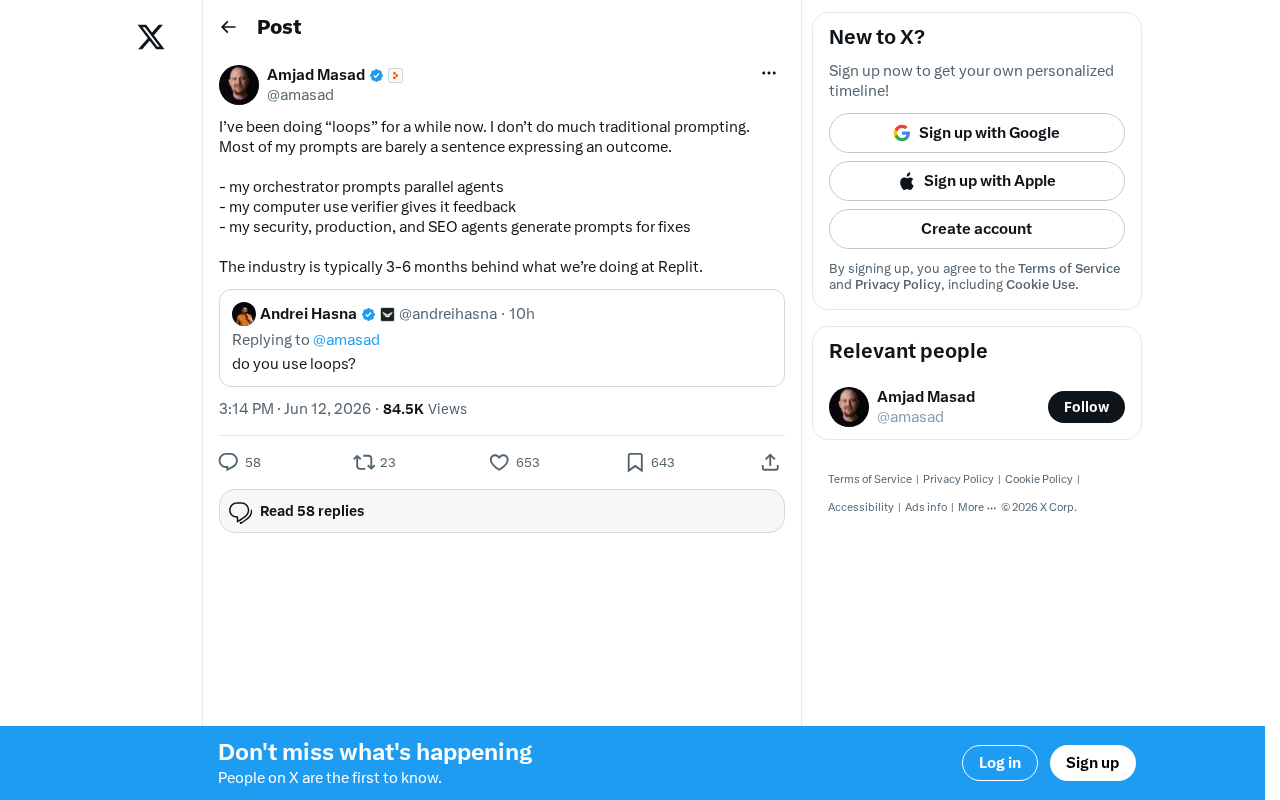
Replit's AI Loops Workflow Explained: Multi-Agent Collaboration Replaces Prompt Engineering
Deep dive into Replit's AI Loops workflow: how orchestrators, parallel agents, and Computer Use Verifiers build automated closed-loop systems through multi-agent collaboration.
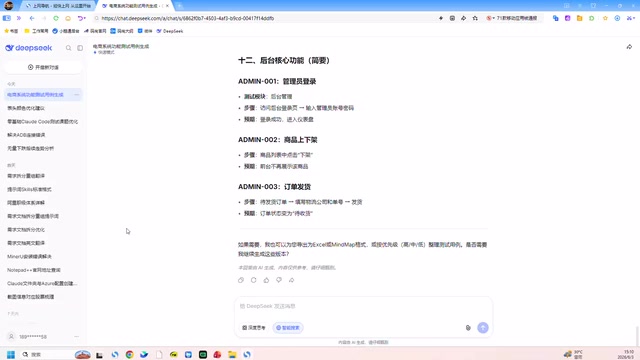
Claude Code + Skills: A Practical Guide to AI-Powered Test Case Generation
Learn how to use Claude Code + Skills to auto-generate enterprise-grade test cases. Covers AI Agent vs LLM differences, the four core capabilities, and the complete workflow from requirements to test cases.