Claude Code Practical Guide: Complete Workflow from Installation to Project Deployment
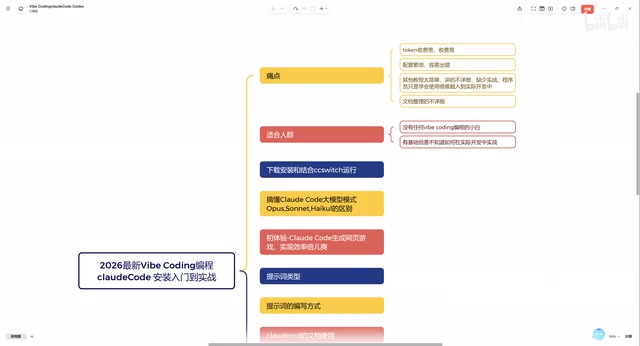
A comprehensive Claude Code guide covering setup, prompt engineering, MCP integration, and real project deployment.
This article provides a complete walkthrough of Claude Code, Anthropic's command-line AI programming assistant. It addresses four major pain points—high token costs, complex configuration, lack of practical tutorials, and missing documentation—while presenting solutions including subscription-based API plans, the CCSwitch configuration tool, and systematic learning paths from environment setup through prompt engineering, Skills configuration, and MCP service integration to deploying a full Financial Manager App.
Why Developers Need to Master AI Programming
Vibe Coding has evolved from a novel concept into an everyday tool for developers. Claude Code, the command-line AI programming assistant launched by Anthropic, is becoming the go-to tool for an increasing number of developers thanks to its powerful code comprehension and generation capabilities.
However, many developers face numerous pain points when getting started with Claude Code: high token costs, complex configuration processes, and lack of practical guidance. A Chinese tech YouTuber recently published a comprehensive Claude Code tutorial series covering the entire workflow from installation and configuration, prompt engineering, Skills setup, MCP service integration, to complete project implementation. This article distills the core takeaways to help you quickly build a complete understanding of the Claude Code workflow.
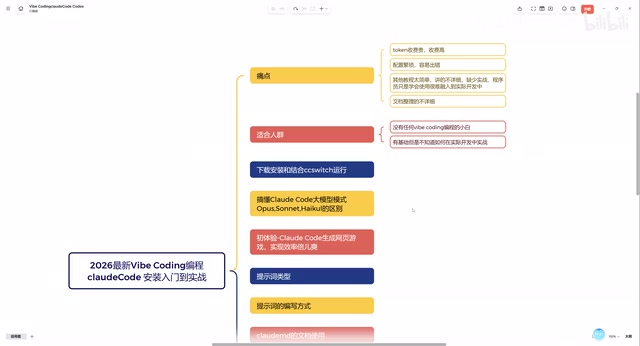
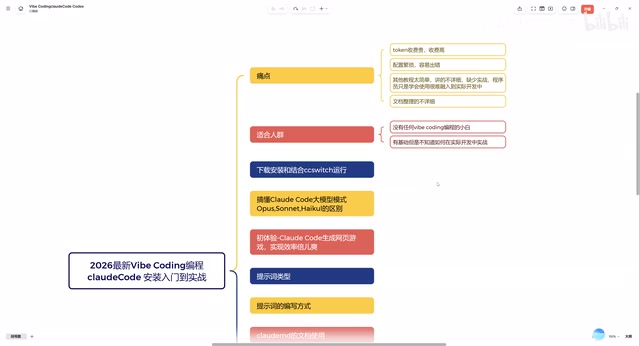
Four Major Pain Points with Claude Code and Their Solutions
Pain Point 1: Skyrocketing Token Costs
This is the most frustrating issue for all AI programming tool users. Claude Code runs on Claude models with a pay-per-token pricing model that deters many individual developers. The tutorial recommends a monthly subscription-based API plan that costs only a few dozen RMB per month—offering significantly better value compared to pay-as-you-go pricing.
For users in China, choosing an appropriate API proxy service not only reduces costs but also solves network connectivity issues, enabling a smooth "direct connection" experience domestically.
Pain Point 2: Complex Configuration Process
Many tutorials involve tedious configuration steps that easily overwhelm beginners. The tutorial highlights a tool that's rarely mentioned elsewhere—CCSwitch. Its core value lies in:
- Simplified API management: Through CCSwitch's edit mode, you can directly paste and configure your API Key without manually modifying multiple configuration files
- Automatic editor matching: Universal settings automatically associate with local editors like VS Code, Cursor, etc.
- Multi-environment switching: Easily switch between different API providers
This approach significantly lowers the barrier to configuring Claude Code, allowing even users with zero command-line experience to quickly set up their environment.
Pain Point 3: Tutorials Lack Practical Depth
A large number of Claude Code tutorials on the market stop at the "installation + Hello World" level, leaving viewers still unsure how to integrate AI programming into their actual development workflow. This tutorial differentiates itself by approaching from the perspective of real front-end and back-end developers, demonstrating how to integrate Claude Code into genuine development tasks.
Pain Point 4: Lack of Systematic Documentation
The tutorial comes with detailed Markdown documentation covering specific operations for each step—something quite rare among similar tutorials. Systematic documentation means learners can review and reference materials at any time without repeatedly scrubbing through video timelines.
Complete Learning Path from Zero to Project Deployment
Phase 1: Basic Environment Setup
The tutorial starts with downloading and installing Claude Code, along with comparisons between mainstream models (such as Claude 3.5 Sonnet, Claude 4 Opus, etc.). Understanding the capability boundaries of different models helps you choose the most appropriate one for actual development—for example, using lightweight models for simple code completion and flagship models for complex architecture design.
Phase 2: Prompt Engineering and Skills Configuration
Prompts are the core skill for using Claude Code. Well-crafted prompts enable Claude Code to accurately understand your intent and generate high-quality code. The tutorial not only covers prompt writing techniques but also introduces the concept of Skills.
Skills are essentially predefined prompt templates and behavioral rules that make Claude Code perform more professionally in specific scenarios. For example, you can configure dedicated Skills for a React project, making the AI automatically follow your team's coding standards and component design patterns.
Phase 3: Driving Development with Product Thinking
A highlight of the tutorial is introducing the product manager perspective: first use Claude Code to generate a PRD (Product Requirements Document), then develop based on the PRD. This "plan first, code later" approach is the essence of Vibe Coding—you don't need to start writing from the first line of code. Instead, you describe what you want to build in natural language and let the AI help you plan the technical solution.
Phase 4: Project Practice—Financial Manager App
The tutorial uses a "Financial Manager" mini-project as a hands-on case study, featuring:
- User login system
- Payment method selection
- Amount input with numeric keypad interaction
- Bill generation and management
- Data statistics functionality
- Personal center module
While this project isn't large, it covers common development scenarios including front-end interaction, data management, and user authentication—making it an ideal starter project for practicing with Claude Code.
Phase 5: MCP Service Integration and Project Deployment
The final section of the tutorial covers submitting the completed project to GitHub through MCP (Model Context Protocol) services. MCP is an open protocol launched by Anthropic that allows AI models to interact with external tools and services. By configuring GitHub's MCP service, Claude Code can directly handle code commits, branch management, and other Git operations for you, achieving a complete closed loop from development to deployment.
Target Audience Analysis
This Claude Code tutorial covers two typical user profiles:
-
Complete beginners: Those who have never used AI programming tools and may not even know how to install Claude Code. The tutorial starts from the most basic environment setup and guides you through the entire process step by step.
-
Developers with basics but lacking practical experience: Those who have already installed tools like Claude Code or Codex and can run basic examples, but don't know how to integrate them into daily development work. The hands-on project and MCP integration sections provide the most value for this group.
Summary and Action Items
Claude Code represents an important direction for AI programming tools—command-line native with deep integration into development workflows. Compared to GUI-based AI programming tools, it's better suited for developers with some technical background, offering more granular control and higher efficiency.
For developers looking to get started with Claude Code, here's the recommended priority order:
- First solve API access and cost issues (choose an appropriate subscription plan)
- Use tools like CCSwitch to simplify the configuration process
- Start practicing with small projects to develop a feel for the AI programming rhythm
- Gradually integrate Skills and MCP into your actual projects
AI programming isn't about replacing developers—it's about enabling developers to complete work with higher efficiency and lower cognitive burden. The sooner you establish this workflow, the greater your advantage in future development competition.
Related articles
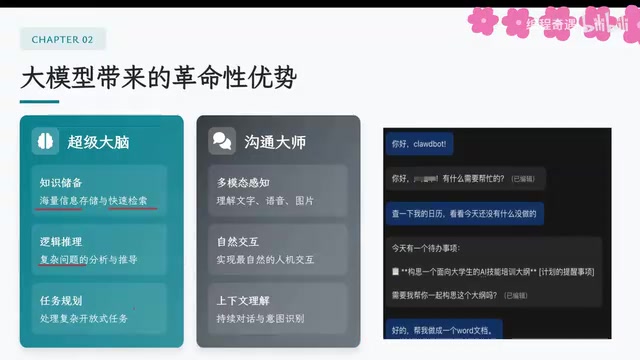
AI Agent Core Architecture Breakdown: From Concept to Enterprise-Grade Intelligent Agent Development
Deep dive into AI Agent architecture: perception, brain, and action modules. Covers RAG memory systems, tool calling mechanisms, Chain of Thought reasoning, and enterprise agent development roadmap.
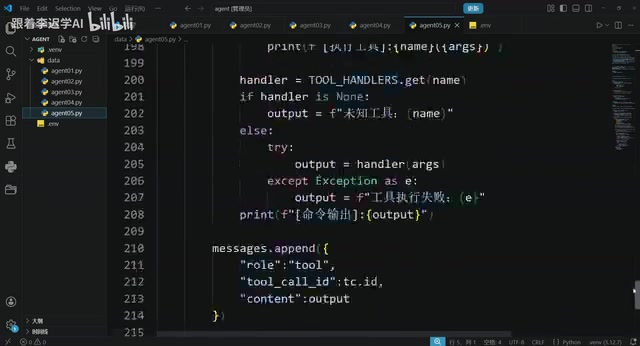
Hands-On Tutorial: Build an AI Agent from Scratch with 200 Lines of Python
Build an AI Agent from scratch with 200 lines of Python, covering prompts, memory, tool calling, RAG, and Skills — a practical guide for developers.
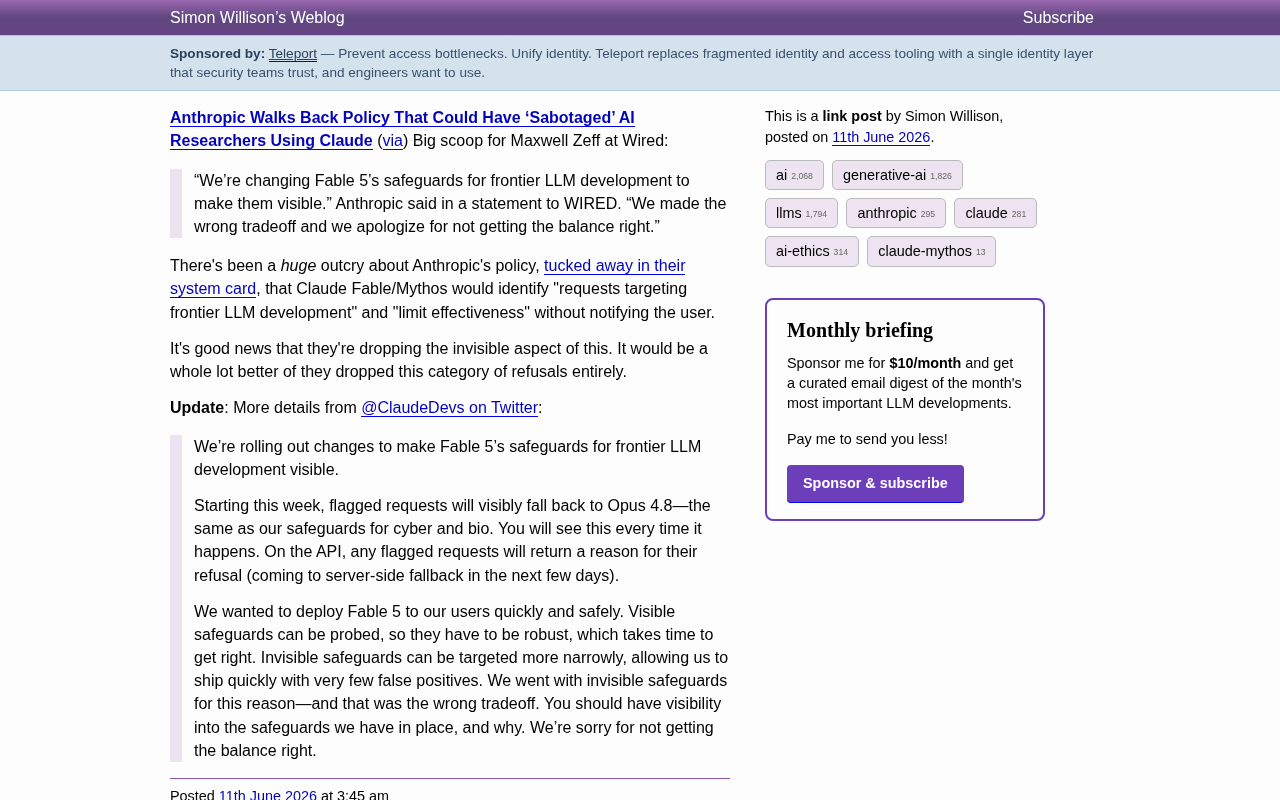
Anthropic Reverses Controversial Policy of Secretly Throttling AI Researchers Using Claude
Anthropic reverses its controversial policy of secretly throttling Claude Fable/Mythos responses to frontier LLM development requests after community backlash, raising critical questions about AI transparency.