Claude Code Remote Control Tutorial: Control AI Coding from Your Phone
Control Claude Code sessions from your phone to code during commutes and downtime.
Claude Code's Remote Control feature lets developers control terminal AI coding sessions from their phone via QR code or URL. It supports voice input, multi-project parallel management, and phone-based permission approvals — ideal for lightweight tasks like style tweaks, code exploration, and feature planning during fragmented time. Security best practices include running sessions in sandboxed environments.
Introduction: A New Way to Code Anywhere, Anytime
Claude Code recently introduced an exciting feature — Remote Control. This feature allows developers to control a Claude Code session running on their computer remotely from their phone, meaning you can continue collaborating with AI on code while on the subway, taking a walk, or in any scenario where you're away from your computer. For developers who want to maximize efficiency, this is undoubtedly a game-changing update.
Claude Code is Anthropic's command-line-based AI coding assistant that runs directly in the terminal. It can read project files, execute commands, and modify code to enable end-to-end programming collaboration. Unlike code completion tools embedded in IDEs such as GitHub Copilot, Claude Code operates in an Agent mode where developers describe requirements in natural language, and the AI autonomously plans and executes multi-step coding tasks. This paradigm, known as Agentic Coding, represents a shift in AI-assisted programming from "suggesting code snippets" to "autonomously completing tasks." The addition of Remote Control further breaks this collaboration model's dependency on physical location.
How to Start Claude Code Remote Control
Basic Setup
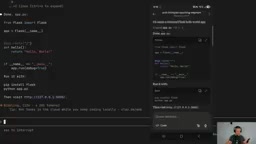
Starting Remote Control is straightforward. First, navigate to the project directory you want to work in, start a Claude Code session, then type the /remote control command to activate remote control mode.
Once activated, the system provides two connection methods:
- Link connection: Generates an accessible URL
- QR code connection: Type
/remoteto display a QR code, then scan it with your phone to connect
From a technical implementation perspective, Remote Control is essentially a web-based remote session bridging mechanism. When users activate remote control in their local terminal, the system establishes an authenticated WebSocket channel that maps the local CLI session's input/output stream to a lightweight web interface. The phone browser obtains a session token by scanning the QR code or accessing the URL, thereby establishing bidirectional communication with the locally running Claude Code process. This architecture means all computation and file operations still execute on the local machine — the phone serves only as a remote input/output terminal, eliminating security concerns about uploading code to third-party cloud services.
Different Launch Parameters
Besides using the slash command within a session, there are other ways to start it:
claude --remote-control: Starts an interactive session with remote control enabled (recommended)claude remote control(without double dashes): Only starts a remote session without creating a local interactive interface
Using the --remote-control parameter is recommended because it lets you work normally on your computer and switch to phone control when you need to leave. It can also be combined with other parameters like resume, for example claude resume --remote-control.
Practical Usage Demo
Sending Commands from Your Phone
Once connected, you can see the currently running session on your phone. You can type prompts directly on your phone, such as "create a basic minimal flask app, really just hello world minimal" — this command immediately appears in the session on your computer.
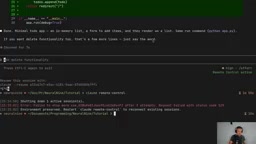
More importantly, when Claude Code needs authorization to perform file operations, you can tap "Allow Once" directly on your phone to approve the action, without ever touching your computer keyboard.
Voice Input Makes Remote Coding More Efficient
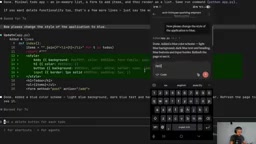
One particularly practical detail: the phone interface supports voice input. When you're walking or doing something else, you can give Claude Code instructions directly by voice, such as "now please change the style of the application to blue" — the speech-to-text conversion sends it directly to the session. This dramatically improves how efficiently you can use fragmented time.
It's worth noting that this voice input isn't a built-in speech recognition feature of Claude Code itself, but rather leverages iOS and Android system-level voice keyboards. This interaction method reflects the trend of development tools evolving toward multimodal input — expanding from pure keyboard input to voice interaction. For coding scenarios, voice input works particularly well for descriptive high-level instructions (like "change the navbar to blue" or "add a user login page"), but is less efficient for precise code snippet input (like variable names or API parameters). This also explains from another angle why remote control is better suited for lightweight, descriptive tasks rather than fine-grained code editing.
Best Use Cases and Limitations
Scenarios Well-Suited for Remote Control
Controlling Claude Code from your phone isn't suitable for all types of work. The following scenarios work best:
- Basic frontend adjustments: Simple operations like changing button colors or adjusting styles
- Codebase exploration: Asking about code structure or understanding a module's functionality
- Feature planning and brainstorming: Discussing how to implement a feature or optimize Stripe webhooks
- Security audits: Having the AI check for security vulnerabilities
- Multi-project management: Opening remote sessions for multiple projects simultaneously and switching between them on your phone
Scenarios Not Suited for Remote Control
For engineering tasks requiring deep thinking and complex planning, phone-based operation isn't ideal. Complex architecture design, multi-file refactoring, and other high-focus work should still be done at your computer.
Tips for Managing Multiple Projects in Parallel
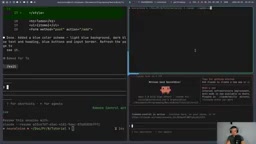
A highly practical workflow: when you know you're about to be in a situation where you can't focus on work, you can start remote control sessions in multiple project directories beforehand. This way, you can see all active sessions on your phone and switch between different projects to handle lightweight tasks. This approach is especially useful for developers who need to maintain multiple projects simultaneously.
This multi-session parallel capability addresses a common pain point in modern software development: under microservices architecture and polyrepo patterns, developers frequently need to maintain multiple codebases for frontend, backend, infrastructure, and more simultaneously. Traditionally, developers use terminal multiplexing tools like tmux or screen to manage multiple local sessions. Claude Code's multi-remote-session mechanism extends this capability to mobile devices, allowing developers to issue task instructions to different projects during fragmented time like commuting, letting the AI work in parallel in the background, and reviewing results when back at the computer. This is essentially an asynchronous programming collaboration model — you handle decisions and instruction delivery, the AI handles execution, and both don't need to be in the same place at the same time.
Security Recommendations and Considerations
Deployment Environment Recommendations
When using Remote Control, there's an important security recommendation to keep in mind: run remote control sessions in a sandbox environment or virtual machine. Here's why:
- It may be difficult to terminate sessions promptly during remote operation
- The
/exitcommand doesn't always reliably terminate sessions from the phone - Permission control becomes even more important in remote scenarios
The sandbox environment mentioned here is a security technique that restricts program execution to an isolated space. In AI coding scenarios, sandbox isolation is particularly important because AI Agents may execute high-risk operations like deleting files, modifying system configurations, or installing dependency packages — and in remote control mode, your ability to monitor these operations is further reduced. Common sandbox solutions include Docker containers, lightweight VMs (like Multipass or Lima), and cloud-based sandbox services specifically designed for AI coding (like E2B or Daytona). The core principle of using a sandbox is: even if the AI executes an incorrect or unexpected command, the damage is confined to the isolated environment and won't affect the host system's files or production data.
Known Issues
The Remote Control feature currently has some stability issues. For example, when typing /exit on the phone, it sometimes successfully terminates the session and sometimes doesn't. It's recommended not to rely entirely on the remote exit function, but instead ensure the running environment itself has proper permission isolation.
Conclusion
Claude Code's Remote Control feature provides developers with an entirely new workflow — turning fragmented time into productivity. While it can't replace deep engineering work, it's an extremely convenient tool for code exploration, lightweight modifications, and feature planning. The key is finding the right use cases, pairing it with a sandbox environment, and ensuring security while pursuing efficiency.
Key Takeaways
Related articles
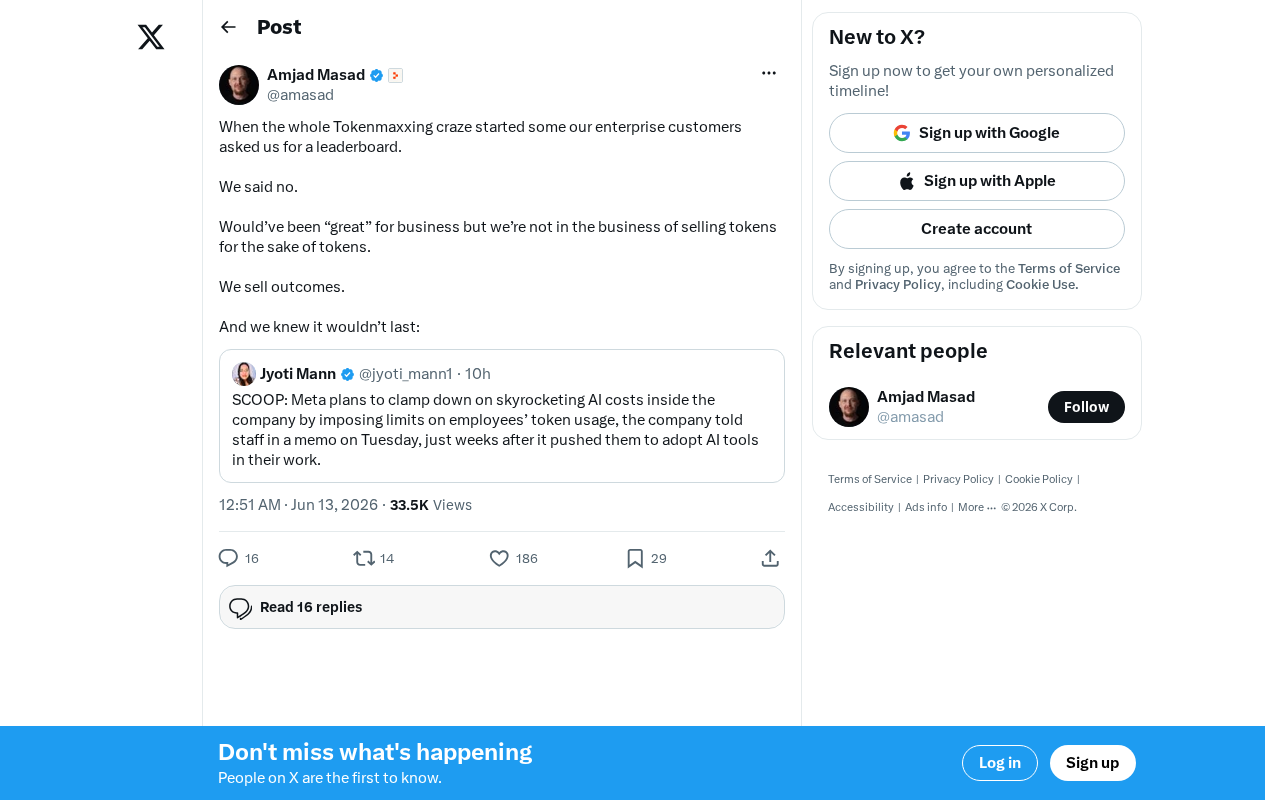
The Decline of Tokenmaxxing: Why Selling Outcomes Matters More Than Selling Tokens
The Tokenmaxxing craze is fading as enterprise AI procurement shifts from chasing Token counts to focusing on actual business outcomes. Learn why outcome-based AI evaluation is the right approach.
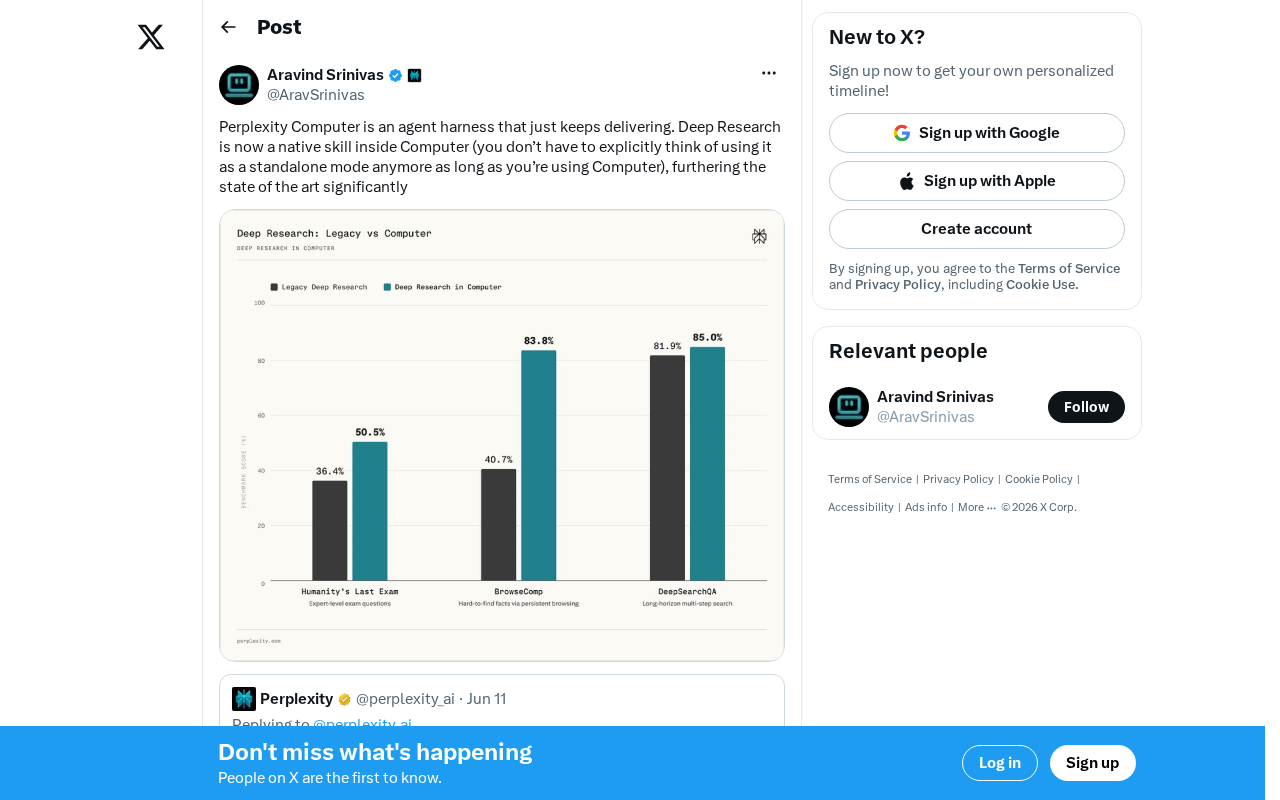
Perplexity Computer Integrates Deep Research as a Native Skill: A New Paradigm for AI Agent Capability Fusion
Perplexity integrates Deep Research as a native skill in Computer, enabling automatic invocation without manual mode switching. Analyzing the Agent Harness design philosophy and AI capability fusion trends.
Key Takeaways from Andrew Ng × OpenAI's Prompt Engineering Course: Two Core Principles Explained
Deep dive into Andrew Ng & OpenAI's ChatGPT Prompt Engineering course: Base LLM vs instruction-tuned models, two core prompting principles, and API-first development thinking for developers.