Claude Code SEO Skills in Practice: Four Techniques to Transform Your SEO Workflow

Use Claude Code with free SEO Skills for full-site audits, page analysis, Sitemap checks, and GEO optimization.
This article explains how to use Claude Code paired with open-source SEO Skills to complete four core SEO tasks through natural language commands: full-site SEO auditing (multi-dimensional scoring + action timelines), single-page deep diagnosis, Sitemap health checks, and GEO (Generative Engine Optimization) analysis for the AI era. This zero-cost, high-efficiency tool combination features transparent and customizable scoring logic, dramatically lowering the barrier to professional SEO analysis.
Traditional SEO tools often require expensive paid subscriptions, but now with Claude Code paired with a free open-source set of SEO Skills, you can complete most SEO analysis work simply by entering commands. Based on a practical tutorial from a Bilibili creator, this article breaks down four core techniques in detail: full-site SEO auditing, single-page SEO analysis, Sitemap health checks, and GEO (Generative Engine Optimization) analysis—a critical capability for the AI era.
Tool Introduction and Installation
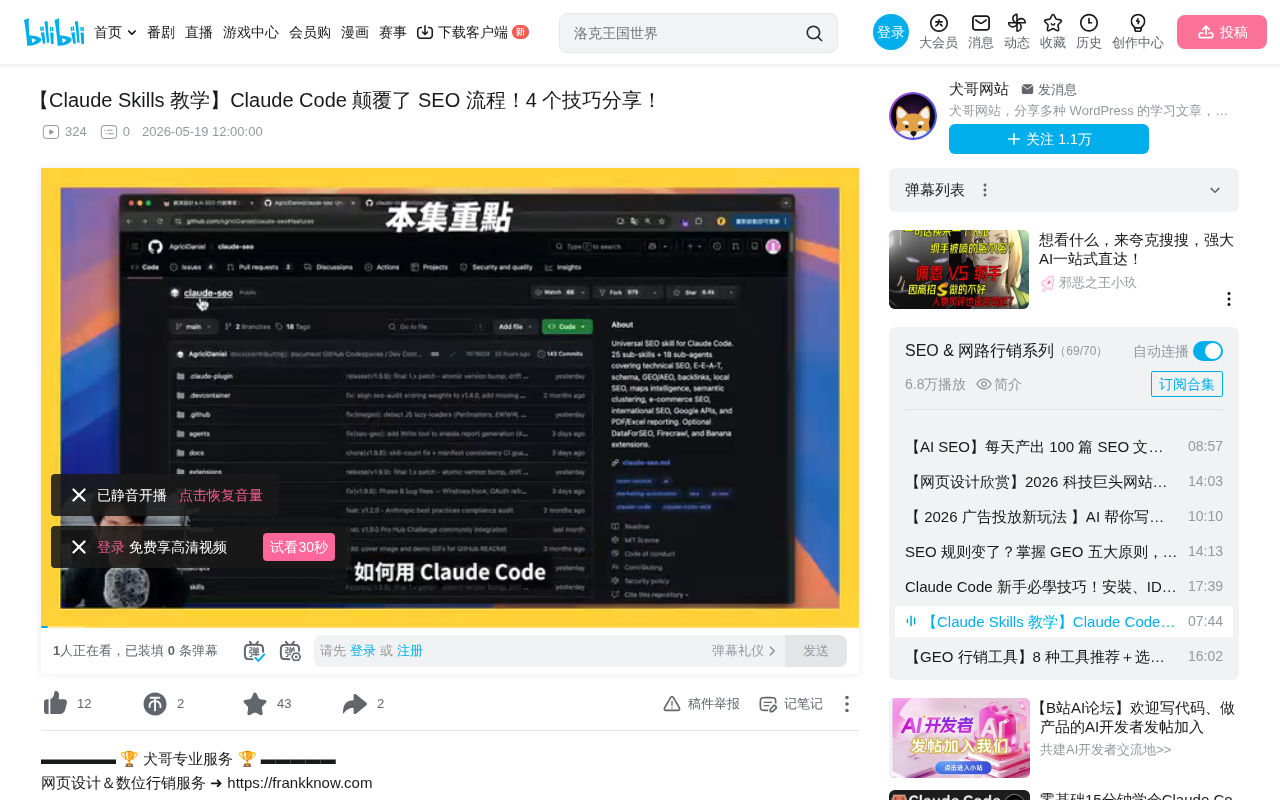
The core tool used in this article is an open-source Skill called Cloud SEO, designed specifically for Claude Code to perform multi-level SEO analysis. This Skill covers multiple dimensions including full-site auditing, single-page analysis, Schema detection, Sitemap analysis, and GEO assessment.
Claude Code is a command-line AI programming tool released by Anthropic that allows developers to interact directly with the Claude model in a terminal environment. Its Skill system is essentially an extensible set of prompt templates and toolchains—each Skill contains preset analysis logic, scoring weights, and output formats, enabling even non-technical users to accomplish professional-level tasks through natural language.
The installation process is straightforward: after launching Claude Code in your terminal, you install it via the Pockets (plugin) method. The specific steps involve copying and executing installation commands line by line, then restarting the terminal for the tool to take effect. Once installed, all SEO-related commands are integrated into Claude Code as slash commands. Slash Commands are a common CLI interaction pattern, borrowing from the interaction paradigms of platforms like Slack and Discord, encapsulating complex multi-step operations into concise single-line commands.
Notably, each function within this Skill has clear scoring logic behind it. For example, in the full-site audit function, technical SEO accounts for 22%, on-page SEO for 20%, and so on. Users can view the detailed rules and weight settings for each function in the Skill folder.
Technique 1: Full-Site SEO Audit
The full-site SEO audit is the most fundamental and important function. Usage is extremely simple—enter /seo-audit followed by the target URL, and Claude Code will automatically crawl and analyze the entire website.
After analysis is complete, you can request an HTML-format report file that opens directly in your browser. The report's dimensional breakdown is very detailed, covering the following aspects:
- Technical SEO: Site speed, mobile responsiveness, crawler accessibility, etc.
- Content Quality: Content depth, keyword coverage, E-A-T performance, etc.
- Schema Structured Data: Whether structured markup is correctly configured
- Issue Priority Classification: Critical issues (requiring immediate fixes), moderate issues, and optimization suggestions
E-A-T is a core concept in Google's Search Quality Evaluator Guidelines, standing for Expertise, Authoritativeness, and Trustworthiness. In 2022, Google expanded it to E-E-A-T, adding the Experience dimension. In practical SEO, E-A-T is not a direct ranking factor but indirectly influences search rankings through signals like content quality, author credentials, and external citations. AI tools typically assess E-A-T based on quantifiable indicators such as whether pages include author bios, citation sources, and accurate use of professional terminology.
Schema structured data is based on the Schema.org standard—a structured data vocabulary jointly created by Google, Microsoft, Yahoo, and Yandex. By embedding JSON-LD format markup in webpage HTML, websites can explicitly communicate semantic information about their content to search engines. Properly configured Schema markup not only helps search engines understand page content more accurately but can also trigger Rich Snippets—such as star ratings, FAQ accordions, breadcrumb navigation, and other enhanced display formats—significantly improving click-through rates on search results pages.
Even more practical is that the report provides an action timeline—what to do in the first week, what to complete within a month—helping users systematically advance optimization work by priority. This structured output approach is far more useful than traditional SEO tools that dump a pile of data without telling you what to do.
Technique 2: Single-Page SEO Analysis (On-Page SEO)
If you don't need to analyze an entire site but want to perform an in-depth diagnosis on a specific page, you can use the /page command followed by the specific page URL.
Using a service page demonstrated in the video as an example, the analysis results showed an extremely low SEO score for the page, with the system clearly identifying several critical issues:
- Page title contains no keywords whatsoever—the most basic SEO element was completely overlooked
- H1 tag lacks search intent—doesn't reflect what users actually search for
- Missing structured data—Schema markup absent at the site-wide level
- Insufficient content depth—low E-A-T (Expertise, Authoritativeness, Trustworthiness) score
The system not only identifies problems but also sorts them by fix priority, telling you which issues should be addressed first. For websites with multiple key pages needing optimization, you can use this command page by page for diagnosis and remediation.
Technique 3: Sitemap Health Check
A Sitemap is a critical reference for search engines to understand website structure, but many webmasters stop paying attention to its health after initial configuration. Using the /sitemap command followed by the Sitemap URL provides a complete inspection report.
The Sitemap protocol was first proposed by Google in 2005 and later adopted by major search engines collectively. It's essentially an XML file that lists all URLs on a website that the owner wants search engines to index, optionally including metadata such as last modification time, update frequency, and relative priority for each URL. Search engine crawlers (like Googlebot) reference Sitemaps when crawling websites to discover new or updated pages, but a Sitemap doesn't guarantee all listed URLs will be indexed—it's merely a "suggestion" mechanism, with final indexing decisions still made by search engine algorithms.
The report scores across multiple dimensions:
- Architecture: Whether the Sitemap's hierarchical structure is reasonable
- URL Quality: Whether link formats are standardized (e.g., whether Chinese characters are used in URLs, with recommendations to switch to English)
- Image Sitemap: Whether image resource indexing is included
- Accessibility: Whether all URLs are accessible
In the demonstration case, the system identified issues with Chinese-character URL paths and recommended switching to English. For WordPress sites, it helpfully provides the specific backend modification path. Finally, the system displays an ideal Sitemap architecture template for users to reference when making adjustments.
Technique 4: GEO Analysis—The New SEO Battleground in the AI Era
This is the most forward-looking of the four techniques. GEO (Generative Engine Optimization) focuses on how your website performs on AI platforms—whether AI search engines like Google AIO, ChatGPT, and Perplexity can correctly understand and cite your content.
GEO is a new concept that emerged in 2024, first systematically articulated in research papers from institutions like Georgia Tech. Unlike traditional SEO which optimizes search result page rankings, GEO focuses on the probability and presentation of content being cited in AI-generated answers. Traditional SEO's core logic is "ranking competition"—fighting for top positions among ten blue links; GEO's logic is "being cited"—getting AI systems to choose your content as an information source when generating answers. This means content needs stronger factual density, clear structured expression, verifiable authority signals, and technical friendliness toward AI crawlers.
After running the corresponding GEO command, the report breaks down into several major categories:
Citability and Content Architecture
The system checks whether website content is easily citable by AI systems, including the degree of content structuring, paragraph clarity, and more.
Brand Signal Consistency
In the demonstration case, the system discovered that the website used three different brand names, which can confuse AI systems. The recommendation is to unify the brand name and make a clear declaration.
Technical AI-Friendliness
- llms.txt file: Similar to robots.txt but specifically for AI crawlers. The system found this file didn't exist and recommended adding it. llms.txt is an emerging website standard proposal, typically placed in the site's root directory, written in Markdown format, containing a site description, main page links, and content categories. It helps LLM crawlers (such as GPTBot, ClaudeBot, PerplexityBot, etc.) quickly understand a website's core content, service scope, and areas of authority. While not yet a formal internet standard, it's being adopted by an increasing number of AI companies and website operators.
- Language tags: Recommends setting explicit language and region tags (e.g., zh-TW) to help AI systems accurately identify content language
- Author information: AI search engines (especially Google AIO) prefer verifiable named authors; adding author information increases AI trust
- Multimedia optimization: Adding OG tags for videos and images to enhance content presentation on AI platforms
Summary: Advantages of an AI-Driven SEO Workflow
The combination of Claude Code with SEO Skills essentially repackages traditional SEO tool capabilities through a natural language interaction interface. Its core advantages include:
- Zero cost: Open-source and free, no expensive SEO tool subscriptions needed
- High efficiency: Complete analysis with a single command, results are directly actionable
- Customizable: Skill scoring logic is transparent, users can adjust weights based on their needs
- Future-oriented: GEO analysis functionality directly addresses new demands of the AI era
Of course, this toolset is better suited for users with some SEO foundation. It provides diagnosis and recommendations—actual optimization execution still requires human judgment and action. But there's no denying that AI-driven SEO workflows are dramatically lowering the barrier to professional analysis, enabling more small and medium websites to access professional-grade SEO diagnostic services.
Key Takeaways
- Using Claude Code with free open-source SEO Skills, you can complete full-site SEO audits, single-page analysis, Sitemap health checks, and GEO assessments through natural language commands
- Full-site SEO audits score across multiple dimensions including technical SEO, content quality, and Schema, generating prioritized action timelines
- Single-page SEO analysis precisely identifies specific page issues like missing keywords, H1 tags, and structured data problems
- GEO analysis is the new priority for the AI era, focusing on website citability and brand signal consistency across AI platforms like ChatGPT and Google AIO
- This tool combination is zero-cost, highly efficient, with transparent and customizable scoring logic, dramatically lowering the barrier to professional SEO analysis
Related articles
 Tutorials
Cursor + Codex Dual-IDE Collaboration: A Practical Methodology for Open-Source Project Customization
A complete methodology for open-source project customization based on real-world experience, detailing the Cursor+Codex dual-IDE workflow, seven-stage process, MVP validation, and AI source code reading techniques.
 Tutorials
Cursor Multi-Agent in Practice: Building a Full-Stack Next.js Blog in 50 Minutes
Build a full-stack blog in 50 minutes using Cursor IDE's multi-Agent mode with Next.js, Clerk auth, and Supabase. Learn the 4-phase AI Agent workflow and key integration pitfalls.
 Tutorials
Building an AI Software Factory from Scratch: A Cursor Engineer's Hands-On Experience with Multi-Agent Collaboration
Cursor engineer Eric shares practical insights on building an AI software factory: automation levels, guardrail design, parallel Agent management, and scaling to 1000+ Agents for 24/7 development.