Codex vs Claude Code vs Cursor: In-Depth Comparison — Which One Is Right for You?
A practical comparison of Codex, Claude Code, and Cursor to help developers choose the right AI coding tool.
This article compares the three leading AI coding tools — Codex, Claude Code, and Cursor — across pricing, stability, and capability focus. Codex excels at frontend/UI work with better value; Claude Code shines in backend logic and code structure; Cursor offers the most mature full-stack experience. The recommendation: learn all three and switch flexibly based on project needs.
AI Coding Tools Enter a Three-Way Race
Competition among AI coding tools has reached a fever pitch. Cursor, Claude Code, and Codex each bring unique strengths to the table, leaving many developers paralyzed by choice. With OpenAI's Codex launching as a standalone app, the differentiation between these three tools has become even more pronounced.
AI coding tools (also known as AI code assistants) are development assistance systems built on large language model (LLM) technology. At their core, these tools leverage Transformer models pre-trained on massive code repositories to understand natural language instructions and code context, automatically generating, completing, and refactoring code. Since GitHub Copilot first appeared in 2021, AI coding tools have evolved from simple code completion to full-workflow development assistance. The current third generation of AI coding tools can understand entire project codebases, execute cross-file modifications, and even independently complete the full development cycle from requirements analysis to code implementation. It's against this technological backdrop that Cursor, Claude Code, and Codex represent different product philosophies and technical approaches.
This article provides an in-depth comparison of these three mainstream AI coding tools based on real-world usage experience, covering pricing, features, and use cases to help you find the best fit.
Codex's Four Forms: Why the App Is the Top Choice
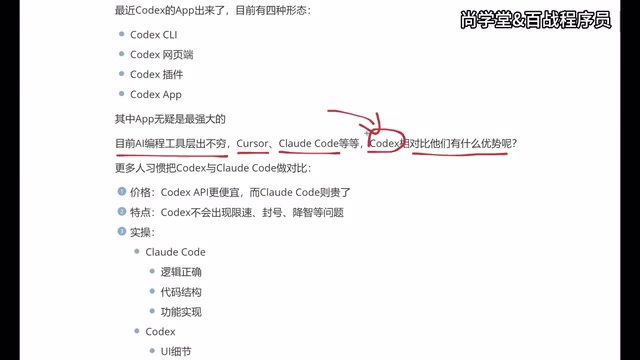
Codex has evolved into four distinct usage forms:
- CLI (Command Line Terminal): Ideal for developers comfortable with terminal operations
- Web: Accessible directly through a browser
- Plugin: Integrated into development tools like VS Code
- Standalone App: The latest desktop application
The technical differences between these forms are worth understanding in depth. The CLI form means developers interact with AI through terminal commands — its advantage lies in direct file system operations, shell command execution, test running, and seamless integration with developer workflows. The IDE plugin form embeds AI capabilities into integrated development environments, leveraging IDE infrastructure like syntax highlighting, code navigation, and debugging. The standalone app form sits between the two — it has its own window management and interaction interface while collaborating with editors like VS Code through inter-process communication (IPC) or file system monitoring. This gives it both rich visual interaction and freedom from IDE plugin API limitations.
Previously, most developers were accustomed to integrating Codex as a plugin in various IDEs. But the standalone app's launch changed the game — the app form is considered the most powerful of the four. It not only retains the core capabilities of the plugin but also works alongside traditional development tools like VS Code for a more complete and fluid experience.
Codex vs Claude Code: Head-to-Head
Many developers naturally compare Codex and Claude Code, as these two tools do overlap significantly in positioning. Here's a comparison across several key dimensions:
Pricing: Codex Offers Better Value
From a pricing strategy perspective, Codex's app version is more affordable, while Claude Code's usage costs are relatively higher. For individual developers or budget-constrained teams, Codex is more attractive on price.
Stability: Codex Delivers a Smoother Experience
Claude Code has a frustrating real-world issue — rate limiting and account bans. Many users report encountering rate limits during heavy use, and some have even had their accounts banned. In comparison, Codex performs more reliably in this regard without similar restrictions.
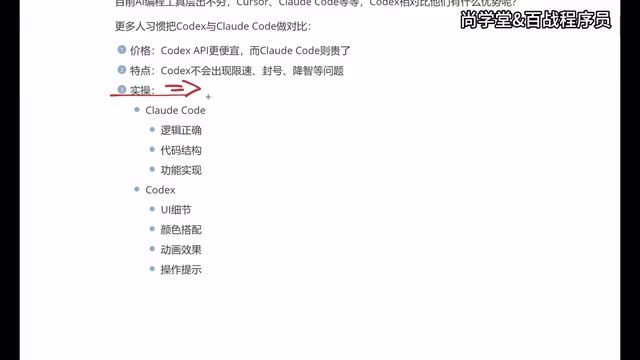
There are deep technical and business reasons behind rate limiting and account bans. Rate limiting in AI coding tools is directly tied to the computational cost of large model inference. Each code generation request consumes GPU compute for inference, especially when processing long contexts (like analyzing an entire codebase), where a single request can cost several cents. To prevent resource abuse and maintain service quality, providers typically set per-minute/per-hour request caps. Claude Code is built on Anthropic's API, and its underlying Claude model has relatively high inference costs. Combined with Anthropic's strict safety policies for API calls, it's more prone to triggering limits. OpenAI's Codex likely has more room for infrastructure scale and cost optimization, allowing more generous usage quotas for users.
Regarding "intelligence degradation" (declining model capabilities), while some users have reported similar phenomena with Codex, based on actual usage experience, this isn't particularly noticeable and still needs broader user verification.
Capability Focus: Codex for Frontend, Claude Code for Backend
This is an extremely valuable practical insight:
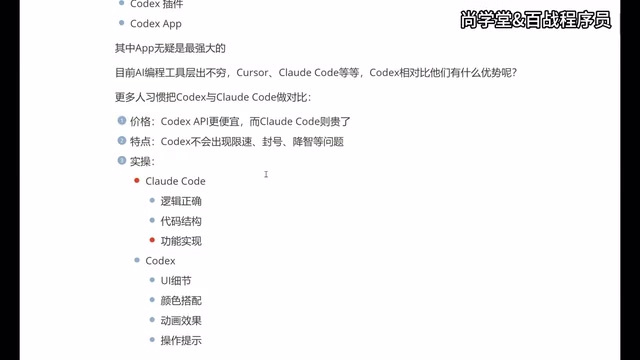
- Claude Code: Leans toward logical correctness, code structure, and functional implementation, excelling in backend development scenarios
- Codex: Focuses more on UI details, color schemes, animations, and interaction prompts, with clear advantages in frontend and app development
The root of this difference lies in the training data distribution and fine-tuning strategies of the underlying models. The Claude model series is renowned for its strong logical reasoning capabilities, stemming from Anthropic's emphasis on optimizing reasoning chains during RLHF (Reinforcement Learning from Human Feedback), making it outstanding at handling complex business logic, algorithm implementation, and system architecture design. OpenAI's models invest more in multimodal understanding, better grasping visual design intent, and likely undergo more specialized fine-tuning on frontend framework code (React, Vue, etc.) and UI component libraries — giving them an edge in CSS styling, animation effects, responsive layouts, and other visually-oriented code generation.
Put simply: backend developers pursuing rigorous business logic and code architecture will find Claude Code more appealing; frontend developers or those frequently handling interface interactions will be more satisfied with Codex's performance.
Cursor, Claude Code, and Codex: The Big Three
While the AI coding tool market has many products, only these three truly form the top tier. Each has unique strengths and ideal use cases:
| Tool | Core Strength | Main Weakness | Best For |
|---|---|---|---|
| Cursor | Mature, stable, complete ecosystem | Higher price | Full-stack developers |
| Claude Code | Strong logical capabilities | Rate limiting/bans, terminal-only | Backend developers |
| Codex | Great UI output, good value | Ecosystem still maturing | Frontend/App developers |
Cursor's technical architecture advantage deserves special mention. Cursor is an independent editor forked from VS Code's open-source code, meaning it can deeply integrate AI capabilities at the editor's lowest level without being constrained by plugin APIs. It can directly access the editor's AST (Abstract Syntax Tree) parser, file indexing system, and debug protocol for more precise code understanding and smoother interaction. Cursor also introduces proprietary code indexing technology that performs semantic-level vector indexing of entire projects, enabling the AI to accurately reference relevant code snippets when answering questions or generating code. This deep integration is difficult to achieve in a pure plugin form and represents the technical foundation behind Cursor being the "full-stack developer's first choice."
Why You Should Learn to Use All Three
Here's a very pragmatic piece of advice: Don't bet on just one tool. The reasons are straightforward:
- Different companies may provide accounts for different tools
- Different projects may require different AI tools
- Each tool has its strengths — flexible switching maximizes efficiency
From Cursor to Codex: A Typical Tool Migration Path
Here's a representative AI coding tool migration journey:
- Starting phase: Used Cursor for over six months — powerful but expensive
- Trying alternatives: Switched to Claude Code, connected to domestic models to reduce costs, but the experience suffered
- Final choice: After Codex launched its app, it became the primary tool, working best paired with VS Code
The mention of "connecting to domestic models" refers to using API proxies or compatibility layers to connect Claude Code's frontend interface to inference services from Chinese LLMs (such as Tongyi Qianwen, DeepSeek, etc.). While this approach can dramatically reduce costs (domestic model API pricing is typically 1/5 to 1/10 of overseas models), the overall development experience declines due to gaps in code capabilities compared to Claude or GPT series, along with potential context length limitations and response latency issues.
This migration path offers valuable reference for many developers. Especially for non-professional developers (such as product managers, designers, and others who need to build prototypes or do simple development), Codex's advantages in visual presentation and interaction effects lead to better final outputs.
Conclusion: How to Choose the AI Coding Tool That's Right for You
There's no absolute "best" answer when choosing an AI coding tool — the key is matching your actual needs:
- Budget-sensitive + Frontend development → Prioritize Codex App
- Code quality focus + Backend development → Claude Code is worth trying
- Full-stack development + Generous budget → Cursor remains the mature choice
The ideal state is being proficient with all three tools and flexibly switching based on specific scenarios. In the AI era, tools iterate faster than anyone imagines — maintaining an open mindset and continuous learning is the best strategy for navigating change.
Key Takeaways
Related articles

Building a Cold Chain Logistics Optimization Research Project with Codex: A Complete Workflow from Scratch to PDF Paper
Learn how to use OpenAI Codex to build a complete cold chain logistics optimization research project from scratch, including simulated annealing implementation, experiments, figures, and LaTeX paper compilation.

Codex Beginner's Practical Guide: Master Core AI Programming Skills in One Weekend
OpenAI Codex beginner's practical guide covering environment setup, code generation, bug fixing, and project refactoring. Includes efficient learning tips and Prompt techniques for fast AI programming mastery.

AI Agent Systematic Learning Path: From Zero to Independent Development
A systematic AI Agent learning path covering core principles, Prompt engineering, RAG, multi-Agent collaboration, and hands-on projects for beginners.