Codex Beginner's Practical Guide: Master Core AI Programming Skills in One Weekend
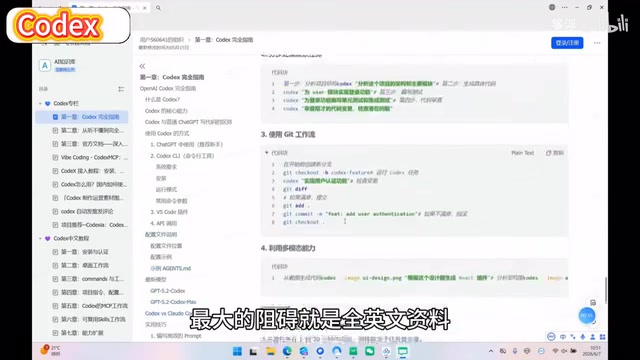
A practical weekend guide to mastering OpenAI Codex's core AI programming capabilities.
This guide covers everything beginners need to start with OpenAI Codex: environment setup, four key practical scenarios (code generation, bug fixing, project refactoring, office automation), target audience analysis, and honest assessment of crash-course limitations. It emphasizes Prompt Engineering as the core skill and provides five actionable tips for efficient learning.
Why Codex Is Worth a Weekend of Your Time
As one of the most powerful AI programming assistants available today, OpenAI Codex is redefining how developers work. From code generation and bug fixing to project refactoring, Codex covers virtually every aspect of daily programming. However, for developers and coding enthusiasts, the all-English official documentation and fragmented tutorial resources have long been the biggest barrier to getting started.
Recently, a Chinese-language Codex tutorial series has appeared on Bilibili, marketed as a "weekend crash course" that claims even complete beginners can get up to speed quickly. Setting aside the marketing rhetoric, let's objectively analyze how to learn Codex effectively, and examine both the value and limitations of such crash-course tutorials.
Codex's Core Capabilities: Far More Than Code Generation
Many people's understanding of Codex is still limited to "it helps you write code," but its capabilities extend far beyond that.
OpenAI Codex was originally fine-tuned from the GPT-3 model, specifically optimized for code understanding and generation. Its training data includes billions of lines of public code from GitHub, covering dozens of programming languages. In 2025, OpenAI repositioned Codex as a cloud-based software engineering agent. It's no longer just a real-time code completion assistant—it's an autonomous system capable of independently executing multi-step programming tasks in a sandboxed environment. This means users can assign a complete development task to Codex, and it will autonomously plan steps, write code, run tests, and deliver usable results. This transformation from "assistive tool" to "autonomous agent" is the key context for understanding Codex's current learning value.
A complete Codex workflow typically encompasses the following dimensions.
Environment Setup and Basic Operations
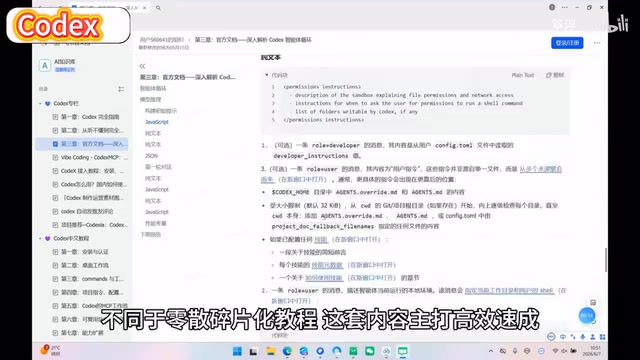
This is the first step to getting started, and where many beginners get stuck. Codex is currently used primarily in two ways: CLI command-line tools and IDE plugin integration. The CLI approach is more flexible and suited for users with terminal experience; IDE plugins (like Copilot in VS Code) are more intuitive and suited for developers who prefer graphical interfaces.
From a technical perspective, CLI (Command Line Interface) tools allow developers to invoke AI capabilities in any text environment, supporting pipe operations and script automation with extremely high flexibility. IDE plugin integration, represented by GitHub Copilot, embeds into development environments like Visual Studio Code and provides suggestions by analyzing the current code context in real time. The core difference between the two: CLI mode is better suited for batch tasks and complex workflow orchestration, while IDE mode is better for real-time assistance during line-by-line coding. For beginners, the immediate feedback experience of IDE plugins is more friendly; for advanced users, CLI's programmability and automation capabilities are more attractive.
Four Key Practical Scenarios Explained
What truly unlocks Codex's value is integrating it into specific development scenarios:
- Code Generation: Describe requirements in natural language and let AI generate the corresponding code framework
- Bug Fixing: Paste error messages, and Codex can quickly locate problems and provide fix solutions
- Project Refactoring: Modernize legacy code, optimize code structure and maintainability
- Office Automation: Batch file processing, report generation, data cleaning, and other repetitive tasks
These scenarios cover the primary needs from students to professional developers, and are typically the focus of crash-course tutorials.
Who Should Learn Codex? Three Target Groups

Students: An Accelerator for Learning Programming
For students currently learning to code, Codex isn't a shortcut that replaces learning—it's an efficient supplementary tool. It can help you quickly understand code logic, compare different implementation approaches, and even serve as an always-available "programming tutor." However, it's important to note that over-reliance on AI-generated code will weaken your programming fundamentals. It's recommended to use Codex as a learning tool rather than a replacement.
Working Developers: A Powerful Efficiency Booster
For developers who already have programming experience, Codex's value lies in dramatically reducing repetitive work. Writing boilerplate code, looking up API documentation, debugging common errors—these tedious tasks that used to consume significant time can now be handed off to AI, letting you focus your energy on more valuable architectural design and business logic.
Zero-Experience Users: The Barrier Is Lowered but Not Eliminated
Codex has indeed lowered the entry barrier to programming, but "zero experience" doesn't mean you can completely skip foundational knowledge. You need to understand at least basic programming concepts (variables, functions, loops, etc.) to collaborate effectively with AI. Otherwise, even if AI generates code, you won't be able to judge its correctness or applicability.
Value and Limitations of Crash-Course Tutorials
What Pain Points Chinese Tutorials Solve
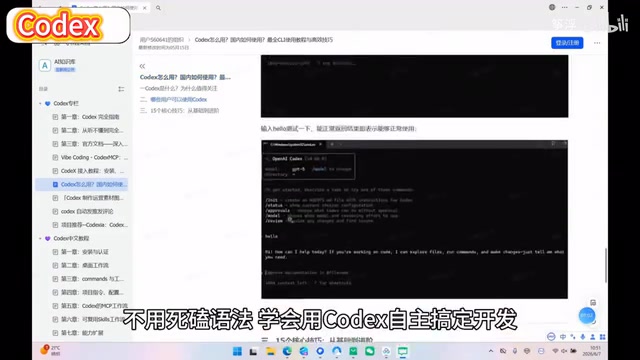
Full Chinese-language instruction genuinely addresses real difficulties for many domestic learners. Codex's official documentation and community discussions are almost entirely in English, so for users with weaker English skills, Chinese tutorials can significantly reduce comprehension costs. The systematic organization from environment installation to hands-on practice is also more efficient than piecing things together on your own.
Three Sobering Realities to Keep in Mind
We should also view the concept of "weekend crash course" rationally:
- Crash course ≠ mastery: A weekend of study can help you grasp basic operational workflows, but truly using Codex well requires continuous practice and experience accumulation in real projects.
- Tools iterate extremely fast: AI programming tools update frequently. The specific operational steps you learn today may change within months. What matters is understanding the underlying logic and human-AI collaboration mindset. Codex doesn't exist in isolation—it's part of a rapidly evolving AI programming tool ecosystem. Competitors include Anthropic's Claude Code (known for long-context understanding), Google's Gemini Code Assist, and open-source solutions like Cursor and Continue. The iteration speed in this field is extreme—in early 2024, code completion was the primary focus, but by mid-2025, the field had entered a phase of multi-agent collaborative programming. This means learners shouldn't over-commit to the specific operational details of any single tool, but should instead cultivate a universal "human-AI collaborative programming" mindset, including abilities like task decomposition, AI output verification, and maintaining code quality standards with AI assistance.
- Prompt skills are the core competitive advantage: The key to using Codex isn't knowing which buttons to click—it's whether you can write precise Prompts, which requires long-term training and refinement. Prompt Engineering refers to the technique of carefully designing input instructions to guide AI toward producing high-quality results. In AI programming scenarios, a good Prompt needs to include a clear task description, technical constraints, expected output format, and sometimes example code as reference. For instance, "write a sorting function" is far less effective than "implement a merge sort function in Python that supports a custom comparator, includes type annotations and a docstring." Research shows that differences in Prompt quality can lead to order-of-magnitude differences in AI output quality. This is the fundamental reason why there's a huge gap between "knowing how to use a tool" and "using a tool well."
5 Practical Tips for Learning Codex Efficiently
If you're planning to spend a weekend getting started with Codex, these tips can help you get twice the results with half the effort:
- Set up your environment first, then watch tutorials: Hands-on practice always beats watching videos—learning while doing yields the best results
- Prepare a real project: Even a personal blog or small utility—let real needs drive your learning
- Build a Prompt template library: Organize effective prompts into your own template library—this compounds over time
- Compare AI output with hand-written code: This process helps you deeply understand AI's strengths and limitations
- Stay updated on official releases: Codex's capability boundaries are constantly expanding—maintain sensitivity to new features
Conclusion: Make This Weekend the Starting Point for AI Programming
The AI programming trend that Codex represents is irreversible. The earlier you master these tools, the greater your advantage in future technical competition. Chinese crash-course tutorials lower the entry barrier, but true "programming freedom" requires continuous practice and deep thinking. Rather than pursuing instant mastery, treat this weekend as a starting point—learn the basic operations, then continuously deepen your application in daily work and study.
Related articles

Gemini 3.5 Live Translate Launch: A Deep Dive into the Speech-to-Speech Translation Model Supporting 70+ Languages
Google launches Gemini 3.5 Live Translate, a speech-to-speech translation model supporting 70+ languages. Learn about its end-to-end architecture, Grab partnership, and developer access via Live API.
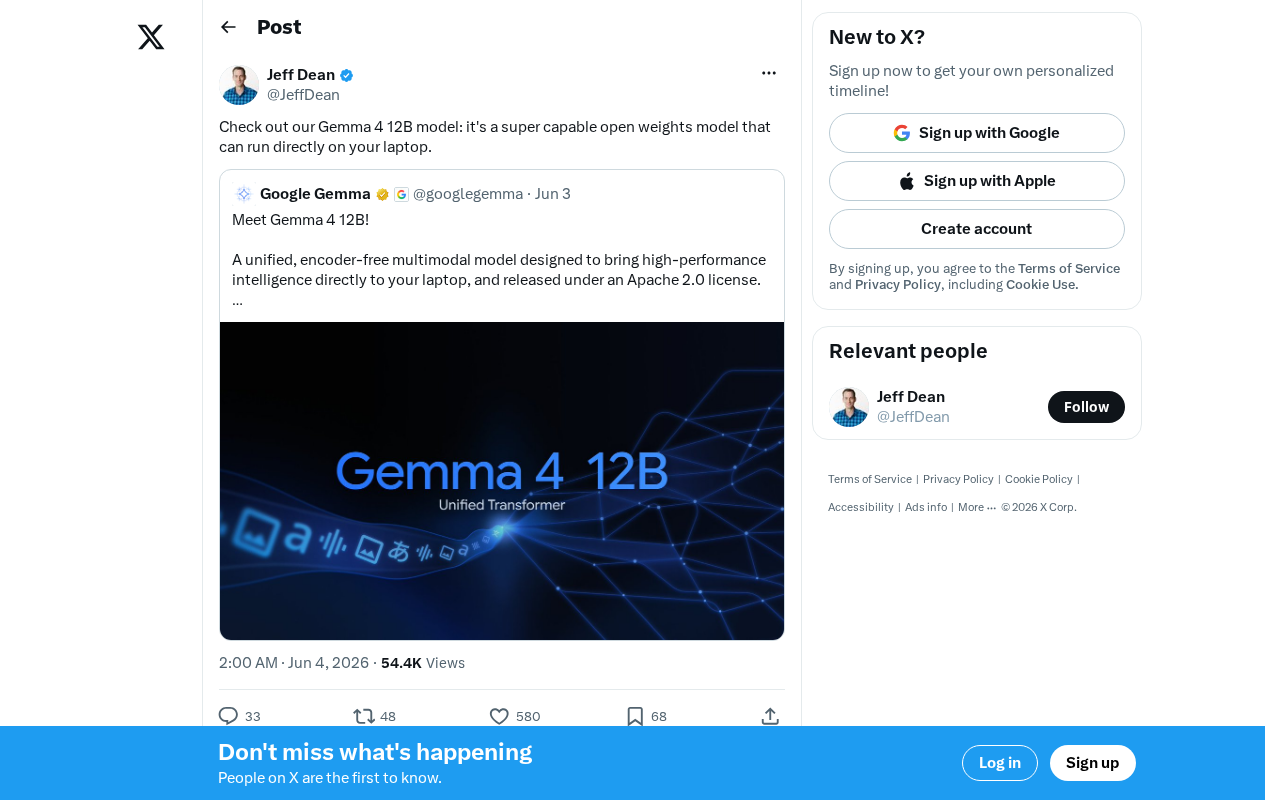
Gemma 4 12B: Google's Open-Weight Model Runs Locally on Your Laptop
Google releases Gemma 4 12B, an open-weight model that runs locally on laptops. Learn about its performance, local deployment value, and the open-source LLM competitive landscape.

Non-Technical Founders Built a $50K/Month SaaS Product Using AI Tools
Two non-coders built Shipper to $50K MRR in 6 months using AI tools. Learn their reverse-engineering, zero-free-tier, and viral growth playbook for indie developers.