Complete Guide to Custom Models and Agent Configuration in Trae
How to add custom models and create personalized agents in Trae for a better AI coding workflow.
This guide covers two methods for adding custom models in Trae — directly via model provider APIs and through proxy APIs like Tencent Cloud's Token Play — along with a complete walkthrough for creating personalized agents. It explains key concepts like API Keys, proxy API architecture, MCP protocol, and Vibe Coding, offering practical tips to help developers build efficient, customizable AI-powered programming workflows.
Introduction
As a domestically developed AI coding tool, Trae comes with a variety of free built-in models. However, in real-world development, we often need to integrate more powerful or specialized models. Based on the Vibe Coding tutorial series by Bilibili creator Xiaopei, this article provides a detailed walkthrough of how to add custom models in Trae, configure proxy APIs, and create personalized agents — helping you build a more efficient AI-powered coding workflow.
Custom Model Configuration: Two Approaches Explained
Trae offers some built-in models for free use by default, but during peak hours you may need to wait in a queue. By adding custom models, you can connect to third-party model services like DeepSeek and MiniMax for a more stable experience.
Method 1: Adding Directly via Model Providers
This is the simplest and most straightforward approach, ideal for users of mainstream model providers:
- Click the "Add Model" button in Trae
- Select "Model Provider" — for example, choose DeepSeek
- Select the specific model (e.g., V3 Pro)
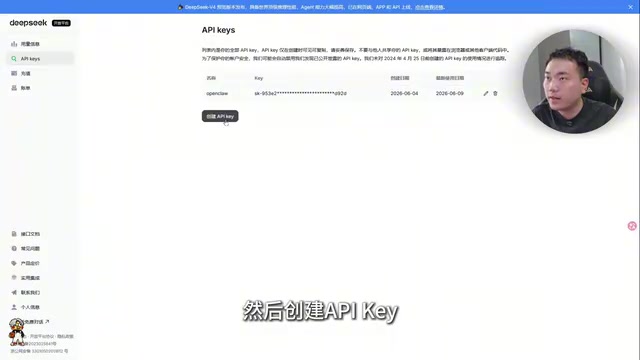
- Click "Get API Key" — the system will automatically redirect you to the provider's website
- After logging in, find the API-Key management page in the upper left corner
- Create a new API Key — it's recommended to name it "Trae" for easy identification
- Copy the API Key, paste it back in Trae, and click Add
An API Key (Application Programming Interface Key) is an authentication mechanism — essentially a "pass" for the digital world. When you call a third-party model service, the provider uses the API Key to verify your identity, track usage, and handle billing. Currently, major domestic LLM providers such as DeepSeek, MiniMax, Zhipu AI, and Baidu's ERNIE have all adopted API calling conventions similar to OpenAI's — sending HTTP requests via RESTful APIs and passing conversation content and parameters in JSON format. This standardized interface design allows third-party tools like Trae to easily integrate multiple models; users only need to provide an API Key and the corresponding request URL to complete the connection.
Once added, the new model will appear in your custom model list. The entire process is very smooth and can typically be completed in two to three minutes.
Method 2: Custom Configuration (Proxy API)
If your model provider isn't in Trae's preset list, or you need to call models through a proxy API, you'll need to use the custom configuration feature. The tutorial demonstrates this using Tencent Cloud's Token Play as an example:
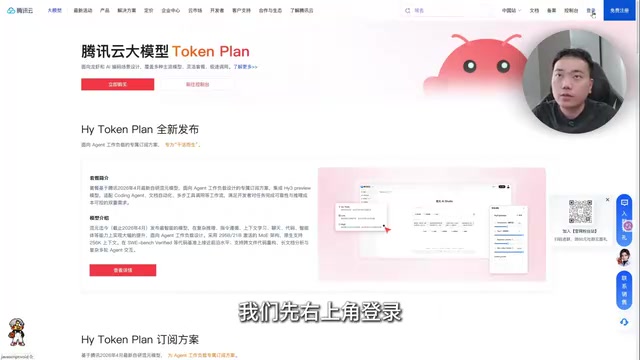
- Log in to the Tencent Cloud Token Play platform
- Find the "Universal Token Play" plan (which integrates mainstream domestic models)
- After purchasing the plan, go to the API Key Management page
- Create an API Key and navigate to the API Calls page
- Scroll to the bottom of the page to find the POST request URL
A proxy API (also known as an API gateway or aggregated API) is a proxy service architecture that acts as a middleware layer between users and multiple model providers. Here's how it works: the user sends a request to the proxy platform's unified endpoint, the platform routes the request to the corresponding model provider based on the model ID specified in the request, and then returns the response to the user. This architecture offers several advantages: first, users only need to maintain a single API Key to access multiple models; second, proxy platforms typically provide unified billing and usage management; third, some platforms also offer load balancing and failover capabilities to improve service reliability. Tencent Cloud's Token Play is a prime example of this type of service, consolidating multiple domestic LLMs under a single unified API endpoint.
Back in Trae's custom configuration interface:
- Enter the full request URL in the address field
- Toggle on the custom URL switch
- Enter the model ID (e.g., the model identifier for MiniMax)
- Enter the API Key
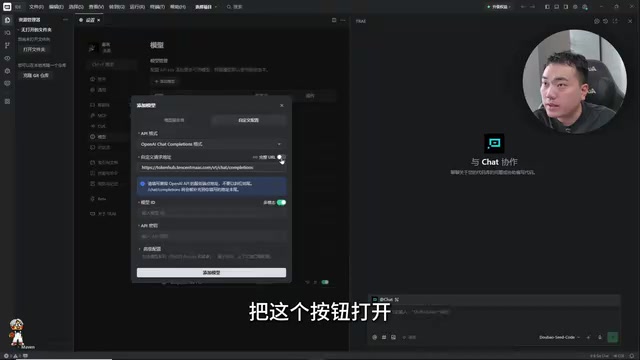
You might not have noticed, but the model ID can be switched at any time. For example, if you're using MiniMax today and want to switch to a different model tomorrow, you only need to change the model ID — no need to reconfigure the entire connection. This flexibility is extremely practical for developers who need to frequently test different models.
Custom Agents: Building Your Own AI Assistant
Beyond custom models, Trae also supports creating personalized agents. The core value of this feature is that you can define an AI assistant with domain-specific knowledge and capabilities using natural language descriptions.
In the AI field, an agent refers to an AI system capable of autonomous perception, decision-making, and action. Unlike regular LLM conversations, agents have three key characteristics: first, they are goal-driven — they can autonomously decompose task steps based on high-level goals given by the user; second, they can use tools — calling external tools like code execution, file operations, and web searches to complete tasks; third, they have memory and reflection — they maintain context across multiple interactions and adjust strategies based on execution results. Agents in Trae essentially layer system prompts (System Prompt), tool-calling capabilities, and task planning logic on top of a large language model. When you define an agent's role using natural language, you're actually constructing a carefully designed system prompt that guides the model to exhibit more professional and consistent behavior patterns within a specific domain.
Complete Workflow for Creating an Agent
- Click "Settings" in Trae and navigate to the "Agents" page
- Click "Create" to enter the agent editing interface
- Describe the agent's role definition in natural language
The tutorial provides an interesting example:
"You are a top-tier Douyin (TikTok) livestream strategist who has managed campaigns generating tens of millions in revenue. You excel at analyzing livestream data to identify issues with hosts or the streaming environment."
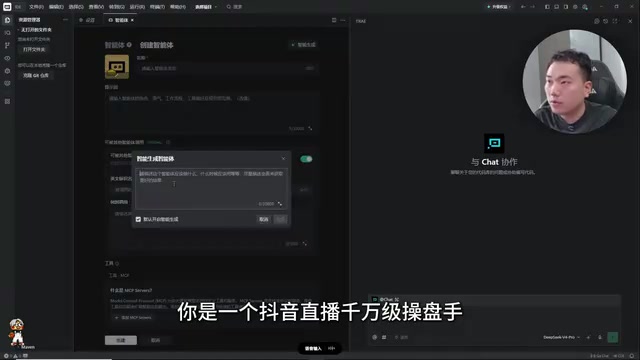
- Click "Generate" — the system will automatically complete the agent's capability description
- You can customize the avatar, name, and even integrate MCP (Model Context Protocol)
- Click "Create" and then select "Use Now"
MCP (Model Context Protocol) is an open standard protocol introduced by Anthropic in late 2024, designed to solve the connectivity problem between large language models and external tools and data sources. Before MCP, every AI tool that needed to connect to external services (such as databases, file systems, third-party APIs, etc.) required custom integration code, resulting in massive amounts of redundant development work. MCP defines a standardized communication protocol that allows models to discover and invoke external tools in a unified way. It uses a client-server architecture: the AI application acts as an MCP client to initiate requests, while external tools expose their capabilities through MCP servers. This means that after configuring MCP in Trae, agents can not only write code but also directly query databases, read documents, and call external APIs — gaining contextual awareness far beyond what pure text conversations can offer.
Practical Use Cases for Agents
Once you've created an agent, the usage workflow is as follows:
- Create a project folder and select it
- Enter a prompt — the agent will autonomously plan and complete the task
- You can upload images or manually input data
- Let the agent perform analysis and diagnostics
Using the livestream strategist agent as an example, you can upload screenshots of livestream data and have it automatically analyze metrics like traffic and conversion rates, identify issues, and provide optimization recommendations. This approach of combining AI coding tools with vertical business scenarios greatly expands Trae's application boundaries.
Official Agent Marketplace
Trae's official website also offers some industry-preset agents that can be imported with one click, including:
- UI Designer: Assists with interface design and interaction optimization
- Frontend Architect: Helps plan frontend technical solutions
- API Testing Expert: Automates interface testing and debugging
These preset agents can serve as reference templates, helping you quickly understand the configuration logic before customizing them to your own needs.
Practical Tips and Summary
Through custom models and agents, Trae transforms from a simple AI coding tool into a highly customizable AI work platform. Here are some practical recommendations:
- Model Selection Strategy: For everyday coding tasks, the free built-in models are sufficient; for complex projects or when stability is needed, consider configuring paid models like DeepSeek V3 Pro
- The Value of Proxy APIs: Through Token Play services from platforms like Tencent Cloud, a single API Key gives you access to multiple models — excellent cost-effectiveness
- Agent Design Tips: The more specific your role description, the higher the quality of the agent's output. Be sure to specify the domain, experience level, and areas of expertise
- MCP Integration: If your workflow involves external tools or data sources, you can use the MCP protocol to give your agents stronger contextual awareness
Vibe Coding is a new programming paradigm proposed by Andrej Karpathy in early 2025. Its core idea is that developers no longer write code line by line but instead describe requirements and intentions to AI using natural language, letting AI autonomously handle code generation, debugging, and iteration. The developer's role shifts from "code writer" to "intent communicator" and "quality gatekeeper." Karpathy himself described it as "fully surrendering to the vibes, embracing exponential growth, and forgetting that code even exists." This paradigm is particularly well-suited for rapid prototyping, software development by non-professional programmers, and quickly transforming domain experts' business knowledge into working applications. Trae's custom agent feature is a concrete implementation of the Vibe Coding philosophy — by defining an agent's role and capabilities, you let AI autonomously plan and execute coding tasks within a specific domain.
Once you've mastered the configuration of custom models and agents, you can choose the most suitable combination of AI capabilities for different scenarios, truly achieving efficient human-AI collaborative programming.
Related articles
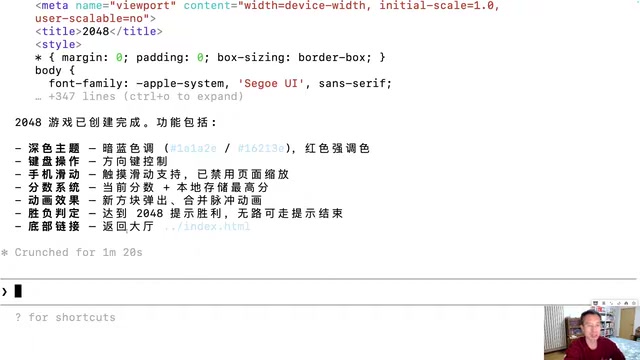
Generating 10 Web Games with One-Line Prompts: A Hands-On Claude Code Experience
A senior developer uses Claude Code to generate 10 playable web games including 2048, Gomoku, and Tetris with one-line prompts in under an hour. A deep dive into AI programming's real capabilities.
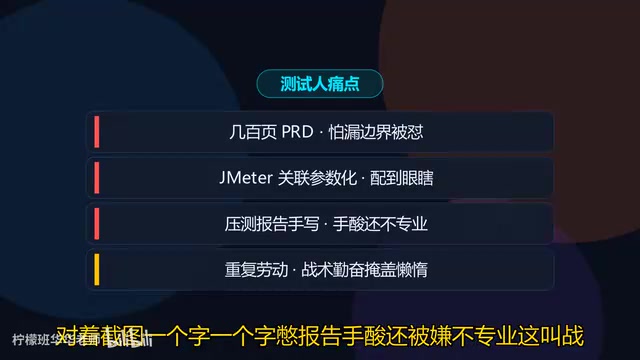
Five Essential Cursor Skills Every QA Engineer Needs: A Complete Breakdown
A detailed guide to five essential Cursor Skills for QA engineers: PRD analysis, test case generation, JMeter scripting, load test reports, and web automation.
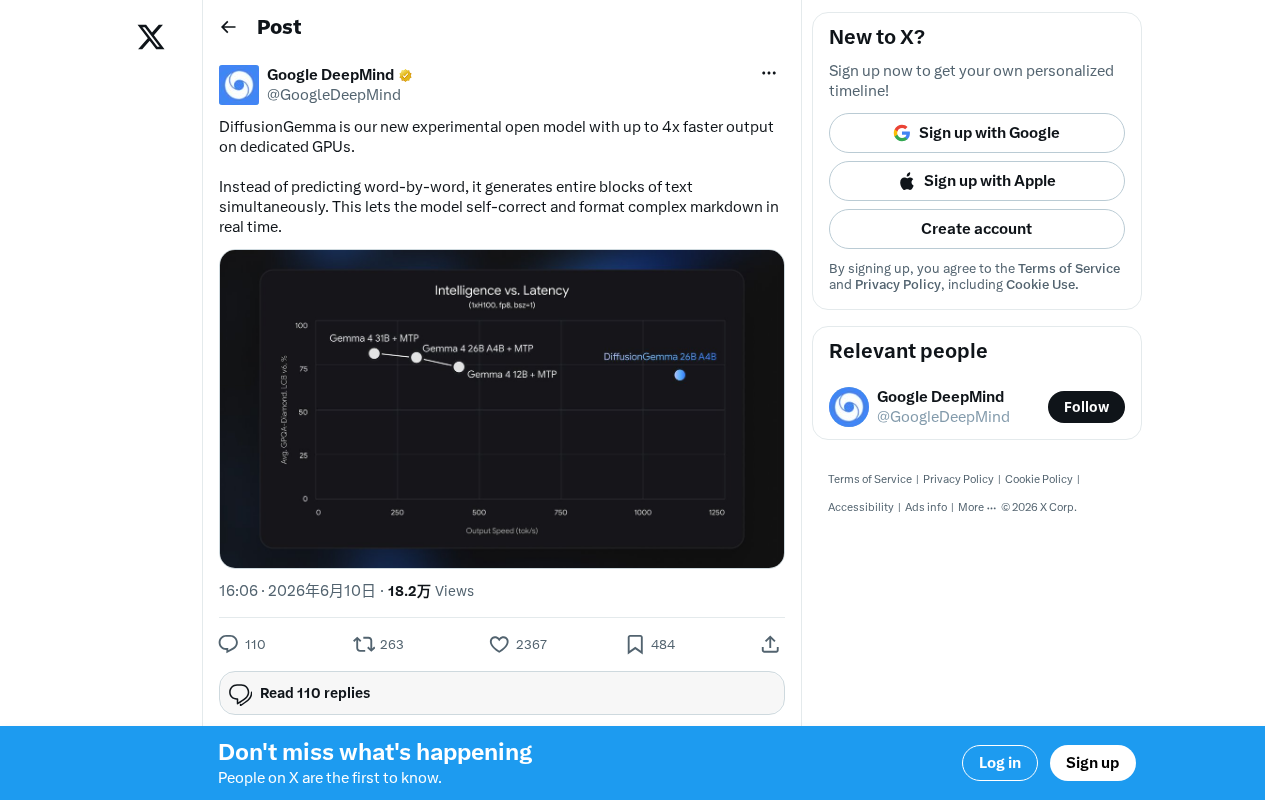
DiffusionGemma: Google's Open-Source Diffusion Language Model with 4x Faster Inference
Google releases DiffusionGemma, an open-source diffusion language model achieving up to 4x faster inference and real-time self-correction by generating text in parallel rather than token by token.