Complete Guide to Downloading, Installing, and Configuring Trae AI Coding Tool
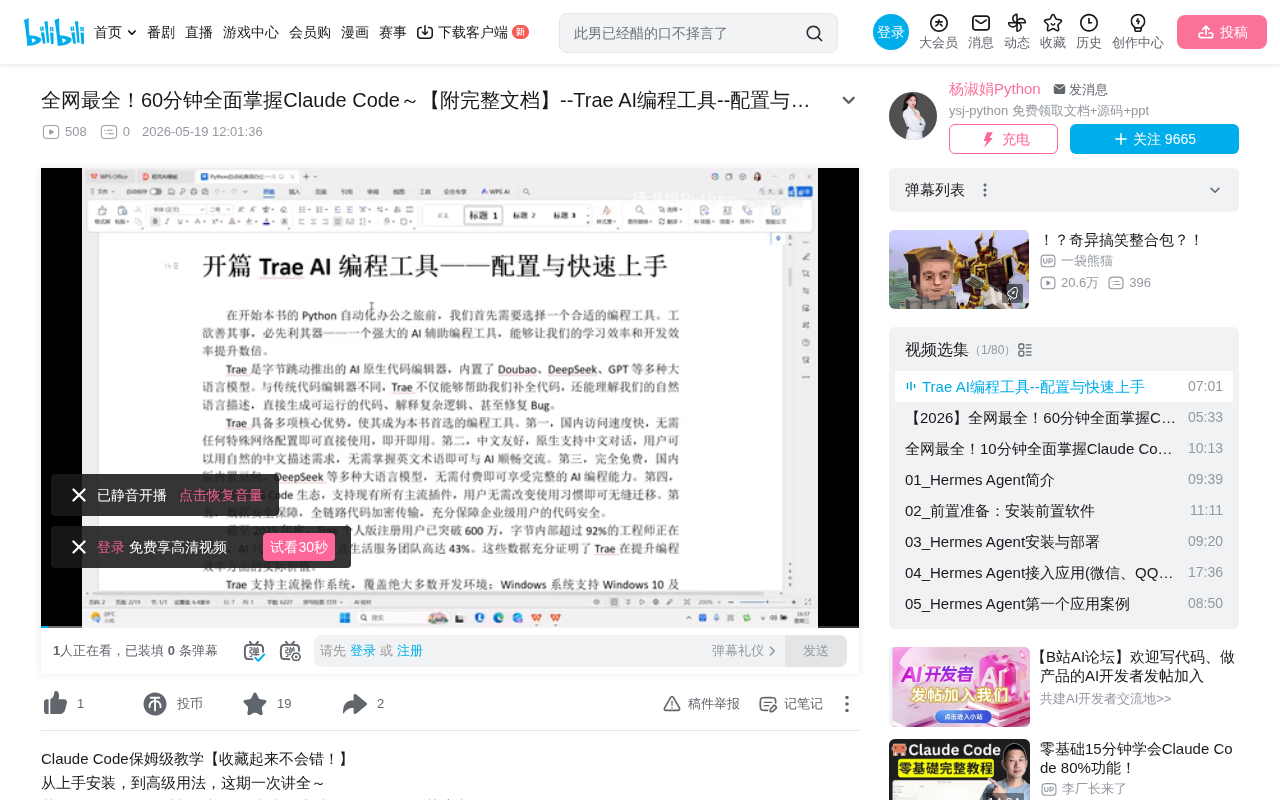
Trae is ByteDance's free AI-native code editor supporting Chinese conversation and multi-model coding assistance.
Trae is an AI-native code editor from ByteDance with built-in LLMs including Doubao, DeepSeek, and GPT, supporting natural language code generation, bug fixing, and more. Its core advantages include barrier-free access in China, native Chinese support, completely free usage, and VS Code ecosystem compatibility. With over 6 million registered users by end of 2025 and 92% adoption among ByteDance engineers, it's ideal for programming beginners and developers in China.
What is Trae AI Coding Tool
Trae is an AI-native code editor developed by ByteDance, with built-in large language models including Doubao, DeepSeek, GPT, and more. Unlike traditional code editors, Trae not only helps developers with code completion but also understands natural language descriptions to directly generate runnable code, explain complex logic, and even automatically fix bugs.
The term "AI-native" means that Trae deeply integrates artificial intelligence capabilities as a core feature from the ground up in its architecture design, rather than adding AI functionality as plugins like traditional editors. This type of editor has built-in LLM (Large Language Model) calling interfaces, enabling deep integration capabilities such as code generation, semantic understanding, and context-aware completion. Unlike traditional code completion tools (such as IntelliSense) that provide suggestions based on syntax rules and symbol tables, AI-native editors use deep learning models to understand code at the semantic level, comprehending developer intent across files and projects.
The built-in large language models in Trae—Doubao, DeepSeek, GPT, etc.—are essentially neural networks trained on the Transformer architecture. They are pre-trained on massive code corpora (including GitHub open-source code, technical documentation, Stack Overflow Q&A, etc.), learning programming language syntax rules, design patterns, and best practices. When users input natural language descriptions, the models understand semantics through attention mechanisms and generate corresponding code token by token based on probability distributions. The advantage of multi-model integration lies in different models excelling in different areas—for example, DeepSeek performs exceptionally well in reasoning and mathematical computation, while GPT is more comprehensive in natural language understanding and multilingual support, allowing users to choose the most suitable model based on task characteristics.
As of the end of 2025, Trae's personal edition has surpassed 6 million registered users, and over 92% of engineers within ByteDance are using the tool. In Douyin's (TikTok China) lifestyle services team, the AI code contribution rate reaches as high as 43%. AI code contribution rate refers to the proportion of code generated or assisted by AI tools relative to the total code committed during software development. 43% means nearly half of the code output involves AI participation, which is a relatively high level in the industry—for comparison, GitHub's 2024 report indicated that Copilot users had approximately 30% of their code generated by AI on average. A high AI contribution rate doesn't imply decreased code quality; rather, it indicates that developers delegate repetitive, template-based coding work to AI while focusing on higher-value tasks such as architecture design, business logic, and code review. These figures fully demonstrate Trae's practical value in improving programming efficiency.
Core Advantages of Trae
Barrier-Free Access in China
One of Trae's biggest advantages is fast access within China, requiring no special network configuration to use directly. For domestic developers, this solves the common issues of network latency and unstable connections when using foreign AI coding tools like GitHub Copilot. Trae's servers are deployed within China, and model inference requests don't need to travel through international network links, with response latency typically at the millisecond level—crucial for development scenarios requiring real-time code completion.
Native Chinese Language Support
Trae natively supports Chinese conversation, allowing users to describe programming requirements in natural Chinese without needing to master English. This is especially friendly for Chinese-speaking developers, significantly lowering the barrier to using AI coding tools.
Completely Free to Use
The domestic version comes with built-in models including Doubao, DeepSeek, and others, offering full AI coding capabilities without any payment required. Compared to subscription-based Cursor or GitHub Copilot, Trae provides a zero-cost alternative for individual developers and learners.
For reference, GitHub Copilot is an AI coding assistant jointly developed by GitHub and OpenAI, commercially launched in 2022, with individual subscriptions priced at $10 per month. Cursor is an independent AI code editor also based on the VS Code architecture, offering a deeper AI integration experience at $20 per month for the Pro version. While both tools are powerful, they present two main obstacles for users in China: first, they require a stable international network connection, and second, they require an international credit card for payment. Trae effectively fills this market gap through its free pricing strategy and domestic server deployment.
Perfect Compatibility with VS Code Ecosystem
Trae supports all existing mainstream VS Code plugins, allowing developers to seamlessly migrate their existing development environments and workflows. It also supports Windows, macOS, and Linux—the three major operating systems—covering virtually all development scenarios.
VS Code (Visual Studio Code) is Microsoft's open-source code editor with a massive ecosystem of over 40,000 extension plugins. Trae can be compatible with the VS Code ecosystem because it's built on the same underlying framework—Electron and Monaco Editor. Electron is a framework for building desktop applications using web technologies (HTML/CSS/JavaScript), and Monaco Editor is VS Code's core editor component. By being compatible with VS Code's Extension API, Trae can directly run plugins developed for VS Code, including Language Server Protocol (LSP) plugins, debug adapters, theme packs, and more. This means developers don't need to abandon their existing toolchains like ESLint, Prettier, GitLens, etc., and can migrate their entire development environment to Trae intact.
Trae Download and Installation Steps
Download the Installer
- Visit the Trae official website and find the green "Trae Survive" button on the right side of the interface
- Click the "View all download options" link below
- Choose the appropriate version for your operating system (Windows/macOS/Linux)
Run the Installation
- Double-click the downloaded installer
- Select "I agree to this agreement" on the license screen and click Next
- Choose the installation directory (recommended to select a location with ample disk space)
- Follow the installation wizard by clicking Next through each step, then click Finish
First Launch and Login Configuration
Initial Setup
After installation, a "TreeCN" shortcut icon will appear on your desktop. Double-click to launch and follow these steps:
- Click the "Start" button
- Choose a theme style (Light/Dark)
- Keep the default preference settings
- Click "Install TreeCN Command" to add command-line support
- Select "Personal User" and register/log in with your phone number
After installing the command-line tool, developers can quickly launch the editor from the system terminal. For example, typing treecn . in a project directory will open the current folder directly in Trae, similar to VS Code's code . command. This is very important for developers who prefer terminal-based workflows, as it allows seamless integration of the editor into shell scripts, Git hooks, and CI/CD pipelines, avoiding the efficiency loss of frequently switching between the graphical interface and command line.
Interface Layout Overview
After successful login, you'll enter the editor's main interface, which is divided into three core areas:
- Far left: Activity bar (vertically arranged function icons)
- Center area: Code editing area
- Right panel: AI conversation window
Trae Basic Usage Tutorial
Install Python Extension
Before use, you need to configure the development environment:
- Find the extension icon (four squares) in the left activity bar
- Search for "Python" and install it
- Restart the extension after installation
- Press
Ctrl + Shift + Pto open the command palette - Type
Python: Select Interpreterto choose the Python version on your system
Python interpreter selection is a critical step in Python development because a single computer may have multiple Python versions installed (such as the system's built-in Python 2.7, manually installed Python 3.11, Python in an Anaconda environment, etc.). Different projects may depend on different Python versions and virtual environments (virtualenv/conda). By selecting the correct interpreter through the command palette, the editor can provide accurate syntax checking, type hints, and package import resolution, avoiding runtime errors caused by version mismatches.
Collaborating with AI to Write Code
Once configured, you can start AI-assisted programming:
- Right-click in the file explorer to create a new
.pyfile - Describe your requirements in natural language in the right-side AI conversation window, for example: "Write a Python function that takes a name as a parameter and prints 'Hello, welcome to learning'"
- Click send and wait for the AI to generate code
- The generated code can be directly applied to the editing area
During this process, the large language model parses the user's natural language input, identifies key information (function type, parameters, return values, functional description), and then combines it with Python programming knowledge learned during training to generate code that is syntactically correct and logically sound. Users can also ask follow-up questions to have the AI modify, optimize, or add comments to the code, enabling an iterative development experience.
Using the Terminal to Install Dependencies
You can open a terminal at the bottom of the editor (create new terminal) and install third-party libraries using the pip install command—the entire development workflow never requires leaving the editor. pip is Python's standard package management tool, and the pip install command downloads and installs third-party libraries from PyPI (Python Package Index). PyPI currently hosts over 500,000 Python packages, covering needs in virtually all development domains including data science, web development, and machine learning.
Summary and Usage Recommendations
As a free domestic AI coding tool, Trae excels in usability and localization. The following groups are especially well-suited to use it:
- Programming beginners: Chinese interaction lowers the learning barrier, and AI assistance helps understand code logic
- Developers in China: No VPN needed, with stable and smooth access
- Individual developers on a budget: Completely free with no compromise on core features
Note that during peak hours, you may encounter queuing, and AI response times may not always be ideal. This is because LLM inference requires substantial GPU computing power, and when concurrent users surge, servers need to queue and schedule requests. It's recommended to use Trae as a supplementary tool in actual projects, combining it with your own programming skills rather than relying entirely on AI-generated code. While AI-generated code has a relatively high syntax accuracy rate, it still requires manual review and adjustment by developers in areas of complex business logic, security considerations, and performance optimization.
Key Takeaways
- Trae is a free AI-native code editor from ByteDance with built-in models including Doubao, DeepSeek, and GPT
- As of the end of 2025, it has surpassed 6 million registered users, with 92% of ByteDance engineers using it
- Perfectly compatible with the VS Code ecosystem, supporting Windows/macOS/Linux
- Native Chinese conversation support with no special network configuration needed for access in China
- Generate code through natural language descriptions, ideal for programming beginners to get started quickly
Related articles
 Tutorials
Cursor + Codex Dual-IDE Collaboration: A Practical Methodology for Open-Source Project Customization
A complete methodology for open-source project customization based on real-world experience, detailing the Cursor+Codex dual-IDE workflow, seven-stage process, MVP validation, and AI source code reading techniques.
 Tutorials
Cursor Multi-Agent in Practice: Building a Full-Stack Next.js Blog in 50 Minutes
Build a full-stack blog in 50 minutes using Cursor IDE's multi-Agent mode with Next.js, Clerk auth, and Supabase. Learn the 4-phase AI Agent workflow and key integration pitfalls.
 Tutorials
Building an AI Software Factory from Scratch: A Cursor Engineer's Hands-On Experience with Multi-Agent Collaboration
Cursor engineer Eric shares practical insights on building an AI software factory: automation levels, guardrail design, parallel Agent management, and scaling to 1000+ Agents for 24/7 development.