Coze Agent in Practice: Building an AI Test Case Generation Workflow from Scratch
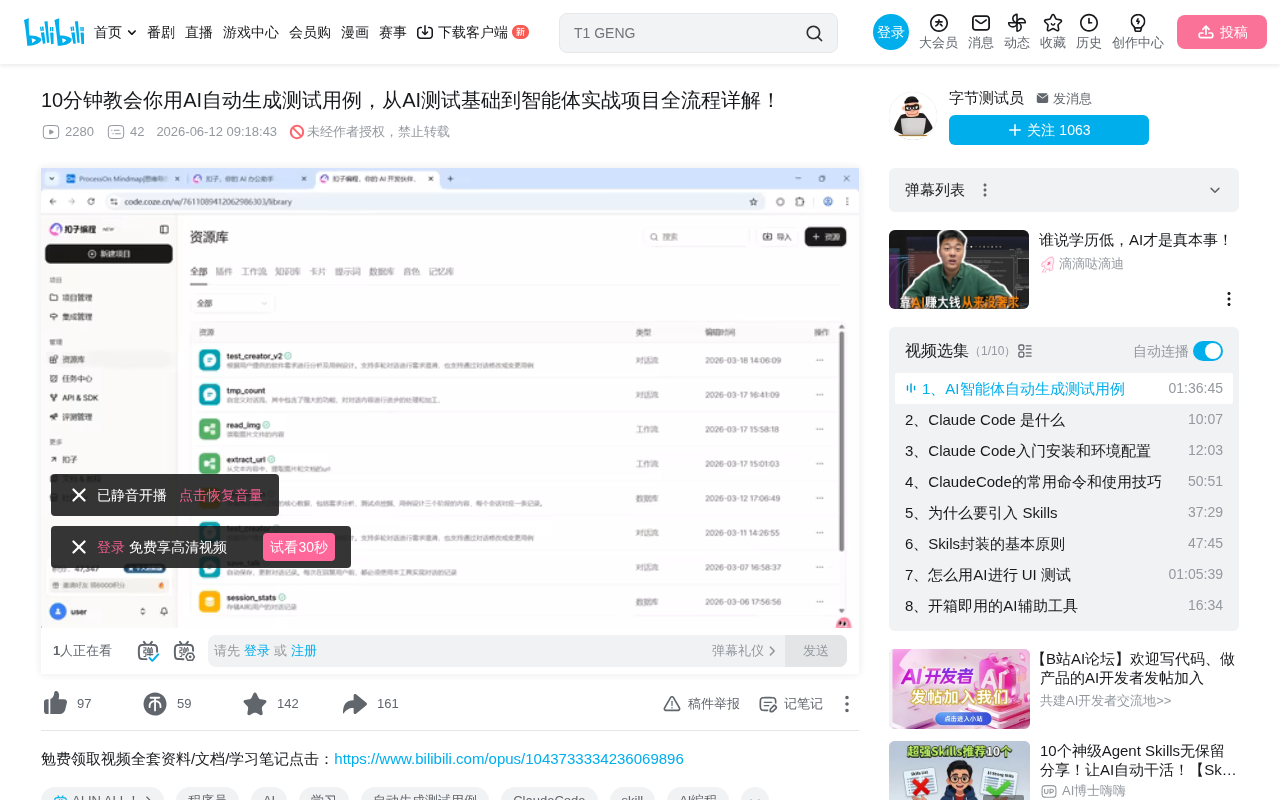
A practical guide to building an AI test case generation agent using the Coze platform.
This article walks through building a test case auto-generation agent on the Coze platform, covering the key differences between agents and traditional LLMs, three agent creation modes, workflow orchestration for end-to-end test case generation, prompt engineering best practices, model selection strategies, output approach comparisons, and real-world pitfalls with solutions.
Introduction: Why Test Engineers Should Pay Attention to Agents
AI large language model applications have evolved from simple text-based Q&A to the Agent stage. For software test engineers, this represents a significant shift: AI is no longer just a chatbot that answers your questions — it can now serve as an intelligent assistant that autonomously completes the entire pipeline of "requirement analysis → test point discovery → test case design → code generation → result reporting."
This article is based on a hands-on demonstration by a testing instructor on Bilibili. It systematically walks through how to build a test case auto-generation agent using the Coze platform, and provides an in-depth analysis of the fundamental differences between agents and traditional AI conversations, core techniques for workflow orchestration, and lessons learned from real-world implementation.
Two Key Differences Between Agents and Large Language Models
Difference 1: Ability to Call External Tools and Interact with the Real World
When using the web interface of models like DeepSeek, Qwen, or ChatGPT directly, you type text and get text back — that's it. They can't query real-time weather, read your files, or operate external systems.
The core breakthrough of agents is that they can call external tools to interact with the real world. On the Coze platform, these tools exist as "plugins," including web search, weather queries, file reading, image understanding, Feishu spreadsheet operations, and more. For example, when you ask an agent "What's the weather like in Beijing on March 18th?", it automatically calls a weather query plugin to fetch real data instead of guessing based on training data.
Difference 2: Ability to Autonomously Drive Tasks Forward
When using DeepSeek, every conversation round is "turn-based" — you ask a question, it answers, then stops and waits for your next instruction. If you don't keep pushing, the process stays stuck forever.
Agents are different. They can automatically make decisions based on the output of the previous step and proceed to the next one until the entire task is complete. This is achieved through "workflows": you pre-orchestrate a task chain, and the agent executes each step automatically like an assembly line.
Three Agent Creation Modes on the Coze Platform
Coze offers three agent creation modes suited for different scenarios:
Autonomous Planning Mode (Single Agent)
This mode is closest to traditional AI conversation. You provide the LLM with a set of plugins and workflows, and the AI autonomously decides when to use which tool. The advantage is flexibility; the downside is non-deterministic results — since LLMs are probabilistic models at their core, decisions may vary each time.
Best for: Beginners in the exploration and experimentation phase.
Dialog Flow Mode
Unlike autonomous planning, dialog flow mode requires you to strictly orchestrate the execution process. The agent follows the preset path step by step without going off on tangents. This sacrifices some autonomy but delivers deterministic and controllable results.
Best for: Enterprise-grade applications where feasibility has been validated and stable output is required.
Multi-Agent Collaboration Mode
When a single agent can't handle complex tasks, you can have multiple agents collaborate — one for execution, one for supervision, and one for quality checks. This is an advanced approach suited for complex scenarios down the road.
Recommendation: Choose autonomous planning mode when starting out; dialog flow mode when you have a clear process and goals; multi-agent mode when you need multi-role collaboration.
Workflow Orchestration: The Core of Test Case Generation
Basic Structure and Easily Overlooked Details
Every workflow has a start node and an end node. The simplest form is an "echo wall" — whatever goes in comes out unchanged. In practice, however, we need to insert AI LLM nodes in between for intelligent processing.
A key detail that's often overlooked: the end node receiving data does not mean it uses the data. You must explicitly reference variables in the output configuration; otherwise, even if the data has been passed through, it won't appear in the final output. Additionally, it's recommended to enable "streaming output" so results appear progressively rather than all at once after full generation.
Hands-On Case: A Complete Test Case Generation Workflow
A complete test case generation workflow includes the following steps:
- Intent Recognition — Determine whether the user input is a new requirement, a requirement supplement, a test case modification, or casual chat
- Requirement Analysis — Use AI to extract key business requirement information, requiring JSON format output to ensure structured data
- Risk Assessment — Check whether the requirements contain contradictions, gaps, or incompleteness
- Human Intervention Node — Allow users to choose to ignore risks and proceed (in reality, requirements are often incomplete)
- Test Point Discovery — Deep-dive into test scenarios based on the requirement analysis results
- Test Case Design — Generate structured test cases
- File Generation — Export results to PDF, Excel, or write to Feishu spreadsheets via plugins
The Decisive Impact of Prompt Engineering on Output Quality
System prompts directly determine AI output quality. For example:
- Setting "responses must not exceed 10 characters" makes the AI strictly follow the character limit
- Requiring "label each test case with priority, importance level, and estimated effort" ensures the output includes these fields
- Specifying "output in JSON format" prevents the AI from replying in a conversational tone or with inconsistent formatting
In the requirement analysis node, prompts should clearly define the role (e.g., "You are a requirement analysis engineer") and output specifications; in the test case design node, they should include the team's specific requirements.
Model Selection Strategy and Comparison of Three Output Approaches
How to Choose the Right LLM
The Coze platform offers multiple LLMs. When choosing, pay attention to several tags:
- Image Understanding / Video Understanding: If you need to analyze prototypes, you must choose a model that supports multimodality (DeepSeek does not support image understanding)
- Deep Thinking: Stronger reasoning ability but slower speed, suitable for critical steps
- Context Caching: More efficient when repeatedly asking about the same topic
- Pro vs Mini/Lite: Models with more parameters are more capable but slower; lightweight models are faster but less capable
Practical principle: Use standard models for auxiliary steps like risk assessment; use high-quality models for core steps like test point discovery and test case design.
Comparative Analysis of Three Output Strategies
| Strategy | Approach | Speed | Quality | Cost |
|---|---|---|---|---|
| Direct Output | One model generates the final result in a single pass | Fastest | Average | Lowest |
| Step-by-Step Output | One model generates results progressively in steps | Moderate | Good | Moderate |
| Distributed Output | Multiple models each handle one step | Slowest | Best | Highest |
Distributed output achieves the highest quality for two reasons: each model has a single, focused responsibility, and each step can utilize the full context window. This is similar to DeepSeek's deep thinking principle — rather than rushing to a final answer, it reasons step by step.
Recommendation: Use direct output for quick iteration during business validation; use distributed output when quality matters and compute resources aren't a constraint; use step-by-step output for a balanced daily approach.
Limitations of Cloud-Based Agents and Local Alternatives
As a cloud-based agent platform, Coze has one obvious shortcoming: it cannot directly access your local file system or intranet environment. This means it can't read local requirement documents, can't generate and execute automated test code locally, and can't access test environments restricted to the intranet.
For scenarios requiring deeper integration, consider the following local alternatives:
- Develop local agents using frameworks like LangChain
- Use tools like OpenClaw that deploy agents on your local machine
Local solutions can directly read requirement documents on your computer, generate and execute automation code locally, and access intranet test environments — capabilities that cloud-based solutions simply cannot replace.
Lessons Learned from Real-World Pitfalls
During the demonstration, the workflow timed out and failed because a single model ran for over 3 minutes. This is a typical real-world issue, and there are two approaches to solve it:
- Optimize prompts to reduce the AI's reasoning depth and shorten single-node execution time
- Use asynchronous task nodes instead of synchronous nodes to avoid timeout limits
Additionally, the workflow's description text is crucial for autonomous planning mode — it's the sole basis for the AI to decide whether to invoke that workflow. In dialog flow mode, descriptions can be brief, but for standard workflows, you must provide detailed explanations of purpose and trigger conditions.
Conclusion
Agents represent a qualitative leap in AI applications — from "Q&A tools" to "task executors." For test engineers, mastering the ability to build agents not only boosts current productivity but is also an essential skill for entering the AI testing domain. Starting with low-code platforms like Coze to understand core concepts, then gradually transitioning to local development, is a pragmatic learning path.
Related articles
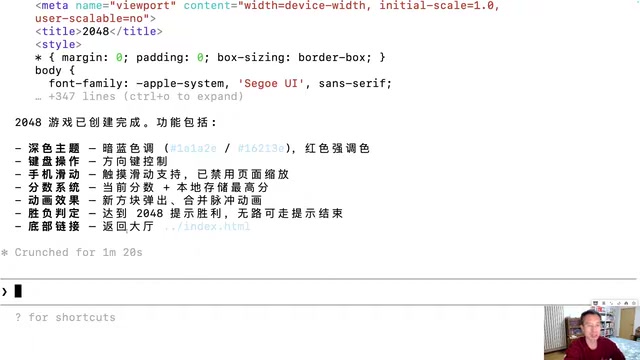
Generating 10 Web Games with One-Line Prompts: A Hands-On Claude Code Experience
A senior developer uses Claude Code to generate 10 playable web games including 2048, Gomoku, and Tetris with one-line prompts in under an hour. A deep dive into AI programming's real capabilities.
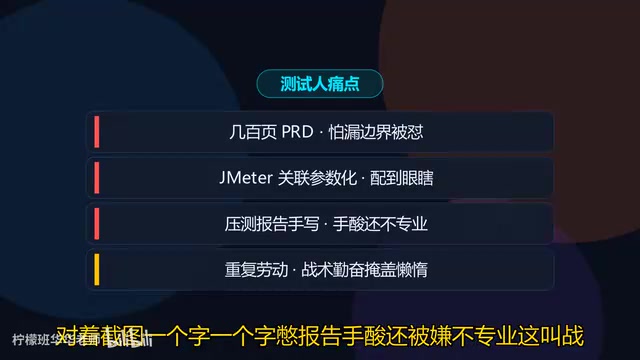
Five Essential Cursor Skills Every QA Engineer Needs: A Complete Breakdown
A detailed guide to five essential Cursor Skills for QA engineers: PRD analysis, test case generation, JMeter scripting, load test reports, and web automation.
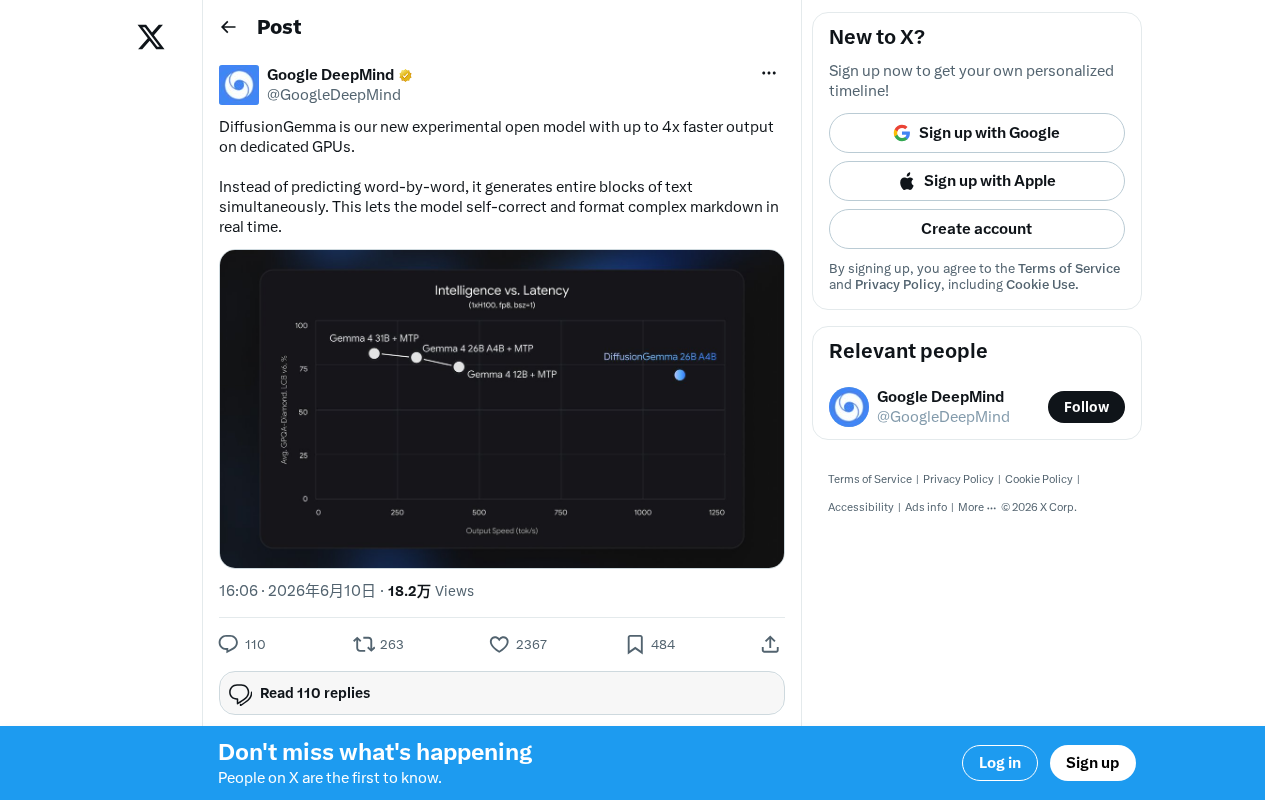
DiffusionGemma: Google's Open-Source Diffusion Language Model with 4x Faster Inference
Google releases DiffusionGemma, an open-source diffusion language model achieving up to 4x faster inference and real-time self-correction by generating text in parallel rather than token by token.