Coze Tutorial: A Detailed Guide to ByteDance's Multi-Agent Collaboration Platform
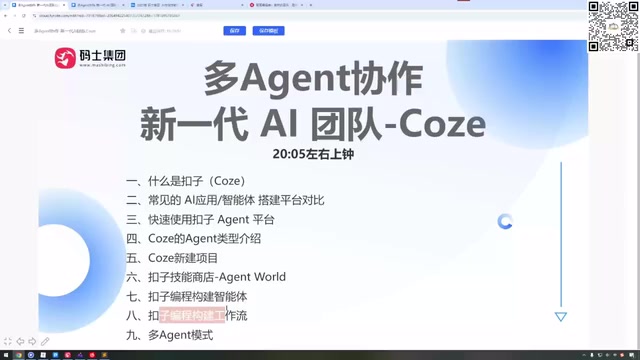
A comprehensive guide to ByteDance's Coze multi-agent collaboration platform for beginners and developers alike.
This guide covers ByteDance's Coze platform in depth, explaining its multi-agent collaboration capabilities, credit system, supported models, local programming tool integration (Claude Code, Cursor, Windsurf), project management features, and workflow building. It compares Coze with Dify, offers practical tips for saving credits, and provides a step-by-step onboarding path for beginners.
What Is Coze? More Than Just a Chat Tool
Coze is an intelligent agent development platform from ByteDance, but it's far more than just an AI chat tool. Unlike conversational AI products such as Doubao or DeepSeek, Coze's core positioning is a work platform for multi-person + multi-Agent collaboration on projects.
In simple terms, you can bring multiple team members onto Coze while simultaneously orchestrating multiple AI agents to collaboratively complete an entire project. Whether you're a programmer or someone with zero coding experience, you can build functional intelligent agents through Coze's visual interface.
Let me explain the concept of "intelligent agents" here. An Agent is one of the hottest directions in AI today—it refers to an AI system capable of autonomously perceiving its environment, making decisions, and executing actions. Unlike traditional conversational AI, agents possess capabilities like tool calling, task planning, and memory management, enabling them to complete more complex multi-step tasks. Since 2024, agent development platforms have become a critical track in AI infrastructure, with major companies racing to establish their presence. Coze is ByteDance's flagship product in this space.
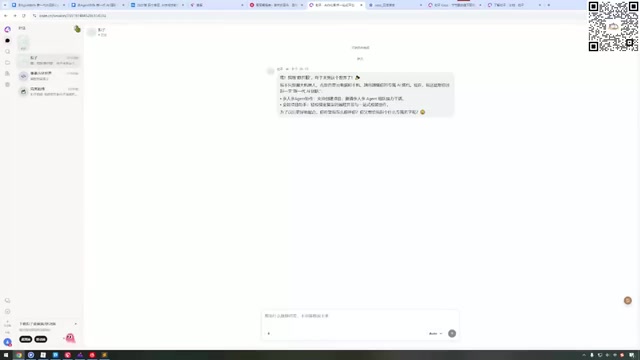
Coze's four core capabilities can be summarized as:
- Multi-person, multi-AI collaborative work: One-click team assembly with task delegation, all project materials preserved
- Freely customizable AI assistants: Built-in templates for various industries, with local programming tool integration
- Full-spectrum project capabilities: Remote AI programming, sandbox environments, one-stop deployment
- Three-platform sync: Web, desktop, and mobile data synchronization—continue your project anytime, anywhere
How Does Coze Differ from Dify? Completely Different Target Audiences
Many people compare Coze with Dify, since both are agent development platforms. However, their target audiences are distinctly different:
Dify leans more toward programmers and enterprise internal development scenarios, with a relatively higher technical barrier and wider adoption in enterprise-level applications. Specifically, Dify is an open-source LLM application development platform built on a Backend-as-a-Service (BaaS) architecture. It supports private deployment and provides core modules including a RAG (Retrieval-Augmented Generation) engine, model management, and Prompt orchestration. Developers can rapidly build production-grade AI applications through APIs. Dify's open-source nature gives it a natural advantage in enterprise scenarios with strict data security requirements, but it also means users need server operations and programming skills.
Coze, while also supporting enterprise internal development, primarily promotes its official online team collaboration tools. Its biggest advantage is that—even if you have zero technical background and have never worked with LLM applications—you can quickly build a functional intelligent agent.
This means Coze has a gentler learning curve, faster onboarding, and is more friendly to non-technical users. If you're a product manager, operations specialist, or entrepreneur, Coze is the better choice. If you're a technical team needing private deployment and deep customization of model pipelines, Dify may better suit your needs.
Coze Credits System Explained: How Free Users Can Budget Wisely
One unavoidable topic when using Coze is credit consumption. Here's how the current credit system works:
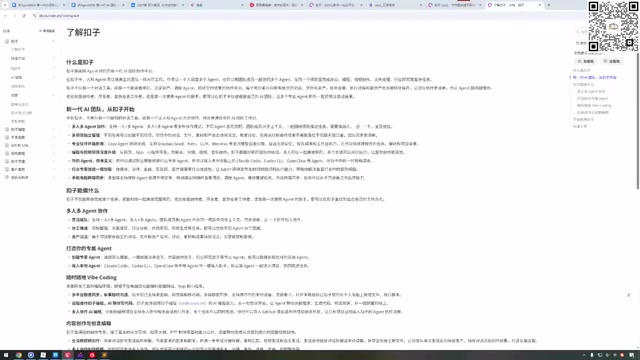
- New accounts receive 3,000 credits by default
- Daily login grants 1,500 free credits
- Different tasks consume vastly different amounts of credits
It's worth noting that Coze's credit system is fundamentally different from the Token-based billing common in the LLM space. When calling LLM APIs directly, costs are calculated by Token count—Tokens are the basic unit measuring text processing volume, where one Chinese character roughly equals 1.5-2 Tokens, and per-Token pricing varies dramatically across models. Coze's credit system is essentially an abstraction layer over underlying Token consumption, so users don't need to worry about different models' Token pricing. This lowers the barrier to understanding and usage, but also means users have less visibility into actual resource consumption and need to develop intuition about credit costs through practice.
Here's a real example worth noting: one user tried to create an AI comic series from scratch on Coze, and the system indicated it would consume over 10,000 credits—far exceeding the daily free allowance. Programming-related tasks, on the other hand, have relatively manageable credit consumption.
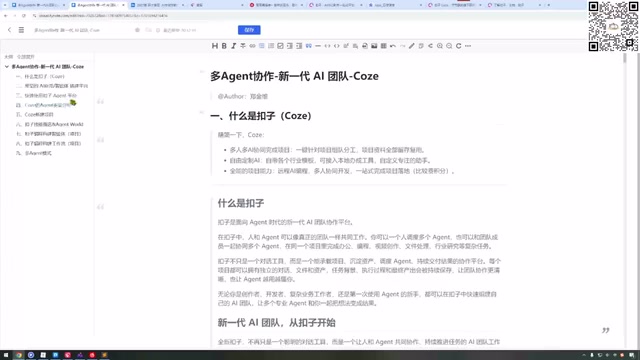
The dramatic difference in credit consumption stems from different underlying resources being called for different tasks. Image generation tasks (like comic creation) require calling diffusion models for multiple image renders, where the computational cost per image far exceeds pure text processing. Programming tasks primarily rely on text models' code generation capabilities, with relatively linear and controllable Token consumption.
Practical tips for saving credits: Don't ask Coze to complete everything at once. If a project requires six steps, use your free daily credits to complete step one on day one, step two on day two, and progress incrementally. This maximizes your daily free allowance without requiring additional payment.
What Models Does Coze Support? How to Connect Local Programming Tools
Coze comes with a rich selection of built-in AI models that cover most use cases. Using these models consumes Coze's official credits rather than Tokens.
Users can also add custom models, but this requires providing an API Key, which means additional costs. For regular users, it's recommended to start with the platform's built-in models—the daily free credits are sufficient for basic tasks.
What deserves special attention is the ability to connect local programming tools. Coze currently supports connecting to local Claude Code, and this feature is free for a limited time. Claude Code is a command-line AI programming tool from Anthropic that runs directly in the terminal, reads local project files, executes Shell commands, and edits code for end-to-end autonomous programming. The technical principle behind Coze's integration with local Claude Code involves establishing a secure communication channel between the platform and the local development environment, combining cloud-based task orchestration with local code execution capabilities—forming a "cloud brain + local hands" collaboration model. For programmers, this means you can have the Coze platform directly interface with your computer's development environment for remote AI programming—you operate on Coze, and it executes code development in your local environment.
Additionally, Coze supports connecting to Cursor, Cursor X, Windsurf, and other mainstream AI programming tools, further expanding its utility in development scenarios. Cursor is currently one of the most popular AI code editors, deeply customized based on VS Code with built-in AI capabilities for code completion, conversational programming, and codebase understanding. Windsurf (formerly a Codeium product) emphasizes an "AI Flow" programming experience with smoother collaboration rhythms between AI and developers. These tools represent the evolution of AI-assisted programming from "code completion" to "autonomous programming," and Coze's unified support means users can flexibly orchestrate multiple programming tools on a single platform, choosing the best solution based on task characteristics.
Coze Project Management: Independent Chat Windows Enable Multi-Task Parallelism
Coze's project management logic is very clear—each project has an independent chat window where all conversation history and generated results are automatically saved.
You can switch between different projects at any time, for example:
- One project has AI creating comics for you
- Another project uses local Claude Code to write code
- Yet another project builds a sensitive word filtering bot
Each project's context is completely independent and non-interfering. This design makes multi-task parallel processing highly efficient. From a technical perspective, this project isolation mechanism ensures that each agent's conversation Context doesn't contaminate others—LLM output quality is highly dependent on context accuracy, and if multiple unrelated tasks share the same chat window, the model easily becomes confused and hallucinates. The independent window design fundamentally prevents this problem.
Agent Types and Workflow Building Guide
Coze offers multiple Agent types for users to choose from. While most advanced types currently require VIP access, the platform provides limited-time free options for trial.
When creating a project, you can select different agent combinations. When you assign Coze a task, it will:
- Automatically decompose the task: Break complex tasks into multiple sub-steps
- Execute sequentially: Complete steps in logical order
- Self-check and correct: Automatically inspect and retry when issues arise
- Iterate and optimize: Repeatedly adjust based on results until satisfactory
This automated task orchestration capability is essentially the core value of intelligent agents—you only need to describe the goal, and AI plans and executes the path. The key technologies behind this include Task Decomposition, Chain-of-Thought reasoning, and Function Calling. The model first breaks down the user's high-level goal into executable atomic tasks, then sequentially calls corresponding tools or sub-models to complete each step, finally aggregating results for output.
Workflows are another form of intelligent agents, just with a different interaction method. Through visual workflow building, you can more precisely control AI execution logic—ideal for standardized, reusable business scenarios. Workflow design philosophy originates from traditional BPM (Business Process Management), typically including LLM call nodes, conditional judgment nodes, code execution nodes, API call nodes, and more. Compared to purely conversational agents, workflows offer controllable execution paths, predictable results, and easier debugging and reuse. For standardized tasks that need repeated execution—such as automatically scraping industry news daily and generating summaries, or periodically detecting website content changes—workflows are a more reliable choice than conversational agents.
Beginner Tips and Summary
As ByteDance's intelligent agent collaboration platform, Coze's greatest value lies in lowering the barrier to AI application development. It enables non-technical users to build fully functional agents while providing developers with advanced capabilities like local tool integration and multi-Agent collaboration.
For users looking to get started with Coze, here's a recommended progression:
- Read Coze's official documentation first to build overall understanding
- Use daily free credits for small practice projects
- Try connecting local Claude Code (free for a limited time)
- Gradually explore workflows and multi-agent collaboration patterns
Note that credit consumption is currently the biggest limiting factor. It's recommended not to rush into VIP subscription before familiarizing yourself with the platform—first make the most of your free allowance. In today's rapidly iterating AI tool landscape, the most rational strategy is to thoroughly validate whether a platform matches your needs using free resources before deciding whether to invest in paid plans.
Key Takeaways
Related articles
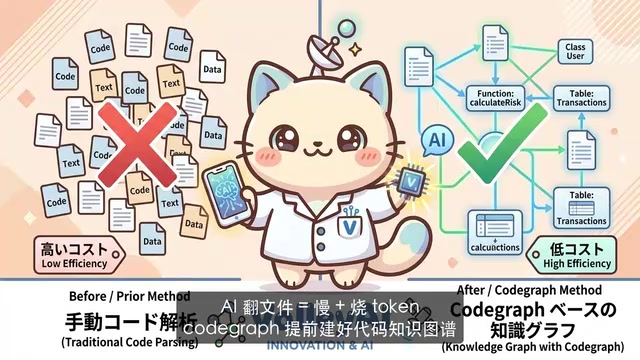
CodeGraph: The 50K-Star Open-Source Tool That Cuts AI Coding Token Usage in Half
CodeGraph is a 50K-star open-source tool that builds a code knowledge graph so AI coding assistants can locate code instantly—cutting Token usage by 47%, boosting speed by 22%, all running 100% locally.
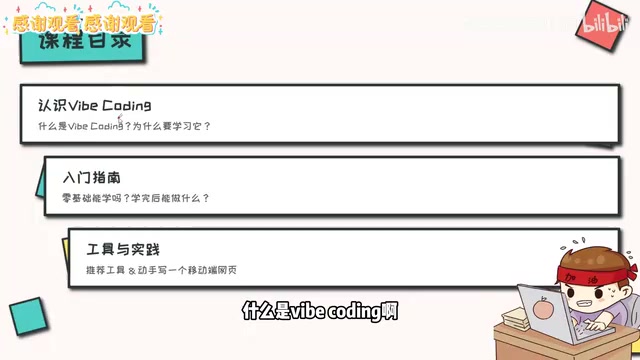
VibeCoding Beginner's Guide: A Complete Guide to Building Software with Natural Language from Scratch
VibeCoding lets anyone build software through natural language conversations with AI. Learn the core concepts, learning path, and practical methods to get started.
Using UU Accelerator to Speed Up Cursor: A Compliant Solution for Stable AI Coding in China
Learn how to use NetEase UU Accelerator to speed up Cursor AI coding tool in China, with step-by-step setup including node selection and launch configuration.