CTWA Ad Lead Capture & Conversion: A Complete Operational Guide

How to efficiently capture and convert CTWA ad traffic using chatbots, flow design, and data tracking
This article details the complete workflow for Click-to-WhatsApp ad traffic capture and conversion. It covers configuring chatbot auto-reception (supporting bot-first, off-hours, and no-agent-online modes), using pre-filled messages to trigger differentiated conversation flows, leveraging button-based interactions and human handoff to boost conversions, and utilizing unified Inbox management and data dashboards for lead tracing and ad performance evaluation—building a complete closed loop from ad exposure to customer conversion.
Introduction
After users enter a WhatsApp conversation through Click-to-WhatsApp (CTWA) ads, how to efficiently capture this traffic and drive conversions is a critical component of cross-border marketing.
Click-to-WhatsApp ads are an ad format launched by Meta (Facebook/Instagram) where users click on an ad and are directly redirected to a WhatsApp chat window to start an instant conversation with the business. This ad format breaks the traditional landing page conversion path, shortening the user journey from "browse-fill form-wait for reply" to "click-chat-instant interaction." According to Meta's official data, CTWA ads typically achieve higher conversion rates than traditional form-based ads, as the low barrier and high interactivity of instant messaging significantly reduce user drop-off. For cross-border e-commerce and brands going global, WhatsApp has over 2 billion monthly active users worldwide, covering core overseas markets including India, Brazil, Southeast Asia, and the Middle East, making it a key channel for reaching international consumers.
This article is based on a hands-on tutorial from the YCloud platform, providing a detailed breakdown of the complete workflow from automated reception configuration and conversation flow design to data analysis, helping operators build a controllable, trackable CTWA conversion system.
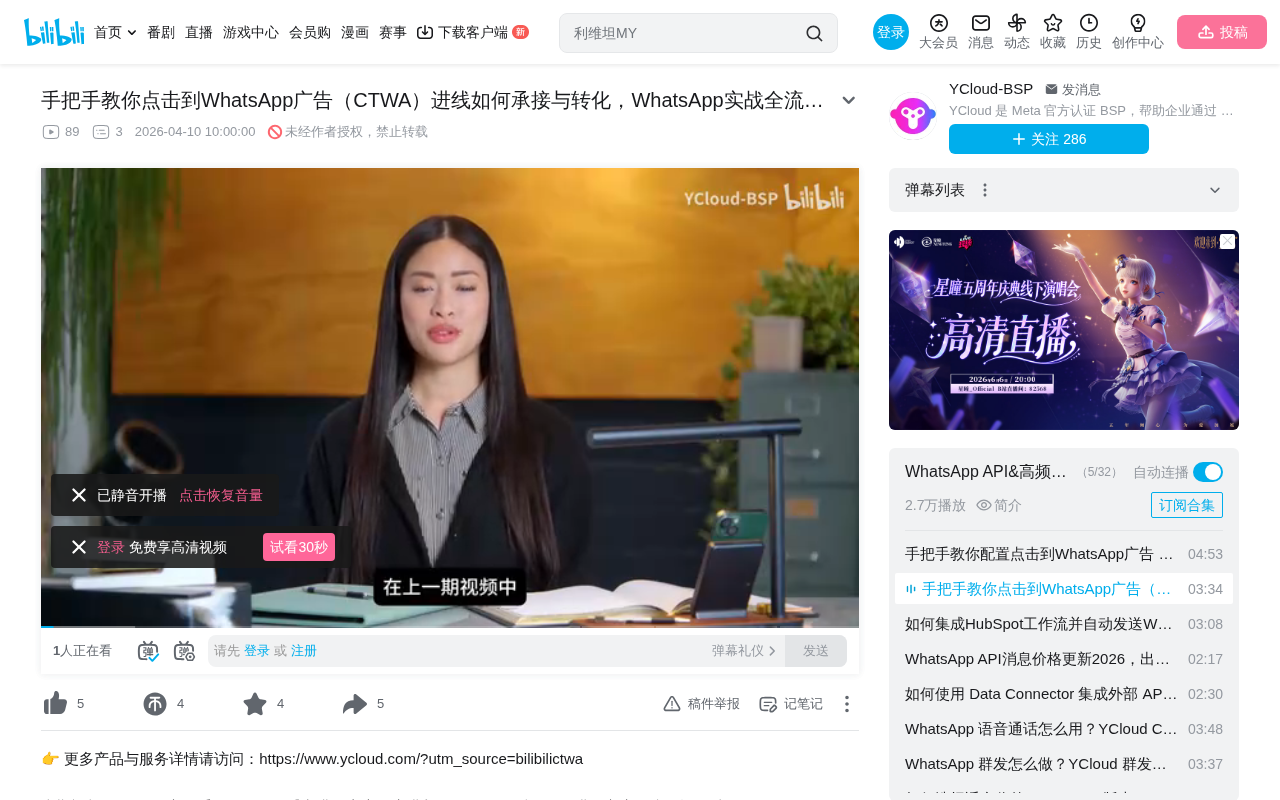
Lead Reception Strategy After User Entry
Why You Need a Chatbot
When users click through a CTWA ad into WhatsApp, the first question is: who handles the reception? In practice, teams can rarely guarantee 24/7 availability, especially when dealing with overseas customers across different time zones. Therefore, using a chatbot to initially capture traffic is the most pragmatic approach.
Bots not only respond to users instantly—preventing drop-off due to long wait times—but can also complete preliminary need classification and information collection through preset flows, providing foundational data for subsequent human follow-up. It's worth noting that the WhatsApp Business API uses a unique conversation-based billing model—when a user proactively sends a message to a business, it opens a 24-hour "Customer Service Window," during which the business can send unlimited messages for free. After the window closes, if the business wants to proactively contact the user, they must use pre-approved Template Messages and pay a fee. What makes CTWA ads special is that conversations initiated through ads qualify as "Free Entry Point Conversations"—Meta does not charge conversation fees for these. This makes CTWA a cost-effective way to acquire WhatsApp customers. Therefore, quickly completing key information collection and conversion guidance through bots within the 24-hour window is crucial for controlling communication costs.
Three Common Reception Modes
Depending on the business scenario, YCloud offers three flexible reception approaches:
- Bot-first for all traffic: All new visitors are first handled by the bot, then transferred to human agents as needed. Suitable for teams with high traffic volume and limited human resources.
- Bot during off-hours only: The bot is only activated during non-business hours, while human agents respond directly during working hours. Suitable for teams with fixed customer service schedules.
- Auto-takeover when no agents are online: The bot automatically handles reception when no human agents are available. This is a more flexible fallback solution.
Operators can choose the most suitable mode based on team size, customer timezone distribution, and business complexity.
Bot Flow Configuration in Practice
Creating a Rule-Based Bot
Log into the YCloud dashboard, navigate to the Chatbot AI Agent page, and select to create a Rule-based Bot.
In the chatbot field, there are two main technical approaches: Rule-based Bots and AI Agents. Rule-based bots operate on preset decision trees and keyword matching, with each conversation step having a clear path and output. Their advantage lies in deterministic responses without "hallucination" answers, making them suitable for standardized process scenarios. AI Agents are based on Large Language Models (LLM), capable of understanding natural language and handling open-ended questions, but carry the risk of uncontrollable responses. In CTWA scenarios, user intent upon entry is relatively clear (determined by ad content), and businesses need precise control over conversation flows to achieve conversion goals, making rule-based bots the safer choice. As the business matures, you can also consider combining rule-based bots with AI Agents—rule-based for standardized processes, AI Agents for long-tail questions.
After naming the bot, enter the Flows module to create a new Flow—this is the complete conversation path after user entry.
Configuring Triggers and Keyword Matching
The core of flow configuration lies in trigger settings:
- Select the "Keyword Trigger" method
- Set to "Exact Match" mode
- Enter the Pre-filled Message you configured in your CTWA ad as the keyword
This step is crucial—the Pre-filled Message is a key functional parameter of CTWA ads. When advertisers create CTWA ads in Meta Ads Manager, they can preset a message text that automatically populates in the input field (and in some cases auto-sends) when users click the ad and jump to WhatsApp. This message is essentially a "passcode"—it tells the business which ad the user came from and provides the bot with a precise trigger condition. For example, ads for different product lines can have different pre-filled messages (such as "I'd like to learn about Product A" and "I'd like to learn about Product B"), and the bot triggers different conversation flows by matching different messages, delivering personalized reception experiences.
This means different ads can have different pre-filled messages corresponding to different reception flows, enabling granular operations.
Building Conversation Paths
After trigger configuration is complete, add an "Ask a Question" module to guide users in selecting content they're interested in. It's recommended to use Button format for user selection rather than requiring manual text input, as this significantly lowers the interaction barrier and improves conversion rates.
Configure subsequent flows for each button:
- Select different functional modules from the left-side module library (such as Send Message, Collect Information, Conditional Logic, etc.)
- Connect modules together to form a complete conversation path
- Add a Transfer module at nodes requiring human intervention, with assignment rules configured
Transfer rules can be assigned by skill group, round-robin, or designated agent, ensuring users receive professional human service at critical decision points.
User Management and Follow-Up
Unified Inbox Management
All user conversations entering through CTWA are centrally displayed in the YCloud Inbox.
Inbox (unified inbox) is a core feature of modern customer communication platforms, aggregating user messages from different channels (WhatsApp, Facebook Messenger, Instagram DM, website live chat, etc.) into a single management interface. This design stems from the Omnichannel Support philosophy—customers shouldn't receive fragmented service experiences because they chose different communication channels. In CTWA scenarios, the value of Inbox lies not only in message management but in bridging marketing acquisition with service conversion: the marketing team runs ads to acquire leads, and the service team follows up for conversion on the same platform, avoiding the information loss and response delays that occur when leads flow between different systems in traditional models.
These users automatically carry source identifiers, making it easy for operators to distinguish traffic from different ad channels and campaigns.
In the Inbox, agents can:
- Directly reply to user messages
- Tag users (e.g., intent level, product preferences, etc.)
- View the user's complete conversation history
- Conduct follow-up and conversion activities
The value of source identifiers is that they make every lead traceable—operators can clearly see which ad and which creative brought which customers, providing data support for subsequent ad optimization.
Data Analysis and Performance Tracking
Ad Performance Dashboard
Navigate to the CTWA ad management page to view core performance data for all ads:
- Spend
- Impressions
- Clicks
- Conversations Started
An important note: only when a user clicks the ad AND actually sends a message will the corresponding ad appear in the dashboard. This means the data reflects actual inbound volume rather than just click volume, resulting in higher data quality. This design contrasts with the common "clicks ≠ conversions" problem in traditional digital advertising—in traditional landing page models, users may drop off after clicking due to slow page loads or complex forms, while CTWA's "Conversations Started" metric naturally filters out invalid clicks, allowing advertisers to more accurately assess each ad's true customer acquisition effectiveness.
Lead Tracing and Export
Select a specific ad from the ad list to trace user behavior paths—from clicking the ad to sending a message, through to interactions with the bot/human agent. You can also view and export lead data for integration with CRM systems or offline analysis.
Once lead data is connected with a CRM (Customer Relationship Management) system, operators can build a complete customer lifecycle view: from ad exposure, first conversation, need confirmation, quote follow-up, to final deal closure—conversion rates at each stage become quantifiable. This provides the data foundation for calculating Customer Acquisition Cost (CAC), Customer Lifetime Value (LTV), and Return on Investment (ROI) across different ad channels.
Summary
The value of CTWA ads lies not only in driving traffic but in the reception quality and conversion efficiency after traffic arrives. Through the complete workflow introduced in this article—automated bot reception, conversation flow guidance, unified Inbox management, and data tracking analysis—operators can build a closed-loop system from ad exposure to customer conversion.
Core optimization directions include:
- Differentiate ad sources through different pre-filled messages for granular operations
- Use button-based interactions to reduce user effort
- Continuously optimize ad creatives and targeting strategies based on the data dashboard
- Evaluate ROI across different channels using source tags
For cross-border teams doing WhatsApp marketing, mastering this workflow is a foundational capability for improving ad spend efficiency. As WhatsApp Commerce continues to evolve—with product catalogs, shopping carts, payments, and other features gradually rolling out—CTWA ad reception scenarios will expand from pure lead collection to complete transaction loops. Teams that build automated reception and data tracking systems early will gain a first-mover advantage in this trend.
Key Takeaways
- CTWA ad inbound traffic can be flexibly managed through three modes (bot-first, off-hours bot, auto-takeover when no agents online)
- Precise trigger matching via pre-filled messages enables differentiated reception flows for different ad sources
- Button-based interactions guide user choices, combined with transfer modules at key nodes for human handoff, improving conversion rates
- Source identifiers in Inbox trace each lead's ad channel, supporting granular operations
- The data dashboard only counts users who actually sent messages, ensuring data reflects true inbound quality
Related articles
 Tutorials
Cursor + Codex Dual-IDE Collaboration: A Practical Methodology for Open-Source Project Customization
A complete methodology for open-source project customization based on real-world experience, detailing the Cursor+Codex dual-IDE workflow, seven-stage process, MVP validation, and AI source code reading techniques.
 Tutorials
Cursor Multi-Agent in Practice: Building a Full-Stack Next.js Blog in 50 Minutes
Build a full-stack blog in 50 minutes using Cursor IDE's multi-Agent mode with Next.js, Clerk auth, and Supabase. Learn the 4-phase AI Agent workflow and key integration pitfalls.
 Tutorials
Building an AI Software Factory from Scratch: A Cursor Engineer's Hands-On Experience with Multi-Agent Collaboration
Cursor engineer Eric shares practical insights on building an AI software factory: automation levels, guardrail design, parallel Agent management, and scaling to 1000+ Agents for 24/7 development.