Cultural Activity Management System WeChat Mini Program Graduation Project: SpringBoot + UniApp Full-Stack Implementation Guide
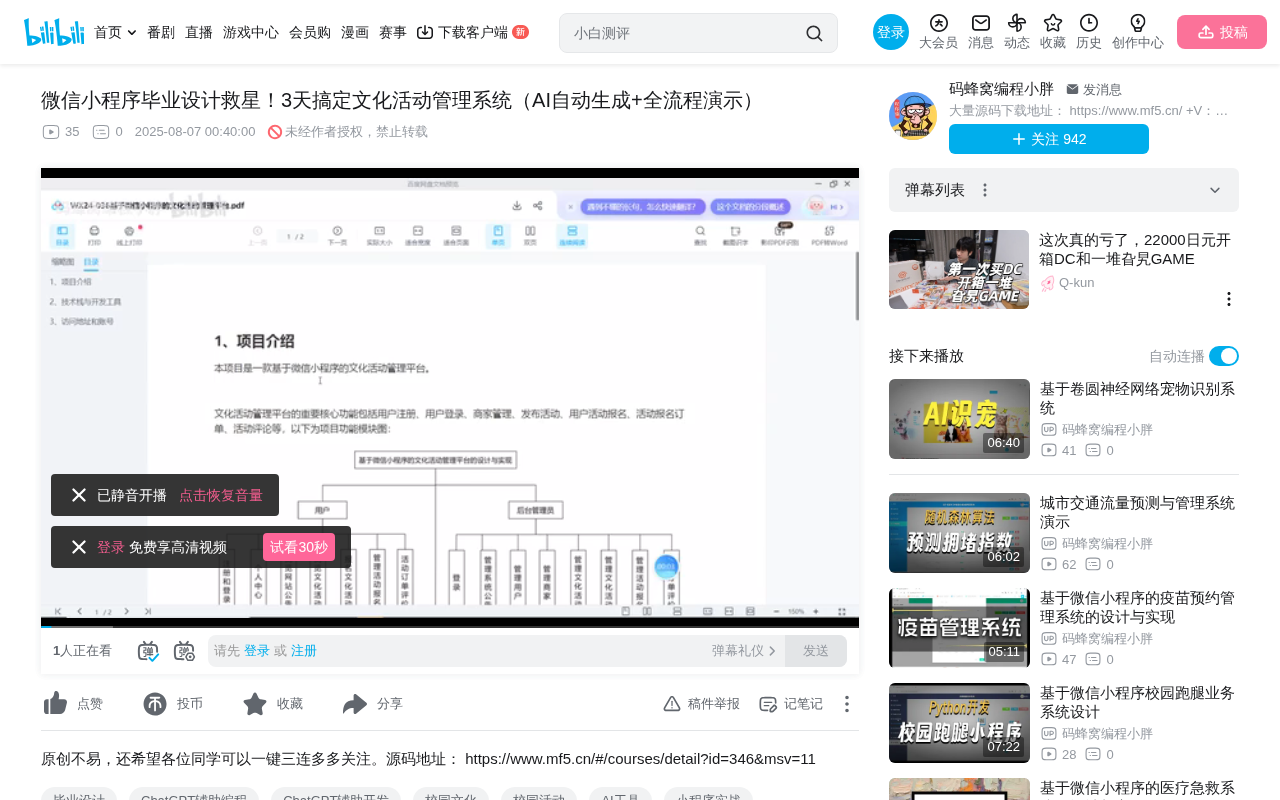
A SpringBoot + UniApp cultural activity management platform designed as a graduation project reference.
This article introduces a cultural activity management platform suitable for graduation projects, featuring a frontend-backend separation architecture with a SpringBoot backend and UniApp WeChat Mini Program frontend. It implements a complete business loop with three collaborative roles (administrator, merchant, user), covering core features including activity publishing, registration and payment, order management, and data analytics, with detailed analysis from technical principles, business workflow, and graduation project suitability perspectives.
Project Overview
For computer science graduates, WeChat Mini Program projects have always been a popular choice for graduation designs (thesis projects). The Cultural Activity Management Platform introduced today uses a SpringBoot + UniApp tech stack, implementing a complete business loop with three collaborative roles: merchants, users, and administrators. It's a well-structured, fully-featured reference project for graduation designs.
System Architecture & Technology Stack
Technology Stack Composition
The project's technical architecture is divided into two main parts:
- Backend Management: Developed with the SpringBoot framework, providing a Web management interface for administrators and merchants
- User-Facing End: A WeChat Mini Program built with UniApp, offering end users features like activity browsing, registration, and payment
This frontend-backend separation architecture ensures flexibility in backend management while leveraging the Mini Program's convenient reach capabilities — a mainstream development pattern today.
Technical Essence of Frontend-Backend Separation
Frontend-backend separation is the dominant architectural pattern in modern web development. Its core concept is to completely decouple the user interface (frontend) from business logic and data processing (backend). The frontend calls RESTful APIs provided by the backend via HTTP requests to fetch data, while the backend focuses solely on data processing and business logic without concerning itself with page rendering. The advantages of this architecture include: frontend and backend can be developed in parallel, improving team collaboration efficiency; the frontend can flexibly adapt to multiple terminals (Web, Mini Programs, Apps); and backend APIs can be reused by multiple frontends. In this project, the SpringBoot backend simultaneously serves both the Web management end and the UniApp Mini Program end — a textbook demonstration of this architectural advantage.
SpringBoot Framework Deep Dive
SpringBoot is a rapid development scaffold built on the Spring framework, released by the Pivotal team in 2014. Through its "convention over configuration" design philosophy, it dramatically simplifies the initial setup and development process of Spring applications. SpringBoot embeds web servers like Tomcat and Jetty, enabling standalone execution without deploying WAR files; its auto-configuration mechanism automatically completes most configuration work based on project dependencies; and Starter dependency management allows developers to introduce complete functional modules through simple Maven/Gradle dependency declarations. In enterprise development, SpringBoot is typically paired with MyBatis or JPA for data persistence and Spring Security for access control, making it the de facto standard for Java backend development.
UniApp Cross-Platform Development Framework
UniApp is a cross-platform application development framework from DCloud. Using Vue.js syntax, developers write code once and compile it simultaneously into WeChat/Alipay/Baidu Mini Programs, H5 web pages, and iOS/Android native applications. Under the hood, it converts unified Vue components into native components for each platform through conditional compilation and platform adaptation layers, balancing development efficiency with runtime performance. UniApp's ecosystem provides rich UI component libraries (such as uView and uni-ui) and a plugin marketplace for rapid interface development. Compared to native WXML+WXSS development, choosing UniApp for WeChat Mini Programs offers a lower learning curve (Vue familiarity is sufficient) while preserving the possibility of future expansion to other platforms.
WeChat Mini Program Ecosystem & Reach Advantages
Since its official launch in 2017, the WeChat Mini Program has grown into a super-app ecosystem with over 600 million daily active users. The "use and go" nature of Mini Programs eliminates the need for downloads and installation, significantly lowering the barrier to entry. For scenarios like cultural activity management, Mini Program advantages are particularly evident: users can quickly access them through QR codes, search, sharing, and other entry points; WeChat's social relationship chain naturally supports activity promotion; and template messages enable proactive outreach like activity reminders. From a technical perspective, Mini Programs run in a sandbox environment provided by WeChat, with separate rendering layers (WebView) and logic layers (JSCore) that communicate through the Native layer — a dual-thread architecture that ensures smooth interface rendering.
Three-Role Permission Design
The system features three user roles, each with distinct responsibilities:
- Administrator: Responsible for overall platform operations, including carousel management, announcement publishing, activity category management, user/merchant management, and data analytics
- Merchant: Publishes cultural activities on the platform, manages user registration orders, and views activity reviews
- User: Browses activities, registers for events, completes payments, and submits reviews through the Mini Program
RBAC Permission Model Principles
The three-role permission design in this project is essentially a simplified implementation of the RBAC (Role-Based Access Control) model. RBAC is the most widely used permission management model in information security, with the core concept of assigning permissions to roles and then assigning roles to users, rather than directly granting permissions to users. This indirect authorization approach greatly simplifies permission management complexity. In this system, the administrator role has global management permissions, the merchant role has activity and order management permissions, and the user role has browsing and consumption permissions. At the implementation level, interceptors or filters typically perform role verification before requests reach the Controller, ensuring each API endpoint can only be accessed by authorized roles.
Core Functional Modules Explained
Backend Management Features
After logging into the backend Web interface, administrators can perform the following operations:
- Carousel Management: Configure the Mini Program homepage carousel display content, with support for modification and updates
- Announcement Management: Publish and manage site announcements that users can view on the Mini Program side
- Activity Category Management: Set up the activity classification system, including category icons and names, with full CRUD support
- Data Analytics: Provide visual reports across dimensions such as activity registration statistics, activity counts, and registered user volumes
The data analytics module is a project highlight — presenting platform operational data through charts can often earn extra points during thesis defense.
Data Visualization Technical Implementation
The backend data analytics module's visual reports are typically implemented using frontend charting libraries. Common technical solutions include ECharts (open-sourced by Baidu), Chart.js, and AntV. ECharts is the most widely used data visualization library in China, supporting dozens of chart types including line charts, bar charts, pie charts, and scatter plots, with rich interactive features like data zooming, legend filtering, and tooltip hints. In terms of technical implementation, the backend extracts statistical data from the database through SQL aggregate queries (GROUP BY, COUNT, SUM, etc.), packages it in JSON format, and returns it to the frontend via API. The frontend then maps the data to chart configuration items for rendering. This frontend-backend collaborative data analytics approach ensures both computational accuracy and excellent visual presentation.
Merchant-Side Features
After logging into the backend, merchants' core operations revolve around activity management:
- Activity Publishing: Create cultural activities with details (name, description, fees, category, etc.)
- Order Management: View user registration orders and mark orders as "completed"
- Review Viewing: View user-submitted reviews in activity details after activities are completed
Activities published by different merchants are independent — each merchant can only manage their own activities and corresponding orders.
User-Side Mini Program Features
Users complete the entire participation process through the WeChat Mini Program:
- Registration & Login: Users register an account, log in, and can modify personal profiles
- Browse Activities: View different types of cultural activities by category
- Register & Book: Select an interesting activity and click "Book Now" to add it to the cart
- Fill in Information: Enter reservation details including name, appointment time, and contact information
- Make Payment: Complete payment for the activity fee
- Submit Review: Provide feedback and reviews after the activity is completed
Business Loop Demonstration
Here's a complete usage scenario as an example:
User "Zhang San" browses a calligraphy and painting exhibition on the Mini Program and clicks "Book Now," adding the activity to the cart. After filling in the reservation name, time, and contact information, they pay the 59 yuan activity fee and confirm the order.
The merchant side immediately sees this registration order and marks it as "completed" after the user has attended the activity. The user confirms the activity is completed in "My Orders" and can then submit a review. The merchant can view this review data on the activity management page.
This complete loop from "publish → browse → register → pay → complete → review" demonstrates the system design's completeness.
Order State Machine Design Principles
The order flow in this system is essentially an implementation of a Finite State Machine (FSM). An order goes through multiple state transitions from creation to completion: Pending Payment → Paid → Completed → Reviewed. Each state transition is driven by specific trigger events — for example, user payment triggers "Pending Payment → Paid," and merchant confirmation triggers "Paid → Completed." In database design, a status field (integer or enum type) typically records the current state, and business logic code strictly controls the legality of state transitions to prevent illegal state jumps (such as jumping directly from "Pending Payment" to "Completed"). Sound state machine design is the core of e-commerce systems and a design pattern knowledge point frequently examined by professors during thesis defense.
Graduation Project Suitability Analysis
Project Strengths
- Complete Functionality: Covers common graduation project requirements including CRUD, permission management, order workflows, and data analytics
- Mainstream Technology: The SpringBoot + UniApp combination has high recognition in the job market
- Good Extensibility: Additional features like activity recommendations, points systems, etc. can be built on top
- Defense-Friendly: Three-role design, business loops, and data dashboards are all bonus points during thesis defense
Potential Improvements
To differentiate your project further, consider:
- Introducing AI recommendation algorithms to suggest activities based on user participation history
- Adding map location features to display activity venues
- Implementing social sharing functionality to support inviting friends to activities
- Integrating real payment interfaces (WeChat Pay)
Conclusion
As a graduation project, this Cultural Activity Management Platform performs well in terms of functional completeness, reasonable technology selection, and business logic clarity. For students pressed for time, secondary development and customization based on such a scaffold can significantly improve development efficiency. However, it's important to note that the core value of a graduation project lies in your understanding and application of technology. While using reference projects, it's recommended to deeply understand the implementation principles of each module — this will help you confidently handle professors' questions during the thesis defense.
Related articles
 Tutorials
Cursor + Codex Dual-IDE Collaboration: A Practical Methodology for Open-Source Project Customization
A complete methodology for open-source project customization based on real-world experience, detailing the Cursor+Codex dual-IDE workflow, seven-stage process, MVP validation, and AI source code reading techniques.
 Tutorials
Cursor Multi-Agent in Practice: Building a Full-Stack Next.js Blog in 50 Minutes
Build a full-stack blog in 50 minutes using Cursor IDE's multi-Agent mode with Next.js, Clerk auth, and Supabase. Learn the 4-phase AI Agent workflow and key integration pitfalls.
 Tutorials
Building an AI Software Factory from Scratch: A Cursor Engineer's Hands-On Experience with Multi-Agent Collaboration
Cursor engineer Eric shares practical insights on building an AI software factory: automation levels, guardrail design, parallel Agent management, and scaling to 1000+ Agents for 24/7 development.