Cursor Canvas Publish & Share Feature Explained: A New Way to Collaborate with AI Coding
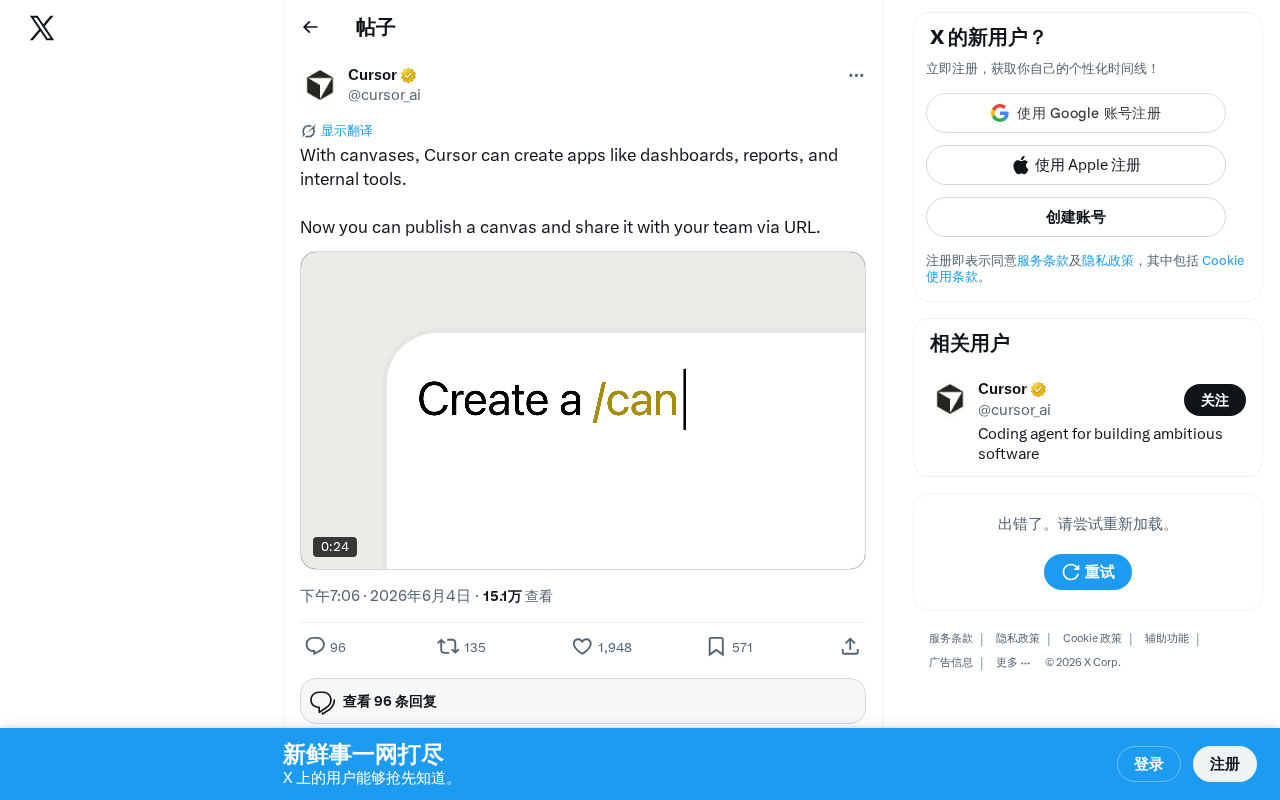
Cursor Canvas now lets users publish and share AI-generated apps via URL links for team collaboration.
Cursor has added publish and share functionality to its Canvas feature, allowing users to generate shareable URL links for AI-created dashboards, reports, and internal tools. Team members can access these without installing Cursor, lowering collaboration barriers for non-technical roles. This update signals Cursor's shift from a personal coding assistant toward a team collaboration platform, reflecting the broader industry trend of AI coding tools moving from code generation to product delivery.
Cursor Canvas Adds Publish & Share Functionality
AI coding tool Cursor recently announced a major update to its Canvas feature: users can now publish their Canvas creations and share them with team members via URL links. While this may seem like a simple upgrade, it actually signals Cursor's evolution from a personal coding assistant into a team collaboration platform.
What Is Cursor Canvas?
Cursor Canvas is a feature within the Cursor editor that allows users to generate interactive application interfaces directly through AI conversations. Unlike traditional code editing, Canvas focuses on rapidly building visual application products, including:
- Dashboards: Data visualization panels for monitoring business metrics or system status
- Reports: Structured data reports and analysis pages
- Internal Tools: Various management and operations tools for daily team use
This means that developers — and even non-technical users — can leverage AI to quickly build functional application prototypes without writing frontend code from scratch.
Publish & Share Feature Explained: From Personal Tool to Team Collaboration
Core Feature Changes
Previously, content created in Canvas was largely confined to the local development environment, serving mainly as personal prototypes or tools. This update's publish functionality fundamentally changes Canvas's positioning:
- One-Click Publishing: Users can publish a completed Canvas directly to the web
- URL Sharing: Generates an accessible link — team members can view and use it without installing Cursor
- Lower Collaboration Barriers: Non-technical roles like product managers and designers can directly access and experience AI-generated applications
Practical Use Cases
This feature has broad applications in real-world workflows:
- Data analysts can use Cursor to quickly generate data dashboards, then share them with management via a link
- Development teams can rapidly prototype internal management tools and share them with product managers for review
- Project management scenarios can involve creating project progress reports and sending them directly to stakeholders
The Collaboration Trend in AI Coding Tools
From a broader perspective, this Cursor update reflects an important trend in the AI coding tool space — the shift from code generation to product delivery.
Traditional AI coding assistants (like GitHub Copilot) primarily focus on code completion and generation, with code snippets as their output. Cursor Canvas's publish feature extends the boundaries of AI coding to the product level: users can not only generate code but also directly deploy and share the results.
This aligns with other trends in the AI application development space. Whether it's Vercel's v0, Bolt.new, or Lovable, they're all trying to make AI-generated applications quick to launch and share. As one of the most popular AI editors among professional developers, Cursor's entry into this arena will undoubtedly accelerate the industry's development.
Summary and Outlook
While Cursor Canvas's publish and share feature isn't technically complex to implement, it represents an important direction in the evolution of AI coding tools: making AI-generated content no longer confined to a developer's local environment, but truly capable of serving teams and business needs. As features like these continue to mature, we can expect AI coding tools to increasingly blur the line between development and deployment, making the path from idea to product shorter than ever before.
Related articles
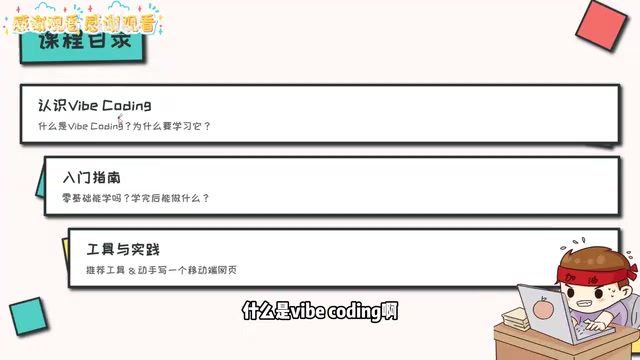
Vibe Coding Beginner's Guide: A Complete Roadmap to Building Software with AI — No Coding Experience Required
Vibe Coding lets anyone build software using plain language instructions with AI. Learn what it is, when to use it, which tools to pick, and how to get started.

Beginner's Guide to Vibe Coding: Turn Ideas into Products with AI — No Coding Experience Required
Vibe Coding lets anyone build software products through natural language conversations with AI — no programming skills required. Learn the concept, top tools (Cursor, Claude Code, Codex), and how to get started.
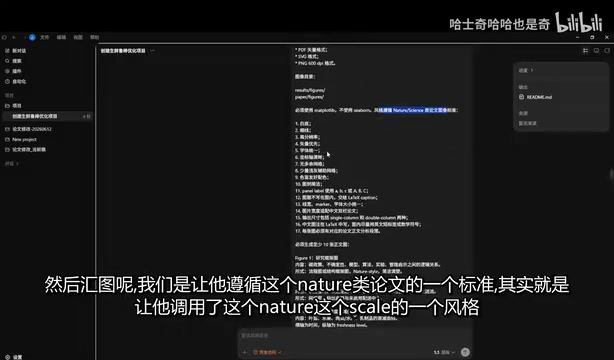
Codex in Action: One Prompt, 47 Minutes, a Complete Algorithm Research Paper
Testing OpenAI Codex: one detailed prompt generates a complete algorithm paper in 47 minutes, including working code, figures, and LaTeX manuscript. Covers prompt design, quality assessment, and real submission experience.