Cursor Comes to Microsoft Teams: How an AI Coding Assistant Is Changing Team Collaboration
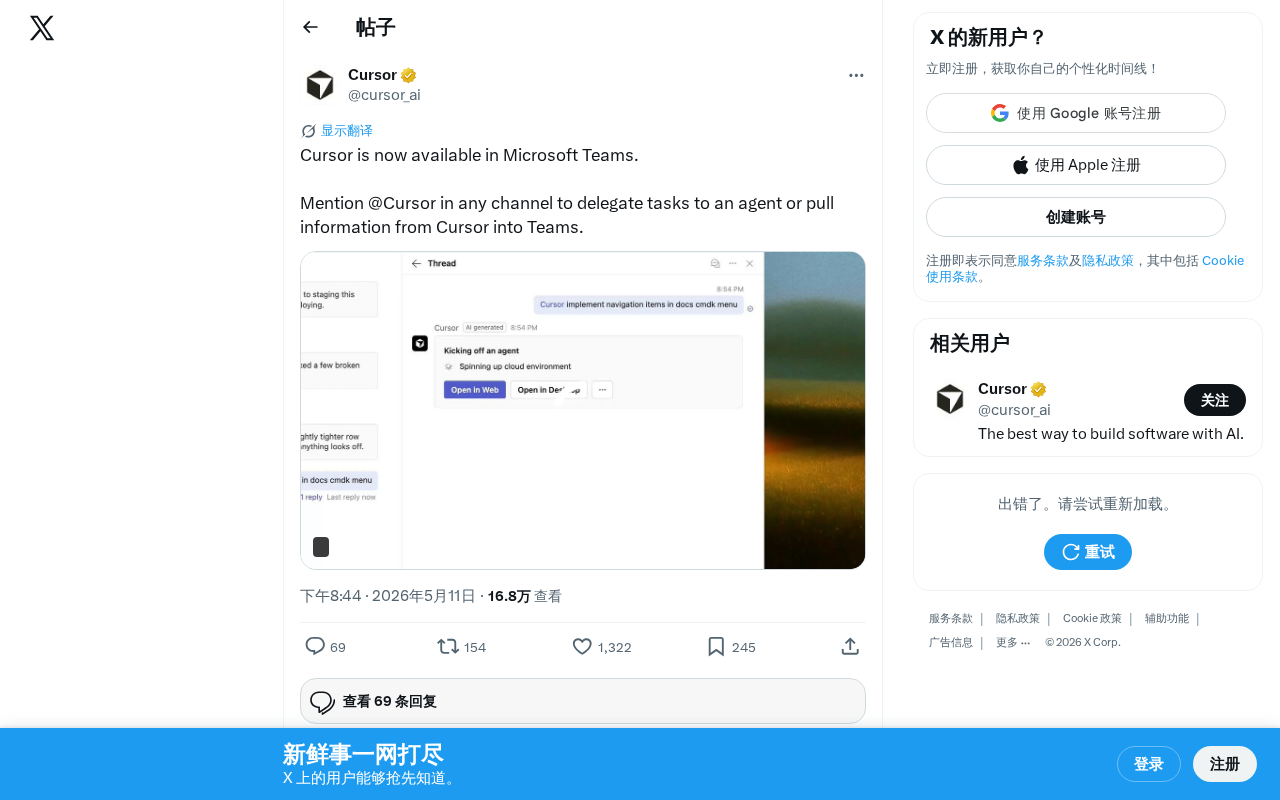
AI coding tool Cursor officially integrates with Microsoft Teams, enabling direct AI agent invocation in collaboration channels.
Cursor has announced its official integration with Microsoft Teams, allowing users to invoke the AI agent via @Cursor in any channel to delegate coding tasks, with bidirectional code information flow into conversations. This marks Cursor's transformation from a personal AI coding assistant to team AI infrastructure, capturing the enterprise collaboration gateway. The move reflects the accelerating trend of AI tools integrating into mainstream platform ecosystems, though enterprises should consider data security, permission management, and cost implications.
Cursor Lands on Microsoft Teams: Integration Details
AI coding tool Cursor recently announced its official integration with Microsoft Teams. Users can now invoke the AI agent by @mentioning Cursor in any Teams channel to delegate tasks or pull information from Cursor directly into Teams conversations.
Cursor is a deeply customized AI coding tool built on top of VS Code (Microsoft's open-source code editor), developed by Anysphere. It embeds large language model (LLM) capabilities directly into the editor, supporting code auto-completion, cross-file editing, natural language code generation, and more. Unlike plugin-based approaches such as GitHub Copilot, Cursor took the route of forking VS Code, rebuilding the editor architecture from the ground up for deeper AI integration. Since 2024, Cursor has rapidly gained popularity thanks to its exceptional code context understanding, becoming one of the fastest-growing AI coding tools in the developer community, with a valuation exceeding several billion dollars.
This integration marks a significant shift as AI coding tools expand beyond standalone development environments into broader enterprise collaboration scenarios.
Core Features: Leaping from Editor to Collaboration Platform
Invoking AI Agents Directly in Conversations
Cursor's core interaction model in Teams is remarkably simple — just @Cursor in any channel to delegate coding tasks to the AI agent. This means development teams no longer need to constantly switch windows; they can have Cursor step in and handle issues right while discussing technical problems in Teams.
The AI agent referred to here is an AI system capable of autonomously perceiving its environment, formulating plans, and executing tasks — distinct from traditional Q&A-style AI assistants. In coding scenarios, an AI agent can do more than answer technical questions; it can proactively analyze codebases, identify bugs, generate fix proposals, and even directly submit code changes. Cursor's agent capabilities are built on its indexing and understanding of the entire project codebase, using RAG (Retrieval-Augmented Generation) to inject relevant code context into the LLM for precise task execution. This agentic interaction model is becoming the mainstream direction for AI coding tools.
For teams that rely on Teams for daily communication, this seamless integration eliminates the friction of jumping back and forth between multiple tools.
Bidirectional Code Information Flow
Beyond task delegation, users can also pull code information, analysis results, and other data from Cursor directly into Teams conversations. This bidirectional information flow dramatically shortens the distance between technical discussions and actual operations.
For teams that frequently conduct code reviews and technical design discussions, there's no longer a need to screenshot or copy-paste code snippets. Presenting full context directly in conversations delivers an obvious boost in communication efficiency.
Strategic Significance: The Enterprise Path for AI Coding Tools
Capturing the Enterprise Collaboration Gateway
Microsoft Teams has over 300 million monthly active users, making it one of the world's largest enterprise collaboration platforms. Teams' core competitive advantage lies in its deep integration with the Microsoft 365 ecosystem — users can directly work with Word, Excel, SharePoint, and other Microsoft products within Teams. More importantly, Teams offers a rich third-party app marketplace and developer APIs, allowing external tools to embed into the platform as Bots, Tabs, Messaging Extensions, and more. This open extension architecture is the technical foundation that made Cursor's integration possible.
Cursor chose to integrate with Teams precisely because of this massive enterprise user base. Compared to asking users to proactively open a standalone AI coding tool, embedding into a collaboration platform they already use daily dramatically lowers the barrier to adoption. Users don't need to change their existing habits — AI coding capabilities are already at their fingertips.
From Personal Tool to Team Infrastructure
Previously, Cursor existed primarily as a VS Code fork editor, with its core use case being individual developers' coding work. With the Teams integration, Cursor's positioning is shifting from "personal AI coding assistant" to "team AI infrastructure."
Specifically:
- Project managers can have Cursor analyze codebase status directly in Teams
- Tech leads can instantly invoke AI for code generation or issue troubleshooting during discussions
- Product teams can leverage Cursor to quickly get technical feasibility feedback
This expansion of use cases has significant implications for Cursor's commercialization path — upgrading from a subscription tool for individual developers to an enterprise-grade team solution.
Industry Trend: Platform Integration of AI Tools Is Accelerating
This move also reflects an important trend in the AI tools space: standalone AI tools are rapidly integrating into mainstream platform ecosystems.
Similar integrations have already occurred across multiple domains:
- GitHub Copilot is deeply integrated into the GitHub platform and VS Code
- ChatGPT has launched various plugins and API interfaces
- Google Gemini is embedded into the Workspace suite
AI tools are no longer content to be standalone applications — they're striving to become a natural part of users' existing workflows. The logic behind this is that AI capabilities deliver maximum value within specific business contexts. Divorced from users' actual work scenarios, even the most powerful AI model is just another tool that requires an extra step to open. Platform integration allows AI capabilities to appear naturally at the "moment of need," rather than requiring users to actively seek them out.
For Cursor, the Teams integration may be just the starting point of a larger platform strategy. Whether it will further integrate with Slack, Discord, and other collaboration platforms, and whether it will unlock deeper functionality within Teams (such as direct code editing and committing), are developments worth watching.
How Development Teams Should Respond to This Change
For development teams already using Cursor, this integration offers an opportunity to extend AI coding capabilities into non-coding scenarios. Workflows that previously took place in Teams — technical discussions, requirements reviews, bug triage — can now all be enhanced with Cursor's AI capabilities.
However, there are several issues to consider in advance:
- Data Security: Invoking Cursor in Teams channels means code-related information may flow across a broader scope. Organizations need to assess whether this aligns with their security policies. When AI coding tools expand from personal desktop environments to enterprise collaboration platforms, data security concerns become especially critical. Core code is among an enterprise's most sensitive intellectual property. Key dimensions to consider include: whether data transmission is end-to-end encrypted, whether code information is used for model training, whether data storage complies with GDPR and other regulatory requirements, and whether private deployment is supported. Currently, mainstream AI coding tools generally offer enterprise-tier data isolation solutions, but in cross-platform integration scenarios, data flow paths become more complex, and security auditing becomes correspondingly more challenging.
- Permission Management: Which channels and which members can invoke Cursor requires clear usage policies. Teams itself provides a fine-grained permission control system based on Azure Active Directory. Enterprise IT administrators need to incorporate Cursor invocation permissions into their existing Identity and Access Management (IAM) framework to ensure that sensitive project code information isn't exposed to inappropriate audiences.
- Cost Considerations: Whether the Teams integration is included in existing Cursor subscriptions or requires additional payment directly impacts team adoption decisions. Currently, Cursor offers multiple tiers including a free version, Pro (approximately $20/month), and Business (approximately $40/month). Enterprise features typically require higher-tier subscriptions, and the pricing strategy for the Teams integration will directly determine its adoption rate in enterprises.
Overall, Cursor's integration with Microsoft Teams is a landmark event in AI coding tools' journey toward enterprise-grade collaboration. It signals that the boundaries between AI tools and work platforms will continue to blur, and developers' ways of working will undergo profound changes accordingly.
Key Takeaways
- Cursor has officially integrated with Microsoft Teams, allowing users to invoke the AI agent via @Cursor in any channel to delegate tasks
- Code information from Cursor can be pulled directly into Teams conversations, enabling seamless connection between development and collaboration
- Cursor's positioning is shifting from a personal AI coding assistant to team AI infrastructure, capturing the enterprise collaboration gateway
- This move reflects the broader industry trend of AI tools accelerating their integration into mainstream platform ecosystems
- While enjoying the convenience, enterprises need to pay attention to data security and permission management concerns
Related articles
 Tech Frontiers
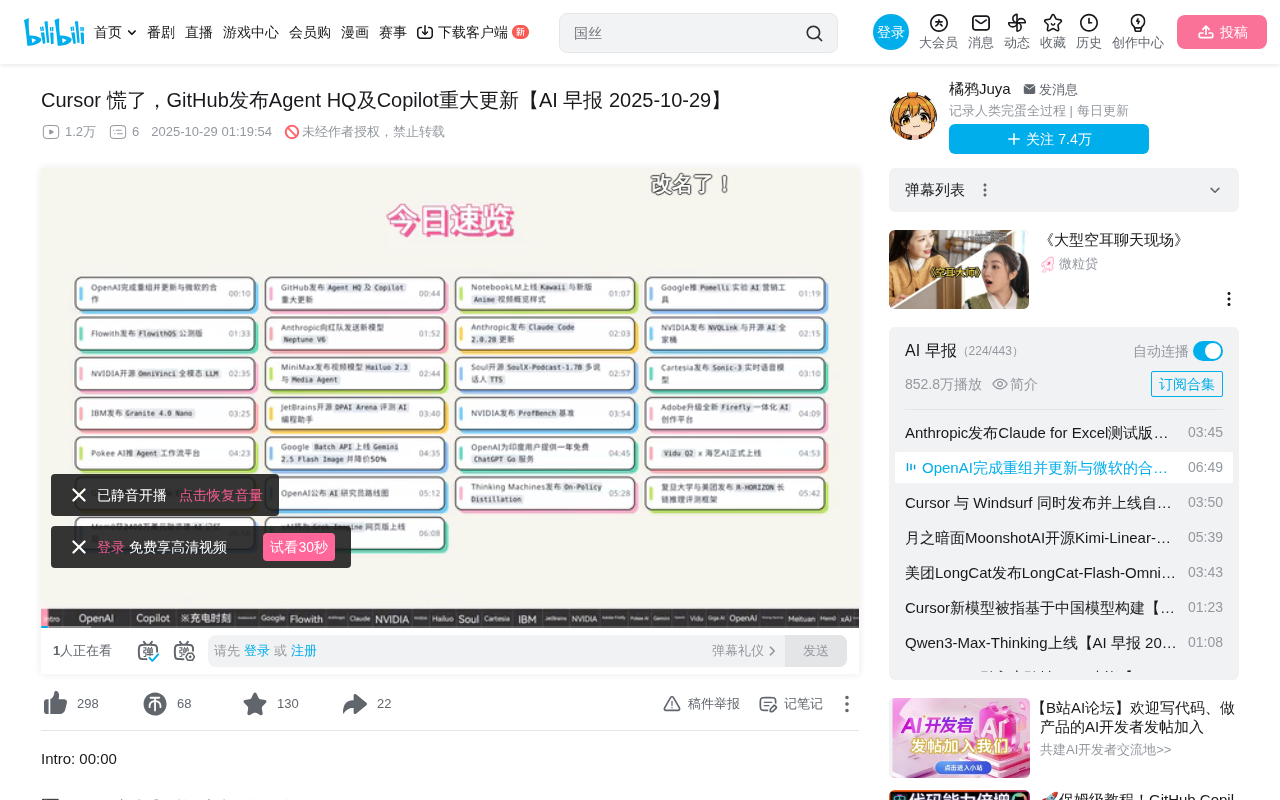
GitHub Agent HQ Launch: AI Coding Tools Enter the Era of Platform Competition
GitHub Universe unveils Agent HQ platform for unified coding agent management, Copilot upgrades with multi-model support. OpenAI completes restructuring, Anthropic tests new model, NVIDIA open-sources AI models.
 Tech Frontiers
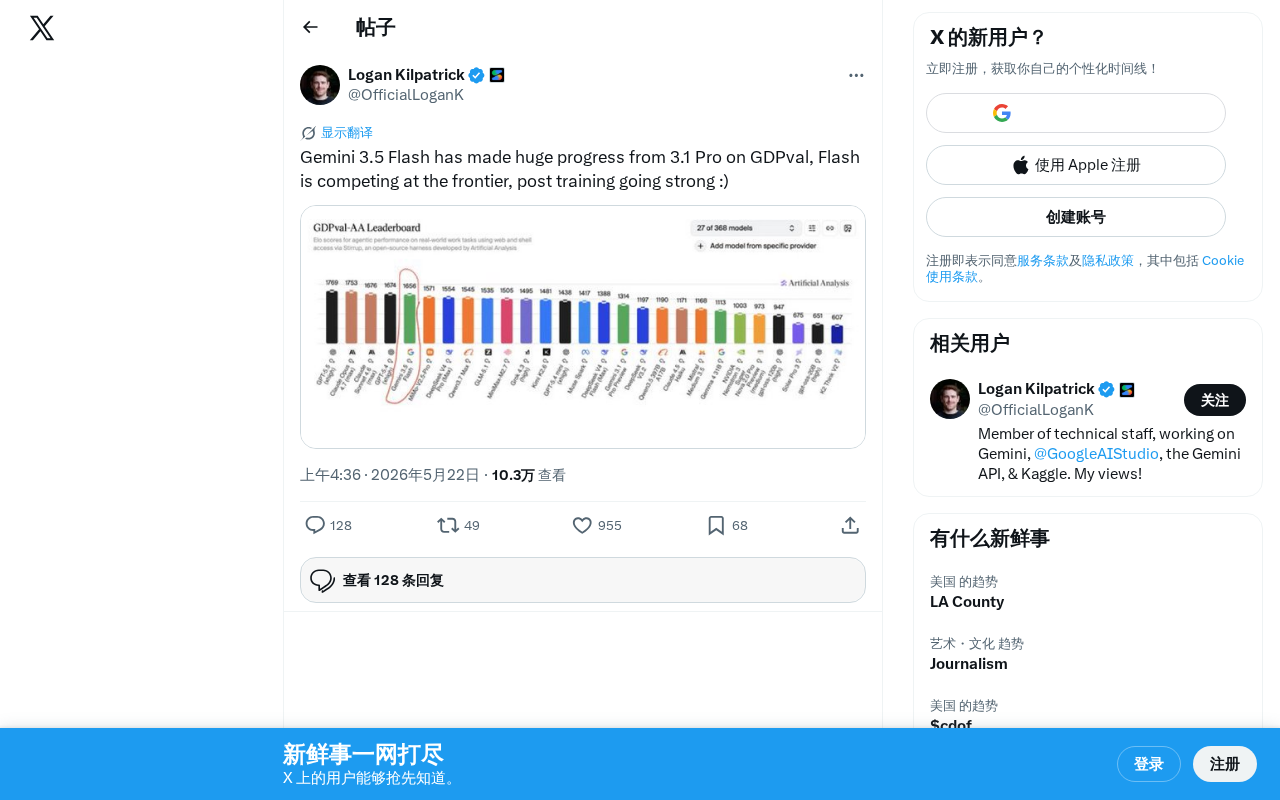
Gemini 3.5 Flash Achieves a Massive Leap on the GDPval Benchmark
Google Gemini 3.5 Flash surpasses Gemini 3.1 Pro on the GDPval benchmark. The lightweight Flash model leverages post-training techniques to approach frontier-level performance, redefining the balance between quality and cost.
 Tech Frontiers
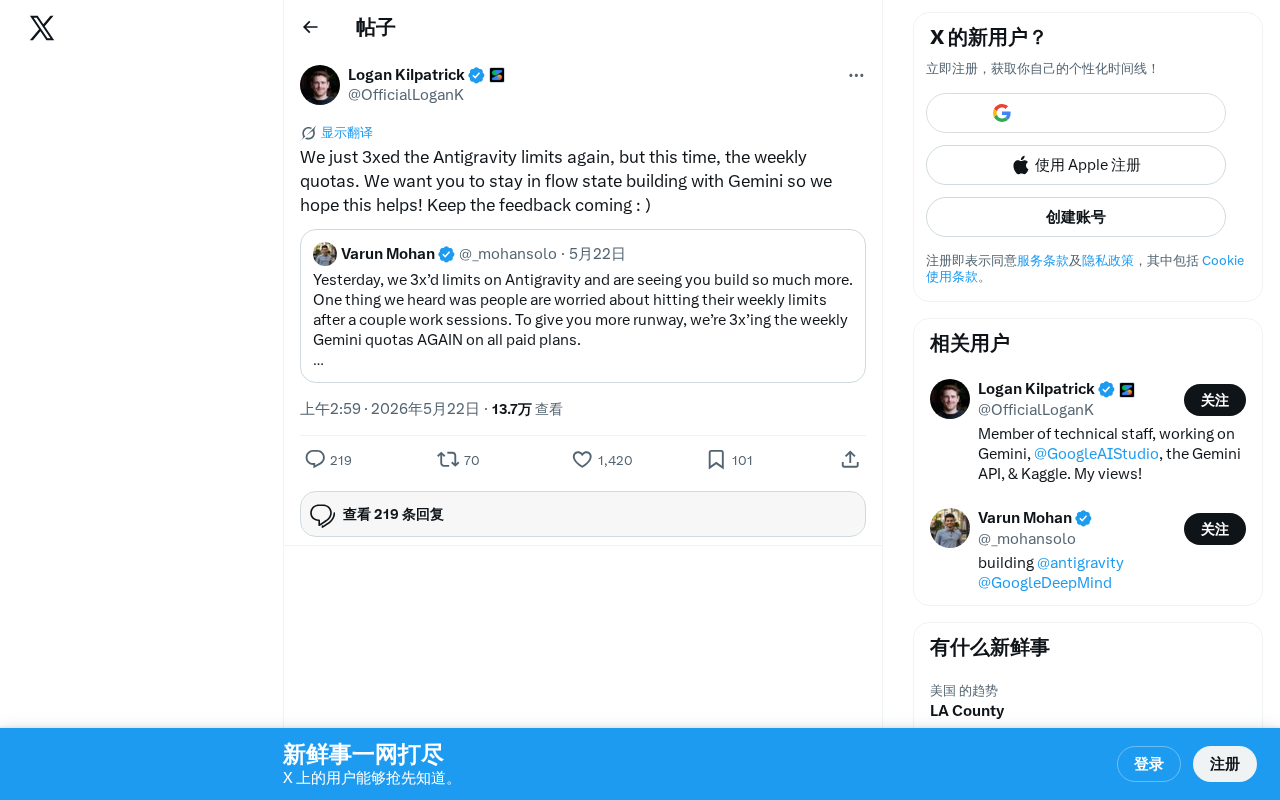
Google Gemini Antigravity Weekly Quota Tripled — AI Coding Without Limits
Google Gemini triples Antigravity weekly quotas following a prior daily quota boost. Analyzing the impact on developers and its strategic significance in AI coding.