Five Hidden Features of Claude Code Explained: Design Choices Other AI Coding Tools Should Steal

Five standout Claude Code features that other AI coding tools should adopt to improve developer workflows.
A tech blogger analyzes five distinctive Claude Code features: Skills with script execution for dynamic context loading, CLAUDE.md's file import mechanism that elegantly solves config fragmentation, the /btw command for non-disruptive side questions, parallel Workflows running up to 8 agents simultaneously, and Remote Control for cross-device management. These designs reflect AI coding tools evolving from conversational Q&A toward system-level integration.
A tech blogger who claims he "hates making this video" nonetheless had to admit that Claude Code has some truly outstanding feature designs. His goal was clear: not to hype up Claude Code, but to encourage other AI coding tools to "steal" these good designs so he wouldn't miss Claude Code when using other tools.
This candid attitude actually makes his analysis more valuable as a reference. Let's look at what exactly Claude Code got right.
Script Execution in Skills
Claude Code has a unique approach to its Skills system: it supports executing scripts directly within Skills.
Skills are modular mechanisms in AI coding tools for encapsulating reusable capabilities. In most tools, Skills exist as static prompt templates—essentially pre-written prompts that are injected verbatim into the context when invoked. Claude Code's breakthrough is allowing executable scripts (such as Shell commands, Python scripts, etc.) to be embedded within Skills. This means a Skill can dynamically gather environment information during the loading phase—such as the current Git branch, project dependency versions, database schema, etc.—and pass this real-time information as part of the context to the model.
This might seem like a small feature, but it's hugely significant in practice. In many scenarios, the model needs to obtain certain information at the moment a Skill is loaded, rather than loading the Skill first, then executing operations, then proceeding to the next step. This "load-and-execute" pattern dramatically reduces interaction steps and makes workflows much smoother. This design borrows from the Infrastructure as Code philosophy, upgrading static configuration into dynamic programs, greatly expanding the AI assistant's perception capabilities and adaptability.
The blogger points out that other AI coding tools have been overly hesitant about introducing this type of functionality. In reality, script execution capability transforms Skills from static prompt templates into dynamic intelligent modules—a qualitative leap.
The Clever Design of CLAUDE.md
File Import Mechanism
Regarding the standards battle between CLAUDE.md and AGENTS.md configuration files, the blogger admits he's always had opinions—after all, the existence of two competing standards is itself a problem.
In the AI coding tool ecosystem, project-level configuration files tell the AI assistant key information about the project—coding standards, architectural conventions, tech stack preferences, etc. CLAUDE.md is the configuration file standard designed by Anthropic for Claude Code, while AGENTS.md is a universal standard driven by the broader AI coding community, intended to be recognized by multiple AI tools. This situation resembles the fragmentation problem of early web standards: developers are forced to maintain multiple configuration files with similar content but different formats for different tools.

But the blogger gradually discovered some genuinely clever designs in CLAUDE.md. CLAUDE.md files support importing other files using the @path/to/import syntax. Imported files are expanded and loaded into the context at startup. This mechanism enables an elegant solution: you can import @agents.md directly in your CLAUDE.md, so your CLAUDE.md simultaneously serves as your AGENTS.md.
This pattern is particularly clever because it works not only with Markdown files but also supports other formats. For developers who switch between multiple AI tools and struggle to maintain different configuration files, this is undoubtedly a blessing. One configuration, effective everywhere—this is the pragmatic path to solving the standards fragmentation problem.
Launching Sessions via Links
While reading the documentation, the blogger also discovered a feature he hadn't known about before: launching Claude CLI sessions via links.

Claude Code registers its own protocol claude-cli://, allowing users to open Claude CLI directly via URL. This is a Custom URI Scheme, similar to the familiar http:// or mailto://, but registered by the application itself. When the operating system recognizes a URL with this protocol, it routes it to the corresponding application for handling. Similar examples are common in desktop applications—vscode:// can directly open VS Code and jump to a specified file, steam:// can launch the Steam client and open a specific game page.
This means you can create a webpage filled with various links, each triggering a different Claude CLI task. Developers can embed clickable links in Wiki pages, project READMEs, or even Slack messages to launch pre-configured Claude CLI sessions with one click. For team collaboration and workflow automation, this is a highly practical entry point design that significantly lowers the barrier for team members to use AI tools.
/btw Command: Side Questions Without Interrupting the Main Conversation
Claude Code has a seemingly simple but elegantly designed command: /btw (by the way).
This command allows you to quickly ask a tangential question without interrupting the current main conversation. Anyone who has used an AI coding assistant has experienced this: you're having the AI work on a complex task when a small question suddenly comes to mind, but you don't want to break the current context. /btw perfectly solves this pain point.
From a technical perspective, implementing this feature requires maintaining multiple independent conversation threads at the session management level—the main conversation and side questions each have their own independent context windows without interfering with each other. This is analogous to the multithreading concept in operating systems: the main thread continues executing core tasks while side threads handle temporary needs, both sharing the same runtime environment without blocking each other.
This is a classic "UX micro-innovation"—the technical implementation may not be complex, but it precisely hits a friction point in real usage scenarios. Surprisingly, the blogger says he hasn't seen a similar feature in any other tool.
Workflows: More Than Just Tool Calls
The blogger specifically emphasized the Workflows feature because its design philosophy is fundamentally different from other AI coding tools.

Workflows are not merely a collection of tools that an Agent can call. The core idea is: have the Agent write code to complete tasks, rather than simply calling predefined tools.
More critically, there's the performance design: by default, Workflows can run up to 8 Agents working in parallel, continuously launching new Agents as preceding tasks complete. The execution model of traditional AI coding tools is typically sequential: one Agent completes Task A, then starts Task B, proceeding one by one—extremely inefficient when handling mutually independent subtasks. Claude Code's Workflows adopt an approach similar to OS process scheduling or task orchestration in distributed computing, identifying dependency relationships between tasks and assigning independent tasks to multiple Agents for parallel execution.
This parallel scheduling mechanism dramatically improves execution efficiency for complex tasks, far surpassing single-threaded step-by-step execution. This is especially critical for scenarios like large codebase refactoring, multi-file synchronized modifications, and batch test generation—theoretically capable of reducing completion time for certain tasks to one-eighth of the original. This essentially achieves CI/CD pipeline-like parallelization within a single interaction.
Remote Control: Cross-Device Remote Management
The final highlight feature is Remote Control, which many users had recommended to the blogger.
Through this feature, you can connect a Claude Code instance running on your computer to the claude.ai website or mobile app, enabling remote control. In his demonstration, the blogger showed how to directly control a Claude Code instance running on a computer through the Claude App on a phone—performing audits, opening PRs, planning workflows, and other operations.
From a technical implementation perspective, Remote Control relies on Anthropic's cloud relay service: the locally running Claude Code instance maintains a WebSocket persistent connection with Anthropic's servers, while the phone-side Claude App connects to the same server through the same account's authentication, thereby establishing a cross-device control channel. This architecture is similar to the relay mode of remote desktop tools (like TeamViewer), but specifically optimized for AI coding scenarios—what's transmitted isn't screen imagery, but structured task states and control instructions.
The phone can see the specific task status being executed on the computer, meaning you can continue monitoring and managing AI coding tasks after leaving your workstation. For tasks that need to run for extended periods, the practical value of this feature speaks for itself. It's worth noting that this design also introduces security considerations: local code execution permissions are exposed through a cloud channel, meaning account security directly relates to local development environment security, and developers need to ensure strong authentication mechanisms are enabled.
Summary and Reflections
The blogger's core viewpoint is worth pondering: good feature design shouldn't be monopolized by any single tool—it should become an industry standard. The features he listed—Skills script execution, file import mechanisms, side question commands, parallel workflows, remote control—each one solves a real pain point in AI coding tools.
From a more macro perspective, these feature designs reflect a paradigm shift that AI coding tools are undergoing: from "conversational Q&A" toward "system-level integration." Early AI coding assistants were essentially chat windows, while the direction Claude Code demonstrates is deeply embedding AI into the developer's entire work environment—from project configuration and task scheduling to cross-device collaboration, forming a complete AI-augmented development ecosystem.
You might not have noticed, but the blogger deliberately avoided discussing Claude Code's shortcomings, while hinting that he might dedicate a future video specifically to criticism. This balanced attitude reminds us: there's no perfect tool. What matters is identifying each tool's unique strengths and pushing the entire ecosystem forward.
For AI coding tool developers, these feature designs provide clear reference directions; for users, understanding these features also helps make more informed decisions when choosing tools.
Related articles
Klue Hacked: Data Breach Exposes Huntress, HackerOne, and Other Major Security Companies
Market research firm Klue was hacked, exposing data from Huntress, HackerOne, Jamf, Recorded Future, and Tanium. Analysis of supply chain attack risks and third-party risk management strategies.
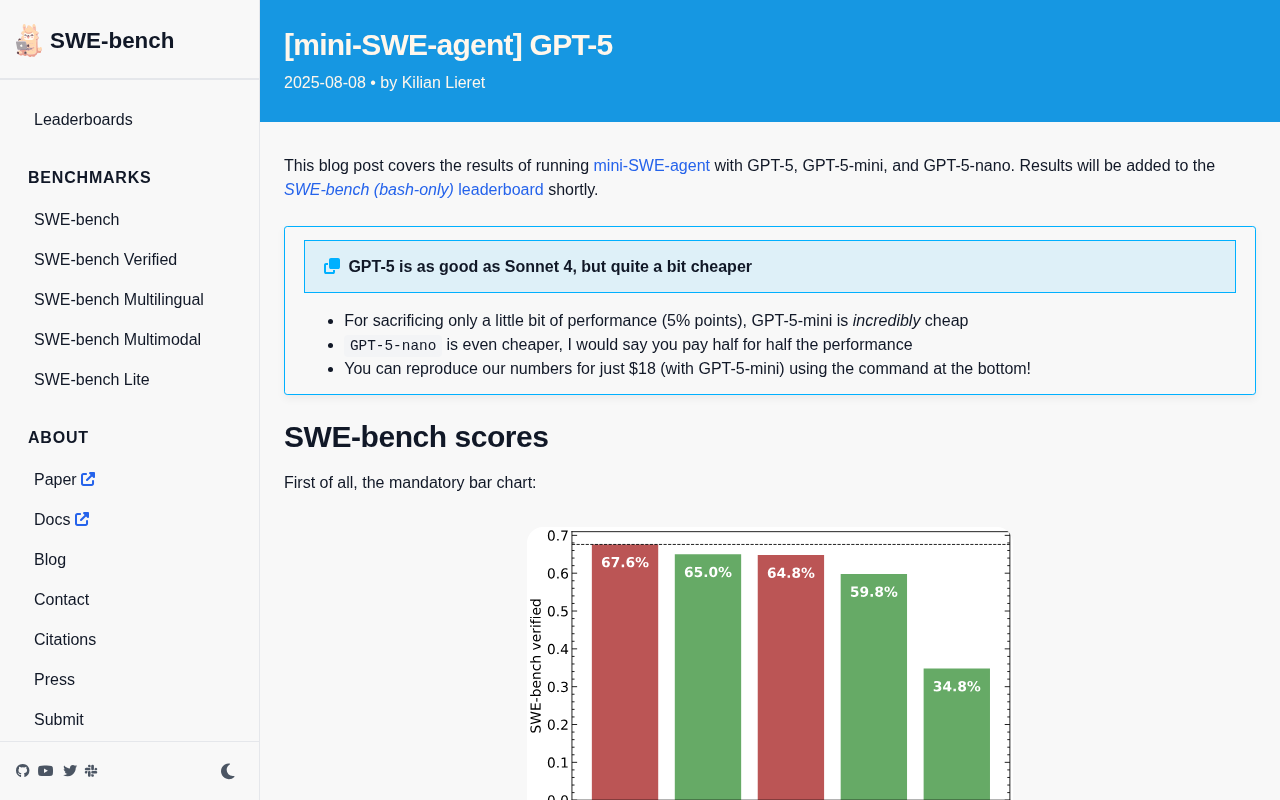
GPT-5 SWE-bench Evaluation: GPT-5-mini Crushes the Competition on Cost-Effectiveness vs Claude Sonnet 4
mini-SWE-agent's GPT-5 series evaluation on SWE-bench shows GPT-5 matches Claude Sonnet 4, while GPT-5-mini loses only ~5 points at less than 1/5 the cost.
DAQIRI Platform Explained: Deep Integration of High-Speed Data Acquisition and Real-Time AI Inference
Deep dive into how the DAQIRI platform embeds NVIDIA GPU-accelerated computing into high-speed data acquisition pipelines, enabling real-time AI inference for industrial inspection, scientific experiments, and autonomous driving.