Five Mastery Levels of Claude: From Basic Q&A to Architect-Level Autonomous Systems
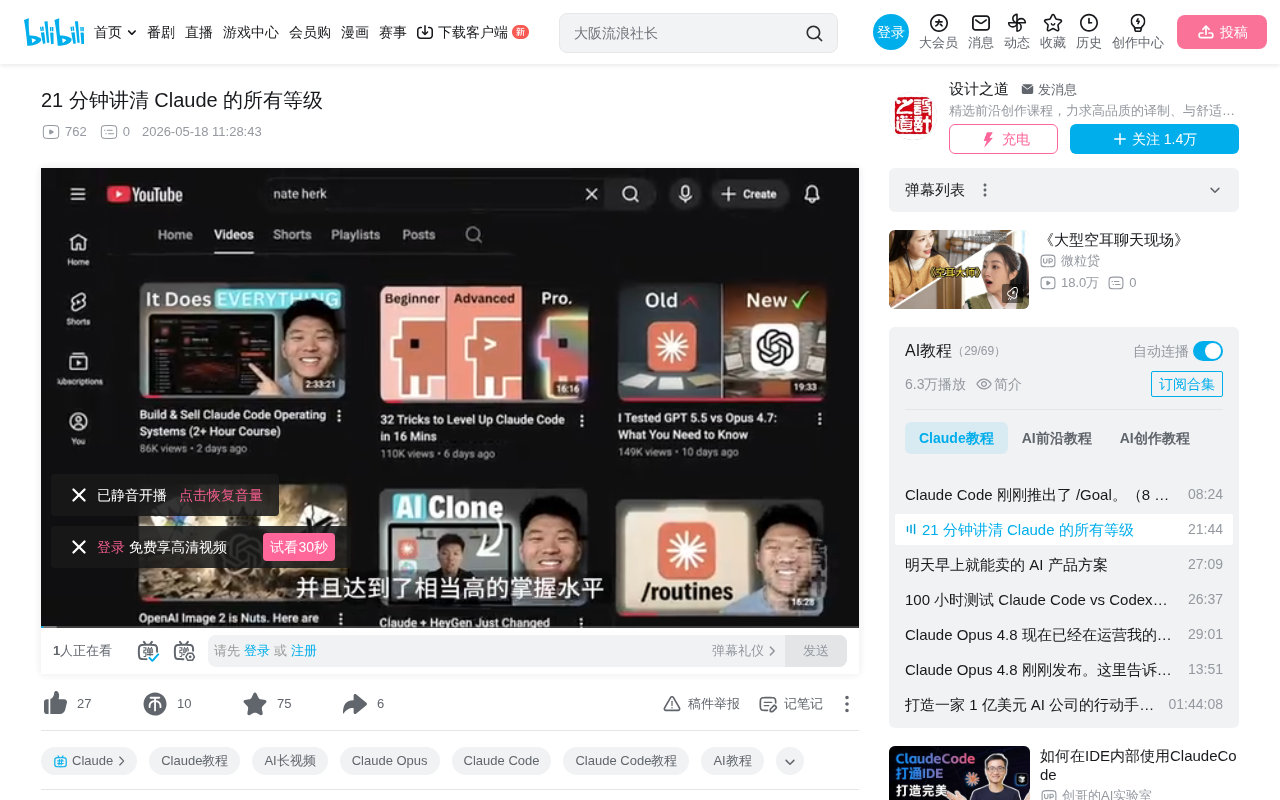
A five-level framework for Claude mastery: from simple Q&A to fully autonomous systems.
A 400-hour power user breaks Claude proficiency into five progressive levels: Beginner (simple Q&A), Novice (project memory & tool connections), Ultimate (Co-work & task automation), Advanced (Claude Code parallel engineering), and Architect (cloud-based autonomous systems). Each level has clear capability boundaries and breakthrough keys, with the core progression being not just feature stacking but a mindset shift from "Q&A tool" to "autonomous infrastructure."
Overview: A Systematic Summary from 400+ Hours of Hands-On Experience
A power user who has invested over 400 hours in Claude has broken down Claude usage proficiency into five progressive levels—from beginner-level simple Q&A to architect-level fully automated systems. This framework isn't just for programmers; it also provides non-technical users with a clear path for advancement. Each level has well-defined capability boundaries, core features, and key actions for breaking through plateaus.
Level 1: Beginner — Stop Using Claude Like a Search Engine
Most people stay stuck at this stage: open Claude, ask a question, get an answer, close the page. Maybe they have it help write an email, explain a passage, or quickly write a script.
The most overlooked upgrade technique at this stage is pasting screenshots directly. Claude can read images, but half the people stuck at this level are still manually typing out what a screenshot could convey in two seconds. They don't realize Claude can maintain context across conversations, organize work into projects, and connect to tools they use daily.
The key to Level 2: Create your first project. Pick something you repeatedly come back to (business, side project, or repetitive work), drop in a few reference documents, and write a brief system prompt explaining who you are and how you want Claude to respond.
Level 2: Novice — Give Claude Memory and Tools
Projects are the core pillar of Level 2. When you open a new conversation within a project and ask "What decisions did we make about the Q2 launch last week?", Claude immediately pulls up the relevant records and picks up right where you left off. It's no longer a stateless tool—it's an intelligent assistant with continuity.
Six Core Features Explained
1. Memory & History Search: Claude can remember your role, preferences, and past decisions across conversations. Memory is free to use, but searching conversation history is a paid feature.
2. Connectors: Supports Slack, Google Drive, Gmail, GitHub, Notion, Calendar, and over 50 other tools. Click the plus button in the chat window and complete setup via OAuth login.
3. File Creation: Claude can create Excel spreadsheets with working formulas, PowerPoint presentations, Word documents, and PDF files directly in the chat interface—available even for free users.
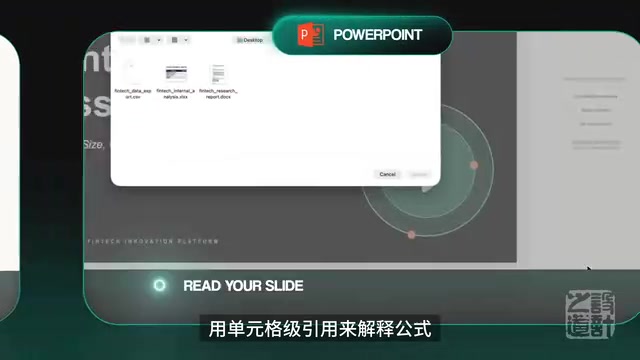
4. Artifacts: Supports persistent storage, remembers data across sessions, can call Claude's API directly, and can be published via public links. Non-programmers can build a customer feedback tracker for their business right in the chat interface and have a working tool before lunch.
5. Inline Visualizations: Generate charts directly in the conversation, switch types, add variables, and update in real time. Unlike artifacts, these are ephemeral and live within the chat.
6. Native Office Integration: Claude runs as a plugin directly within Excel, PowerPoint, and Word. The three apps will share cross-application context.
If Level 1 is a genius intern with no memory, Level 2 is that intern who remembers every conversation, has folders and resources, and can deliver complete work products. Here you save 5+ hours per week.
Level 3: Ultimate — Claude Co-work & Task Automation
When your thinking shifts from "tell me how to do it" to "do it for me," you're ready for Level 3.
The writing feature (Co-work) is essentially an end-to-end solution running on your computer with full file system access. You describe the outcome, and Claude figures out how to achieve it. For example, have it scan three months of PDFs and screenshots in your Downloads folder, organize by type, rename consistently, and generate content summaries—you go make coffee, and it's done when you return.
Five Key Features
1. File System Access: Runs code in an isolated virtual machine but has real read/write access to folders you authorize.
2. Skills: Reusable workflows defined in Markdown files. Over 100 ready-made skills have been published, covering marketing, accounting, frontend design, and more. Build once, run anywhere.
3. Scheduled Tasks: Type slash Schedule and execute tasks at set frequencies. Daily 8 AM standups, weekly Monday competitive briefings—all automatable.
4. Mobile Control (Dispatch): Pair your phone with desktop. Send tasks while commuting or at the gym, and Claude continues processing while you're away.
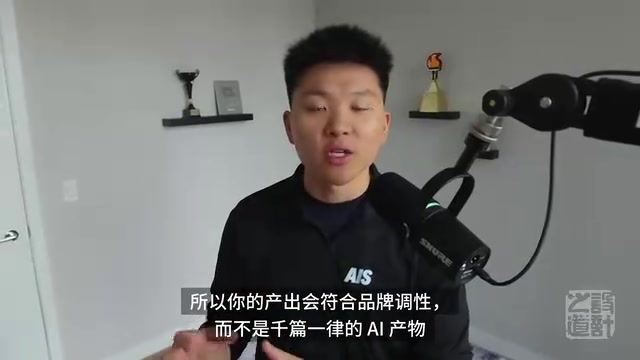
5. Claude Design: A standalone product from Anthropic Labs. Describe a prototype in natural language, and it builds and designs automatically. It understands your entire brand system and produces output that matches your brand identity rather than generic AI output. Once complete, it packages into a deliverable that can be deployed directly via Claude Code.
Level 4: Advanced — Claude Code Engineering Practice
The signature practice at this level comes from Anthropic internal developer Boris Cherney: run at least 5 parallel Claude sessions daily in numbered terminal tabs, each with its own workspace. Launch all sessions at once and walk away—come back to find multiple completed pull requests.
Five Key Elements
1. Claude.md File: A markdown document in your project folder recording tech stack, naming conventions, project goals, etc. Key tip: every time Claude makes a mistake, have it update the claude.md file. After a few weeks, it completely learns your workflow. Keep it under 200 lines to save token costs.
2. Plan Mode: Press Shift+Tab twice, and Claude reads the code, proposes a plan, and waits for approval. The hidden OPUS plan mode puts the smartest model in charge of planning while cheaper models handle execution—half the cost with no quality loss.
3. Sub-agents: Specialized Claude instances handle specialized work—testing, security reviews, documentation. Each runs in its own context window, never polluting each other, and can run in parallel.
4. Worktrees: Create isolated Git workspaces on independent branches. 3-4 instances work on different features in parallel, and files never overwrite each other.
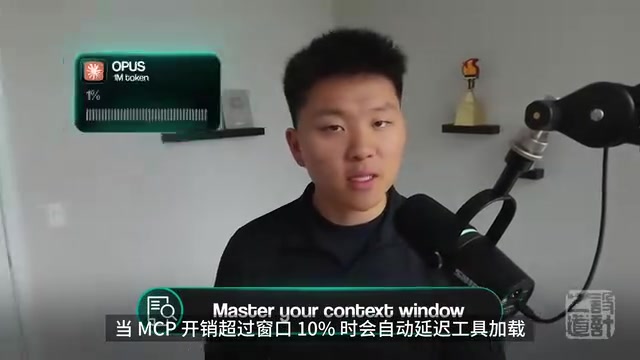
5. MCP & Tool Priority: The rule is CLI first, API second, Skills third, MCP only as a last resort. CLI consumes 60%-70% fewer tokens than the corresponding MCP server.
Key Operational Tips
- Compact command: Compresses old history into concise summaries. Performance degrades after exceeding 50% capacity.
- Auto mode (Shift+Tab): No more confirming every step. Claude handles safe commands through a classifier.
- Verification loops: Give Claude methods to self-check, and output quality improves 2-3x.
- Slash insights: Run once a month to analyze your usage patterns and waste.
Level 5: Architect — Trust and Autonomous Running Systems
When you close your laptop and want work to continue automatically, you're ready to push for the highest level.
Core Infrastructure
Cloud Sessions: Saved Claude Code configurations run on Anthropic's cloud—your machine can be shut off. Triggered by schedules, API calls, or GitHub events.
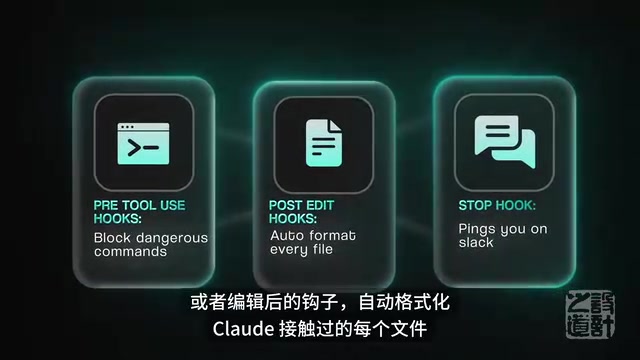
Hooks: Safety guardrails. Pre-tool hooks can block dangerous commands, post-edit hooks automatically format files, and stop hooks notify you when long sessions end.
Channels: Control sessions via Discord, Telegram, or even iMessage. External events trigger Claude, or in bidirectional mode, text Claude directly from your phone.
Agent Teams: Multiple specialized clusters coordinated by a lead agent. They can send messages to each other, share task lists, challenge each other, and even debate.
The Real Bottleneck at Level 5: Trust
The reason people get stuck at Level 5 isn't a technical problem—it's a trust problem. Almost anyone can set up a cloud session, but they won't, because handing the steering wheel to a system that runs while you sleep feels too risky.
The solution is like learning to drive: start in an empty parking lot. Choose a low-risk daily process first (a daily summary sent only to you), observe for weeks without intervening. Once you trust it enough, gradually advance to more complex automation. Deterministic data transfer processes are typically more trustworthy, while skill-requiring agents are more powerful but also more unpredictable.
Summary: The Complete Progression Path from Hobbyist to Architect
| Level | Role | Weekly Time Saved | Key Breakthrough |
|---|---|---|---|
| Level 1 | Search box replacement | 30 min/day | Create first project |
| Level 2 | Assistant with memory | 5+ hours | Connect tools & file creation |
| Level 3 | Automated coworker | 10+ hours | File system access & skills |
| Level 4 | Engineering team | Sellable services | Parallel sessions & verification loops |
| Level 5 | Infrastructure | Runs continuously | Building trust & cloud autonomy |
The leap between each level isn't just about stacking features—it's a shift in mindset. From "Q&A tool" to "collaborative partner" to "autonomous infrastructure." Building trust takes time, but once you cross that threshold, Claude transforms from a tool into a true productivity multiplier.
Related articles
 Tutorials
Cursor + Codex Dual-IDE Collaboration: A Practical Methodology for Open-Source Project Customization
A complete methodology for open-source project customization based on real-world experience, detailing the Cursor+Codex dual-IDE workflow, seven-stage process, MVP validation, and AI source code reading techniques.
 Tutorials
Cursor Multi-Agent in Practice: Building a Full-Stack Next.js Blog in 50 Minutes
Build a full-stack blog in 50 minutes using Cursor IDE's multi-Agent mode with Next.js, Clerk auth, and Supabase. Learn the 4-phase AI Agent workflow and key integration pitfalls.
 Tutorials
Building an AI Software Factory from Scratch: A Cursor Engineer's Hands-On Experience with Multi-Agent Collaboration
Cursor engineer Eric shares practical insights on building an AI software factory: automation levels, guardrail design, parallel Agent management, and scaling to 1000+ Agents for 24/7 development.