Getting Started with SwiftUI: Building Your First iOS Habit Tracker App with Qwen and ChatGPT
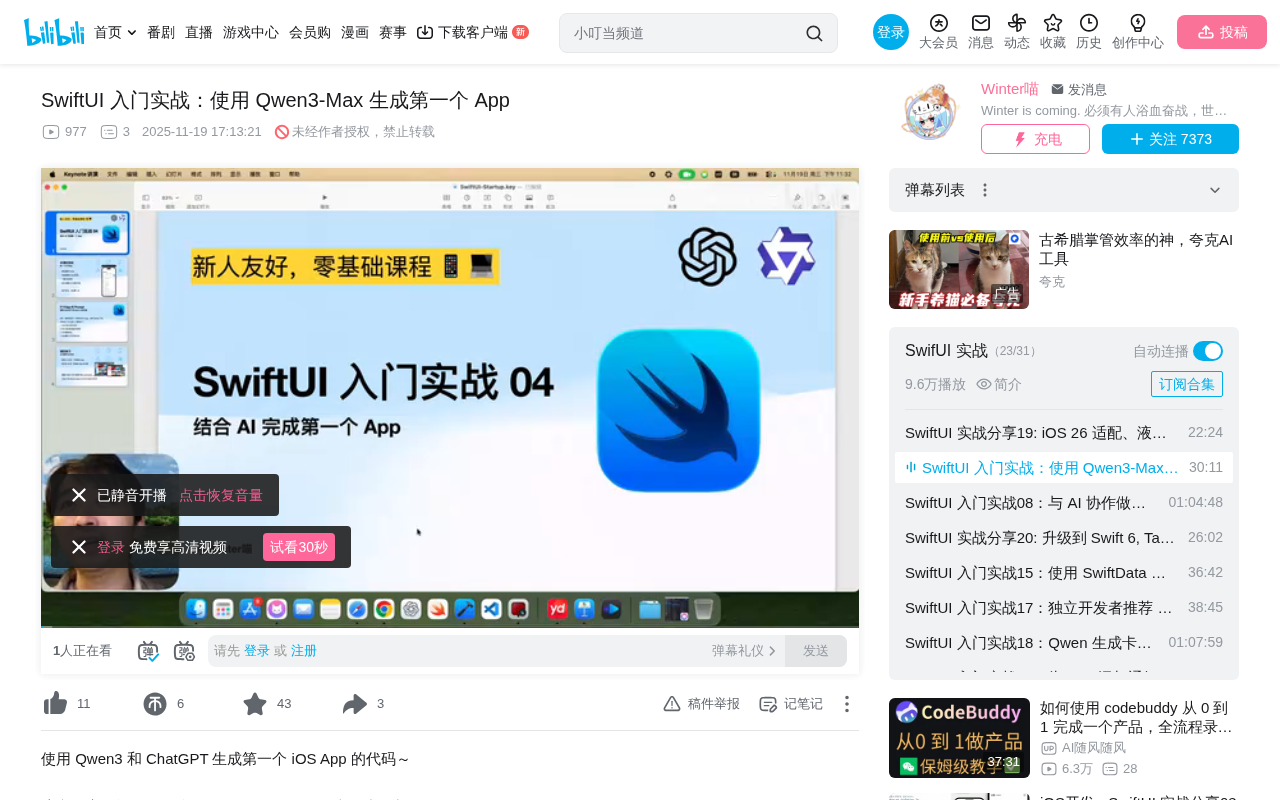
A hands-on tutorial on building a SwiftUI habit tracker app using AI (Qwen/ChatGPT) with pitfall documentation.
This article documents the complete process of using Qwen and ChatGPT to separately generate an iOS habit-tracking app. Both models produce fully functional code (supporting adding, checking off, deleting goals, and data persistence), but both share the common pitfall of omitting import Combine. The article covers Xcode project structure, MVVM architecture, @main entry point conflicts, and other key concepts, emphasizing that the core programming skills in the AI era are requirement description, code reading, and debugging.
Course Objective: AI-Assisted Development of Your First SwiftUI App
In the AI era, the way we learn iOS development is undergoing a fundamental shift. We no longer need to write every line of code from scratch — instead, we can leverage large language models to quickly generate runnable applications. This article documents a complete hands-on experience using Qwen (Qwen3-Max) and ChatGPT to separately generate an iOS habit-tracking app, making it a great reference for developers with zero SwiftUI experience.
SwiftUI is a declarative UI framework released by Apple at WWDC 2019, and it fundamentally changed the iOS development paradigm. Before SwiftUI, developers had to use the UIKit framework with imperative programming to build interfaces — manually creating view objects, setting constraints, and managing lifecycles. SwiftUI uses declarative syntax where developers simply describe what the interface "should look like," and the framework automatically handles UI updates when state changes. This approach aligns with modern UI frameworks like React and Flutter, significantly lowering the barrier to entry for iOS development and making AI-generated code more concise and readable.
The core objective of this lesson is clear: learn to use Xcode, learn to generate code with AI, understand code structure, and be able to read portions of the code and debug them. As the author puts it — "In the AI era, we don't need to learn everything. We just need to read enough to debug."
Defining Requirements: A Simple Habit Tracker App
Before presenting requirements to AI, a clear description is crucial. Here are the requirements for this project:
- Generate a simple iOS habit-tracking app using SwiftUI
- Only needs to support iOS 17
- Features: record daily goals, check off completed goals, delete goals, persist data after app restart
This requirement description is concise yet complete, covering CRUD operations and data persistence — making it an ideal beginner project. CRUD stands for Create, Read, Update, and Delete — the four basic data operations. Nearly all application core functionality can be reduced to combinations of these four operations. In iOS development, there are multiple approaches to data persistence: UserDefaults is suitable for storing small amounts of simple data (like user settings); Core Data is Apple's object-relational mapping framework for complex data models; SwiftData is a modern replacement for Core Data introduced in 2023. For a lightweight scenario like this habit tracker app, UserDefaults combined with JSON encoding is sufficient.
Key Tip: Ensuring Consistency in AI Output
The author deliberately used a new, logged-out account to test both Qwen and ChatGPT, eliminating the influence of conversation history. The benefit: the generated code closely matches what learners would get on their own, and any issues encountered are identical, making troubleshooting uniform.
Qwen is Alibaba Cloud's large language model series, with Qwen3-Max being its latest flagship version that excels in code generation, mathematical reasoning, and other tasks. The principle behind LLM code generation is pattern learning from massive code corpora — during training, these models "read" billions of lines of open-source code on GitHub, learning syntax rules, API call patterns, and project structures across various programming languages. However, this also means models may confuse APIs across different versions, or omit import statements that are required for actual compilation but frequently left out in training data.
Code Generation with Qwen: Hands-On and Pitfalls
First Attempt: Issues with the Multi-File Approach
Qwen initially generated a two-file solution. After creating the project in Xcode (selecting iOS → App template, naming it "TodayToDo"), you need to manually create new files and paste the code.
However, the code immediately threw errors. The core issue: when a class inherits from ObservableObject, you must manually import the Combine package. This is a mistake that all major LLMs (including Qwen and ChatGPT) currently make.
import Combine // This line must be added manually
Combine is Apple's reactive programming framework released in 2019 for handling asynchronous event streams and data binding. The ObservableObject protocol is defined in the Combine framework, allowing a class to automatically notify all observers (typically SwiftUI views) when its properties change. When a class conforms to the ObservableObject protocol and marks properties with the @Published property wrapper, any view referencing that object will automatically re-render when properties change. Although SwiftUI internally depends on Combine, in certain compilation environments, if Combine is not explicitly imported, the compiler cannot find the complete definition of ObservableObject, resulting in compilation errors. This is a Swift module visibility boundary issue.
Second Attempt: Single-File Approach Succeeds
After adjusting the prompt — adding requirements like "please ensure the code runs correctly" and "implement in a single file" — Qwen generated a working version. The final result:
- ✅ Can add goals (e.g., "Read for 30 minutes")
- ✅ Can tap to check off completed items
- ✅ Swipe left/right to delete
- ✅ Data persists after closing and reopening the app
Code Generation with ChatGPT: A Comparative Experience
ChatGPT generated a three-file solution: Model, ViewModel, and ContentView. The code structure was more standardized, but it encountered two issues:
- Combine package not imported — the same old problem as Qwen
- Duplicate app entry point — ChatGPT generated an additional
@main-marked App struct that conflicted with the project's existing entry point, requiring deletion
ChatGPT's three-file approach follows the MVVM (Model-View-ViewModel) architecture pattern. The Model layer defines data structures (such as a to-do item's ID, title, and completion status), the ViewModel layer handles business logic and state management (adding, deleting, persistence operations), and the View layer is responsible for UI presentation. The advantage of this layered architecture is separation of concerns — each file handles only one responsibility, making testing and maintenance easier. In contrast, Qwen's single-file approach is better suited for rapid prototyping and learning but becomes difficult to maintain as the project scales. MVVM is the most popular architecture choice in SwiftUI development because SwiftUI's data binding mechanism naturally fits the ViewModel pattern.
Regarding the @main entry point conflict: the @main attribute introduced in Swift 5.3 designates the application's entry point. A Swift application can only have one struct or class marked with @main — it's equivalent to the traditional main() function. When you create a new project with Xcode, the template automatically generates an App struct file with the @main marker. If AI-generated code also contains an @main entry, you'll get a "multiple entry points" compilation error. The solution is to delete the AI-generated entry file, keep the one generated by the Xcode template, and set the AI-generated ContentView as the root view within WindowGroup.
After resolving these two issues, the ChatGPT version also ran successfully with functionality identical to the Qwen version.
Xcode Project Structure Overview
For developers new to Xcode, understanding the following basic structure is important:
- Left panel: File navigator for managing all code files
- Center area: Code editor
- Right panel: Property inspector and Canvas live preview
- App file: The application's entry point; whatever is wrapped in
WindowGroupis the home screen - ContentView: The default main view file
Useful tips:
- Hold Command and click a component to jump to its definition
- Clicking a UI component opens a property panel for visually modifying font, size, etc.
- Simulator screenshot: click the screen then press
Command + S - Exit app in simulator: swipe up from the bezel area
The One Pitfall You Must Remember: import Combine
When your code uses the ObservableObject protocol, you must manually add import Combine. This is an import statement that all major LLMs currently omit. Without knowing this, you might spend a long time going in circles with AI guidance, unable to resolve the compilation error.
The root cause is that the ObservableObject protocol is defined in the Combine framework, and LLMs typically only import SwiftUI when generating code (SwiftUI internally references some Combine functionality indirectly, but not enough to cover all scenarios). Notably, in iOS 17 and above, Apple introduced the new @Observable macro (based on the Observation framework), which no longer depends on Combine and can be used directly in SwiftUI without additional imports. If your project's minimum deployment target is iOS 17, consider using @Observable instead of ObservableObject to completely avoid this issue. However, since many existing tutorials and codebases still use the ObservableObject pattern, understanding this pitfall remains essential.
Next Steps for Learning
- Get hands-on: Use AI to generate a simple app and experience the complete flow from requirements to running code
- Add features incrementally: If your first app runs successfully, ask AI to add features like viewing history or multi-day goal management
- Follow the official tutorial: Apple's official SwiftUI tutorial (the Landmarks project) is a must-do learning resource, covering 4 major chapters from basic UI to animations and WatchOS adaptation
The official tutorial requires Xcode 15 or above, which generally needs a Mac from 2016 or later. Each section in the tutorial provides a Complete folder as a reference answer for checking your work when issues arise.
Conclusion
Using AI to generate SwiftUI code is already a very viable path for both learning and development. Both Qwen and ChatGPT can generate fully functional habit-tracking apps, though both share the common issue of omitting the Combine import. Once you master this key knowledge point, the AI-assisted iOS development experience becomes much smoother. For developers in China who can only use domestic models, Qwen's performance in coding is worth recommending.
From a broader perspective, AI-assisted programming is redefining what it means to "know how to code." Traditional programming education emphasizes syntax memorization and building from scratch, while programming ability in the AI era focuses more on: Can you clearly describe requirements? Can you read and understand generated code? Can you locate and fix problems? This shift enables people without computer science backgrounds to quickly build usable applications, dramatically lowering the barrier to software development.
Related articles
 Tutorials
Cursor + Codex Dual-IDE Collaboration: A Practical Methodology for Open-Source Project Customization
A complete methodology for open-source project customization based on real-world experience, detailing the Cursor+Codex dual-IDE workflow, seven-stage process, MVP validation, and AI source code reading techniques.
 Tutorials
Cursor Multi-Agent in Practice: Building a Full-Stack Next.js Blog in 50 Minutes
Build a full-stack blog in 50 minutes using Cursor IDE's multi-Agent mode with Next.js, Clerk auth, and Supabase. Learn the 4-phase AI Agent workflow and key integration pitfalls.
 Tutorials
Building an AI Software Factory from Scratch: A Cursor Engineer's Hands-On Experience with Multi-Agent Collaboration
Cursor engineer Eric shares practical insights on building an AI software factory: automation levels, guardrail design, parallel Agent management, and scaling to 1000+ Agents for 24/7 development.