GitHub Beginner's Guide: Common Questions and Practical Answers for Newcomers
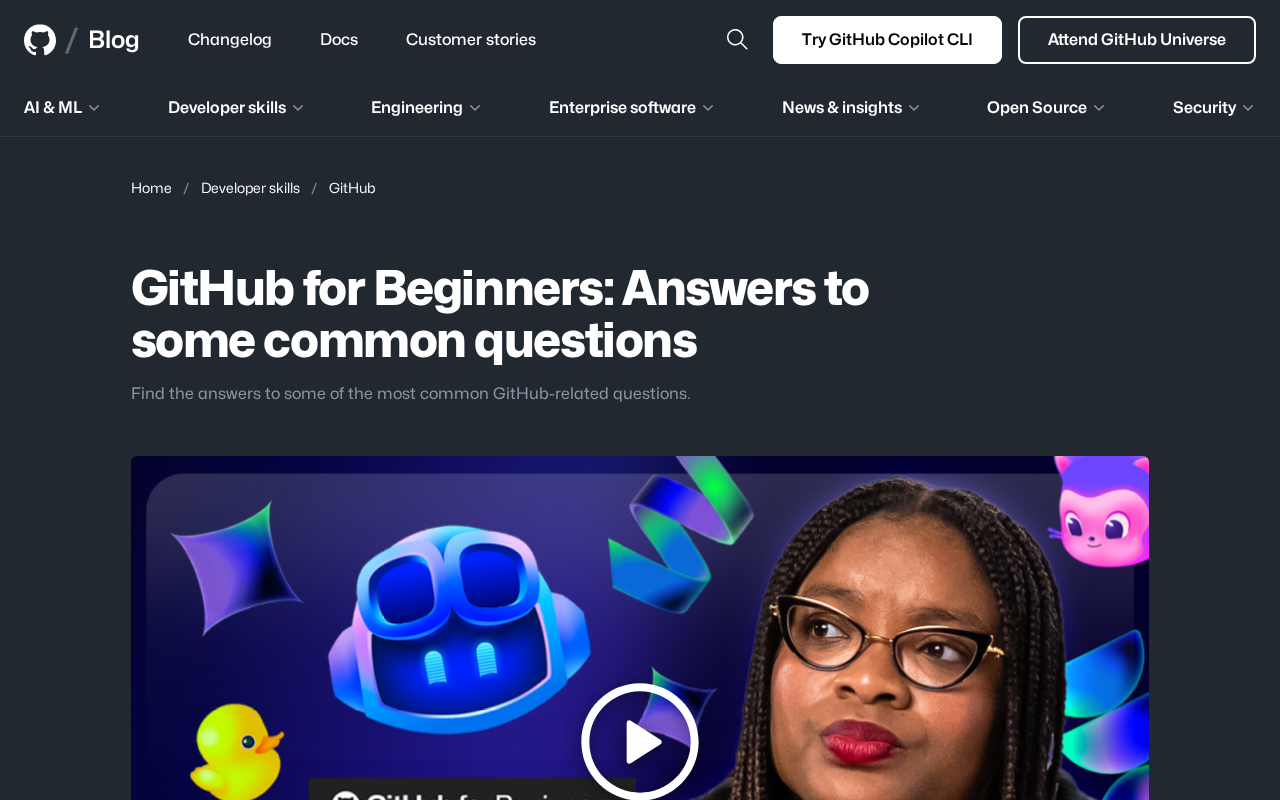
A comprehensive beginner's guide to GitHub covering core concepts, common questions, and practical tips.
This article provides a systematic guide for GitHub beginners, covering the differences between Git and GitHub, basic repository operations, branching and merging strategies, and Pull Request workflows. It also offers practical advice including starting with small projects, leveraging official learning resources like GitHub Skills, and participating in open-source communities through programs like Hacktoberfest.
Overview
The official GitHub blog recently published a FAQ article aimed at beginners, systematically addressing the most common questions developers encounter when using GitHub. For newcomers just getting started with version control and collaborative development, this is a reference worth bookmarking.
What Is GitHub? Why Can't Developers Live Without It?
GitHub is the world's largest code hosting platform, built on top of the Git version control system. Git was created by Linux creator Linus Torvalds in 2005, originally designed to manage the development of the Linux kernel. Unlike earlier centralized version control systems (such as SVN and CVS), Git uses a distributed architecture where every developer's local repository contains the complete project history. This means you can make commits, view history, and create branches even while offline. Git's core design principles include data integrity (through SHA-1 hash verification), high-performance branching and merging operations, and native support for non-linear development workflows — features that quickly made it the version control tool of choice for developers worldwide.
GitHub was founded in 2008 and acquired by Microsoft for $7.5 billion in 2018. As of 2024, it has over 100 million developer users and more than 400 million repositories, hosting major open-source projects including the Linux kernel, React, and TensorFlow. It's not just a code repository — it's the core infrastructure for developer collaboration, open-source project management, and CI/CD workflow automation.
CI/CD, mentioned here, stands for Continuous Integration and Continuous Delivery/Continuous Deployment, and is a core component of modern DevOps practices. Continuous Integration means developers frequently merge code changes into the main branch, with each merge triggering automated builds and tests to catch integration issues early. Continuous Delivery ensures that code, once it passes all tests, can be reliably released to production at any time. GitHub provides native CI/CD capabilities through GitHub Actions, where developers can define automated workflows via YAML configuration files to automatically run tests, build Docker images, deploy to cloud servers, and more after code commits.
For beginners, the core value of GitHub can be understood through these key aspects:
- Version Control: Track every code change and roll back to any historical version at any time
- Collaborative Development: Enable efficient team collaboration through mechanisms like Pull Requests and Issues
- Open-Source Ecosystem: Participate in global open-source projects and learn best coding practices
- Personal Branding: Your GitHub Profile has become a developer's technical business card
The personal branding aspect deserves further elaboration. In tech recruiting, a GitHub Profile has become an important dimension for evaluating a developer's capabilities. An active GitHub account can showcase a developer's code quality, breadth of tech stack, open-source contribution history, and collaboration skills. GitHub's Contribution Graph visually displays a developer's activity level, while Pinned Repositories allow users to highlight their most representative projects. Many tech companies actively review candidates' GitHub profiles during the hiring process, and some even treat it as supplementary material to a resume. Additionally, the Profile README feature launched by GitHub in 2020 allows users to customize their profile page content using Markdown, further enhancing its role as a personal branding platform for developers.
Common Beginner Questions Answered
What's the Difference Between Git and GitHub?
This is the concept newcomers most easily confuse. Git is a distributed version control tool that runs locally; GitHub is a cloud-based hosting service built on Git that provides a web interface, collaboration features, and a community ecosystem. Simply put, Git is the engine, and GitHub is the platform built around that engine.
It's worth noting that GitHub isn't the only cloud-based hosting service built on Git. Platforms like GitLab, Bitbucket, and Gitee also offer similar services, each with different strengths — GitLab is known for its built-in complete DevOps toolchain, Bitbucket integrates deeply with the Atlassian ecosystem (Jira, Confluence), and Gitee focuses on serving Chinese developers. However, GitHub has maintained its industry leadership through its first-mover advantage, massive open-source community, and continuous product innovation.
What Are the Basic Repository Operations?
A repository is the core unit of GitHub, containing all project files and their change history. Basic operations beginners need to master include: creating a repository, cloning it locally, committing changes, and pushing to the remote.
These operations form Git's basic workflow: first, use git clone to copy the remote repository locally; after making code changes locally, use git add to add changes to the Staging Area; then use git commit to create a commit record with a change description; and finally use git push to sync local commits to the GitHub remote repository. Understanding the concept of the Staging Area is a key milestone in learning Git — it's a buffer layer between the working directory and version history that allows developers to precisely control which changes should be included in the next commit.
How to Understand Branching and Merging?
The branch mechanism allows developers to work independently without affecting the main codebase. Understanding how to create, switch, and merge branches is a fundamental skill for collaborating on GitHub.
In real-world team collaboration, branching strategies are crucial engineering practices. The most well-known branching models in the industry include Git Flow, GitHub Flow, and Trunk-Based Development. Git Flow, proposed by Vincent Driessen in 2010, defines five types of branches — feature, develop, release, hotfix, and main — and is suitable for projects with clear release cycles. GitHub Flow is more streamlined, with only a main branch and feature branches; all changes are merged into main via Pull Requests and deployed immediately, making it ideal for continuously delivered web applications. Trunk-Based Development requires developers to frequently commit small batches of changes to the trunk, using Feature Flags to control feature releases, and is widely adopted by large tech companies like Google and Facebook. Beginners typically start with GitHub Flow because it's conceptually simple, has a clear workflow, and aligns closely with GitHub's platform design.
When it comes to merging, we must mention Pull Requests (PRs) — one of GitHub's most influential collaboration innovations. It adds a social layer of code review and discussion on top of Git's native merge mechanism. When a developer finishes work on a feature branch, they create a PR to request that the project maintainer merge it. The PR page clearly displays all code change diffs, and other team members can add line-by-line comments, suggest modifications, or even commit changes directly within the PR. This mechanism not only ensures code quality but also serves as an important channel for team knowledge transfer. In the open-source community, PRs are the standard way for external contributors to participate in projects — fork the project, create a branch, commit changes, and open a PR. This workflow, known as the "Fork & Pull" model, has become the de facto standard for open-source collaboration.
Practical Tips for GitHub Beginners
Start with Small Projects
Beginners are advised to start by creating personal projects, such as a simple README file or a personal homepage repository (username.github.io), to gradually become familiar with the Git workflow. username.github.io is a free static website hosting service provided by GitHub Pages. Developers simply need to create a special repository named after their username to get a free personal website. Many developers use this feature to build tech blogs, project documentation, or personal portfolios. Combined with static site generators like Jekyll or Hugo, you can have a professional online presence without needing a server.
Make Good Use of GitHub's Official Learning Resources
GitHub offers a wealth of official learning resources, including GitHub Skills interactive courses, official documentation, and tutorial series on its blog. These resources cover everything from beginner to advanced levels. GitHub Skills (formerly GitHub Learning Lab) guides learners through hands-on exercises by creating Issues and PRs in real repositories, covering topics like Git basics, GitHub Actions, and code review. Additionally, GitHub's official YouTube channel, recordings from the annual GitHub Universe conference, and community-driven Awesome Lists (such as awesome-github) are also excellent learning resources. For Chinese-speaking users, GitHub's official documentation is available in Chinese translation, significantly lowering the language barrier.
Actively Participate in the Open-Source Community
Once you're comfortable with the basics, try contributing to open-source projects. Start with fixing documentation errors and submitting small bug fixes, then gradually work your way up to feature development. This not only improves your technical skills but is also an effective way to build professional connections.
For beginners who don't know where to start, GitHub provides several ways to discover contribution opportunities suitable for newcomers. Many open-source projects use labels like "good first issue" or "help wanted" to mark tasks suitable for new contributors, and GitHub's Explore page and Trending lists can help you discover projects that interest you. Additionally, the annual Hacktoberfest event held every October encourages developers to submit PRs to open-source projects, with participants receiving swag for completing a certain number of contributions — a great opportunity for newcomers to take their first step in open-source contribution. It's worth noting that open-source contributions aren't limited to code — improving documentation, translating localized content, designing UI, and answering community questions are all valuable forms of contribution.
Conclusion
As a foundational tool in modern software development, GitHub does have a learning curve, but the beginner guides the platform continuously releases have significantly lowered the barrier to entry. With the deep integration of AI tools like GitHub Copilot, the platform is further reducing development barriers — AI can not only assist in writing code but also help generate commit messages, explain code changes, and automatically create PR descriptions, which is undoubtedly a huge help for beginners. Mastering GitHub is not just about improving technical skills — it's the first step toward joining the global developer community. Beginners are encouraged to progress step by step, from foundational concepts to hands-on practice, gradually building a complete knowledge system of version control and collaborative development.
Key Takeaways
Related articles
Vibe Coding Beginner's Guide: A Complete Roadmap to Building Software with AI — No Coding Experience Required
Vibe Coding lets anyone build software using plain language instructions with AI. Learn what it is, when to use it, which tools to pick, and how to get started.
Beginner's Guide to Vibe Coding: Turn Ideas into Products with AI — No Coding Experience Required
Vibe Coding lets anyone build software products through natural language conversations with AI — no programming skills required. Learn the concept, top tools (Cursor, Claude Code, Codex), and how to get started.
Codex in Action: One Prompt, 47 Minutes, a Complete Algorithm Research Paper
Testing OpenAI Codex: one detailed prompt generates a complete algorithm paper in 47 minutes, including working code, figures, and LaTeX manuscript. Covers prompt design, quality assessment, and real submission experience.