GitHub Copilot CLI Integrates LSP Language Servers: From Text Search to True Code Intelligence
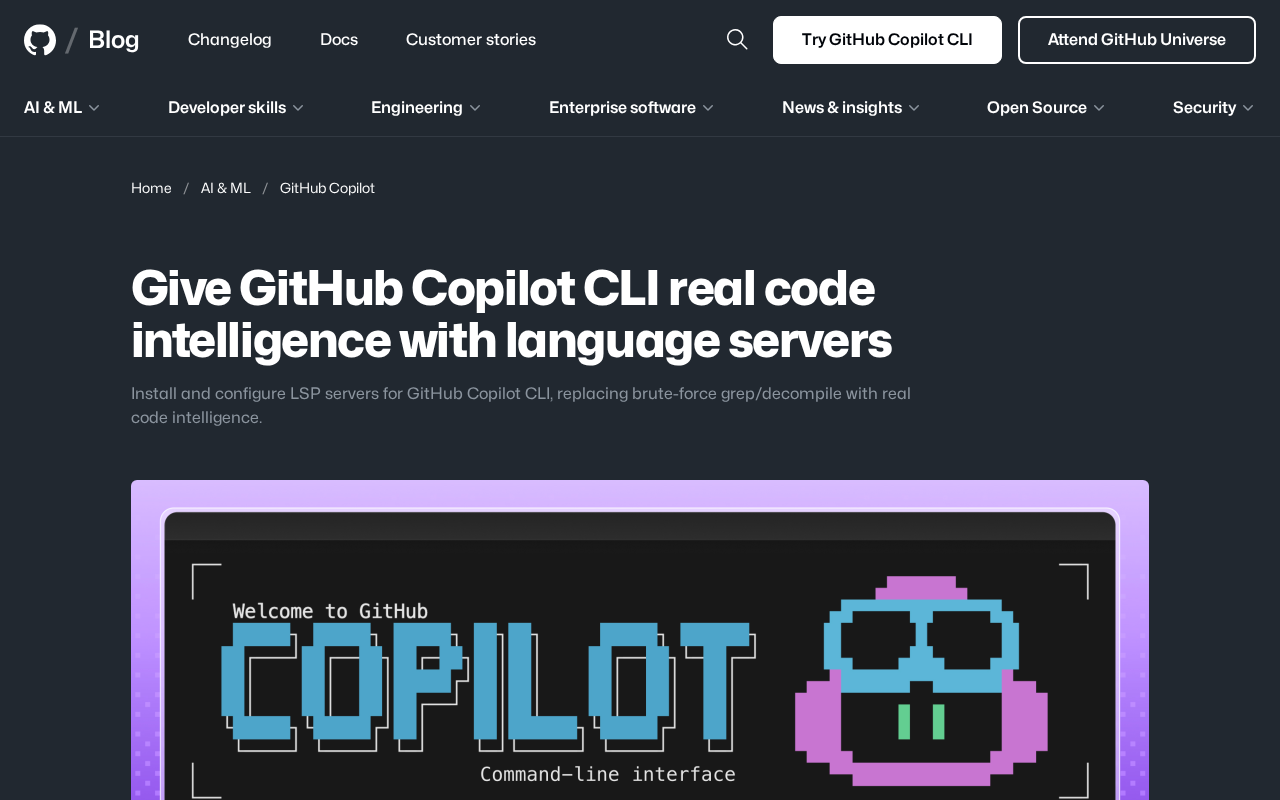
GitHub Copilot CLI integrates LSP to upgrade from grep-based text search to true IDE-level code intelligence.
GitHub Copilot CLI now supports LSP (Language Server Protocol) integration, replacing brute-force grep text search and decompilation with genuine semantic code analysis. This enables precise symbol navigation, cross-file reference tracking, and type-aware understanding directly in the terminal. The update is especially impactful for large monorepos, multi-language projects, and terminal-first workflows, reflecting a broader industry trend toward hybrid LLM + traditional program analysis architectures in AI coding tools.
GitHub's official blog recently published an important technical guide on how to install and configure LSP (Language Server Protocol) language servers for GitHub Copilot CLI, upgrading its code comprehension capabilities from brute-force grep/decompilation methods to genuine code intelligence analysis. This improvement is a significant milestone for developers who regularly use Copilot from the command line.
Why Copilot CLI Needs Language Servers
Limitations of the Traditional Approach
Previously, GitHub Copilot CLI relied on two "brute-force" methods to understand code: grep text search and decompilation analysis. While these approaches work to some extent, they have obvious shortcomings:
- grep search is essentially plain text matching and cannot understand the semantic structure of code. It can't distinguish whether a symbol is a function definition or a variable reference, let alone trace cross-file type inheritance relationships.
- Decompilation can extract more structural information, but the process is time-consuming and imprecise, with noticeably poor efficiency when handling large projects.
To put it in perspective, it's like having someone look up every word in a dictionary to understand an article — they can find the meaning of each word, but it's hard to grasp the context and deeper semantics.
To understand the fundamental limitations of these two approaches, you need to recognize the essential difference between grep and semantic analysis. As one of the most classic text search tools in Unix systems, grep works through line-by-line pattern matching based on regular expressions. It has zero understanding of programming language syntax — for example, searching for the function name "render" will return render in comments, render in string literals, and unrelated render functions in different scopes all at once. In contrast, LSP servers internally maintain a complete Abstract Syntax Tree (AST) and semantic model, capable of distinguishing between a symbol's declaration, definition, and references, while understanding scope rules, type systems, and module boundaries. This difference is especially pronounced in large codebases — for a common identifier that appears 200 times across 100,000 lines of code, grep returns all 200 matches, while LSP can precisely tell you which 3 are definitions, which 197 are references, and the dependency relationships between them.
The Qualitative Leap LSP Brings
Language Server Protocol (LSP) was originally designed by Microsoft for VS Code and has since become a universal standard across the editor and IDE ecosystem. LSP servers provide the following core capabilities:
- Precise Go to Definition
- Find All References
- Type inference and Hover Information
- Completion Context
- Diagnostics and error detection
Understanding LSP's technical background helps appreciate the significance of this integration. LSP was officially released by Microsoft in 2016, designed to solve the "M×N problem" in the editor ecosystem — the dilemma of needing M×N adapter layers between M programming languages and N editors. By defining a standardized JSON-RPC communication protocol, LSP abstracts language intelligence capabilities into independent server processes, allowing any editor that supports the LSP client protocol to reuse the same language server. As of 2025, LSP has been adopted by the toolchains of over 60 programming languages, with supported editors including VS Code, Neovim, Emacs, Sublime Text, Helix, and other mainstream options. LSP's communication model is based on two patterns: request-response and notifications. The client sends requests like textDocument/definition, and the server returns precise location information, with the entire process typically completing in milliseconds.
Once Copilot CLI connects to LSP, it's no longer "blindly searching" — it truly "understands" code structure like an IDE. This means when you ask Copilot questions about your project's code in the terminal, it can provide more accurate, context-aware answers.
Practical Use Cases After LSP Integration
Large Codebase Navigation
This improvement is particularly critical for teams maintaining large monorepos or complex microservice architectures. Developers can directly ask Copilot in the command line about all callers of a function or all implementations of an interface, and Copilot can provide precise answers through the language server rather than fuzzy text matching results.
Monorepos are a code organization approach widely adopted by tech giants like Google, Meta, and Microsoft, placing hundreds or even thousands of projects in a single version control repository. The advantage of this architecture lies in atomic cross-project refactoring and unified dependency management, but it also introduces enormous code navigation challenges: a change to a low-level library's interface might affect hundreds of downstream consumers, with these dependencies scattered across different directories and languages. Traditional grep not only produces extremely noisy results at this scale but also suffers significant performance degradation. LSP servers, through incremental indexing and project-aware symbol resolution, can provide precise cross-package reference tracking in monorepo environments — essential for understanding the impact scope of changes and performing safe refactoring.
Multi-Language Project Support
One of LSP's greatest strengths is its language-agnostic nature. By installing LSP servers for different languages (such as typescript-language-server for TypeScript, pyright for Python, rust-analyzer for Rust, gopls for Go, etc.), Copilot CLI can seamlessly switch between languages in multi-language projects, providing equal-quality code intelligence support for each language.
Terminal-First Development Workflows
An increasing number of developers prefer terminal-first workflows, especially in scenarios like remote development and SSH connections to servers. Previously, leaving the IDE meant losing code intelligence assistance. Now, the Copilot CLI + LSP combination brings near-IDE-level code comprehension to the terminal environment, filling the last gap in the command-line development experience.
The resurgence of terminal-first development workflows is closely tied to several trends: first, the proliferation of cloud and remote development, where latency and bandwidth overhead of GUI editors become bottlenecks when developers SSH into remote dev machines or container environments; second, the maturity of modern terminal editors like Neovim and Helix, which have achieved near-VS Code code intelligence through LSP integration; and third, the flourishing ecosystem of terminal multiplexers like tmux/zellij and TUI tools like lazygit and fzf, continuously improving development efficiency in pure terminal environments. According to GitHub's 2024 Developer Survey, approximately 23% of professional developers use terminal editors as their primary development environment, with this percentage being even higher in DevOps and systems programming. Copilot CLI's LSP integration is a direct response to this user group's needs.
Technical Significance and AI Programming Tool Trends
The Evolution Direction of AI Programming Tools
This update reflects an important evolutionary direction for AI programming tools: shifting from pure LLM reasoning to a hybrid architecture combining LLM + traditional program analysis. Relying solely on a large language model's "reading comprehension" ability to analyze code is far from sufficient. Combining LLMs with compiler-level code analysis tools (such as LSP, AST parsing, and type checkers) is what it takes to achieve truly reliable code intelligence.
From a technical standpoint, the core problem pure LLMs face in code analysis is "hallucination" — models may produce seemingly plausible but actually incorrect answers based on statistical patterns in training data, such as fabricating non-existent APIs or incorrect type signatures. The core idea of the hybrid architecture is to combine LLMs' natural language understanding and reasoning capabilities with the precision of deterministic program analysis tools: LSP provides ground-truth-level symbol information, type data, and reference relationships, while the LLM handles understanding the user's natural language intent, synthesizing multiple analysis results, and generating human-readable explanations. This architecture is similar to a specialized application of RAG (Retrieval-Augmented Generation) in the code domain — LSP acts as a high-precision code knowledge retrieval layer, providing verified contextual information to the LLM, thereby significantly reducing hallucination rates and improving answer reliability.
This also explains why next-generation AI editors like Cursor and Windsurf are deeply integrating language server capabilities — they understand that AI's "intuition" needs to complement deterministic program analysis to produce results that developers truly trust.
Developer Toolchains Moving Toward Deep Integration
GitHub's approach of bringing LSP into CLI tools also signals that developer toolchains are moving toward deeper integration. In the future, whether you're working in VS Code, Neovim, the terminal, or a Web IDE, you'll be able to access a consistent code intelligence experience powered by AI + language servers. The experience gap between tools is being rapidly bridged.
Conclusion
GitHub Copilot CLI's integration with language servers may seem like a minor technical optimization, but it actually represents a critical step in AI programming tools evolving from "functional" to "excellent." It validates an important insight: the best AI development tools aren't meant to replace traditional program analysis techniques, but to deeply integrate with them, leveraging the strengths of each. For developers who heavily use the command line, this is an improvement worth trying early.
Related articles
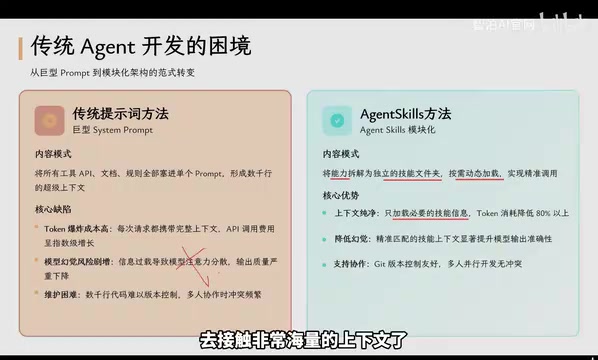
Agent Skills: Folders as Skills — Making AI Produce Precise, Template-Based Output
Agent Skills splits AI capabilities into independent skill folders with on-demand loading and progressive disclosure, cutting token costs by 80% and reducing hallucinations for template-based output.

Five Common Claude Code Mistakes — How Many Are You Making?
Five common Claude Code mistakes developers make: copy-pasting code, skipping CLAUDE.md, inefficient prompting, ignoring docs, and poor context management — with fixes.

Andrew Ng's New Course Explained: A Practical Guide to Using OpenAI's O1 Reasoning Model
Deep dive into Andrew Ng and OpenAI's Reasoning with O1 course covering test-time scaling, new prompting paradigms, multi-model orchestration, and practical applications for developers.