GitHub Copilot Desktop App Released: Agent Programming Breaks Free from the IDE
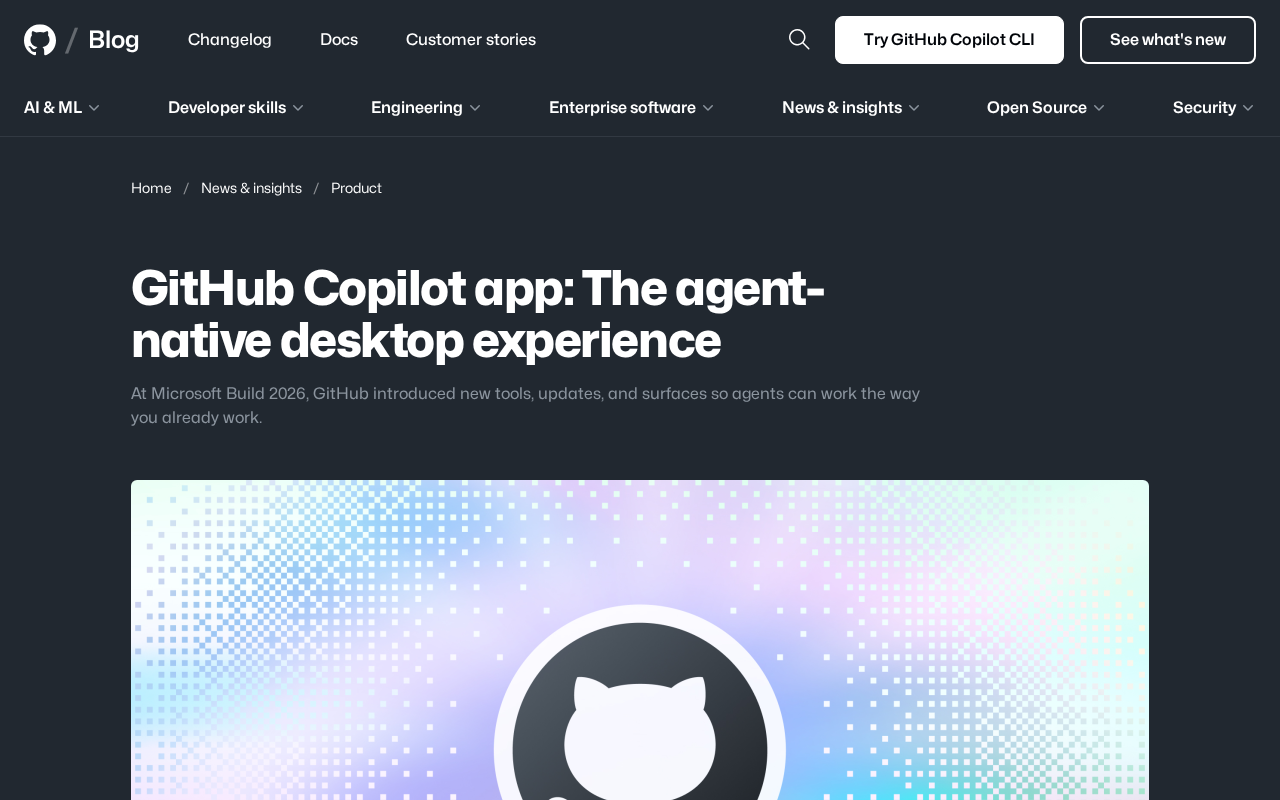
GitHub launches standalone Copilot Desktop App with agent-native architecture, redefining AI programming tools.
GitHub unveiled the Copilot native desktop application (Technical Preview) at Microsoft Build 2026, featuring an agent-native architecture with Sessions as the core interaction model for driving complex tasks. Simultaneously, CLI Agent and Unified Sessions View were introduced for JetBrains IDEs. GitHub's strategy frees Copilot from IDE constraints through a three-layer approach: Desktop App (task orchestration), IDE plugins (code modification), and CLI Agent (terminal execution), achieving platform-wide penetration with multiple entry points and a unified backend.
Core Event: Copilot Breaks Free from the IDE, Becomes a Standalone Desktop App
At Microsoft Build 2026, GitHub officially launched the Copilot native desktop application (Desktop App), currently in Technical Preview. This isn't a simple web wrapper — it's an entirely new desktop development experience positioned as "agent-native."
Agent-native represents a fundamentally new software design philosophy, distinct from the traditional approach of embedding AI as an auxiliary feature within existing tools. In an agent-native architecture, the entire application is designed from the ground up around how AI agents work — the agent is no longer a passive assistant waiting for line-by-line instructions, but an active participant capable of autonomously planning and executing multi-step tasks. This design means that the user interface, state management, and permission models all need to be rebuilt to accommodate agents that may run for extended periods, require intermediate decisions, and potentially produce branching execution paths. This represents a fundamental departure from the traditional IDE plugin model — in the plugin model, AI is constrained by the host application's UI framework and interaction paradigms, whereas an agent-native application can custom-build the optimal human-machine interface for the agent's workflow.
According to analysis by Chinese tech YouTuber "AI天天酱," the core positioning of this desktop app is "a dedicated AI programmer terminal that does the work for you" — not a sidekick inside your IDE. GitHub's official blog also describes it as a new interface that "lets the Agent work the way you already work." This marks the formal evolution of AI programming tools from the IDE plugin form factor to a standalone application form factor.
Sessions at the Core: Copilot Desktop App's New Interaction Paradigm
Independent Sessions Drive Complex Tasks
The core interaction logic of the Copilot Desktop App is the Session. Developers can open independent sessions for complex tasks, with each session maintaining its own context and execution environment. The advantage of this design lies in isolation — different tasks don't interfere with each other, and developers can manage multiple parallel Agent tasks simultaneously.
The concept of a Session in the Copilot Desktop App goes far beyond the traditional chatbot conversation. Traditional AI conversations are stateless or shallow-state — each interaction is relatively independent with limited context windows. Copilot's Sessions are closer to persistent workspaces: they maintain complete task context (including repository state, file change history, dependency graphs), execution environments (terminal state, environment variables, running processes), and decision history (every choice the Agent made and its reasoning). This design borrows from the process isolation concept in operating systems — each Session is like an independent sandbox with its own resources and lifecycle that can be paused, resumed, forked, or terminated. This enables developers to truly achieve parallel task management — for example, having one Session handle bug fixes while another handles feature development, with zero interference between them.
Deep Integration with the GitHub Ecosystem
This desktop app can perceive the complete GitHub context, covering the entire workflow from Pull Request review to final code delivery. Developers no longer need to constantly switch between browser, IDE, and terminal — all GitHub-related collaboration and delivery actions can be completed in a unified interface.
Pull Requests (PRs) are the core mechanism of GitHub's collaboration model and the primary means of code review and quality control in modern software development. A typical PR workflow includes: creating a branch, committing code changes, opening a PR, waiting for CI/CD pipelines to pass, receiving peer code review, addressing review comments, and finally merging into the main branch. The Copilot Desktop App's "GitHub context awareness" means the Agent understands every step in this process: it knows which review comments on the current PR remain unresolved, at which step the CI pipeline failed, which files have merge conflicts, and what the project's code standards are. This deep integration enables the Agent to not only write code but also participate in the collaborative processes of software engineering — automatically responding to review comments, fixing CI failures, generating changelogs — truly covering the complete lifecycle from code writing to production deployment.
This design philosophy differs from the "all-in-one IDE" approach taken by current AI programming tools like Cursor and Windsurf — Copilot has chosen to position itself as a "task orchestration center," leaning more toward high-level project management and Agent scheduling. Cursor is forked from VS Code's open-source codebase, rewriting the editor core to achieve an AI-first interaction experience, with its Composer feature allowing AI to make large-scale code modifications across multiple files. Windsurf (launched by Codeium) focuses on Cascade streaming interaction, attempting to help AI understand the developer's complete workflow context. The common strategy of both is "one application solves all problems," while GitHub's "multiple entry points, unified backend" approach represents platform thinking: rather than trying to cover all scenarios with a single application, it aims to be omnipresent across developers' existing toolchains.
JetBrains Ecosystem Gets a Simultaneous Upgrade: CLI Agent Officially Arrives
Beyond the desktop app, GitHub simultaneously brought a major update to JetBrains IDE users. Copilot for JetBrains IDEs officially introduces the CLI Agent, allowing developers to finally invoke AI directly within IntelliJ IDEA or PyCharm to execute terminal commands and run automated tests.
The CLI Agent (Command-Line Interface Agent) represents a critical step in AI programming tools penetrating the system layer. Traditional AI code assistants can only operate at the editor level — generating code and providing completion suggestions — but cannot directly interact with the operating system. The CLI Agent breaks this limitation by understanding developer intent and translating it into specific terminal command sequences: running test suites, executing build scripts, managing Docker containers, operating Git workflows, and more. Behind this lies complex security model design — the Agent needs sufficient execution permissions while preventing system damage or data loss from misoperations. The typical approach is implementing a tiered authorization mechanism: low-risk commands (like ls, git status) can be executed automatically, while high-risk commands (like rm -rf, database migrations) require explicit user confirmation.
Unified Sessions View Improves Agent Management Efficiency
The new Unified Sessions View allows developers to monitor the status of all running and queued Agent tasks in real time. This feature significantly closes the gap between JetBrains tools and VS Code/Cursor in terms of AI terminal automation capabilities.
For JetBrains users, this update is no less significant than the desktop app itself — it proves that GitHub hasn't abandoned the JetBrains ecosystem but is advancing Agent capabilities across multiple frontends simultaneously.
Strategic Analysis: Copilot's "Layered Penetration" Strategy
From an overall strategic perspective, GitHub's thinking is crystal clear: Copilot is breaking free from IDE constraints and penetrating toward the operating system and terminal layers.
The specific division of labor is:
- Desktop App: Handles high-level task orchestration, project management, and Agent scheduling
- IDE Plugin: Handles deep code modification, completion, and refactoring
- CLI Agent: Handles terminal command execution and automated testing
The advantage of this layered architecture is that developers can choose the most appropriate tool interface based on the granularity of their current task, while the underlying AI capabilities remain unified. In contrast, Cursor and Windsurf attempt to do everything within a single IDE, while GitHub has chosen the "multiple entry points, unified backend" approach. The advantage of this platform strategy lies in reducing developer migration costs — whether you prefer VS Code, IntelliJ, or a pure terminal workflow, you get consistent AI capabilities. The disadvantage is that experience consistency and interaction depth across multiple entry points may not match what dedicated tools can achieve. However, considering that GitHub has a user base of over 100 million developers and a complete ecosystem spanning code hosting, CI/CD, and project management, this "omnipresent" penetration strategy may prove more competitively durable than a "single-point breakthrough" approach.
Practical Recommendations for Developers
- Developers seeking ultimate task management: Apply for the Copilot Desktop Technical Preview to experience Session-driven Agent orchestration capabilities
- JetBrains users: Check for plugin updates immediately and experience the terminal automation capabilities brought by CLI Agent
- VS Code users: Continue following Copilot plugin updates — the desktop app and IDE plugin are complementary, not replacements for each other
The competition among AI programming tools is escalating from "whose code completion is more accurate" to "whose Agent workflow is more complete." The launch of the GitHub Copilot Desktop App marks a new phase in this competition.
Key Takeaways
- GitHub launched the Copilot native Desktop App at Microsoft Build 2026, entering Technical Preview, positioned as an agent-native desktop experience
- The Desktop App uses Sessions as its core interaction model, supporting independent sessions for complex tasks with full GitHub context awareness covering PR review through code delivery
- Copilot for JetBrains IDEs simultaneously introduces CLI Agent with terminal command execution and automated testing support, plus a new Unified Sessions View
- GitHub's overall strategy is to free Copilot from IDE constraints — the Desktop App handles high-level task orchestration, IDE plugins handle deep code modification — penetrating toward the OS and terminal layers
Related articles
 Tech Frontiers
GitHub Agent HQ Launch: AI Coding Tools Enter the Era of Platform Competition
GitHub Universe unveils Agent HQ platform for unified coding agent management, Copilot upgrades with multi-model support. OpenAI completes restructuring, Anthropic tests new model, NVIDIA open-sources AI models.
 Tech Frontiers
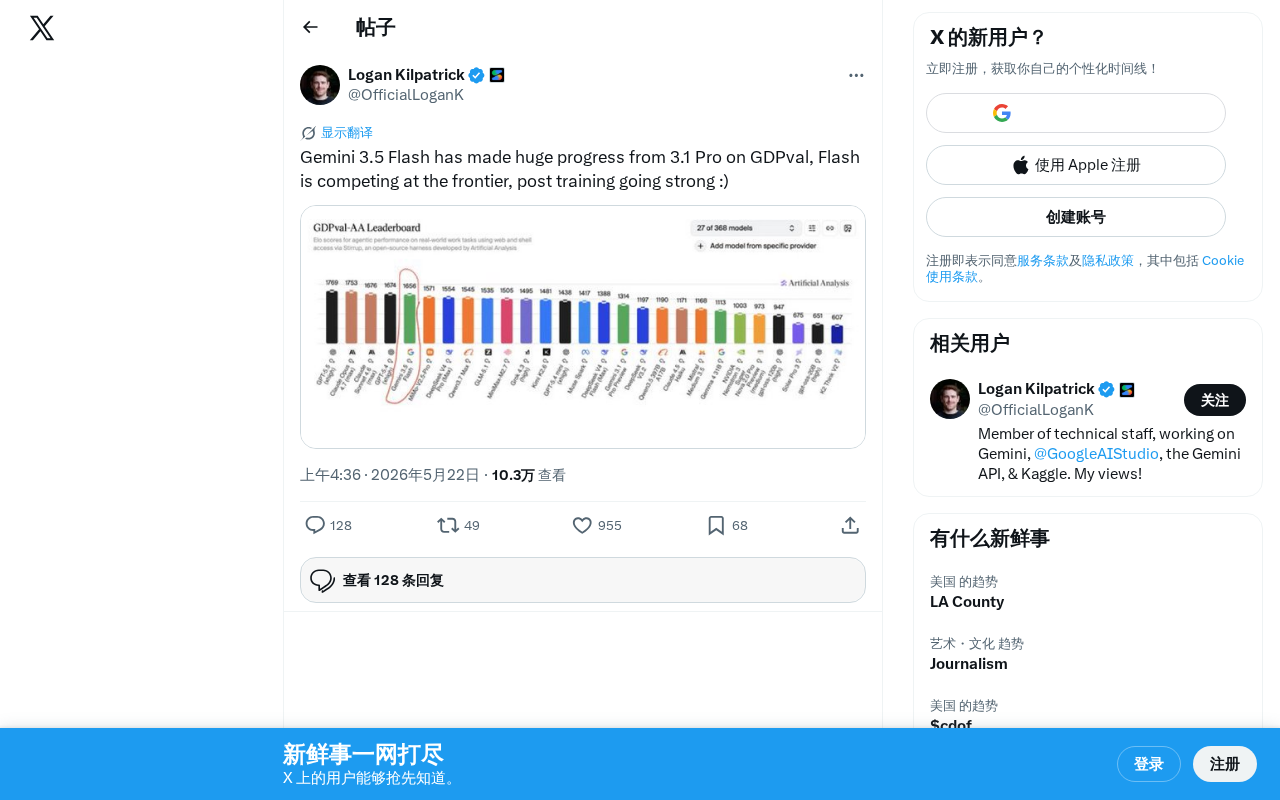
Gemini 3.5 Flash Achieves a Massive Leap on the GDPval Benchmark
Google Gemini 3.5 Flash surpasses Gemini 3.1 Pro on the GDPval benchmark. The lightweight Flash model leverages post-training techniques to approach frontier-level performance, redefining the balance between quality and cost.
 Tech Frontiers
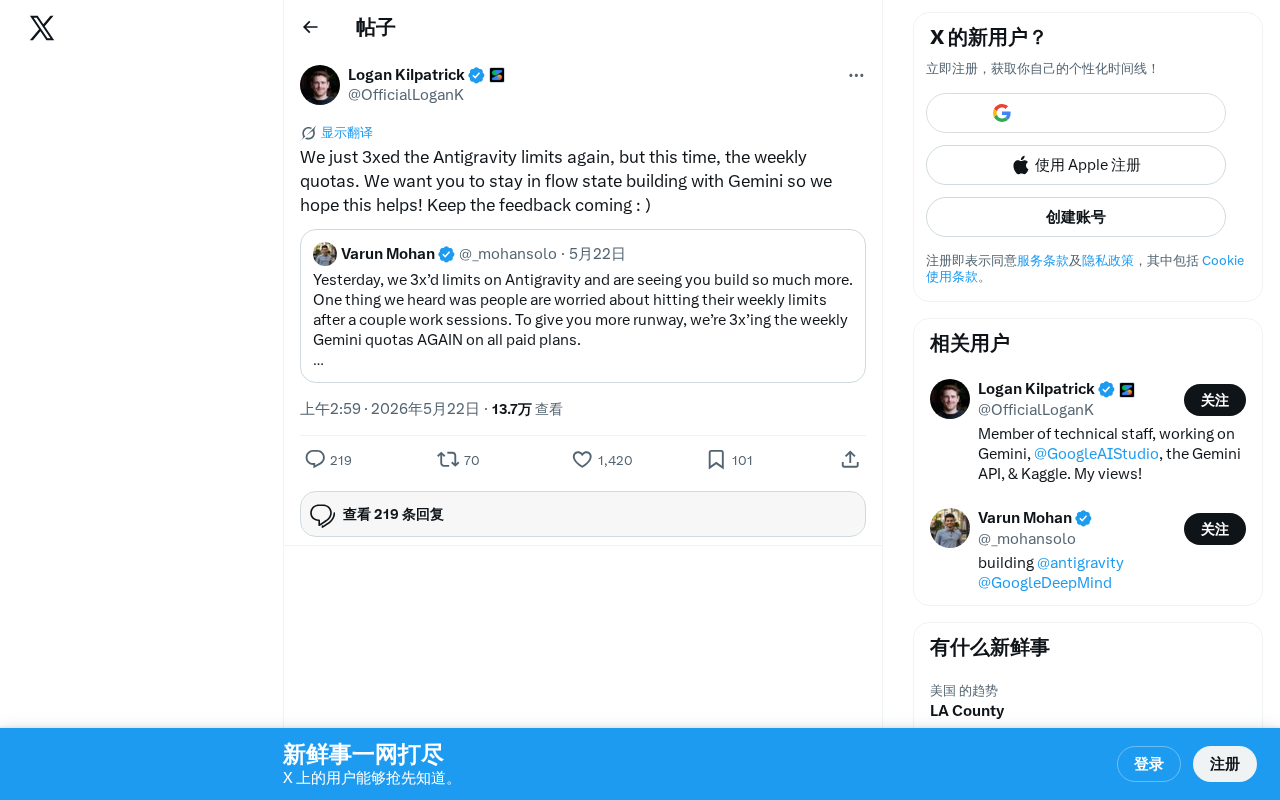
Google Gemini Antigravity Weekly Quota Tripled — AI Coding Without Limits
Google Gemini triples Antigravity weekly quotas following a prior daily quota boost. Analyzing the impact on developers and its strategic significance in AI coding.