GitHub Copilot Remote Sessions Now GA: A Deep Dive into Cross-Device Programming

GitHub Copilot remote session control is now GA, enabling seamless cross-device programming.
GitHub Copilot's remote session control feature is now generally available to all users. Developers can start coding sessions in local VS Code or CLI, then seamlessly continue on github.com or GitHub Mobile. The feature syncs AI context through a cloud-based "session state machine," differentiating it from traditional approaches like remote desktops and cloud IDEs. It dramatically reduces the cognitive overhead of cross-device switching, marking the transformation of AI programming assistants from IDE-bound tools to cross-platform persistent services.
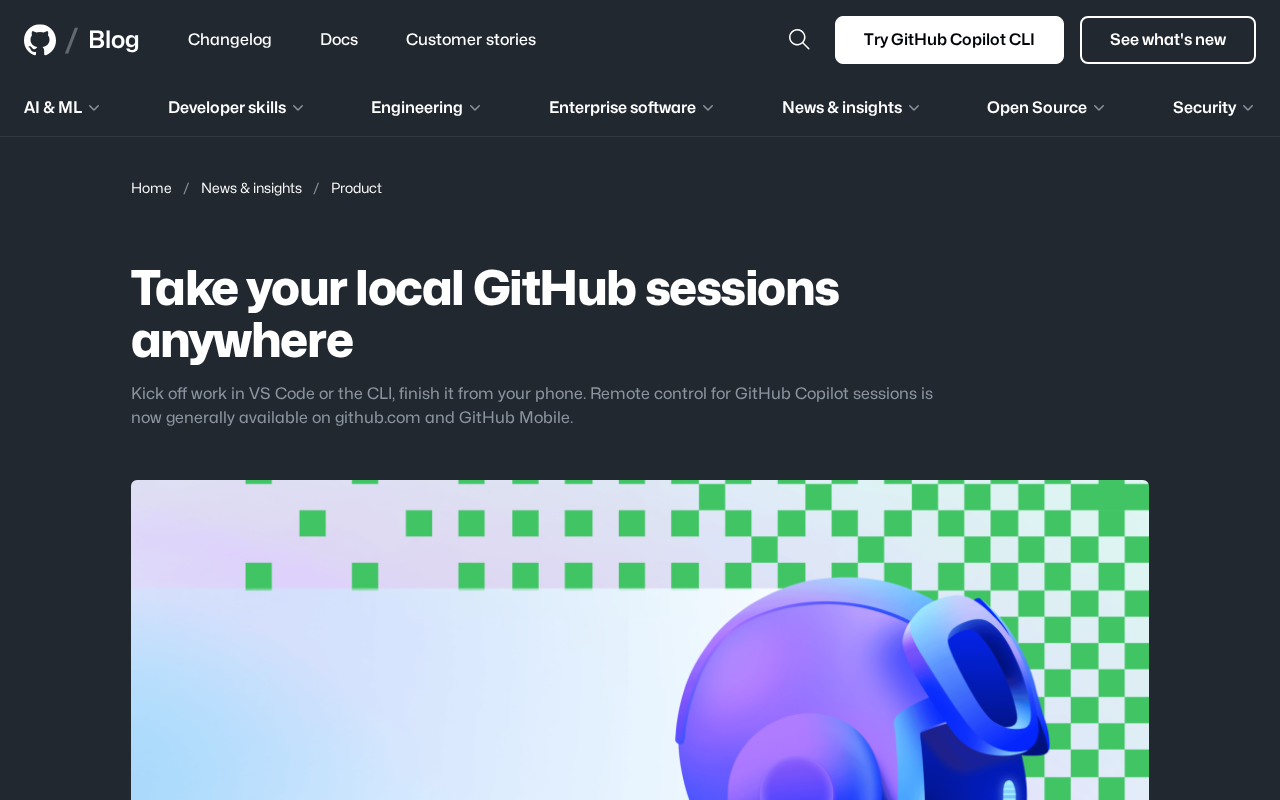
GitHub recently announced that GitHub Copilot's remote session control feature is now generally available (GA) to all users. This means developers can start a coding session in their local VS Code or command line, then seamlessly continue working on github.com or even the GitHub Mobile app on their phone. This feature breaks through the physical limitations of development environments, making coding truly possible "anytime, anywhere."
What Is GitHub Copilot Remote Session Control?
Remote Control is a new core capability added to GitHub Copilot. Its design philosophy is to sync the state of local development sessions to the cloud, enabling developers to access and manage ongoing coding tasks across devices.
Specifically, when you're coding with GitHub Copilot in your local VS Code or CLI, session information is synced to your GitHub account. You can then visit github.com in a browser or open the GitHub Mobile app on your phone to directly view and continue managing that session. The entire process requires no environment reconfiguration and no manual transfer of code or context.
Technical Background: Since its debut in 2021, GitHub Copilot has rapidly evolved from a simple code completion tool to a multimodal AI programming assistant. Its underlying technology has iterated from the original OpenAI Codex model to supporting multiple large language models including GPT-4o and Claude. The remote session control feature relies on a "session state machine" maintained by GitHub in the cloud — essentially serializing the context window from the local IDE (including open files, conversation history, task instructions, etc.) and syncing it to GitHub's cloud infrastructure, then exposing access interfaces to different clients (Web, Mobile, CLI) through a unified API layer.
What Developer Pain Points Does Remote Sessions Solve?
Fragmented Development Scenarios
Modern developers face increasingly fragmented work scenarios. You might start a complex debugging task on your office workstation, only to think of a solution after leaving work. Or you might receive an urgent code review request during your commute but have no access to your local development environment.
Traditional solutions typically rely on remote desktops, SSH connections, or cloud-based IDEs, but these approaches are either complex to configure or lack a smooth experience. Before GitHub Copilot's remote session control, developers generally had three categories of cross-device solutions: first, remote desktops (such as RDP, VNC) — they fully replicate the local environment but consume significant bandwidth and are latency-sensitive; second, SSH + terminal multiplexers (such as tmux/screen) — lightweight but lacking a graphical IDE experience; third, cloud IDEs (such as GitHub Codespaces, Gitpod) — they provide complete development environments but have longer cold-start times and resource costs.
GitHub Copilot's remote session control takes a differentiated approach: rather than trying to replicate the entire development environment, it focuses on syncing the state of the AI assistance layer, making "AI context continuity" its core value proposition and dramatically reducing the cognitive overhead of switching between devices.
Lightweight Development on Mobile
Including GitHub Mobile in the supported platforms is a major highlight of this update. While writing large amounts of code on a phone isn't practical, lightweight operations like reviewing Copilot's suggestions, examining code changes, or issuing instructions for ongoing tasks can be done efficiently on mobile. This allows developers to maintain control over project progress even when away from their computers.
This move reflects the industry's broader redefinition of the "mobile developer experience." Conventional wisdom holds that mobile devices aren't suited for programming, but as tablet performance improves (e.g., iPad Pro with Magic Keyboard) and 5G becomes widespread, lightweight mobile development scenarios are expanding. GitHub Mobile already supports core workflows like code review, Issue management, and PR merging. Adding Copilot session control upgrades it from a "project management tool" to a "lightweight AI programming terminal." This aligns closely with Microsoft's broader strategy of continuous mobile investment (such as VS Code for the Web and Microsoft 365 Copilot on mobile).
What's the Real Impact on Development Workflows?
Multi-Device Collaborative Programming Becomes the Norm
The GA release of this feature signals that GitHub is building a cross-device development ecosystem centered on Copilot. From VS Code on the desktop to command-line tools, to the web and mobile, GitHub is ensuring that developers can tap into the same AI-assisted programming workflow regardless of what device they're using.
AI Programming Assistants Evolve from Tools to Services
From a broader perspective, this also reveals an important evolutionary direction for AI programming assistants: the shift from "tool" to "service." Traditional code completion tools are bound to specific IDEs, but GitHub Copilot is becoming a cross-platform, cross-device persistent service. Your coding context, conversation history, and task state are all stored in the cloud, ready to be resumed from any entry point at any time.
This shift has profound implications for business models as well. Traditional IDE plugins center on "tool licensing," where users pay for usage rights. A service-oriented Copilot, however, builds user stickiness through "session continuity" and "cross-device availability," more closely resembling SaaS subscription logic. This expands Copilot's competitive dimensions from pure code completion quality to workflow integration depth and cross-device experience consistency — dimensions that are much harder to replicate. From an industry perspective, this stands in stark contrast to the competitive strategies of emerging AI IDEs like Cursor and Windsurf, which primarily focus on deepening the single desktop experience, while GitHub leverages its platform ecosystem advantage to build a cross-device moat.
Summary and Outlook
The GA release of remote session control is a significant step forward in GitHub's vision of "development everywhere." For developers who use Copilot daily, this means greater flexibility and lower context-switching costs. As GitHub continues to strengthen Copilot's cross-device capabilities, there's every reason to expect more innovations that break down device boundaries in development tools.
Key Takeaways
- GitHub Copilot's remote session control feature is now GA, supporting github.com and GitHub Mobile
- Developers can start sessions in VS Code or CLI, then seamlessly continue on the web or mobile
- The feature uses a cloud-based "session state machine" for cross-device context sync, differentiating it from traditional approaches like remote desktops and cloud IDEs
- It upgrades GitHub Mobile into a lightweight AI programming terminal, aligning with the industry trend of expanding mobile development scenarios
- It marks the transformation of AI programming assistants from IDE-bound tools to cross-device persistent services, building a deeper platform moat in the competitive landscape
Related articles
 Tech Frontiers
GitHub Agent HQ Launch: AI Coding Tools Enter the Era of Platform Competition
GitHub Universe unveils Agent HQ platform for unified coding agent management, Copilot upgrades with multi-model support. OpenAI completes restructuring, Anthropic tests new model, NVIDIA open-sources AI models.
 Tech Frontiers
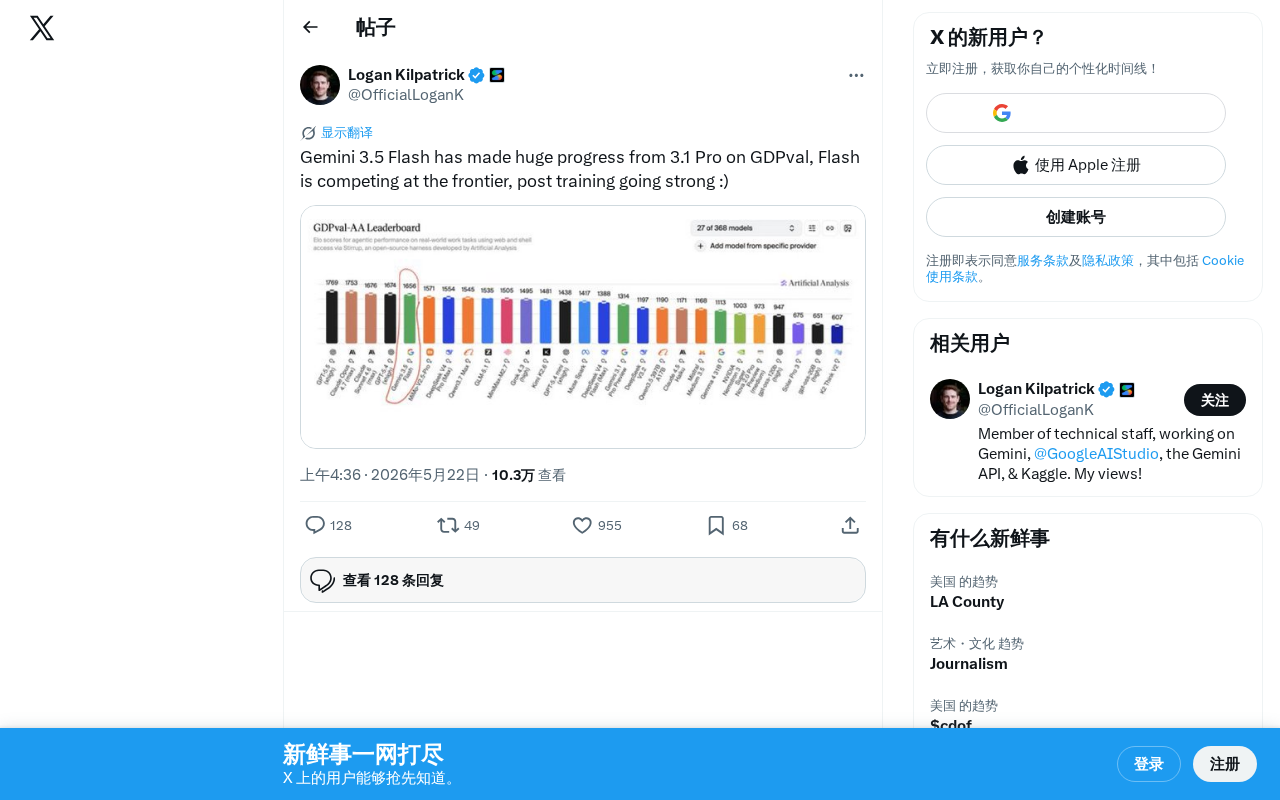
Gemini 3.5 Flash Achieves a Massive Leap on the GDPval Benchmark
Google Gemini 3.5 Flash surpasses Gemini 3.1 Pro on the GDPval benchmark. The lightweight Flash model leverages post-training techniques to approach frontier-level performance, redefining the balance between quality and cost.
 Tech Frontiers
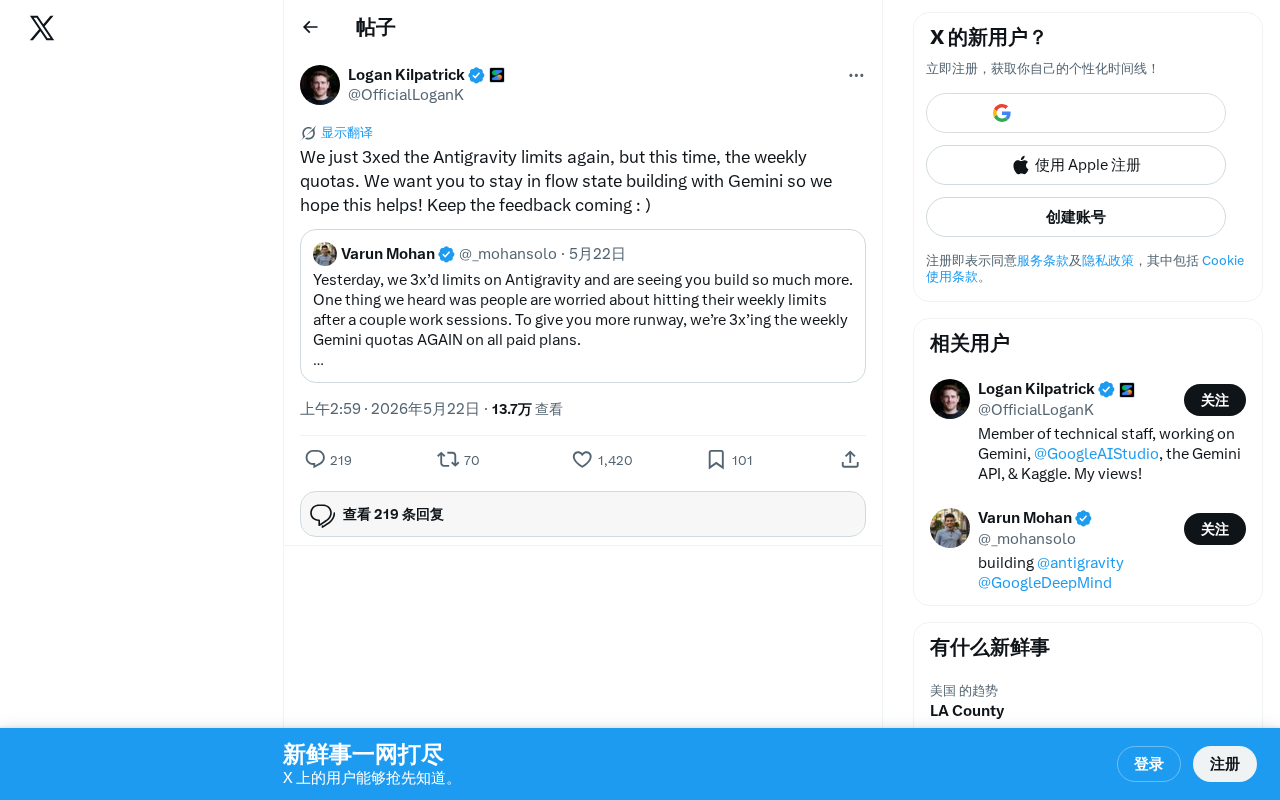
Google Gemini Antigravity Weekly Quota Tripled — AI Coding Without Limits
Google Gemini triples Antigravity weekly quotas following a prior daily quota boost. Analyzing the impact on developers and its strategic significance in AI coding.