LangChain Unified Interface in Practice: A Guide to Avoiding Model Invocation Pitfalls

Guide to LangChain's init_chat_model unified interface and DeepSeek V4 Pro Agent pitfalls
This article covers two model invocation approaches in LangChain: provider-specific model classes (not recommended) and the unified init_chat_model interface (recommended). It highlights the unified interface's advantage of switching between multiple models with one codebase, explains how to resolve compatibility issues caused by DeepSeek V4 Pro's default Thinking Mode in Agent scenarios, introduces best practices for managing keys with .env files, and emphasizes that AI should serve as an extension of existing business capabilities.
Why You Need LangChain's Unified Interface
LangChain is one of the most popular open-source frameworks for AI application development today. First released by Harrison Chase in October 2022, it started as a Python library for chaining large language models (LLMs) with external tools. With the explosive growth of GPT-3.5/4, LangChain quickly became one of the most popular open-source frameworks in the AI application development space, surpassing 80,000 GitHub Stars in just one year. Its core design philosophy is "composition over inheritance" — abstracting capabilities like prompt templates, model invocation, output parsing, memory management, and tool calling into composable modules, allowing developers to build complex AI application pipelines like building blocks. The LangChain ecosystem currently includes the core library langchain-core, the community integration package langchain-community, the visual orchestration tool LangGraph, and the hosted platform LangSmith.
Its core value lies in providing developers with a unified model invocation interface — whether you're using DeepSeek, OpenAI, Anthropic, Tongyi Qianwen, or Zhipu, you can use the same code paradigm to make calls, only needing to swap out the model configuration at the underlying level.
This means developers no longer need to write separate integration code for each model provider, dramatically reducing the cost of switching between multiple models. Based on a practical tutorial from a Bilibili content creator, this article outlines two approaches to model invocation in LangChain, with a focus on the officially recommended init_chat_model unified interface and practical tips for avoiding common pitfalls in real development.
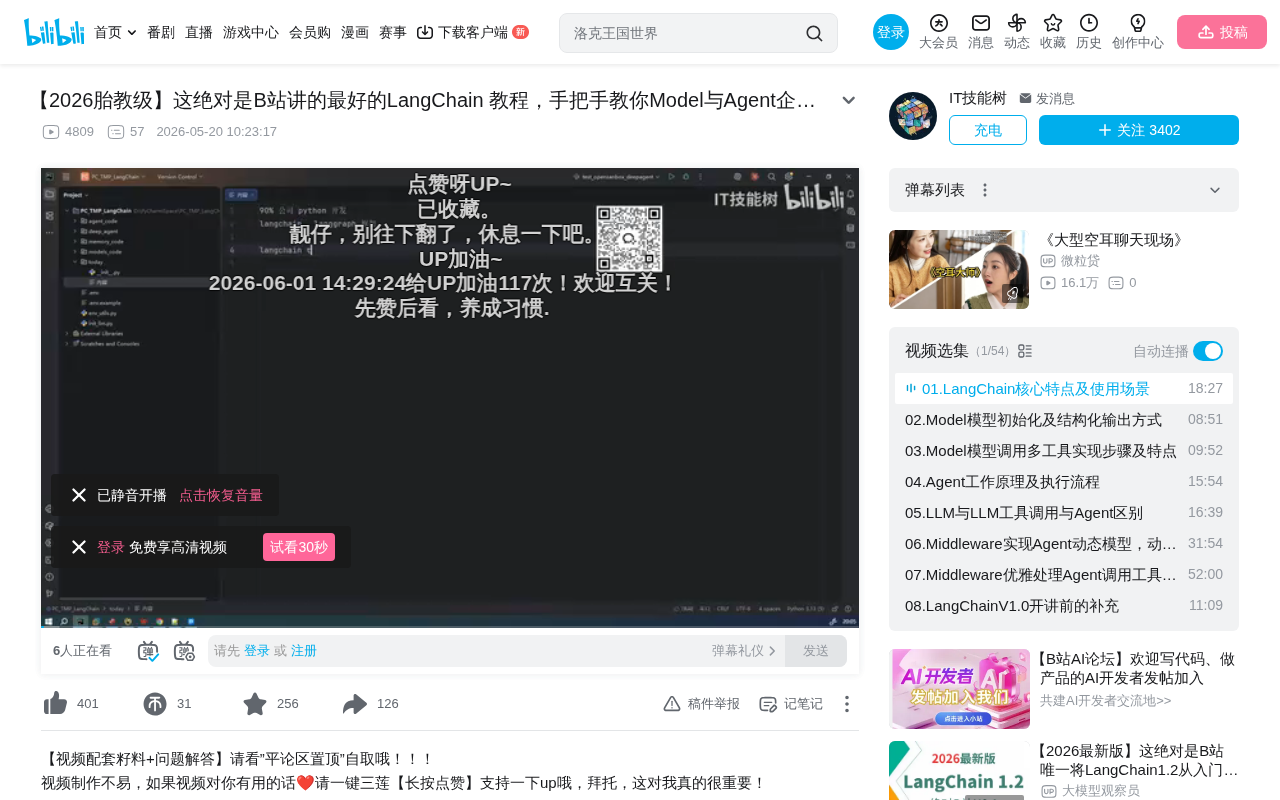
Comparing Two Model Creation Approaches
Approach 1: Model Classes (Not Recommended)
LangChain provides dedicated model classes for each provider, such as:
- DeepSeek →
ChatDeepSeek - OpenAI →
ChatOpenAI - Anthropic →
ChatAnthropic
To use them, you import the class from the corresponding package, then pass in parameters like api_key, base_url, and model to create an instance. The invocation method is uniformly .invoke().
from langchain_deepseek import ChatDeepSeek

llm = ChatDeepSeek(
    api_key=DEEPSEEK_API_KEY,
    base_url=DEEPSEEK_BASE_URL,
    model="deepseek-v4-pro"
)
resp = llm.invoke("你好")
print(resp)
While this approach works, the tutorial author explicitly advises against it for two reasons:
- High cognitive overhead: Each provider has a different class name, requiring you to look up documentation one by one;
- Poor Agent compatibility: Objects created via model classes may return nested structures that differ from the standard format when used in Agents or Deep Agents — not throwing errors, but having missing or extra fields that cause frequent parsing failures downstream.
This pitfall won't surface in simple single-turn conversations, but once you enter an Agent's tool-calling loop, problems will cascade.
Approach 2: Unified Interface init_chat_model (Recommended)
LangChain provides init_chat_model as a unified interface — a standardized wrapper around various provider models and the officially recommended way to invoke models. From a software engineering perspective, this is essentially a "Facade Pattern" in practice — maintaining an internal mapping table from providers to a standard interface, encapsulating the differentiated SDK implementation details internally while exposing a consistent API contract externally. Developers don't need to worry about parameter naming differences, authentication method variations, or response format discrepancies across providers — the unified interface handles all this adaptation automatically:
from langchain.chat_models import init_chat_model

llm = init_chat_model(
    model="deepseek-v4-pro",
    model_provider="deepseek",  # Optional, will auto-detect if omitted
    api_key=DEEPSEEK_API_KEY,
    base_url=DEEPSEEK_BASE_URL
)
resp = llm.invoke("你好")
print(resp)
The model_provider parameter supports a wide range of providers, including OpenAI, Anthropic, Google, Amazon, Ollama, Hugging Face, Groq, and more. For some domestic Chinese providers not directly listed (such as Zhipu), you can simply use "openai", since most Chinese models are compatible with OpenAI's API protocol. Here's why this works: OpenAI's Chat Completions API has become the de facto industry standard protocol, defining a unified request format (with parameters like model, messages, temperature) and response format (with fields like choices, usage). Nearly all major Chinese model providers — including Zhipu GLM, Baidu Wenxin, Alibaba Tongyi, Moonshot Kimi, MiniMax, and others — have implemented compatibility with this protocol. Developers only need to point the base_url to the corresponding provider's API endpoint and use the appropriate API Key to make calls via OpenAI-compatible mode, with no additional adaptation work required.
Core advantage: One codebase, switching models only requires changing three parameters (model, provider, api_key).
Avoiding Pitfalls with DeepSeek V4 Pro's Thinking Mode
The tutorial specifically highlights a common pitfall: DeepSeek's latest V4 Pro has Thinking Mode enabled by default.
To understand this issue, you first need to know the technical principle behind Thinking Mode. It's an engineering implementation of "Chain-of-Thought" reasoning. When Thinking Mode is enabled, the model outputs an internal reasoning process (typically wrapped in <think> tags) before generating the final answer. This reasoning process consumes additional tokens and computation time but significantly improves accuracy on complex tasks like mathematical reasoning and logical analysis. OpenAI's o1/o3 series and Anthropic's Claude extended thinking employ similar mechanisms.
This is fine for simple conversation scenarios, but in Agent scenarios it causes two serious problems:
- Extremely slow response times: Thinking Mode makes the model perform deep reasoning, significantly slowing down the overall process at every step in an Agent's multi-turn tool-calling loop;
- Insufficient framework compatibility: LangChain's support for Thinking Mode is still incomplete. Thinking Mode changes the model's output structure — adding a
reasoning_contentfield to the response that LangChain's output parsers don't expect by default. During Agent tool-calling loops, Thinking Mode parameters may get lost, triggering various exceptions in the tool-call parsing stage.
It's worth explaining how Agents work here: A typical ReAct (Reasoning + Acting) Agent follows a "Plan-Execute-Observe" loop. After receiving a user instruction, the model first reasons (Thought), decides which tool to call (Action), gets the tool's return result (Observation), then reasons again whether more tool calls are needed, until reaching a final answer. Throughout this loop, every model output must strictly follow a specific structured format (typically JSON containing a tool_calls field). Any format deviation causes parsing failures. The extra fields introduced by Thinking Mode break this format expectation — that's the root cause of the problem.
The solution is to explicitly disable Thinking Mode when creating the model:
llm = init_chat_model(
    model="deepseek-v4-pro",
    model_provider="deepseek",
    api_key=DEEPSEEK_API_KEY,
    base_url=DEEPSEEK_BASE_URL,
    extra_body={"thinking": {"type": "disabled"}}
)
This parameter is passed via extra_body, setting thinking.type to "disabled". This is an extremely practical tip, especially for developers building Agents with the latest DeepSeek models.
Environment Configuration: Managing Keys with .env Files
In real projects, sensitive information like API Keys and Base URLs should be managed uniformly through .env files rather than hardcoded in source code. This practice stems from a core principle in the "Twelve-Factor App" methodology: store configuration in environment variables to achieve strict separation of code and configuration. Here's how:
Step 1: Create a .env file in your project root directory with each provider's configuration:
DEEPSEEK_API_KEY=your_key_here
DEEPSEEK_BASE_URL=https://api.deepseek.com
OPENAI_API_KEY=your_key_here
...
Step 2: Use the python-dotenv library to load environment variables and read them via os.getenv():
from dotenv import load_dotenv
import os

load_dotenv(override=True)
DEEPSEEK_API_KEY = os.getenv("DEEPSEEK_API_KEY")
The python-dotenv library works by reading the .env file contents at runtime and injecting them into the os.environ dictionary, simulating the effect of system environment variables. In team collaboration, the .env file must be added to .gitignore to prevent keys from leaking into version control systems, while a .env.example file should be provided as a configuration template so other developers know which environment variables are needed. In production environments, key management is typically further upgraded to professional secrets management services like HashiCorp Vault, AWS Secrets Manager, or Kubernetes Secrets for more fine-grained access control and auditing capabilities.
This is standard practice for managing keys in Python projects and foundational preparation for LangChain development.
AI and Business Integration: Extension, Not Replacement
The tutorial author shared a valuable perspective during the course: AI applications are not isolated technology islands, but extensions of existing business capabilities.
He illustrated this with a document formatting APP he's currently developing. The APP automatically reformats messy academic documents into standard formats. While it sounds simple, it actually involves extensive use of AI Agents:
- Heading hierarchy recognition: Distinguishing main titles from subtitles and understanding document structure
- Element classification: Differentiating between highly similar document elements like figure titles, figure captions, table titles, table notes, and figure annotations
- Contextual understanding: Using contextual semantics to determine the role attribution of a given text segment
These tasks simply cannot be accomplished with traditional Python text processing alone — they require the semantic understanding capabilities of AI Agents. Traditional regular expressions or rule engines can only handle highly standardized text formats. Faced with the endlessly varied formatting styles and expressions in academic documents, rule-based approaches quickly fall into "rule explosion." Large language models inherently possess deep semantic understanding of natural language, capable of inferring from context that "Figure 1-2 Schematic diagram of experimental setup" is a figure title rather than body text — a capability that traditional NLP methods can hardly match.
This case perfectly illustrates: Whether you're a frontend developer, backend developer, tester, or data analyst, AI can become an important part of your technology stack.
Summary
As a mainstream framework for AI application development, LangChain's unified interface design philosophy dramatically reduces the development cost of switching between multiple models. In practice, keep these key points in mind:
- Prefer the
init_chat_modelunified interface over provider-specific model classes to reduce compatibility issues in Agent scenarios - Always disable Thinking Mode when using DeepSeek V4 Pro by disabling it via the
extra_bodyparameter - Manage API keys properly through
.envfiles to avoid security risks from hardcoding - Treat AI capabilities as business extensions, not standalone technology — find integration points with your existing work
Mastering these fundamental but critical practices will help you avoid detours in subsequent Agent development.
Related articles
 Tutorials
Cursor + Codex Dual-IDE Collaboration: A Practical Methodology for Open-Source Project Customization
A complete methodology for open-source project customization based on real-world experience, detailing the Cursor+Codex dual-IDE workflow, seven-stage process, MVP validation, and AI source code reading techniques.
 Tutorials
Cursor Multi-Agent in Practice: Building a Full-Stack Next.js Blog in 50 Minutes
Build a full-stack blog in 50 minutes using Cursor IDE's multi-Agent mode with Next.js, Clerk auth, and Supabase. Learn the 4-phase AI Agent workflow and key integration pitfalls.
 Tutorials
Building an AI Software Factory from Scratch: A Cursor Engineer's Hands-On Experience with Multi-Agent Collaboration
Cursor engineer Eric shares practical insights on building an AI software factory: automation levels, guardrail design, parallel Agent management, and scaling to 1000+ Agents for 24/7 development.