Making PPTs with HTML: AI One-Click Generation of Deployable Online Presentations
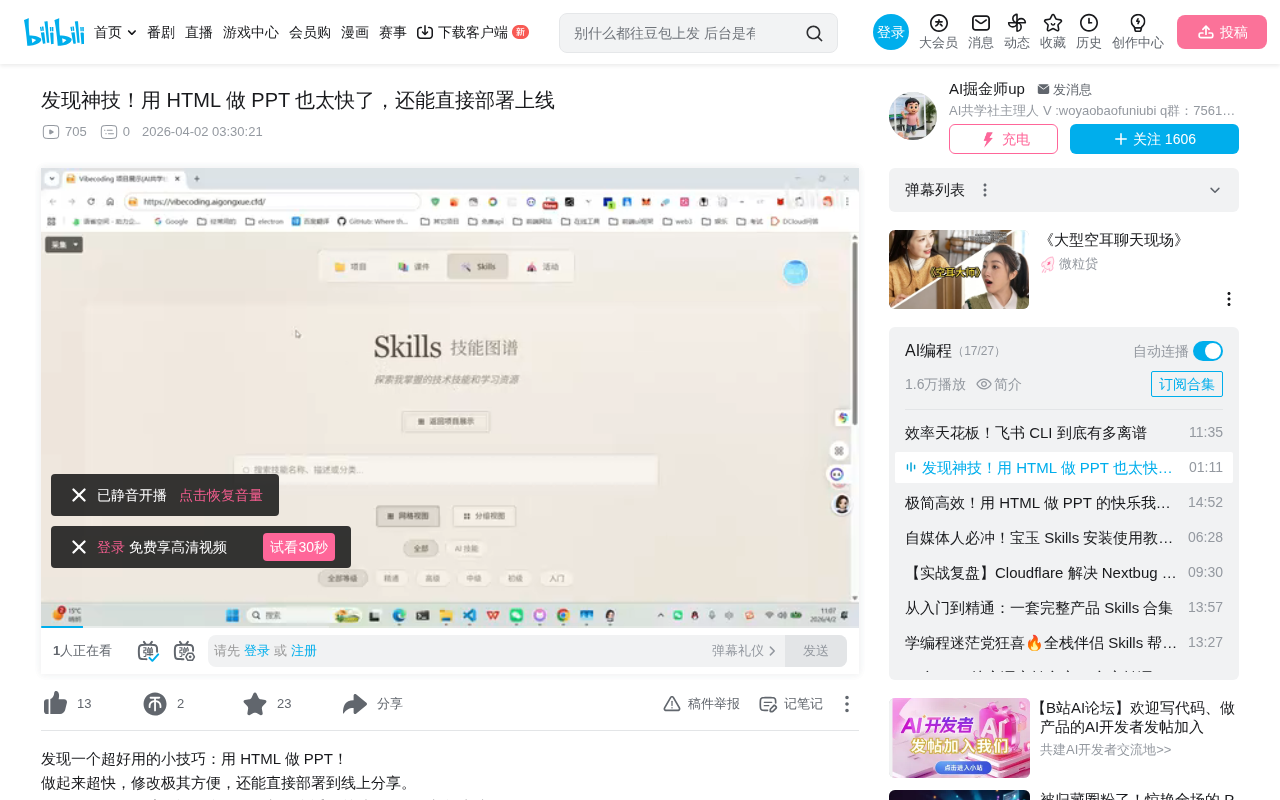
Use AI and Skill tools to quickly generate HTML presentations and deploy them online for sharing.
This article introduces a new method for generating HTML presentations with AI: by installing a specific Skill package in AI programming tools, you can describe your requirements in natural language to automatically generate HTML PPTs based on frameworks like Reveal.js. Once generated, they can be deployed with one click to platforms like GitHub Pages or Vercel and shared anytime via links. Compared to traditional PPTs, HTML format offers cross-platform compatibility, version control friendliness, and online deployment capabilities.
Overview
Traditional PPT creation is time-consuming and labor-intensive, but now with AI and specific Skill tools, you can directly generate HTML-format presentations. Not only is the creation process extremely fast with beautiful results, but the output can be deployed directly to a website and shared anytime, anywhere via a link. This article introduces this efficient new approach to presentation creation.
What Is an HTML PPT?
Core Concept
An HTML PPT is a presentation made with web technologies (HTML/CSS/JavaScript) rather than traditional PowerPoint or Keynote. These tools are typically built on open-source frameworks like Reveal.js or Slidev, rendering each slide as a web element with support for animations, transitions, and responsive layouts.
Reveal.js is currently the most popular HTML presentation framework, created by Hakim El Hattab in 2011, with over 67,000 stars on GitHub. Its core principle is rendering each <section> tag as a slide, using CSS 3D Transforms for page transition animations, and supporting navigation in both horizontal and vertical dimensions. Slidev is a next-generation solution developed by Vue.js core team member Anthony Fu, designed specifically for developers. It supports writing content in Markdown syntax, real-time code highlighting, and even embedding interactive Vue components within slides. Both share a common characteristic: complete separation of content and styling—content is described in plain text or Markdown, while styling is controlled by CSS themes. This architecture is naturally suited for AI generation, as the AI only needs to output structured text content while the framework automatically handles rendering and animations.
Advantages Over Traditional PPT
- Deployable online: The output is web files that can be deployed directly to any static site hosting service and accessed via URL
- Version control friendly: As plain text format, it can be version-controlled with Git. Traditional .pptx files are essentially ZIP archives containing numerous XML files and binary media resources. When managing these files with Git, since binary content cannot be compared line-by-line (diff), each modification stores a complete file copy, causing repository size to balloon rapidly, with no intuitive way to see "what content changed on which page." HTML PPT source files are plain text (HTML or Markdown), allowing Git to precisely track changes on every line. Team members can clearly see who modified which paragraph on which page and when. Multi-person collaboration can leverage Git's branching and merging features, with different members responsible for different chapters, ultimately merging into a complete presentation—something nearly impossible to achieve elegantly in traditional PPT workflows.
- Cross-platform compatible: Any device with a browser can open it, no Office software installation required
- Highly customizable styling: CSS controls styling, offering far more freedom than traditional templates
Practical Workflow: Complete an HTML PPT in Three Steps
Step 1: Install the Skill Package
According to Bilibili creator "AI共学者" (AI Co-learner), the core of the entire workflow is a Skill (skill package) specifically designed for generating HTML PPTs. Installation is very simple:
- Open Open Code or Cloud Code or similar AI programming tools
- Send the Skill's repository address directly to the AI
- The AI will automatically complete installation and configuration
The Skill (skill package) mentioned here is essentially a predefined AI instruction set and toolchain configuration. In AI programming environments like Cursor, Windsurf, and Claude Code, a Skill typically exists as a Git repository containing system prompts, project template files, dependency configurations, and build scripts. When a user sends the repository address to the AI, it reads the configuration files in the repository (such as .cursorrules, CLAUDE.md, etc.), understands the Skill's functional definitions and output specifications, then automatically clones the repository, installs dependencies (such as Node.js packages), and generates code according to preset templates. This mechanism is similar to installing a "plugin" for the AI, giving it professional capabilities for specific tasks without requiring users to understand the underlying technical details.
For users unfamiliar with command-line operations, this approach of "letting AI install tools for you" significantly lowers the barrier to entry. This relies on the "AI Agent" capabilities of next-generation AI programming tools. This field experienced explosive growth in 2024-2025: Cursor pioneered deep AI integration into code editors, followed by products like Windsurf and Augment Code. The core capability of these tools is allowing users to complete programming tasks through natural language conversations with AI—the AI can not only generate code but also read project context, execute terminal commands, and modify the file system. Claude Code (Anthropic's command-line AI programming tool) and similar open-source alternatives further extend this capability to terminal environments. It is precisely this ability for AI to autonomously execute multi-step operations that makes workflows like "send a repository address to AI, and AI automatically completes installation and configuration" possible, transforming the user's role from "person who writes code" to "person who describes requirements."
Step 2: Use Natural Language to Have AI Generate the PPT
Once the Skill is installed, simply describe the PPT content you want in natural language, and the AI will automatically generate a complete HTML presentation. For example:
- Create a product introduction PPT
- Generate a personal self-introduction presentation
- Create a technical sharing slideshow
From the effects demonstrated by the creator, the AI-generated PPTs are quite impressive in visual design—"at least much better-looking than what I could make myself."
Step 3: One-Click Deployment and Sharing
The generated HTML files can be deployed directly to a personal website or static hosting platforms (such as GitHub Pages, Vercel, Netlify, etc.) for one-click sharing. Recipients don't need to download any files—they can browse the complete presentation in their browser just by clicking a link.
These platforms are all static site hosting services. Unlike traditional dynamic websites that require server-side programs to run, static websites only contain HTML, CSS, JavaScript, and image files without needing databases or backend logic. This means HTML PPTs are naturally suited for these platforms—generated files can be accessed immediately after upload. GitHub Pages is a free hosting service provided by GitHub that deploys directly from code repositories; Vercel and Netlify offer more powerful CI/CD pipelines that support automatic building and deployment after code pushes. These platforms typically provide global CDN acceleration, ensuring visitors worldwide can load pages quickly. Free tiers are more than sufficient for personal use, and after deployment you'll receive a permanent link like username.github.io/project.
Use Case Analysis
Scenarios Well-Suited for HTML PPT
- Technical sharing and internal presentations: Developer communities have high acceptance of web-based formats
- Online courses and tutorials: Can be embedded in websites for easy student review anytime
- Personal portfolio showcases: Once deployed, it becomes a permanently online display page
- Rapid prototype demonstrations: Scenarios requiring quick output and frequent iteration
Scenarios That May Be Less Suitable
- Formal business presentations requiring complex animations and multimedia embedding
- Enterprise-level PPTs with strict brand VI requirements
- Situations requiring offline use where the audience is not tech-savvy
Summary and Recommendations
The AI + HTML PPT combination represents a new content creation paradigm: delegating repetitive design work to AI, deployment and distribution to web technology, while creators focus solely on the content itself.
For those who frequently need to create presentations, this toolchain is worth trying. It's recommended to start with simple personal introductions or technical sharing to familiarize yourself with the workflow before applying it to more complex scenarios. As AI programming tools become more widespread, these "natural language-driven" workflows will increasingly become mainstream.
Key Takeaways
- By installing a specific Skill, you can have AI directly generate HTML-format PPT presentations
- Using AI programming tools like Open Code or Cloud Code, simply send the repository address to AI to automatically complete installation
- Generated HTML PPTs can be deployed directly to websites and shared via links
- Compared to traditional PPTs, HTML format offers cross-platform compatibility, deployability, and version control friendliness
- The entire workflow dramatically reduces the time cost and design barrier of PPT creation
Related articles
 Tutorials
Cursor + Codex Dual-IDE Collaboration: A Practical Methodology for Open-Source Project Customization
A complete methodology for open-source project customization based on real-world experience, detailing the Cursor+Codex dual-IDE workflow, seven-stage process, MVP validation, and AI source code reading techniques.
 Tutorials
Cursor Multi-Agent in Practice: Building a Full-Stack Next.js Blog in 50 Minutes
Build a full-stack blog in 50 minutes using Cursor IDE's multi-Agent mode with Next.js, Clerk auth, and Supabase. Learn the 4-phase AI Agent workflow and key integration pitfalls.
 Tutorials
Building an AI Software Factory from Scratch: A Cursor Engineer's Hands-On Experience with Multi-Agent Collaboration
Cursor engineer Eric shares practical insights on building an AI software factory: automation levels, guardrail design, parallel Agent management, and scaling to 1000+ Agents for 24/7 development.