NotebookLM Mobile Adds Report Generation: Briefing Docs, Study Guides, and Blog Posts
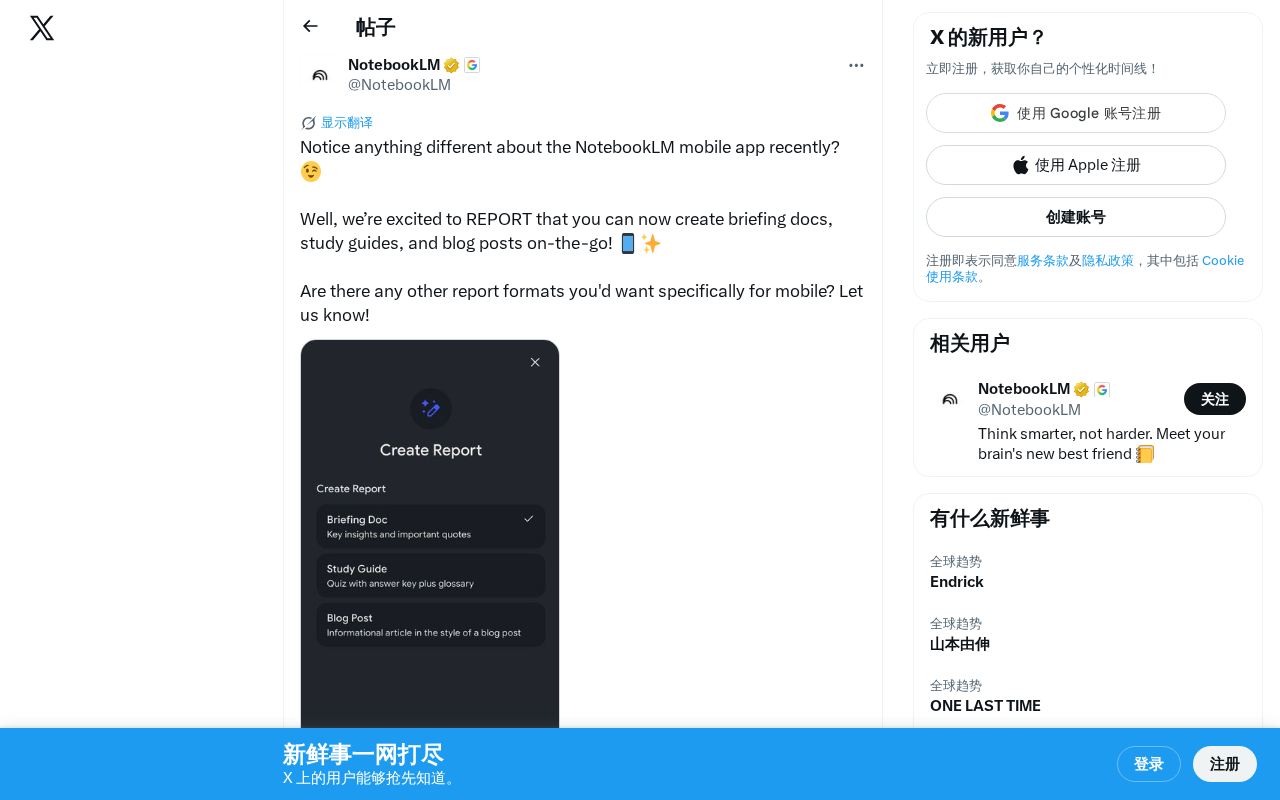
NotebookLM mobile now generates briefing docs, study guides, and blog posts from your uploaded sources.
Google's NotebookLM has updated its mobile app with three new report generation formats: Briefing Docs, Study Guides, and Blog Posts. Built on RAG technology and prompt templates, these features let users transform uploaded source materials into structured documents on the go. The update complements the existing Audio Overview feature and signals Google's mobile-first strategy for AI productivity tools.
NotebookLM Mobile Gets a Major Update
Google's AI note-taking tool NotebookLM has recently updated its mobile app with several new report generation features, enabling users to create professional documents anytime, anywhere.
NotebookLM is an AI-powered note-taking and research tool built on large language models, launched by Google in 2023 under the original name Project Tailwind. Its core philosophy is "source-grounded AI" — users upload their own documents, PDFs, web links, YouTube videos, and other materials as knowledge sources, and the AI strictly bases its answers and outputs on these materials rather than relying on general training data. This design significantly reduces the risk of AI hallucination, making outputs more reliable and traceable. Under the hood, NotebookLM uses Google's Gemini model series, offering powerful long-context understanding and multi-document synthesis capabilities.
Three Core Report Formats Now Available
According to the official NotebookLM announcement on Twitter, this mobile update introduces three key report formats:
- Briefing Docs: Ideal for quickly organizing meeting highlights or project summaries
- Study Guides: Provides structured learning materials for students and researchers
- Blog Posts: Converts notes and source materials into publishable blog content with one tap
The technical foundation of these report generation features lies in the structured output capabilities of large language models. When a user selects a specific report format, the system uses preset prompt templates to guide the model in organizing content according to a particular structure. For example, briefing docs instruct the model to extract key points and arrange them by priority, while study guides generate Q&A pairs, concept definitions, and knowledge frameworks. This template-based generation, combined with RAG (Retrieval-Augmented Generation) technology, ensures that outputs both meet formatting requirements and remain faithful to the user's uploaded source materials.
This means users no longer need to open a laptop — during a commute or any spare moment, they can leverage NotebookLM's AI capabilities to transform uploaded materials into formatted output documents.
A Signal of Mobile-First Strategy
This update further clarifies Google's product positioning for NotebookLM. The tool had already gained popularity through its Audio Overview (AI podcast generation) feature, and the addition of mobile report generation fills a critical gap in text-based output.
Audio Overview is NotebookLM's signature feature, launched in 2024. It automatically transforms uploaded documents into podcast-style audio featuring a conversation between two AI hosts. The feature uses Google's text-to-speech technology to generate natural, fluid dialogue complete with filler words, follow-up questions, and other human-like elements — making it nearly indistinguishable from a real podcast. Upon release, the feature went viral on social media and became NotebookLM's killer app. It solved a core pain point: users could digest complex document content through audio while driving, exercising, or in other situations where reading isn't possible.
From a product logic perspective, NotebookLM is building a complete knowledge processing pipeline: after uploading materials, users can either ask questions through conversation or choose different output formats — audio for listening scenarios, documents for reading and sharing. The mobile experience makes all these features truly available on demand.
A Mobile First strategy is becoming an important trend in the AI tools space. As smartphone computing power increases and cloud-based inference matures, more AI productivity tools are prioritizing mobile experiences. Competitors like Notion AI and Microsoft Copilot are also accelerating their mobile efforts. Google's decision to bring report generation to mobile reflects an industry consensus: the value of AI tools lies not only in powerful features but also in their ability to embed into users' daily workflows. The efficient use of fragmented time is becoming a new competitive dimension for AI productivity tools.
Practical Value for Different User Groups
For students, after scanning materials in the library, they can immediately generate study guides. For professionals, they can organize notes into briefing docs and send them to the team between meetings. For content creators, when inspiration strikes, they can instantly organize source materials into article drafts.
Interestingly, the team is also actively soliciting user requests for additional report formats, hinting that more output templates may be on the way. This open approach to product iteration demonstrates the team's commitment to rapidly responding to user needs.
Takeaway
The launch of NotebookLM's mobile report features may seem like a minor update, but it represents a critical step for AI note-taking tools — moving from "desktop assistant" to "mobile productivity." As features continue to evolve, NotebookLM is becoming a truly cross-platform AI knowledge assistant.
Key Highlights
Related articles
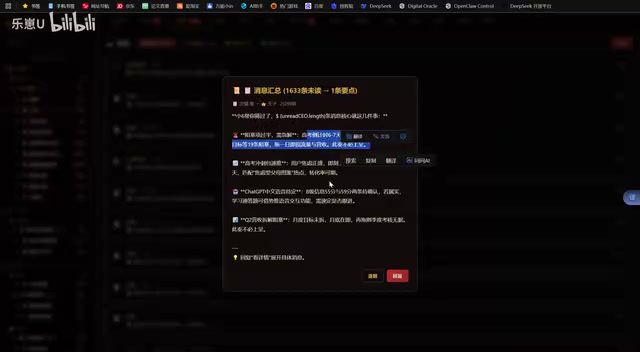
Vibe Coding in Practice: A Junior Student Uses Cursor to Build a Multi-Agent System with 51 AI Officials Based on the Three Departments and Six Ministries Framework
A junior student uses Cursor and Vibe Coding to build a multi-agent system with 51 AI officials modeled on China's Three Departments and Six Ministries, featuring task distribution, approval workflows, and Token cost visualization.
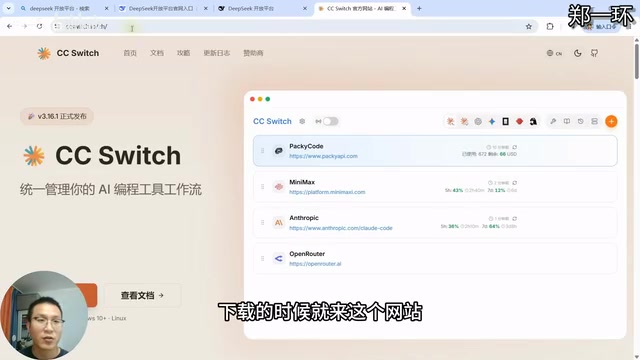
How to Connect Codex to DeepSeek Models: Free Switching via CC Switch
Learn how to connect OpenAI Codex to DeepSeek models via CC Switch, enabling free switching between DeepSeek and GPT with complete setup and routing guide.
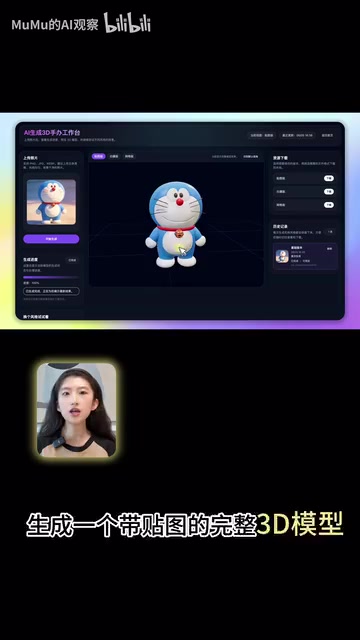
AI Coding Deployment Guide: A Complete Hands-On Workflow from Local Demo to Live Website
Most AI Coding tutorials stop at local demos. This guide walks through 8 key steps to deploy an AI-powered 3D figurine website from Codex coding to live server deployment.