Ollama Getting Started Guide: The Best Tool for Locally Deploying Open-Source LLMs

Ollama is a free, open-source tool for easily deploying and running open-source LLMs locally.
This article introduces Ollama, an open-source local LLM management platform, explaining the economic motivation (avoiding expensive API fees) and privacy advantages of local model deployment. Ollama features one-click model download and management, cross-platform support, intelligent GPU/CPU scheduling, and standard API interfaces, dramatically lowering both the technical and hardware barriers to local LLM deployment. It's suitable for personal learning, enterprise private deployment, and AI application development.
Why Deploy LLMs Locally?
In the era of AI large language models, the services we use daily—ChatGPT, DeepSeek, ERNIE Bot, Tongyi Qianwen—are all online services. While casual chatting might be free, any API calls or custom development requires applying for a key and paying per token.
In the token-based pricing model adopted by major AI service providers, a token is the basic unit of measurement in natural language processing. Typically, one Chinese character equals about 1-2 tokens, and one English word equals about 1-4 tokens. Taking OpenAI's GPT-4 as an example, input tokens cost approximately $30 per million tokens, and output tokens cost approximately $60 per million tokens. For enterprise applications with high-frequency calls, monthly API costs can reach thousands or even tens of thousands of dollars. While this pay-per-use model is flexible, costs can escalate rapidly for scenarios requiring heavy inference calls (such as customer service systems or content generation platforms)—this is the core economic motivation driving interest in local deployment solutions.
So here's the question: since many excellent models are already open-source (like DeepSeek, Llava, etc.), can we deploy them locally to save money while protecting data privacy?
The open-source LLM ecosystem is already quite mature. Meta's LLaMA series, Mistral AI's Mistral/Mixtral series, Alibaba's Qwen series, and the DeepSeek series all offer open-source versions ranging from 1B to hundreds of billions of parameters. These models typically use Apache 2.0 or similar permissive open-source licenses that allow commercial use. For certain specific tasks, open-source models have already approached or even surpassed closed-source commercial models, providing a solid foundation for local deployment.
The answer is yes, and Ollama is the best tool for achieving this goal.
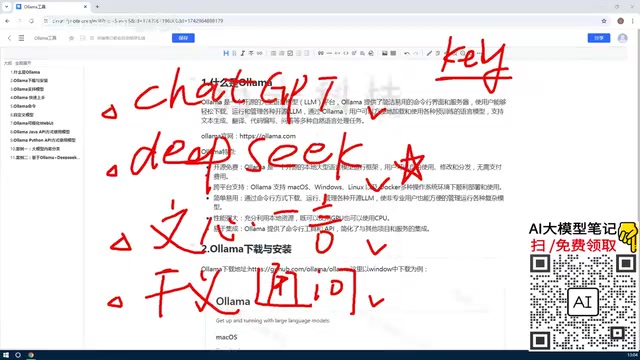
What is Ollama?
Ollama is an open-source large language model management platform tool. Simply put, its core function is to help users download, manage, and run various open-source LLMs in their local environment.
Core Capabilities
- Model Download & Management: One-click download of open-source models to local storage, with full CRUD support for models
- Multiple Interaction Methods: Provides both command-line (CLI) and Web UI interfaces
- Custom Model Creation: Train and create private models based on existing ones
- API Service: Provides standard API endpoints after deployment for programmatic access
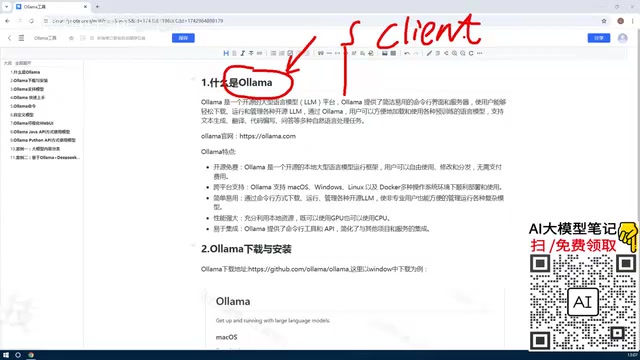
With Ollama, you no longer need to log into someone else's website, apply for API keys, or pay per usage. All models run on your own machine, and calls are completely free.
Core Features of Ollama
Free and Open-Source, Zero Cost
Ollama itself is completely free and open-source—anyone can use it at no cost. Combined with open-source models, the entire local AI solution has zero software costs.
Cross-Platform Support
Ollama supports deployment on mainstream operating systems:
- macOS: Ideal for individual developers' daily use
- Windows: Suitable for personal learning and experimentation
- Linux: Ideal for enterprise server deployment
- Docker: Suitable for containerized deployment and microservice architectures
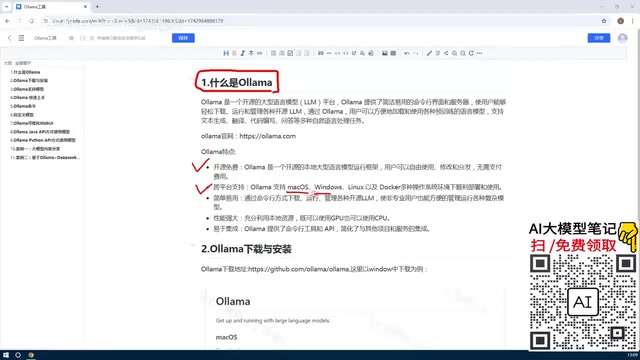
Docker is an OS-level virtualization technology that packages applications and all their dependencies into standardized "containers," ensuring consistent execution in any environment. For enterprise-grade Ollama deployment, Docker offers significant advantages: environment isolation prevents conflicts with other services on the host machine; container orchestration tools (like Kubernetes) enable auto-scaling and load balancing; image version management facilitates rollbacks and upgrades. NVIDIA also provides the NVIDIA Container Toolkit, allowing Docker containers to directly access the host machine's GPU resources, making GPU-accelerated inference equally viable in containerized environments.
Individual users can install and try it on Windows or Mac, while enterprise users can choose Linux or Docker for production deployments.
Simple Installation, Ready Out of the Box
Ollama dramatically lowers the barrier to local LLM deployment. Previously, running LLMs locally required manually configuring complex GPU environments (CUDA, cuDNN, etc.)—a tedious and error-prone process.
Traditional local LLM deployment requires manually configuring NVIDIA's CUDA (Compute Unified Device Architecture) toolkit and cuDNN (CUDA Deep Neural Network library) acceleration library. CUDA is NVIDIA's parallel computing platform and programming model that allows developers to leverage the GPU's massively parallel computing capabilities for general-purpose computing. cuDNN is a GPU-accelerated primitives library specifically optimized for deep learning. The configuration process requires ensuring compatibility between the graphics driver version, CUDA version, cuDNN version, and deep learning framework (such as PyTorch) versions—version mismatches are the most common cause of deployment failures. Ollama encapsulates these underlying dependencies internally, so users don't need to worry about version compatibility issues.
With Ollama, after installation you can download and run models with simple commands.
Intelligent GPU/CPU Resource Scheduling
This is one of Ollama's most commendable features. It can fully utilize the hardware resources on your machine:
- With GPU: Automatically leverages GPU for accelerated inference
- Without GPU: Can still run models using CPU
- Hybrid Mode: GPU + CPU working together
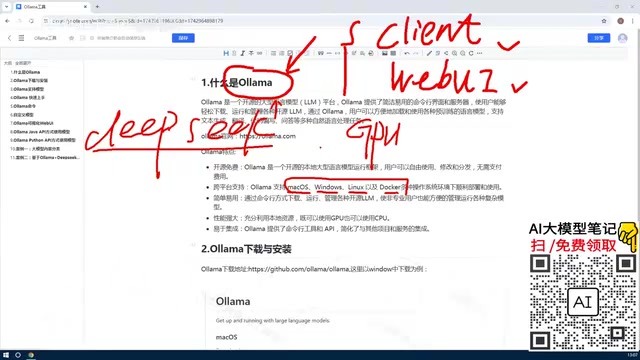
The inference process of large language models is essentially massive matrix operations. GPUs have thousands of compute cores and excel at parallel processing of such operations, with inference speeds typically 10-100x faster than CPUs. Ollama's intelligent scheduling mechanism automatically determines resource allocation strategy based on model size and available VRAM: when the model fits entirely in VRAM, it uses GPU exclusively for inference; when the model exceeds VRAM capacity, it offloads some model layers to system memory for CPU processing—a technique called "model sharding" or "offloading." For example, a model requiring 16GB of VRAM running on a GPU with only 8GB of VRAM will have Ollama automatically place approximately half the layers on the CPU. While this reduces speed, it ensures the model can function properly.
This means even if your computer doesn't have a high-end graphics card, you can still run LLMs (though at slower speeds). This significantly lowers the hardware barrier for ordinary users to experience local LLMs.
Standard API Interface, Easy Integration
Ollama provides standard API endpoints supporting calls from multiple programming languages:
- Python
- Java
- Rust
- Any other language that supports HTTP requests
This allows developers to easily integrate local models into their own applications, such as building enterprise private knowledge bases or domain-specific intelligent Q&A chatbots.
Typical Use Cases for Ollama
Personal Learning & Experimentation
Experience the capabilities of various open-source LLMs at zero cost, compare performance across different models, and learn AI-related knowledge.
Enterprise Private Deployment
Deploy open-source models on the enterprise intranet, feed in company-internal private knowledge bases, and build dedicated intelligent customer service or knowledge Q&A systems. Data stays within the intranet—secure and controllable.
API Development & Testing
Developers can debug AI applications locally without consuming online API quotas, significantly reducing development costs.
Ollama Hardware Requirements
It's important to note that larger models require more powerful hardware. Taking DeepSeek's latest full model as an example, it may require hundreds of gigabytes of storage space and corresponding computing resources.
A model's parameter count directly determines the storage and computing resources required. Using common quantization precision as an example: a 7B (7 billion parameter) model at 4-bit quantization requires approximately 4-5GB of storage and VRAM; a 14B model requires approximately 8-10GB; a 70B model requires approximately 35-40GB. Quantization is a model compression technique that reduces model size and computational requirements by lowering the numerical precision of parameters (e.g., from 16-bit floating point to 4-bit integers), typically with only minor performance degradation. Models provided by Ollama by default are mostly 4-bit quantized versions (Q4_0 or Q4_K_M format), achieving a good balance between model quality and resource consumption. For consumer-grade GPUs with 8GB VRAM, running 7B-14B quantized models is an ideal choice.
Beginners are advised to start with smaller parameter models (such as 7B or 14B) and choose appropriate model versions based on their hardware capabilities.
Summary
As a local LLM management tool, Ollama addresses three core pain points:
- Cost: Open-source and free, no charges for local execution
- Deployment Difficulty: Automatic GPU/CPU environment handling, ready to use after installation
- Integration Convenience: Standard API interface with multi-language support
For users who want to experience and develop AI applications locally, Ollama is currently the most recommended entry-level tool. In upcoming articles, we'll continue to cover Ollama's installation steps, core commands, and the complete workflow for custom model creation.
Key Takeaways
- Ollama is a free, open-source local LLM management platform that supports downloading, running, deleting, and custom creation of models
- Supports cross-platform deployment on macOS, Windows, Linux, and Docker for both individual and enterprise use
- Outstanding intelligent resource scheduling that leverages both GPU and CPU, lowering hardware barriers
- Provides standard API interfaces and CLI tools with multi-language integration support including Python and Java
- Typical use cases include personal learning, enterprise private knowledge base construction, and AI application development
Related articles
 Tutorials
Cursor + Codex Dual-IDE Collaboration: A Practical Methodology for Open-Source Project Customization
A complete methodology for open-source project customization based on real-world experience, detailing the Cursor+Codex dual-IDE workflow, seven-stage process, MVP validation, and AI source code reading techniques.
 Tutorials
Cursor Multi-Agent in Practice: Building a Full-Stack Next.js Blog in 50 Minutes
Build a full-stack blog in 50 minutes using Cursor IDE's multi-Agent mode with Next.js, Clerk auth, and Supabase. Learn the 4-phase AI Agent workflow and key integration pitfalls.
 Tutorials
Building an AI Software Factory from Scratch: A Cursor Engineer's Hands-On Experience with Multi-Agent Collaboration
Cursor engineer Eric shares practical insights on building an AI software factory: automation levels, guardrail design, parallel Agent management, and scaling to 1000+ Agents for 24/7 development.