OpenAI Codex Now Fully Supports Windows Development Workflows: A Deep Dive into Computer Use Capabilities

OpenAI Codex adds Windows Computer Use to directly operate desktops for testing and debugging tasks
OpenAI announced that Codex now fully supports Windows development workflows, using Computer Use capabilities to let AI operate Windows graphical interfaces like a human—executing app testing, process debugging, and work review. The ChatGPT mobile app also supports remote connections to Windows machines, enabling asynchronous development. This update fills the gap in AI tools for native Windows development and marks the evolution of AI programming assistants from code completion tools to full-environment development partners.
OpenAI recently announced that Codex now fully supports Windows developer workflows. By introducing Computer Use capabilities on Windows, Codex can directly test applications, debug processes, and review work within developers' project environments. Additionally, the Codex feature in the ChatGPT mobile app supports connecting to Windows machines, allowing developers to manage their development progress from their phones anytime, anywhere.
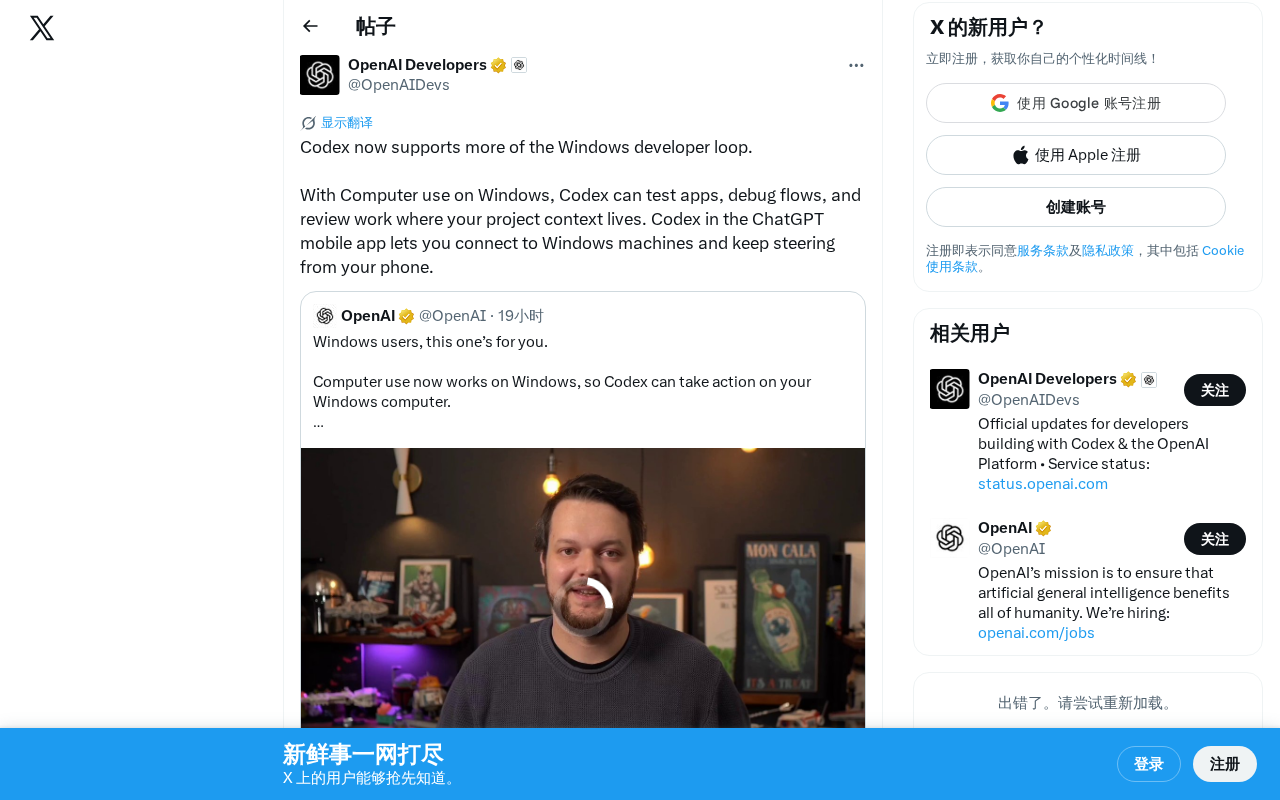
Codex's Windows Computer Use Capabilities Explained
Previously, OpenAI's Codex primarily ran code tasks in cloud sandbox environments, with relatively limited support for local development environments. The core of this update lies in extending Computer Use capabilities to the Windows platform.
The technical principles behind Computer Use are worth understanding in depth. This capability was first introduced by Anthropic in October 2024 with Claude 3.5 Sonnet. Its core principle enables AI models to perceive screen content through screenshots—just like a human user—and control the computer interface by simulating mouse clicks, keyboard inputs, and other operations. The fundamental difference from traditional RPA (Robotic Process Automation) tools is that Computer Use relies on visual understanding and semantic reasoning rather than preset coordinates or scripted rules. This gives it stronger generalization capabilities and fault tolerance—even if the interface layout changes, the AI can still complete operations by "understanding" the interface content, rather than completely failing because a button shifted by a few pixels.
This means Codex is no longer limited to pure code-level assistance. Instead, it can operate like a real developer on Windows systems—manipulating graphical interfaces, launching applications, clicking buttons, and filling out forms to accomplish more complex development tasks.
Specifically, Codex can perform the following key operations on Windows:
- Test Apps: Automatically launch compiled applications, simulate user interactions, and verify that features work correctly
- Debug Flows: Track issues in actual runtime environments, rather than just performing static code analysis
- Review Work: Directly inspect development outcomes within the environment where the project context resides
The introduction of this capability essentially upgrades the AI programming assistant from a "code completion tool" to a "full-stack development partner." Developers no longer need to manually describe runtime states or take screenshots to report bugs—Codex can "see" and "operate" the entire development environment on its own.
Mobile Remote Control: Managing Windows Development Tasks from Your Phone
Another noteworthy update is that the Codex feature in the ChatGPT mobile app now supports connecting to Windows machines. This means developers can continue directing Codex to execute tasks on their Windows development machines via their phones after leaving their workstations.
The practical use cases for this feature are extensive:
- Have Codex run test suites via your phone during your commute, and check the results when you arrive at the office
- Quickly assign Codex to fix a known bug between meetings
- Remotely monitor long-running build or deployment processes
From a product design perspective, OpenAI is building an "asynchronous development" workflow—developers issue instructions, Codex executes autonomously in the background, and developers check progress and adjust direction from any device at any time. The underlying logic of this model is the concrete implementation of the AI Agent paradigm in software engineering. The core characteristic of an AI Agent is the closed loop of "perceive-reason-act": Codex perceives the Windows screen state through Computer Use, leverages large language models for task planning and reasoning, and then executes specific steps through interface operations. This paradigm shares lineage with early explorations like AutoGPT and LangChain Agents, but thanks to stronger foundation models and more reliable tool-calling mechanisms, its practicality has improved dramatically—truly moving from "demo showcase" to "production-ready." This stands in stark contrast to the traditional model of "sitting at a computer writing code."
Far-Reaching Impact on the Windows Development Ecosystem
The strategic significance of this update cannot be underestimated. Windows remains the world's largest desktop development platform, with a vast number of enterprise applications, games, and desktop software relying on the Windows ecosystem. Previously, AI programming tools consistently underperformed in Windows native development scenarios compared to Web or Linux environments, and there are deep technical reasons behind this.
The challenges Windows native development poses for AI tools come from three levels: First, GUI complexity—multiple generations of UI frameworks like Win32 API, WPF, and WinUI coexist, making interface element recognition and manipulation far more difficult than on the Web. Second, runtime dependencies—version management of system components like .NET Framework, Visual C++ Redistributable, and DirectX is extremely complex and difficult to fully replicate in cloud sandboxes. Third, the debugging toolchain—tools like WinDbg and Visual Studio Debugger require deep system knowledge to use. Computer Use bypasses direct dependence on these underlying APIs through visual understanding—a pragmatic and efficient engineering solution. The AI doesn't need to "understand" every Windows API; it just needs to "see" what's happening on the screen.
By directly operating the Windows desktop through Computer Use capabilities, Codex effectively addresses this shortcoming. For .NET developers, C++ desktop application developers, game developers, and similar groups, this may be the first time an AI programming tool truly "understands" their work environment.
At the same time, this marks a new phase in the competition among AI programming assistants. Looking back at Codex's evolution: it was originally released in 2021 as the underlying model for GitHub Copilot, focusing on code completion and natural language-to-code tasks; in 2025, OpenAI re-released an entirely new Codex as a standalone AI programming agent capable of autonomously executing multi-step programming tasks in cloud sandboxes; and this Windows Computer Use support represents yet another major leap for Codex—from cloud sandboxes to real local environments. From initial code completion (GitHub Copilot), to autonomous coding agents (Devin, Codex), to today's "full-environment operation," the capability boundaries of AI programming tools are expanding rapidly. In the future, tools that deeply integrate into developers' real workflows will hold the advantage in this competition.
Summary
OpenAI's move to fully support Windows development workflows with Codex represents an important step in the evolution of AI programming tools—from "assisting with writing code" to "autonomously completing development tasks." Computer Use capabilities allow Codex to test, debug, and review in real Windows environments, while mobile remote control further liberates developers from constraints of time and space. For developers on the Windows platform, this is undoubtedly a significant update worth paying attention to and trying out.
Key Takeaways
- Codex supports testing apps, debugging flows, and reviewing work on Windows through Computer Use capabilities
- The ChatGPT mobile Codex feature supports remote connection to Windows machines, enabling development management from your phone
- AI programming assistants have upgraded from code completion tools to full-stack development partners capable of operating complete development environments
- As the largest desktop development platform, Windows benefits from this update filling the gap in AI tools for native Windows development scenarios
- This marks AI programming tool competition entering a new phase of full-environment operation
Related articles
 Tech Frontiers
GitHub Agent HQ Launch: AI Coding Tools Enter the Era of Platform Competition
GitHub Universe unveils Agent HQ platform for unified coding agent management, Copilot upgrades with multi-model support. OpenAI completes restructuring, Anthropic tests new model, NVIDIA open-sources AI models.
 Tech Frontiers
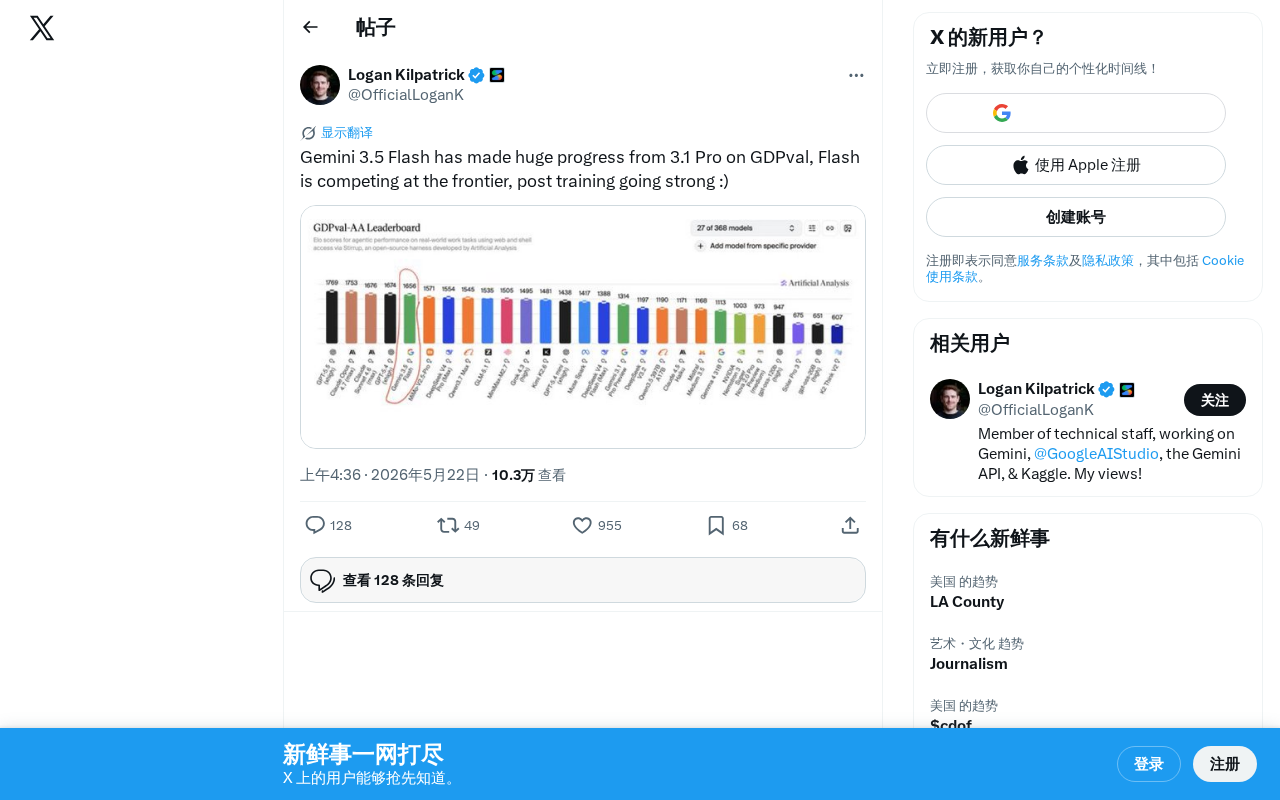
Gemini 3.5 Flash Achieves a Massive Leap on the GDPval Benchmark
Google Gemini 3.5 Flash surpasses Gemini 3.1 Pro on the GDPval benchmark. The lightweight Flash model leverages post-training techniques to approach frontier-level performance, redefining the balance between quality and cost.
 Tech Frontiers
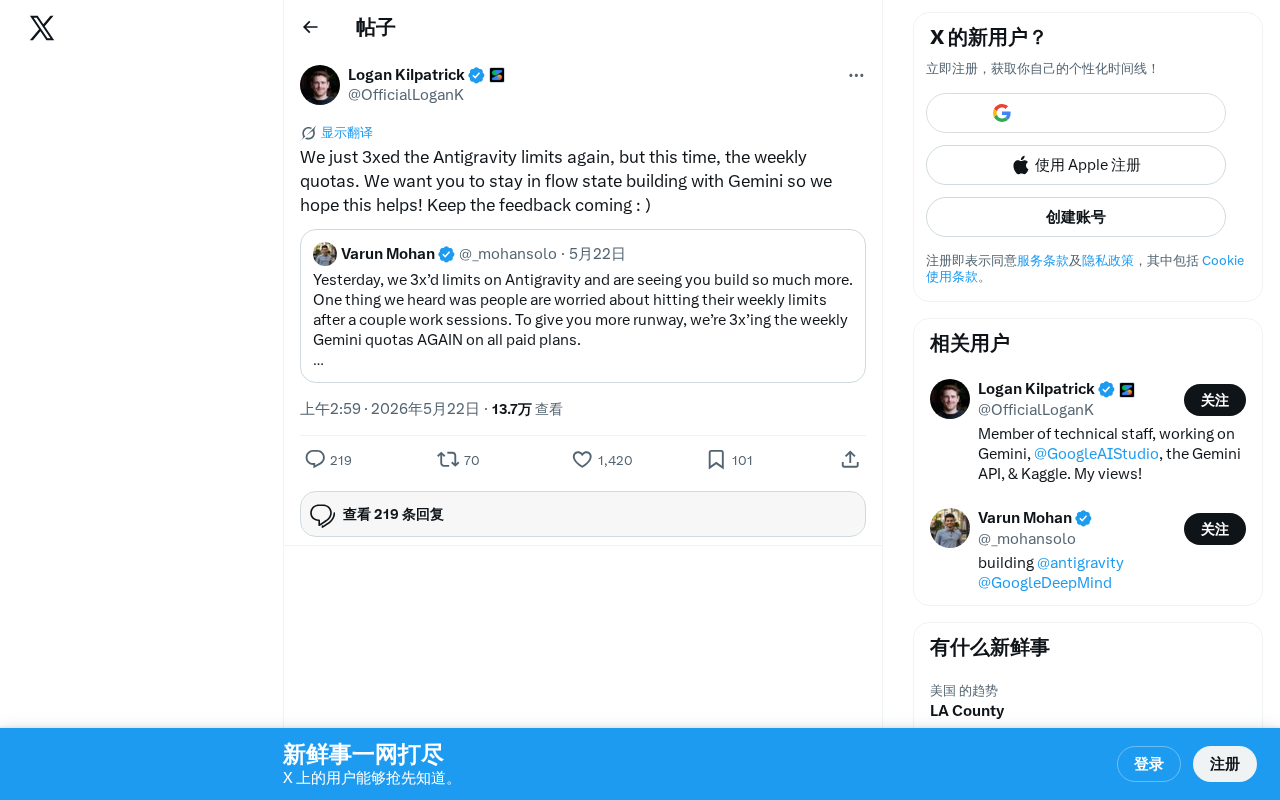
Google Gemini Antigravity Weekly Quota Tripled — AI Coding Without Limits
Google Gemini triples Antigravity weekly quotas following a prior daily quota boost. Analyzing the impact on developers and its strategic significance in AI coding.