OpenClaw Step-by-Step Deployment Guide: From Local Installation to Multi-Platform Integration

OpenClaw open-source AI Agent framework deployment tutorial covering local, cloud, and multi-platform integration.
OpenClaw is an open-source AI agent framework that enables everyday users to build AI assistants integrated with platforms like WeChat and Feishu. A Bilibili creator published a comprehensive step-by-step tutorial covering four major modules: local deployment, cloud deployment, WeChat and Feishu multi-platform integration, and custom Skills development, allowing even users with zero technical background to complete the setup.
Introduction: Why OpenClaw Is Gaining So Much Traction
OpenClaw (an open-source AI agent framework) has seen its popularity surge recently, sparking widespread discussion in tech communities and even catching the attention of several official media outlets. As an open-source AI Agent tool, OpenClaw enables everyday users to quickly build their own AI assistants and integrate them with daily communication platforms like WeChat and Feishu (Lark).
AI Agents are one of the hottest technical directions in artificial intelligence today. Unlike traditional conversational AI, Agents possess the ability to autonomously plan, invoke tools, and execute tasks. They can not only understand user intent but also proactively decompose tasks, call external APIs, manipulate databases, and even browse the web to accomplish complex goals. As an open-source Agent framework, OpenClaw essentially provides a "skeleton for action" for large language models (LLMs), evolving them from "only able to talk" to "able to get things done." This technical approach shares the same lineage as projects like AutoGPT and LangChain Agent, but OpenClaw places greater emphasis on instant messaging platform integration and use cases tailored for Chinese users.
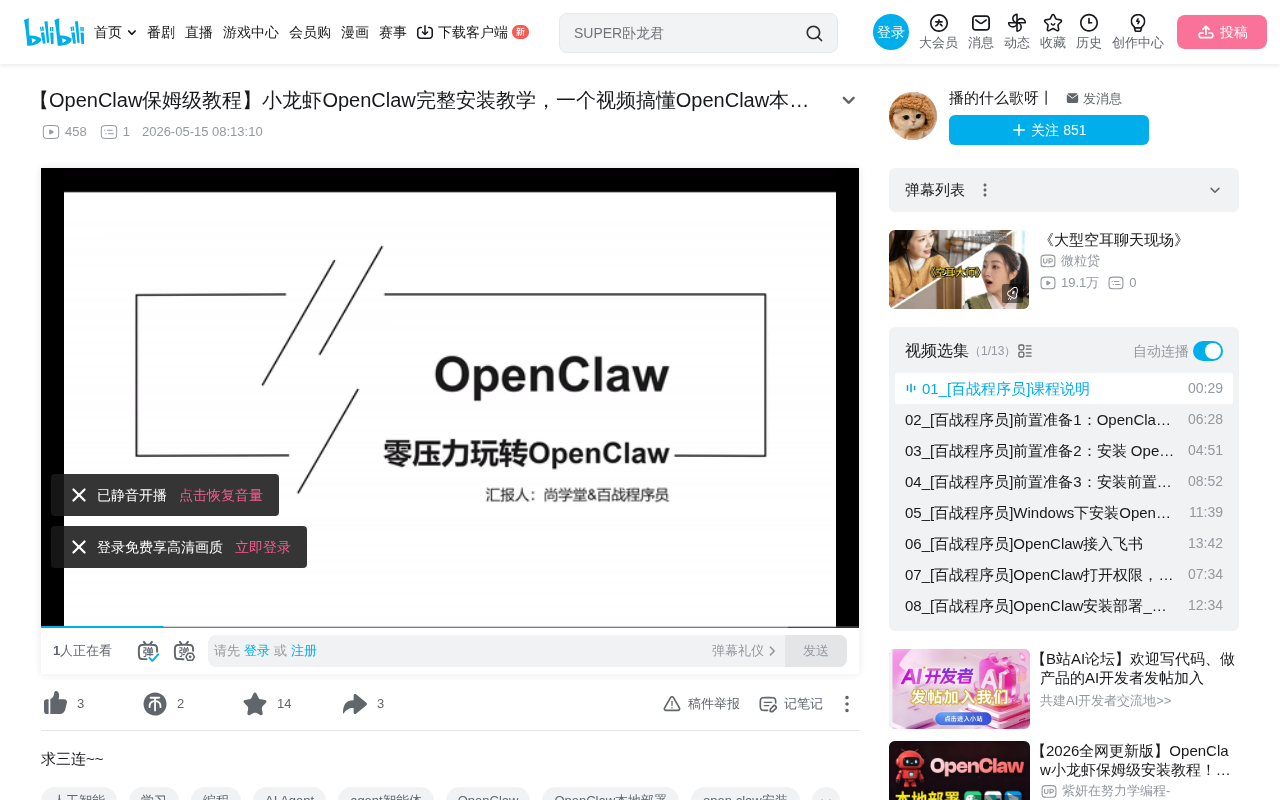
Bilibili creator "Xiaolongxia" (Little Crayfish) published a comprehensive step-by-step tutorial covering the entire deployment process from scratch. This article distills the core deployment essentials and practical pathways from that tutorial, helping users with zero technical background get started quickly.
Core Content of the OpenClaw Deployment Tutorial: Four Major Modules
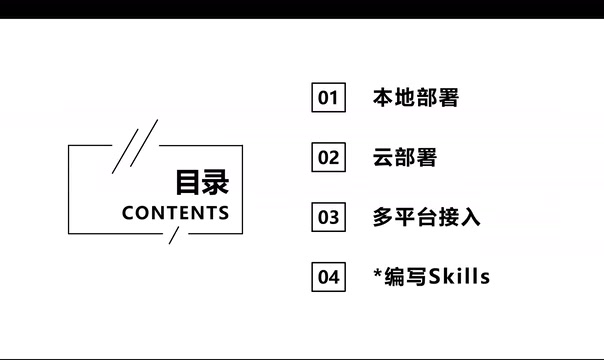
According to the tutorial plan, the entire course is organized around four core modules:
Local Deployment: The Best Choice for Data Privacy
Local deployment is the most fundamental and important step. Users need to complete OpenClaw's environment configuration and installation on their own computers. This approach is suitable for developers and users with some technical background, with advantages including fully localized data, fast response times, and free customization.
From a technical perspective, local deployment means all inference requests, conversation data, and configuration information are stored on the user's own device without passing through third-party servers. This is particularly important for enterprise users and privacy-conscious individuals. In terms of technical implementation, local deployment typically uses a Client-Server architecture: OpenClaw runs as a server locally and interacts with the frontend or communication platforms through HTTP or WebSocket interfaces. It's worth noting that while the framework itself runs locally, if you're calling cloud-based LLM APIs (such as OpenAI, Claude, etc.), conversation content will still be sent to the model provider's servers. True full localization requires pairing with locally deployed open-source models (such as Llama, Qwen, etc.), which demands higher hardware specifications.
Local deployment typically involves the following steps:
- Installing the Python environment and dependencies
- Cloning the OpenClaw project code
- Configuring API keys and model parameters
- Starting the service and running basic tests
Cloud Deployment: Achieving 24/7 AI Service
For users without high-performance local devices, cloud deployment offers an alternative. Running OpenClaw on a cloud server enables uninterrupted 24/7 service while avoiding local hardware limitations. The tutorial covers configuration methods for mainstream cloud platforms, helping users quickly set up their cloud environment.
The core advantage of cloud deployment lies in high availability and elastic scaling. Common deployment solutions include: using lightweight cloud servers (such as 2-core 4GB configurations) to run the Agent framework, calling cloud-based LLMs via API for inference. Popular choices include Alibaba Cloud ECS, Tencent Cloud CVM, AWS EC2, and others. For individual users, monthly costs typically range from 50-200 RMB. Technical considerations during deployment include: server OS selection (Ubuntu 22.04 recommended), process daemonization (using systemd or PM2 to ensure service continuity), domain and SSL certificate configuration (platform integration usually requires HTTPS), and firewall and security group rule settings. Docker containerized deployment is currently the most recommended approach, effectively solving environment dependency issues.
WeChat and Feishu Multi-Platform Integration: Bringing AI into Daily Work
This is the most practically valuable part of OpenClaw — integrating the AI assistant into daily communication tools like WeChat and Feishu (Lark). Once connected, users can chat directly with the AI assistant in their messaging windows, enabling intelligent Q&A, task processing, and other functions, significantly lowering the barrier to use.
Integrating an AI Agent into instant messaging platforms essentially works by sending and receiving messages through the platform's open interfaces (APIs or Webhooks). Feishu provides an official bot development framework where developers can create custom bot applications, receive user messages through event subscription mechanisms, and reply via API after processing. WeChat integration is more complex — since WeChat officially imposes strict restrictions on personal account automation, the community typically uses Enterprise WeChat APIs or third-party protocol bridging solutions. This type of integration requires handling message queues, session state management, multi-turn conversation context maintenance, and other technical details. OpenClaw standardizes message formats from different platforms through a unified message adaptation layer, allowing the same Agent logic to run seamlessly across multiple platforms.
Writing Custom Skills: Building Specialized AI Capabilities
Skills are the core of OpenClaw's extensibility. Users can write custom skill modules according to their needs, giving the AI assistant specialized processing capabilities in specific domains, such as data queries, document generation, schedule management, and more.
The Skills system draws on microservice and plugin-based architecture design principles. Each Skill is essentially an independent functional module containing trigger conditions (when to invoke), input/output definitions (what parameters to receive, what results to return), and execution logic (what specifically to do). This design allows Agent capabilities to be flexibly combined like building blocks. At the implementation level, Skills typically collaborate with LLMs through the Function Calling mechanism — the model determines which Skill should be called based on user intent, the framework executes the corresponding code logic, and returns the results to the model for the final response. When writing custom Skills, users only need to define interface descriptions and handler functions according to specifications, without needing to understand the underlying model interaction details.
Target Audience: Even Complete Beginners Can Get Started Easily
This tutorial is explicitly positioned as "step-by-step," meaning that even users with absolutely no programming experience can complete the deployment by following the instructions. The tutorial comes with complete operational documentation that users can follow step by step.
This low-barrier tutorial design reflects an important trend in the current AI tool ecosystem: open-source projects are transitioning from "developer-exclusive" to "accessible to everyone." More and more community creators are helping ordinary users bridge the technical gap by producing detailed tutorials. OpenClaw's popularity is not an isolated case but rather a microcosm of the thriving open-source AI ecosystem. Since 2023, open-source projects represented by LangChain, AutoGPT, MetaGPT, Dify, and others have continued to emerge, forming a complete open-source stack spanning the model layer, framework layer, and application layer. This trend is driven by multiple factors: the continuously declining cost of LLM APIs making them affordable for individual developers; the collaborative efficiency of open-source communities far exceeding closed development; and enterprises' strong demand for data sovereignty and customization. The Chinese developer community has been particularly active in this wave, with extensive adaptation work for domestic use cases (WeChat ecosystem, DingTalk, Feishu, etc.) progressing rapidly.
Practical Recommendations for OpenClaw Deployment
If you plan to follow the tutorial to deploy OpenClaw, here are some suggestions:
- Watch first, then act: It's recommended to browse through the entire tutorial first to understand the big picture before starting
- Prepare your environment: Install Python 3.8+ in advance and ensure stable network connectivity
- Make good use of documentation: The operational documentation accompanying the tutorial is the best reference material — check the docs first when encountering issues
- Start with local deployment: Get the basic functionality running locally first, then consider cloud deployment and platform integration
- Join the community: When encountering problems, seek help in the project's GitHub Issues or related community groups
Conclusion
As an open-source AI Agent framework, OpenClaw's value lies not only in the technology itself but also in providing ordinary users with an actionable solution for building AI assistants. From local deployment to cloud operation, from standalone use to multi-platform integration, and then to custom skill development, this complete learning path covers everything from beginner to advanced needs.
As more tutorials like this emerge, the barrier to using AI tools will continue to drop, and the vision of "everyone can have their own AI assistant" is accelerating toward reality.
Related articles
 Tutorials
Cursor + Codex Dual-IDE Collaboration: A Practical Methodology for Open-Source Project Customization
A complete methodology for open-source project customization based on real-world experience, detailing the Cursor+Codex dual-IDE workflow, seven-stage process, MVP validation, and AI source code reading techniques.
 Tutorials
Cursor Multi-Agent in Practice: Building a Full-Stack Next.js Blog in 50 Minutes
Build a full-stack blog in 50 minutes using Cursor IDE's multi-Agent mode with Next.js, Clerk auth, and Supabase. Learn the 4-phase AI Agent workflow and key integration pitfalls.
 Tutorials
Building an AI Software Factory from Scratch: A Cursor Engineer's Hands-On Experience with Multi-Agent Collaboration
Cursor engineer Eric shares practical insights on building an AI software factory: automation levels, guardrail design, parallel Agent management, and scaling to 1000+ Agents for 24/7 development.