Complete Guide to Building a Local AI Knowledge Base with Qwen3.5 + RAGFlow + Ollama
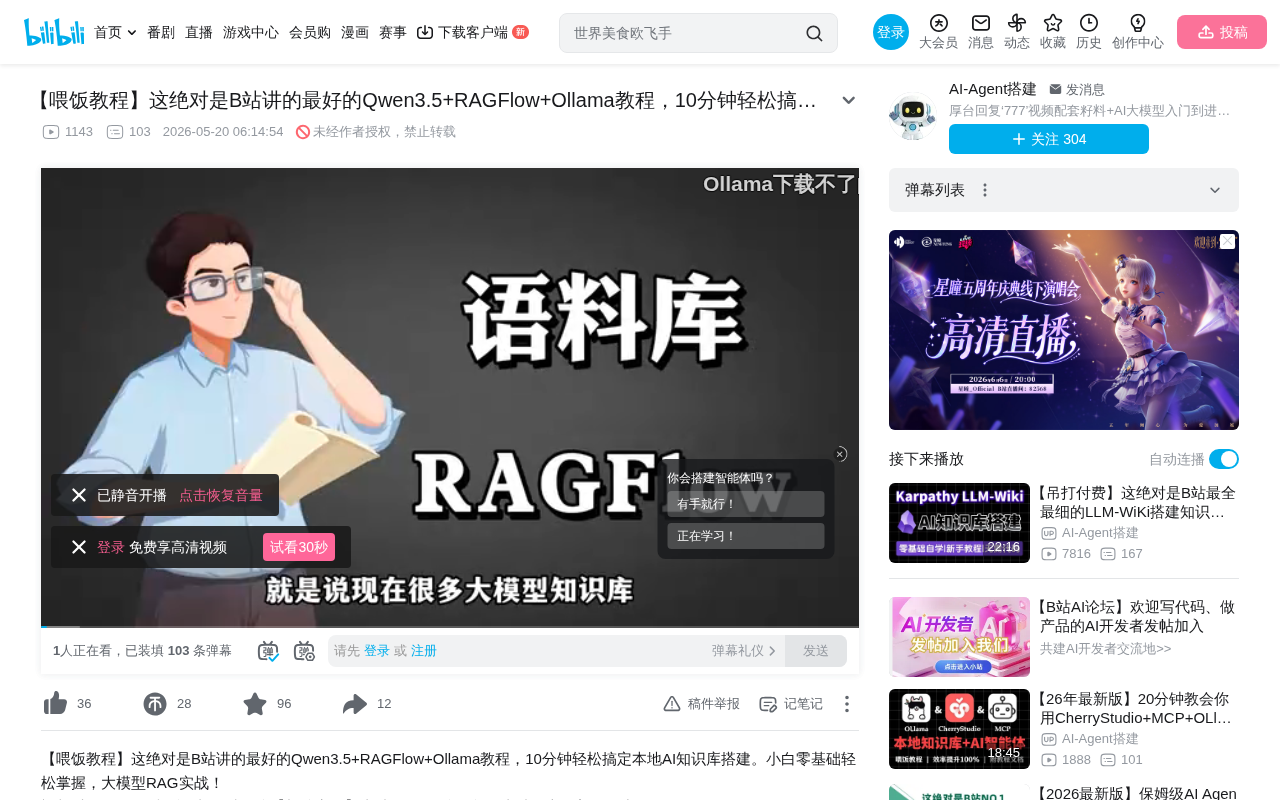
Complete tutorial for building a local AI knowledge base using Qwen3.5 + RAGFlow + Ollama
This article provides a detailed walkthrough of building a local AI knowledge base using RAGFlow + Qwen3.5 + Ollama. By leveraging RAG technology to solve LLM pain points like knowledge cutoffs and hallucinations, it uses Docker to deploy RAGFlow (document processing and retrieval orchestration), LM Studio to run Qwen3.5 (answer generation), and Ollama to run Embedding models (vector retrieval), creating a local document Q&A system ideal for research and enterprise confidentiality scenarios.
Why Do You Need a Local AI Knowledge Base?
Despite their power, large language models have several core pain points: knowledge cutoff dates, limited knowledge in local models, AI hallucination issues, and the inability to use cloud services in enterprise confidentiality scenarios.
About AI Hallucination: AI hallucination refers to large language models generating content that appears reasonable but is actually incorrect or fabricated. The root cause is that LLMs are fundamentally probability-based text generators—they predict the next most likely token rather than querying answers from a factual database. When a model encounters questions not sufficiently covered in its training data, it tends to "make up" plausible-sounding answers rather than admitting ignorance. Research shows that even GPT-4 level models can have hallucination rates of 15-25% in specialized domain Q&A.
RAG (Retrieval-Augmented Generation) technology is the key solution to these problems—by attaching an external knowledge base, AI can reference actual document content when answering, significantly reducing "fabrication." RAG is a technical framework proposed by Facebook AI Research in 2020. Its core idea is to retrieve relevant document fragments from an external knowledge base before the LLM generates an answer, inject these fragments as context into the prompt, and then have the LLM generate responses based on this real information. Compared to pure model fine-tuning, this approach has three major advantages: first, knowledge can be updated in real-time without retraining the model; second, answers are traceable, allowing users to verify information sources; third, it significantly reduces hallucination rates (from 15-25% down to below 5%). The typical RAG workflow includes: document chunking → vector storage → query vectorization → similarity retrieval → context assembly → LLM answer generation.
This article, based on a Bilibili tutorial, provides a detailed walkthrough of building a local AI knowledge base using Qwen3.5 + RAGFlow + Ollama, helping beginners get started quickly.
Core Advantages of RAGFlow
Among the many open-source RAG projects on GitHub (such as Dify), RAGFlow has several standout features:
Multi-Format File Support and OCR Capability
RAGFlow supports processing multiple file formats including TXT, PDF, and JSON. More importantly, it integrates the DeepDoc project's OCR capability, enabling text recognition from scanned PDFs—extremely useful for processing academic papers and scanned documents.
Intelligent Chunking and Indexing
RAGFlow has specialized optimizations for data at the underlying level, including intelligent chunking and index construction. Document chunking is one of the most critical factors affecting retrieval quality in RAG systems. Simple fixed-length chunking breaks semantic integrity, while RAGFlow's intelligent chunking strategy considers document structure (headings, paragraphs, lists), semantic boundaries, and context window size. Common chunking strategies include: paragraph-based splitting, semantic similarity-based splitting, recursive character splitting, and hierarchical splitting based on document structure. Chunks that are too large reduce retrieval precision (mixing in irrelevant information), while chunks that are too small may lose context. RAGFlow also supports parent-child chunking strategies—using small chunks for retrieval matching but returning parent chunks with more context to the LLM, balancing precision and completeness.
It not only retrieves relevant content but can also pinpoint specific citation sources—which paragraph from which article was referenced—particularly important for research scenarios.
Visual Workflow
Similar to ComfyUI's drag-and-drop interface, RAGFlow supports building automated workflows, lowering the barrier to entry.
Environment Preparation and Tool Installation
Hardware and System Requirements
- Hardware that can smoothly run Windows 10/11 is generally sufficient
- Windows virtualization settings must be enabled
- WSL (Windows Subsystem for Linux) must be installed
About WSL: WSL is a compatibility layer developed by Microsoft that allows users to natively run Linux binary executables on Windows. WSL2 runs a complete Linux kernel based on a lightweight virtual machine, with performance close to native Linux. Docker Desktop on Windows relies on WSL2 as its backend engine to run Linux containers. Enabling the virtualization platform (Hyper-V or Windows Virtualization Platform) is a prerequisite for WSL2, which requires confirming that CPU virtualization (Intel VT-x or AMD-V) is enabled in BIOS.
Core Tool List
| Tool | Purpose |
|---|---|
| Docker Desktop | Containerized deployment of RAGFlow and related databases |
| Ollama | Running Embedding models, providing API endpoints |
| LM Studio | Running LLM (Qwen3.5), providing API endpoints |
Docker Installation Steps
Docker is an OS-level virtualization technology that packages applications and all their dependencies (libraries, configurations, runtime environments) into standardized "containers." Unlike traditional virtual machines, Docker containers share the host machine's OS kernel, resulting in fast startup and low resource consumption. The benefit of deploying RAGFlow with Docker is that it depends on Elasticsearch (full-text search), Redis (caching), MySQL (metadata storage), and other services—Docker Compose can spin up the entire tech stack with one command, avoiding the pain of installing and configuring each service individually.
Specific installation steps:
- Go to the Docker official website to download the Desktop version (Windows AMD64)
- Right-click and run the installer as administrator
- If you encounter permission errors, grant read/write/execute permissions to your current account on the C drive's Program Files folder
- Enable Windows Virtualization Platform support and "Windows Subsystem for Linux"
- Use the
wsl --installcommand to install WSL
Understanding the Difference Between LLM and Embedding Models
Before deployment, you need to understand two key concepts:
-
LLM (Large Language Model): Responsible for conversation, processing text context, and outputting natural language answers. This tutorial uses Qwen3.5. Qwen3.5 is an open-source large language model series released by Alibaba's Tongyi Qianwen team. Compared to its predecessors, it shows significant improvements in reasoning ability, instruction following, and multilingual support, with particularly leading performance in Chinese scenarios among open-source models. The model offers multiple parameter sizes (from 0.6B to 72B), allowing users to choose the appropriate version based on hardware conditions.
-
Embedding Model: Converts input text into vector representations for computer storage, understanding, and retrieval—similar to vector space mapping in linear algebra. Specifically, Embedding models map text to high-dimensional vector spaces (typically 768 or 1024 dimensions), making semantically similar texts closer in vector space. This process is based on Transformer architecture encoders, trained through large-scale text contrastive learning. For example, "a cat sleeping on the sofa" and "a kitten resting on the couch" use different words, but their vector cosine similarity would be very high (close to 0.95). In RAG systems, both user queries and knowledge base document fragments are converted to vectors, then the most relevant document fragments are quickly found using Approximate Nearest Neighbor (ANN) algorithms.
Both serve distinct roles in RAG systems: Embedding is responsible for "finding relevant content," while LLM is responsible for "organizing the answer."
Complete RAGFlow Deployment Process
Downloading and Starting RAGFlow Services
# Clone RAGFlow source code
git clone https://github.com/infiniflow/ragflow.git

# Enter Docker directory
cd ragflow/docker

# Start services (Docker Desktop must be running first)
docker compose up -d
If network issues prevent git clone, you can download the ZIP package directly from GitHub and extract it. After executing docker compose, Docker will automatically download related dependencies. The -d parameter in docker compose up -d means running in detached (background) mode, with all containers starting in the background. Docker Compose is Docker's orchestration tool that defines startup parameters, network relationships, and volume mounts for multiple containers through a single YAML configuration file (docker-compose.yml). Predefined variables in the configuration file can be modified in the .env file in the same directory.
Deploying the Qwen3.5 Large Language Model
Deploy Qwen3.5 using LM Studio:
- Download the Qwen3.5 model in LM Studio
- Start the service in the background so other programs can call it via API
LM Studio provides a friendly graphical interface and OpenAI API-compatible service endpoints, meaning RAGFlow can call the locally running Qwen3.5 just like calling the OpenAI API without modifying any code logic. By default, LM Studio provides API service on local port 1234.
Deploying the Embedding Model
Deploy the Embedding model using Ollama:
# Pull the Embedding model
ollama pull nomic-embed-text

# View downloaded models
ollama list
nomic-embed-text is an open-source high-performance Embedding model that supports 8192 token long-context input and performs excellently on multiple retrieval benchmarks. Ollama provides API service on port 11434 by default.
Configuring RAGFlow to Connect to Models
Adding LLM Model Configuration
- Open the RAGFlow interface (register an account; the password can be anything)
- Click settings in the upper right corner, search for "OpenAI API Compatible"
- Enter LM Studio's port number and API endpoint address
- Select Chat as the model type; API Key can be anything
- Configure token count based on your needs
Adding Embedding Model Configuration
Key point: RAGFlow runs inside Docker's internal network, so you need to use your physical machine's LAN IP address (check via ipconfig), not the container's internal localhost.
Why can't you use localhost? Docker containers run in isolated virtual networks, with each container having its own network namespace. When a program inside the RAGFlow container needs to access the Ollama service running on the host machine, it cannot use 127.0.0.1 (localhost), because within the container this points to the container itself, not the host. There are three solutions: first, use the host's LAN IP (e.g., 192.168.x.x)—this is the most universal approach; second, use Docker's special DNS name host.docker.internal; third, use --network=host mode (Linux only). The tutorial recommends using the LAN IP approach as the most universal and stable.
Configuration steps:
- Scroll down to find the Ollama option
- Change the IP address in the URL to your machine's LAN IP
- Fill in the model name and save
Knowledge Base Creation and Testing
Creating and Parsing Knowledge Base Documents
- Create a new knowledge base
- Select parsing options such as OCR based on your needs
- Upload files (supports TXT, PDF, and other formats)
- Important: After uploading, you must click the "Parse" button for files to be indexed
During parsing, RAGFlow performs the following operations: format recognition and content extraction (calling OCR if needed), splitting documents into semantically complete fragments according to intelligent chunking strategies, calling the Embedding model to convert each fragment into vectors, and storing vectors in the vector database with index creation. Only after completing this entire series of operations can document content be retrieved.
Actual Test Results
During testing, the tutorial author found that with deep thinking mode enabled, the system could:
- Correctly retrieve specific content from the knowledge base
- Cite key information from original texts
- Annotate content sources, pointing to specific article paragraphs
Summary and Deployment Recommendations
The RAGFlow + Qwen3.5 + Ollama combination provides a relatively complete solution for local AI knowledge bases. The architecture has clear division of labor: Docker handles containerized deployment, LM Studio runs the LLM, Ollama runs Embedding, and RAGFlow handles document processing and retrieval orchestration.
From a technical architecture perspective, the data flow of this solution is: User question → RAGFlow receives it → Calls Ollama to vectorize the question → Retrieves similar fragments from the vector database → Assembles retrieved fragments with the original question into a prompt → Sends to Qwen3.5 in LM Studio → Qwen3.5 generates an answer based on document content → RAGFlow returns the answer with citation sources.
For users looking to get started, here are some recommendations:
- First ensure the Docker environment is running properly
- Pay attention to the IP difference between container networks and physical machine networks
- Always execute the parse operation after uploading documents
- Start testing with small-scale documents and gradually expand the knowledge base
- If hardware resources are limited, choose a smaller parameter version of Qwen3.5 (such as 4B or 8B); the Embedding model itself has low resource requirements
Key Takeaways
- RAGFlow supports multi-format file processing and OCR recognition, with intelligent chunking and citation source annotation
- The system architecture has three layers: Docker runs RAGFlow, LM Studio runs Qwen3.5 (LLM), Ollama runs the Embedding model
- Accessing host machine services from inside Docker containers requires using the LAN IP instead of localhost—a common configuration pitfall
- Documents must be manually parsed after uploading to be indexed and searchable
- This solution is suitable for scenarios requiring local deployment, such as research paper management and enterprise confidential document Q&A
Related articles
 Tutorials
Cursor + Codex Dual-IDE Collaboration: A Practical Methodology for Open-Source Project Customization
A complete methodology for open-source project customization based on real-world experience, detailing the Cursor+Codex dual-IDE workflow, seven-stage process, MVP validation, and AI source code reading techniques.
 Tutorials
Cursor Multi-Agent in Practice: Building a Full-Stack Next.js Blog in 50 Minutes
Build a full-stack blog in 50 minutes using Cursor IDE's multi-Agent mode with Next.js, Clerk auth, and Supabase. Learn the 4-phase AI Agent workflow and key integration pitfalls.
 Tutorials
Building an AI Software Factory from Scratch: A Cursor Engineer's Hands-On Experience with Multi-Agent Collaboration
Cursor engineer Eric shares practical insights on building an AI software factory: automation levels, guardrail design, parallel Agent management, and scaling to 1000+ Agents for 24/7 development.