Qwen3 Free Coding in Practice: Building Full-Stack Apps with Cline

Alibaba's open-source Qwen3 matches top closed-source models in coding capability
Alibaba has released the Qwen3 open-source model series, including 235B and 30B MoE models plus six dense models, with benchmarks matching or surpassing DeepSeek R1 and other top models. Developers can use them for free via OpenRouter API or Ollama local deployment. Hands-on tests across SaaS page generation, creative animation coding, SVG graphics, and weather dashboards showed impressive results, particularly in creative coding and iterative self-correction.
Qwen3 Model Release: A New Benchmark for Open-Source Coding
Alibaba's team has officially released the Qwen3 model series, featuring two impressive open-source Mixture-of-Experts (MoE) models: Qwen3-235B (22B active parameters) and the lightweight Qwen3-30B (3B active parameters). Additionally, six dense models ranging from 0.6B to 32B parameters have been released, all under the Apache 2.0 license. They're available on Hugging Face and support 128K or 32K context lengths.
According to benchmark results, Qwen3-235B matches or even surpasses DeepSeek R1, outperforming it in nearly every category including math, coding, and reasoning. It also beats Grok 3 Beta, Gemini 2.5 Pro, and OpenAI's o3-mini and o1 models. This means the open-source community finally has an option that can compete head-to-head with top closed-source models in coding capability.
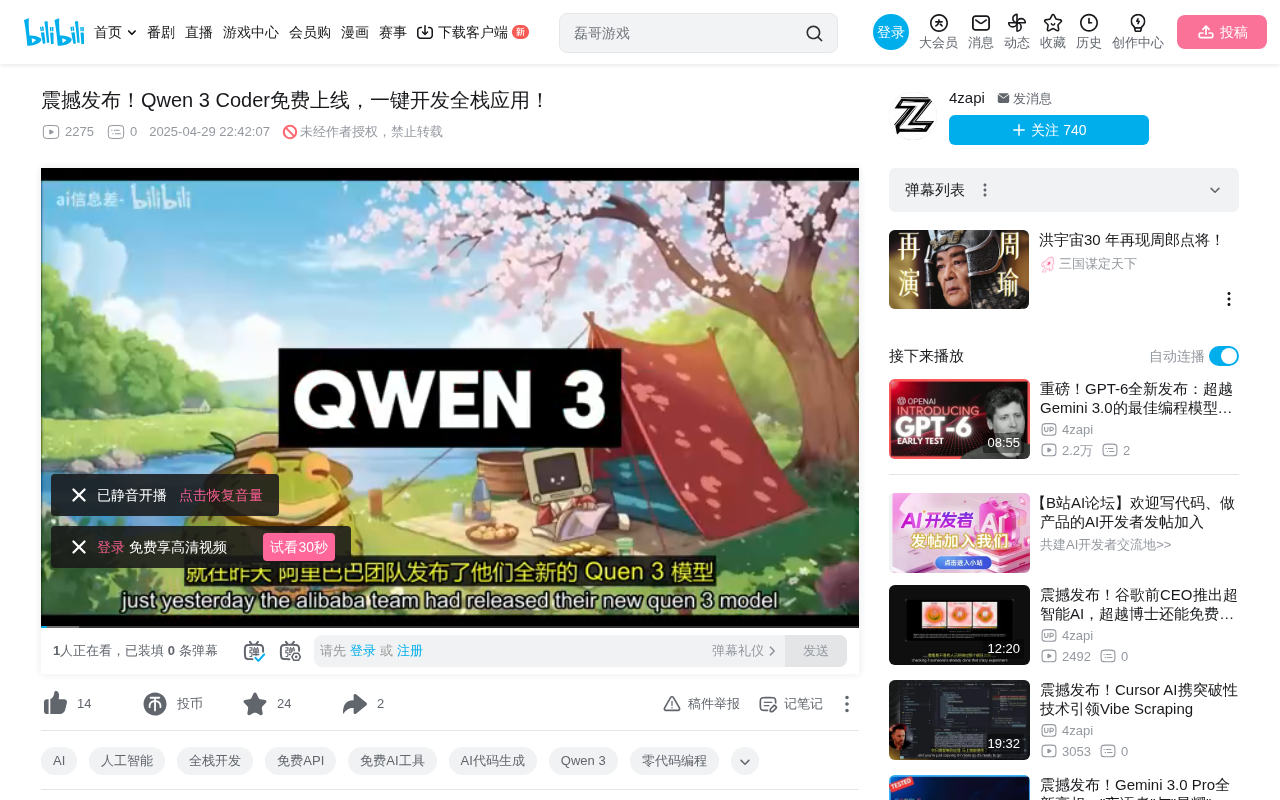
Two Ways to Use Qwen3 for Free
Option 1: Free API via OpenRouter
The simplest approach is to use the free Qwen3 API provided by OpenRouter. Here's how:
- Install an IDE and the Cline extension: You can use VS Code, Cursor, or any other mainstream IDE. Search for and install Cline (an autonomous coding agent plugin) from the extension marketplace.
- Register an OpenRouter account: Go to the OpenRouter website, sign up for free, and create an API Key.
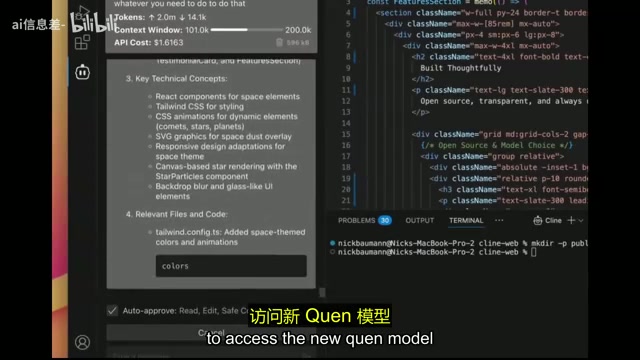
- Configure the connection: Open Cline's settings panel in VS Code, select OpenRouter as the AI provider, paste your API Key, search for "Qwen3," and select the free model to get started.
Cline is a powerful autonomous coding agent that can create and edit files, execute commands, browse the web, and more — all directly within your IDE. Combined with Qwen3's coding capabilities, it enables a remarkably efficient development workflow.
Option 2: Local Deployment via Ollama
If you'd rather not rely on an external API, you can run Qwen3 locally using Ollama:
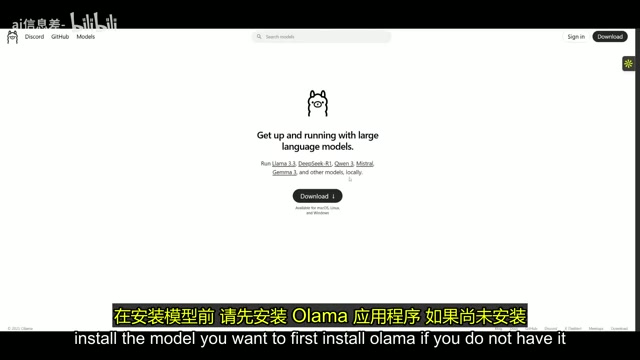
- Install the Ollama application
- Search for the "Qwen3" model card and select a parameter size that suits your hardware (the 235B version has extremely high hardware requirements — smaller versions are recommended)
- Run the corresponding command in your terminal to start the model
- Go back to Cline's settings in VS Code, select Ollama as the provider, and fill in the model ID, Base URL, and context window size
This approach is completely free and keeps all data local, making it ideal for developers with privacy requirements.
Hands-On Testing: Performance Across Four Coding Tasks
Test 1: SaaS Landing Page Generation
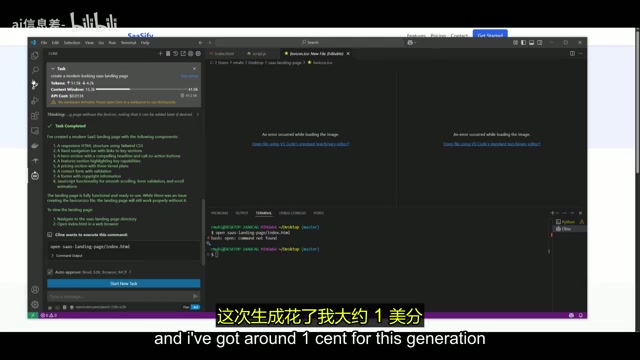
The first test had Qwen3 + Cline create a modern-style SaaS landing page. The model displayed its full chain of thought, automatically generating all necessary components and HTML files. The final result was quite impressive — the tester felt it even outperformed DeepSeek R1 on the same task.
You might not have noticed, but this generation used OpenRouter's paid API (not the free version). The entire generation cost only about 1 cent, offering exceptional value for money.
Test 2: Creative TV Channel Animation
The second test focused on creative coding ability — the model was asked to build a TV simulator with 10 channels (0–9), each featuring a different visual animation effect.
The results were impressive: the model not only generated unique animated content for each channel but also added transition animations when switching between channels. It used spatial masking logic to handle visual differences across channels. The tester noted that this was possibly the best result they had ever gotten with this prompt — many other models couldn't even achieve the channel-switching animation.
Test 3: SVG Butterfly Graphic
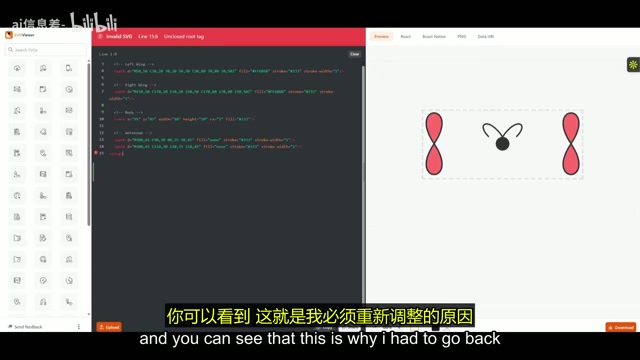
The third test asked the model to generate SVG code for a butterfly shape. While the first attempt wasn't perfect (only the head structure was roughly correct), a single correction prompt led to a beautifully rendered butterfly on the second try.
Reaching high-quality output in just two iterations demonstrates Qwen3's ability to understand feedback and self-correct. The tester pointed out that this result was noticeably better than what they'd achieved using just a chat interface, suggesting that Cline's engineering capabilities significantly boost model output quality.
Test 4: Weather Dashboard
The final test involved creating a dynamic weather information card that displays the current temperature, weather type (sunny, cloudy, rainy, snowy), and animated icons. The model successfully generated the basic structure and functionality, though the animation effects and UI aesthetics still had room for improvement. This also reflects the current limitations of open-source models when it comes to complex front-end interaction design.
In-Depth Analysis: Where Qwen3 Stands in Coding
Based on these four tests, Qwen3's performance in coding can be described as "surprisingly good." Here are the key takeaways:
Clear cost advantage: Using OpenRouter's paid API, a single complex page generation costs only about 1 cent; using the free API or local deployment brings the cost to absolute zero. This is extremely attractive for indie developers and small teams.
Outstanding creative coding ability: In tasks requiring creativity, like the TV channel animation, Qwen3 outperformed most competitors, indicating that its training data and reasoning capabilities have unique strengths in graphics programming.
Strong iterative correction ability: While it doesn't always produce perfect output on the first try, the model excels at understanding correction instructions, typically achieving satisfactory results within 1–2 iterations.
Mature toolchain ecosystem: Thanks to the Apache 2.0 open license and excellent compatibility with tools like Ollama and Cline, Qwen3 integrates seamlessly into existing development workflows, significantly lowering the barrier to entry.
Conclusion and Recommendations
As an open-source coding model, the Qwen3 series has reached a performance level that competes with top closed-source models. Whether through free online APIs or local deployment via Ollama, developers can experience coding capabilities on par with — or even better than — DeepSeek R1 at zero cost.
For developers looking to try it out, we recommend starting with the OpenRouter free API + Cline combination to quickly validate the model's capabilities. If you have higher requirements for privacy or latency, consider the local deployment option. The release of Qwen3 is undoubtedly a major step forward in making open-source AI coding tools accessible to everyone.
Related articles
 Tutorials
Cursor + Codex Dual-IDE Collaboration: A Practical Methodology for Open-Source Project Customization
A complete methodology for open-source project customization based on real-world experience, detailing the Cursor+Codex dual-IDE workflow, seven-stage process, MVP validation, and AI source code reading techniques.
 Tutorials
Cursor Multi-Agent in Practice: Building a Full-Stack Next.js Blog in 50 Minutes
Build a full-stack blog in 50 minutes using Cursor IDE's multi-Agent mode with Next.js, Clerk auth, and Supabase. Learn the 4-phase AI Agent workflow and key integration pitfalls.
 Tutorials
Building an AI Software Factory from Scratch: A Cursor Engineer's Hands-On Experience with Multi-Agent Collaboration
Cursor engineer Eric shares practical insights on building an AI software factory: automation levels, guardrail design, parallel Agent management, and scaling to 1000+ Agents for 24/7 development.