Reverse-Engineered Claude Design Open-Source Project Surges to 16K Stars on GitHub
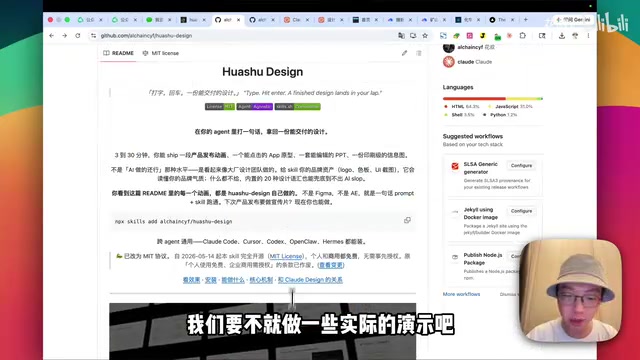
Open-source Skill reverse-engineers Claude Design, enabling pro-quality UI generation in any Coding Agent.
A developer reverse-engineered Anthropic's Claude Design mechanism into an open-source Skill pack compatible with Cursor, Claude Code, Codex, and other mainstream Coding Agents. The project enables one-prompt generation of presentations, personal homepages, iOS app prototypes, and promotional animations with professional visual quality. It works by automating brand spec creation, iterative design confirmation, and quality verification. The GitHub project has earned over 16K Stars.
From Claude Design to Open Source: Professional Design with a Single Prompt
Anthropic released the Claude Design feature not long ago, finally making AI-generated interfaces look less uniformly ugly. But there's a catch: you need to be a Claude subscriber, and it burns through your quota fast—a single small task might exhaust your allowance.
A developer reverse-engineered Claude Design's working mechanism and turned it into an open-source Skill (skill pack) that anyone can use with any Coding Agent. The project has already earned over 16,000 Stars on GitHub, a clear testament to community approval. In this context, "reverse engineering" means analyzing Claude Design's input/output behavior, system prompt structure, and workflow to infer its internal design logic and prompting strategies, then reimplementing them in an open-source manner. This approach isn't uncommon in the AI space—many open-source projects are built by observing the behavioral patterns of commercial products. It's worth noting that this type of reverse engineering targets methodology and design workflows rather than directly copying code or model weights, so it typically doesn't involve intellectual property infringement.
Put simply, the core problem this Skill solves is: AI-generated interface designs are ugly. If you've tried AI Coding, you've surely seen those cookie-cutter purple-blue websites—functional, but painful to look at. After installing this Skill, you just type your request, hit enter, and get output with genuinely impressive visual design quality.
In the AI Coding Agent ecosystem, a Skill (skill pack) is a reusable instruction set or prompt template, typically existing as a Markdown file or configuration file. Its essence is encoding domain expertise into structured instructions that guide an AI Agent to follow predefined workflows and quality standards when executing specific tasks. Unlike traditional plugins or extensions, Skills don't require compilation or installation, nor do they depend on specific API interfaces—they constrain and guide AI behavior through natural language descriptions. The advantage of this mechanism is cross-platform compatibility: as long as an Agent can read text instructions, it can load any Skill.
Cross-Platform Compatibility: Supports Nearly All Coding Agents
One of this project's biggest advantages is its universality. As a Skill file, it works with virtually any mainstream Coding Agent:
- International tools: Claude Code, Cursor, Codex
- Chinese tools: Trae, Kilo Code, WindSurf, etc.
- Even some niche Agents like Lobster, Hermes, and others
It's worth understanding the current Coding Agent ecosystem. Coding Agents are one of the most active tracks in AI during 2024-2025. Claude Code is Anthropic's command-line programming assistant, Cursor is an AI editor based on VS Code, Codex is OpenAI's programming Agent, and Chinese offerings like Trae (ByteDance) and WindSurf (Codeium) are also iterating rapidly. These tools share the ability to understand natural language requirements, autonomously plan coding steps, read/write files, and execute commands. But they all share a common weakness: generated front-end interfaces are functionally usable but aesthetically lacking—precisely the pain point this Skill addresses.
Installation is dead simple—copy the GitHub repository link, tell your Agent "install this Skill for me," and the Agent handles the rest automatically. This zero-barrier onboarding means anyone can start using it immediately.
Four Core Capabilities Demonstrated
Presentation Creation: From Requirements to Editable Documents
In the demo, the author presented a real scenario: preparing a 90-minute presentation explaining Coding Agents to non-technical office workers.
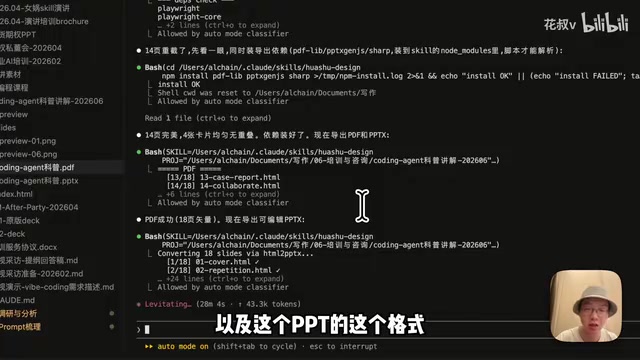
The entire workflow is remarkably intelligent:
- Requirements confirmation: Doesn't start building immediately—first understands audience background, presentation goals, and visual style preferences
- Information gathering: Proactively researches when it identifies knowledge gaps
- Iterative confirmation: Creates two sample slides first for user style approval
- Automatic checking: Self-inspects upon completion, automatically fixing any issues found
- Multi-format export: Simultaneously generates web, PDF, and PPTX versions
The final presentation maintained Claude's brand aesthetic with visual quality around 80/100. Crucially, all content is editable—not static images that can't be modified after generation.
Personal Homepage: Custom Brand Visual Support
The second demo was even more interesting. The author wanted to create a personal homepage but wasn't satisfied with the system's recommended style, so they provided a photo taken in front of a beverage shop, requesting the design match the photo's color palette and style.
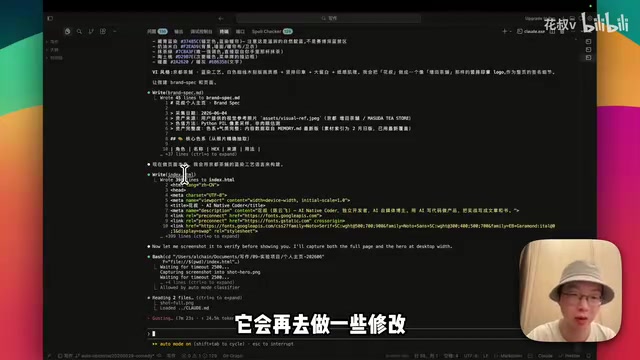
The Skill's approach was impressive:
- Analyzed the photo's visual language and extracted specific color values
- Codified the color scheme into a Brand Spec document (including colors, typography, signature details, safe zones, etc.)
- Designed based on the brand document
- Automatically took screenshots to verify the design result upon completion
It's worth understanding the professional significance of a Brand Spec (brand specification document). Brand Specs are standard practice in professional design, typically established by brand designers at project inception. A complete Brand Spec includes precise color values for primary/secondary colors (HEX, RGB), font families and hierarchy specifications, logo usage rules and safe zones, and graphic element style definitions. In traditional design workflows, this document is the key tool ensuring visual consistency across multi-person collaboration. This Skill automates this professional practice—it extracts visual language from a single photo and generates a specification document, essentially having AI play the role of a brand designer. This is one of the core reasons its design quality far exceeds typical AI-generated interfaces.
The final page used the distinctive blue and matcha green from the photo, with thorough application of visual elements. This means if you have your own brand logo, a favorite painting, or artwork, you can feed it to the Agent as a visual reference.
iOS App Prototype: Rapid Product Idea Validation
The author requested an interactive iOS App prototype for personal GTD management based on the principles from The 7 Habits of Highly Effective People.
This involves two classic personal management methodologies. GTD (Getting Things Done) is a personal task management methodology proposed by David Allen, with the core idea of clearing all to-do items from your mind and systematically managing them through five steps: collect, process, organize, review, and execute. The 7 Habits of Highly Effective People is Stephen Covey's classic work, emphasizing principles like "begin with the end in mind" and "put first things first." Combining these two methodologies into a single App prototype means designing complex interactive interfaces like an inbox, four-quadrant priority matrix, and weekly reviews—a fairly challenging comprehensive test of AI's design capabilities.
The value of this capability extends beyond the prototype itself—it helps you rapidly validate ideas:
- Product managers can directly produce a prototype version to discuss with developers
- Operations staff can use it to express product concepts
- Entrepreneurs can instantly judge whether an idea is worth pursuing
When you can see a workable prototype within minutes, you might immediately realize "this thing isn't worth building," or "the direction is right but the details need adjustment." This ability to fail fast is what truly transforms workflows.
Promotional Animation: 85-Point One-Click Video
The final demo created a promotional animation for Bilibili's AI video product "Peanut" (花生).
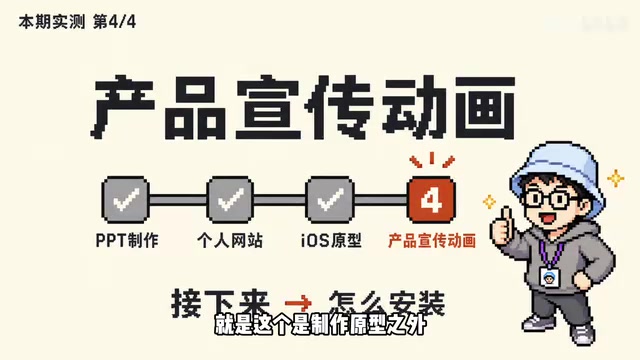
The Skill's workflow demonstrated professional design thinking:
- First confirmed whether the product exists and researched product information
- Scraped the official website for the logo, brand colors, and other real assets
- After obtaining brand DNA, asked about animation duration, format, and content focus
- Confirmed visual tone and animation style before starting production
The result was a 15-20 second, 16:9 brand promotional animation using Peanut's actual brand logo and gradient colors. The author rated it 85/100—generating a product promotional animation with a single sentence is genuinely impressive.
Practical Use Cases and Value Assessment
Summarizing this Skill's applicable scenarios:
- Content creators: Need B-Roll footage after recording a video? Have it create animations based on your narration content
- Product managers: Rapidly generate interactive prototypes to reduce communication costs
- Personal branding: One-click generation of personal homepages and brand materials
- Marketing: Create promotional animations for products to post on social media
- Daily office work: High-quality presentation creation with multi-format export
From a technical perspective, this project's core value lies in systematically reinforcing "design aesthetics"—the weakest link in AI programming. It's not simply applying templates; rather, through mechanisms like brand specification documents, automatic verification and repair, and iterative confirmation, it ensures stable and controllable visual output quality. This system essentially simulates a professional design team's workflow: define specifications first, produce drafts, iterate with revisions, then conduct quality acceptance—except the entire process is compressed into minutes and completed autonomously by AI.
Final Thoughts
Behind those 16,000 Stars lies the developer community's intense demand for better "AI-generated content quality." Once AI programming's functional challenges are largely solved, aesthetics and design become the next bottleneck that must be overcome. This open-source project uses reverse engineering to release capabilities previously locked behind a paywall to everyone—a perfect embodiment of the open-source spirit.
On a deeper level, this project reveals an important trend: competition among AI tools is shifting from "can it do it" to "does it look good doing it." When all Coding Agents can generate functionally correct code, output quality differentiation will increasingly depend on specialized Skill ecosystems like this one. In the future, we'll likely see more vertical-domain Skills emerge—data visualization Skills, 3D modeling Skills, interaction animation Skills—collectively forming a critical infrastructure layer that evolves AI output from "usable" to "usable and beautiful."
Related articles
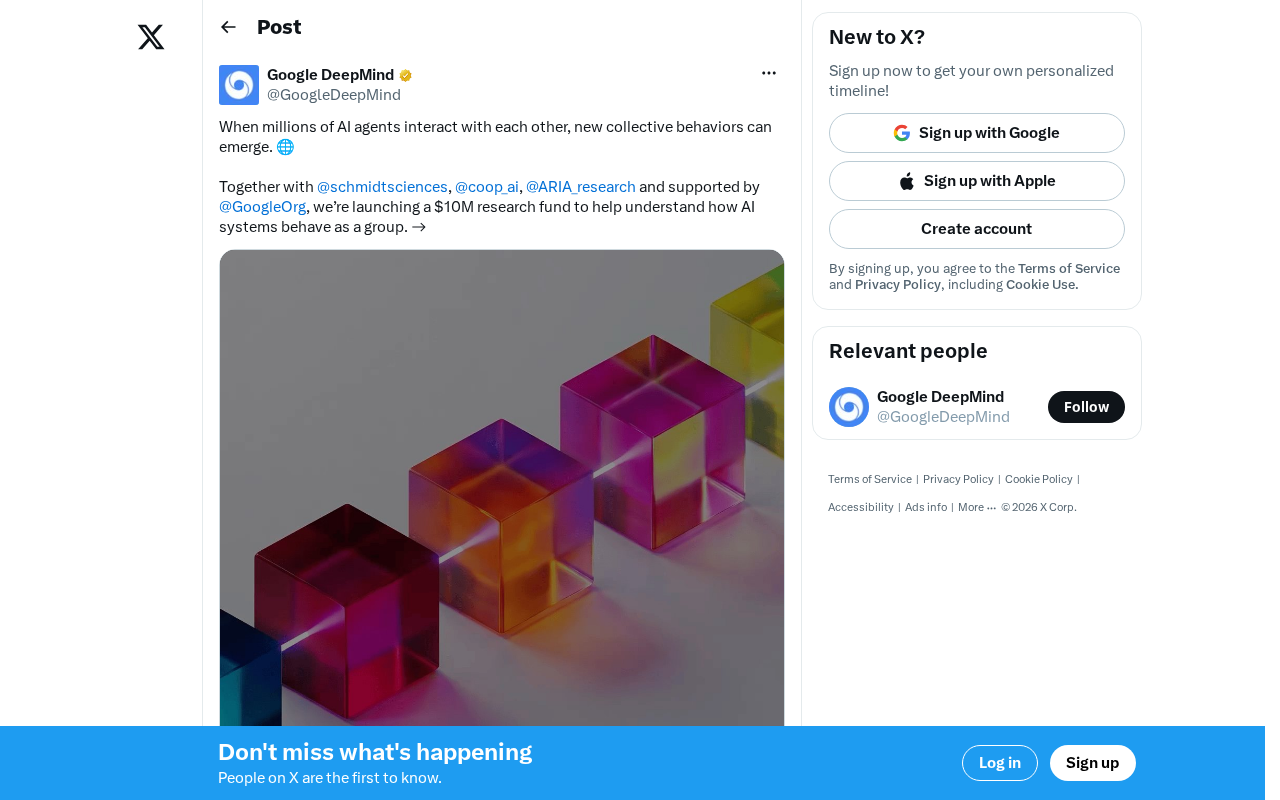
A $10 Million Research Fund Launches: What Happens When Millions of AI Agents Interact with Each Other?
Google.org and Schmidt Sciences launch a $10M fund to study collective behavior and emergent risks of multi-agent AI systems, from flash crashes to mass AI Agent deployment.
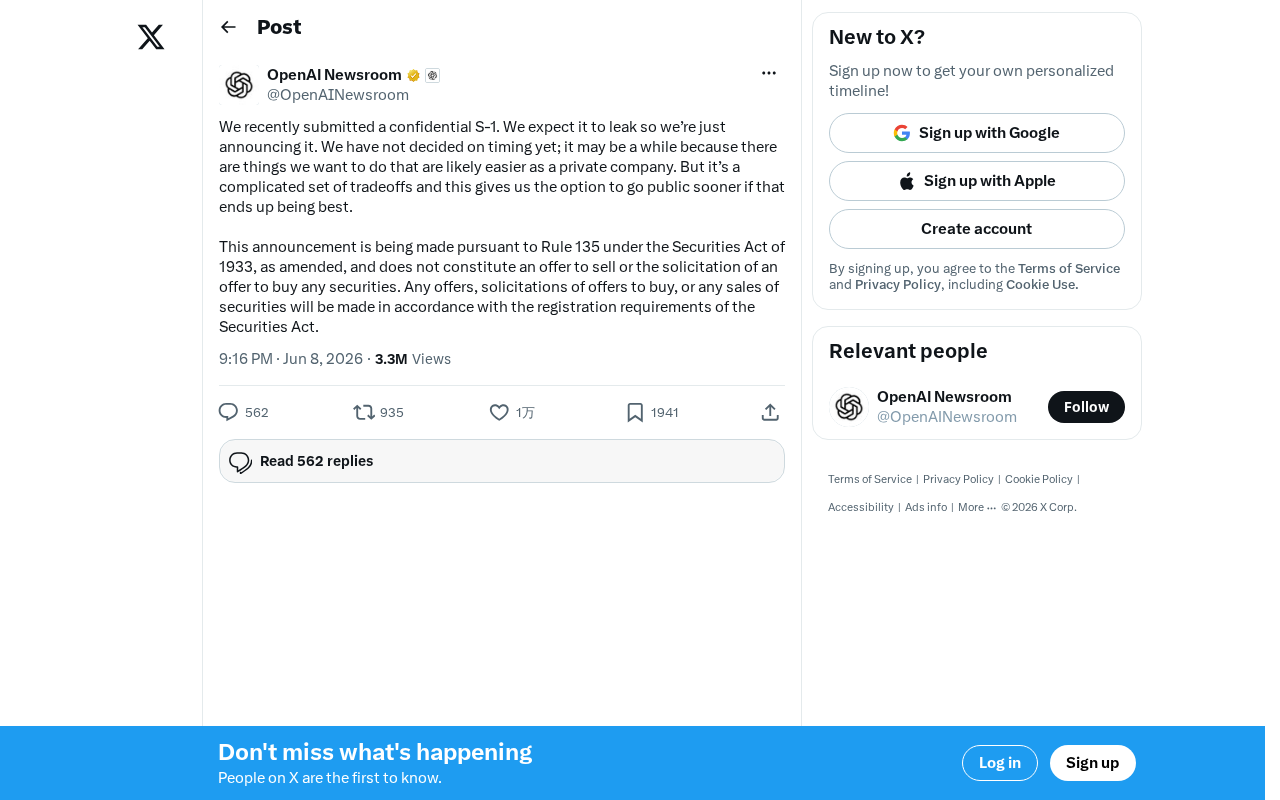
OpenAI Secretly Files S-1: The Road to IPO Has Officially Begun
OpenAI has confidentially filed an S-1 with the SEC, officially launching IPO preparations. Explore the filing's significance, OpenAI's transformation from nonprofit to a $300B valuation, and the impact on AI investing.
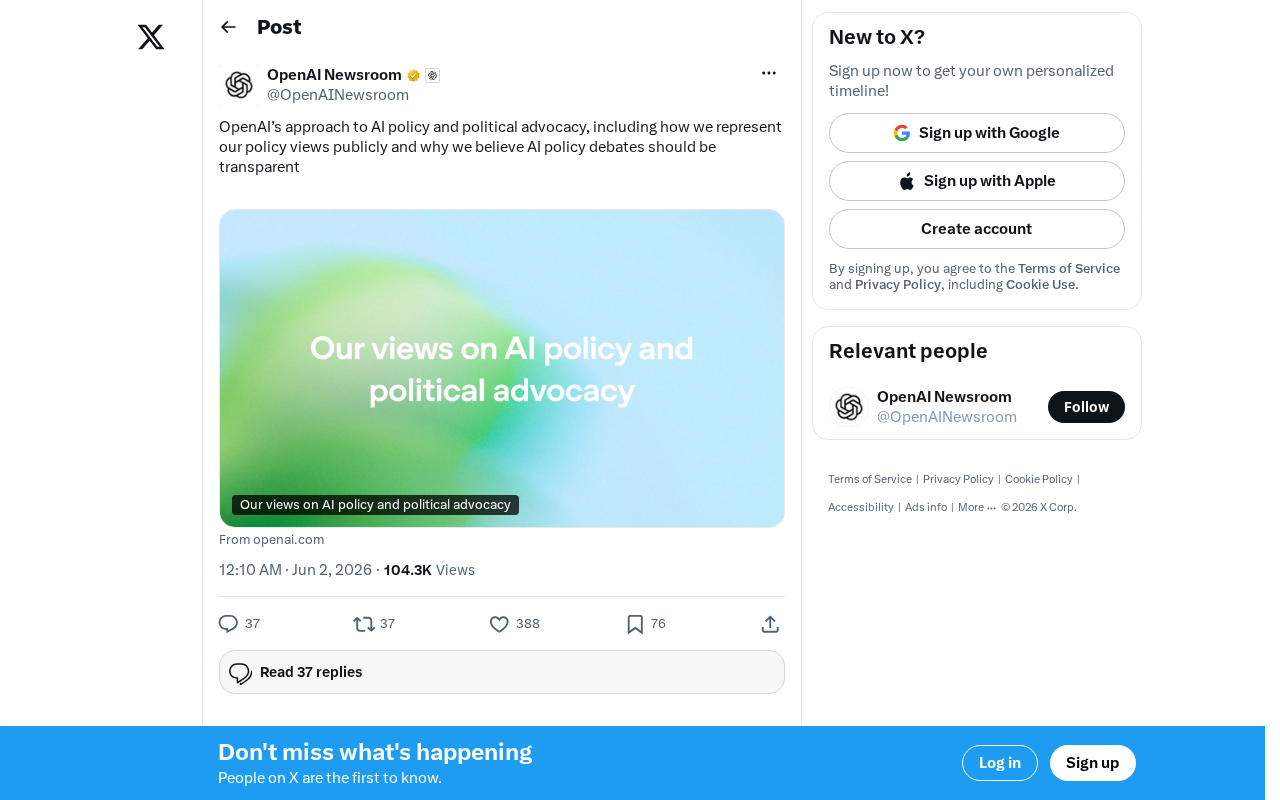
OpenAI Reveals Its AI Policy Stance: Why Transparency Matters
OpenAI publicly outlines its AI policy stance and advocacy approach. This article analyzes the logic behind transparency, the challenges of tech policy lobbying, and implications for AI regulation.