Four AI Diagram Paradigms: Claude Code and Gemini CLI Reshape Presentation Workflows
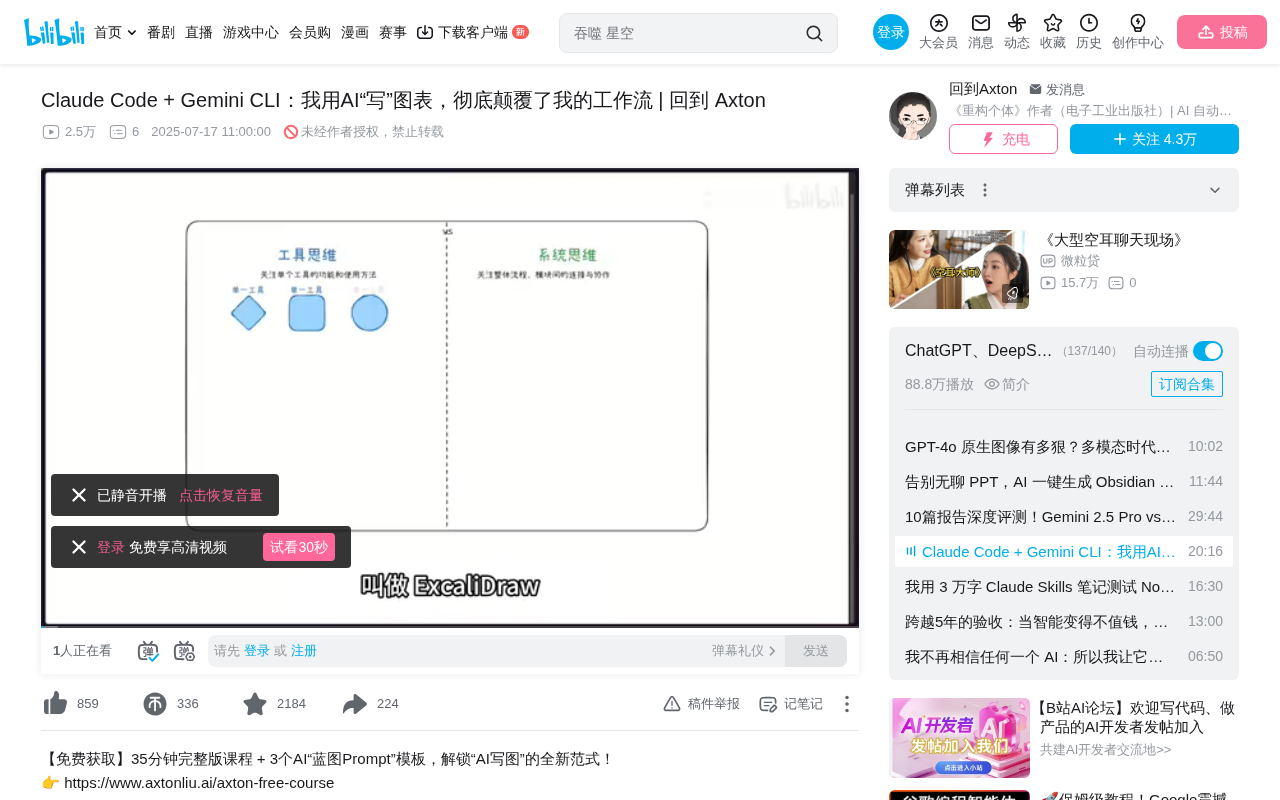
Four AI diagramming paradigms using Claude Code and Gemini CLI for fully automated presentation workflows.
Bilibili creator Axton shares an AI diagramming workflow using Claude Code and Gemini CLI across four paradigms: Excalidraw hand-drawn diagrams, Obsidian Canvas knowledge maps, interactive HTML pages, and Gamma PPT presentations. The core method involves designing reusable "Blueprint Prompts" through reverse engineering, letting AI become the executor of ideas — a leap from "tool thinking" to "systems thinking."
From Manual Dragging to One-Click AI Diagram Generation
When preparing presentations or sharing materials, repeatedly dragging, dropping, and aligning diagram elements often consumes enormous amounts of time. Bilibili creator Axton shared a complete AI diagramming workflow — using tools like Claude Code and Gemini CLI to achieve fully automated diagram generation from concept to finished product.
The core of this approach isn't about learning a few new tools — it's about leaping from "tool thinking" to "systems thinking" — defining rules and systems, then letting AI become the executor of your ideas. Axton demonstrated four AI diagramming paradigms using his own articles as source material, covering the full spectrum from freeform creation to business presentations.
Paradigm 1: Claude Code Generates Excalidraw Hand-Drawn Diagrams
The Core Method: Reverse Engineering + Blueprint Prompts
The first paradigm uses Claude Code to directly generate Excalidraw diagrams for Obsidian. Excalidraw is an open-source virtual whiteboard tool known for its distinctive hand-drawn style — lines have a natural wobble, fonts mimic handwriting, and the overall aesthetic has a sketch-like approachability. Its file format is essentially a JSON structure containing element coordinates, dimensions, style attributes, and other property fields. Within the Obsidian ecosystem, Excalidraw integrates deeply through a community plugin, supporting bidirectional links and embedding, making hand-drawn diagrams an organic part of knowledge management. The structured nature of its files is precisely what makes AI generation possible — AI only needs to output correctly formatted JSON data to generate complete visual diagrams.
Claude Code is a command-line AI programming tool from Anthropic that allows developers to converse with Claude directly in the terminal to write code, manipulate files, and manage projects. Unlike traditional chat-based AI, Claude Code can directly read and write to the local file system, execute commands, and understand project context, making it particularly well-suited for tasks that require manipulating specific file formats.
The specific workflow breaks down into several steps:
- Set up a dedicated working directory: Create a project-specific folder for easier management while giving AI more precise context for understanding and manipulating files
- Reverse engineer the file format: Manually create a simple Excalidraw file and hand it to AI for structural analysis. In software engineering, reverse engineering refers to analyzing a finished product to deduce its design principles and structural specifications. The creative application here is: first manually create the simplest possible target-format file (e.g., one containing just a rectangle and a line of text), then let AI analyze its internal structure — including JSON field meanings, coordinate systems, style parameters, etc. The "format understanding" AI gains through this analysis is far more accurate than manually written format documentation, because it learns directly from examples, avoiding discrepancies between documentation descriptions and actual implementations.
- Generate a Blueprint Prompt: Have AI produce a reusable instructional prompt based on its analysis. A Blueprint Prompt is essentially a Meta-Prompt — it doesn't directly ask AI to complete a specific task, but instead provides AI with a reusable operational framework and specifications. This concept borrows from the Template Pattern in software engineering: define the algorithm skeleton and defer specific steps to subclass implementations. In AI workflows, a Blueprint Prompt defines the general rules for "how to generate a certain type of diagram" (file format, layout principles, style specifications), while specific content is dynamically filled in with each invocation.
- Batch generate diagrams: Use the Blueprint Prompt to guide Claude Code in automatically generating diagrams from any article content
In the demonstration, Axton had Claude Code generate a complete hand-drawn style diagram based on an article about the "MAPS Thinking Framework" (Mindset, Architecture, Prompt — human-machine dialogue language, Systems — systematic implementation). The generated diagram was content-accurate, and while minor issues like alignment existed, they only needed slight adjustments before being presentation-ready.
One-Time Investment, Unlimited Reuse
The Blueprint Prompt is the soul of the entire AI diagramming workflow. This design transforms one-time creative labor into scalable system assets — you only need to invest thought once to design the system, then invoke it repeatedly at near-zero cost. This is precisely the efficiency leap that systems thinking delivers. From an economics perspective, this is a textbook case of driving marginal costs toward zero: after the fixed cost (designing the Blueprint Prompt) is invested once, the incremental cost of each additional diagram generation is virtually zero.
Paradigm 2: Gemini CLI Generates Obsidian Canvas + Claude Beautification
From Knowledge Organization to Visual Presentation
If the need isn't creating hand-drawn diagrams from scratch, but rather reorganizing scattered notes from a knowledge base on an infinite canvas to discover hidden connections, Obsidian Canvas is the more appropriate tool. Obsidian Canvas is the official infinite canvas feature from Obsidian, and its file format (.canvas) is also JSON-based, containing two core element types: nodes and edges. Nodes can be text cards, embedded note files, images, or web links; edges define the connections between nodes. Canvas's unique value lies in the fact that it's not an isolated drawing tool — each node can link to actual note files in the knowledge base, creating seamless navigation from macro structure to micro detail.
Axton deliberately introduced Google's Gemini CLI for this task to prove the tool-agnostic nature of systems thinking. Gemini CLI is Google's command-line AI tool, based on the Gemini large language model. Similar to Claude Code, it supports terminal-based conversational interaction, but one notable advantage is its ability to directly access and parse web content via URL without requiring users to manually copy and paste. This web access capability stems from Google's technical expertise in search and information retrieval. The specific workflow:
- Use the same method as Excalidraw to design a Canvas Blueprint Prompt
- Have Gemini CLI generate an Obsidian Canvas based on a newsletter article
- Gemini CLI can read article content directly via URL, no local files needed
Dual-AI Collaboration: Leveraging the Strengths of Both Claude and Gemini
The Canvas generated by Gemini CLI handled basic elements like titles and paragraphs without issues, but the overall layout and design sense were mediocre. Axton's solution was to have Claude Code handle the beautification — because Claude has a superior aesthetic sensibility. This multi-AI collaborative workflow reflects an important trend in the current AI landscape: no single model is optimal across all dimensions, and savvy users assign tasks based on each model's strengths. The beautified Canvas employed emoji, color variations, and connection line color adjustments, resulting in significantly improved results.
Taking it further, Axton also had Gemini CLI automatically find the 2-3 most relevant documents from the note library related to the Canvas content and add them to the Canvas with reference links. This showcases Canvas's power as a "knowledge sandbox" — it's not a static diagram, but a living system that can organically connect with the entire knowledge base. This "live link" characteristic makes Canvas a uniquely spatial thinking tool in knowledge management, where users can see the global structure of their knowledge in a macro view while diving into any node to view full content at any time.
Paradigm 3: Claude Code Generates Interactive HTML Pages
For content that needs to be publicly shared, Claude Code can directly generate interactive HTML web pages. Since Claude Code was built for code, writing HTML comes naturally. HTML's advantage as an output format lies in its zero-dependency universality — any browser on any device can open it directly without installing specific software. Additionally, HTML supports CSS animations, JavaScript interactivity, responsive layouts, and other rich features, enabling the final output to far exceed the expressiveness of static diagrams.
Also based on a Blueprint Prompt (a course handout display page prompt), Claude Code transformed article content into a well-structured, visually appealing web page with modules for core concepts, practical steps, advantage summaries, and more. From structured ideas to publishable web pages, AI becomes the most efficient front-end developer. This approach is particularly well-suited for creating course handouts, technical documentation, product introduction pages, and other content intended for external distribution.
Paradigm 4: Gamma One-Click PPT Presentation Generation
In traditional business scenarios, linear presentations remain indispensable. Gamma.app is an AI-native presentation generation tool positioned to solve the pain points of traditional PPT creation — high design barriers and time-consuming production. Unlike PowerPoint or Google Slides, Gamma was built from the ground up with AI generation as its core interaction method. Users only need to provide a content outline or raw text, and the system automatically handles layout, color schemes, image selection, and other design decisions. It supports multiple output formats — generated content can be shared directly as a web page or exported in traditional PPT format.
Gamma.app offers rapid PPT generation capabilities:
- Input methods: Paste text, import files, or provide a URL
- Processing modes: Generate from outline, summarize document, or keep as-is
- Configuration options: Text length (concise/detailed), output language, image source (AI-generated/stock library/web search)
- Theme selection: Multiple visual themes available
The entire process from pasting content to generating a complete PPT takes just a few minutes, making it ideal for high-frequency business presentation needs. In the AI tool ecosystem, Gamma represents a category of "vertical-scenario AI tools" — focused on a single task but achieving extreme ease of use, complementing general-purpose tools like Claude Code and Gemini CLI.
Systems Thinking: The Unified Core of Four AI Diagramming Paradigms
Looking back at the four paradigms:
| Paradigm | Tool | Use Case |
|---|---|---|
| Excalidraw | Claude Code | Creating hand-drawn diagrams from scratch |
| Canvas | Gemini CLI + Claude | Structured knowledge layout |
| HTML | Claude Code | Public sharing |
| PPT | Gamma | Business presentations |
Four completely different scenarios, four different tools, but the core is entirely consistent: define the system, let AI execute. This mindset aligns with the "separation of concerns" principle in software engineering — humans are responsible for defining "what to do" and "why" (the strategic layer), while AI handles "how to do it" (the execution layer). Once you master this mental model, you won't be locked into any single tool and can freely switch between Claude, Gemini, or any future AI tool.
Axton also mentioned future directions: all operations currently still require manual command execution. The next step is exploring how AI Agents can achieve full-pipeline automation — from trigger to output with zero human intervention. AI Agents are one of the hottest development directions in the current AI landscape, referring to AI systems capable of autonomously planning, making decisions, and executing multi-step tasks without requiring humans to issue step-by-step instructions. When AI diagramming workflows combine with Agent capabilities, the future may enable end-to-end automation like "automatically generating all accompanying diagram formats after finishing an article."
Key Takeaways
- Four AI diagramming paradigms cover the complete presentation spectrum from hand-drawn diagrams, knowledge canvases, and HTML pages to PPTs
- The core method is designing "Blueprint Prompts" through reverse engineering — a one-time investment for unlimited reuse
- Claude Code and Gemini CLI can work collaboratively, each leveraging their strengths — Gemini handles generation, Claude handles beautification
- The essence of systems thinking is shifting from chasing tools to defining rules, enabling tool-agnostic flexibility
- Obsidian Canvas is more than a diagramming tool — it's a "knowledge sandbox" that organically connects with your knowledge base
Related articles
 Tutorials
Cursor + Codex Dual-IDE Collaboration: A Practical Methodology for Open-Source Project Customization
A complete methodology for open-source project customization based on real-world experience, detailing the Cursor+Codex dual-IDE workflow, seven-stage process, MVP validation, and AI source code reading techniques.
 Tutorials
Cursor Multi-Agent in Practice: Building a Full-Stack Next.js Blog in 50 Minutes
Build a full-stack blog in 50 minutes using Cursor IDE's multi-Agent mode with Next.js, Clerk auth, and Supabase. Learn the 4-phase AI Agent workflow and key integration pitfalls.
 Tutorials
Building an AI Software Factory from Scratch: A Cursor Engineer's Hands-On Experience with Multi-Agent Collaboration
Cursor engineer Eric shares practical insights on building an AI software factory: automation levels, guardrail design, parallel Agent management, and scaling to 1000+ Agents for 24/7 development.