UE5.7 Beginner's Guide: The Complete Path from Editor to Playable Game

UE5.7 beginner tutorial leveraging AI assistant and Blueprints to lower game development barriers
This article introduces a zero-to-hero game development tutorial for UE5.7, emphasizing that now is the best time to learn Unreal Engine. UE5.7's integrated AI assistant significantly lowers the learning barrier, while Blueprint visual programming enables those without coding experience to implement game logic. The course follows a progressive path from editor operations to project structure, AI assistant usage, and advanced Blueprints, with the ultimate goal of creating a shareable playable game.
Why Now Is the Best Time to Learn UE5.7
The release of Unreal Engine 5.7 brings an unprecedented beginner-friendly experience for aspiring game developers. This zero-to-hero tutorial from Bilibili covers the complete knowledge chain—from editor operations and project structure to AI assistant usage and Blueprint programming—with a clear goal: helping complete beginners create a playable game they can share with friends.
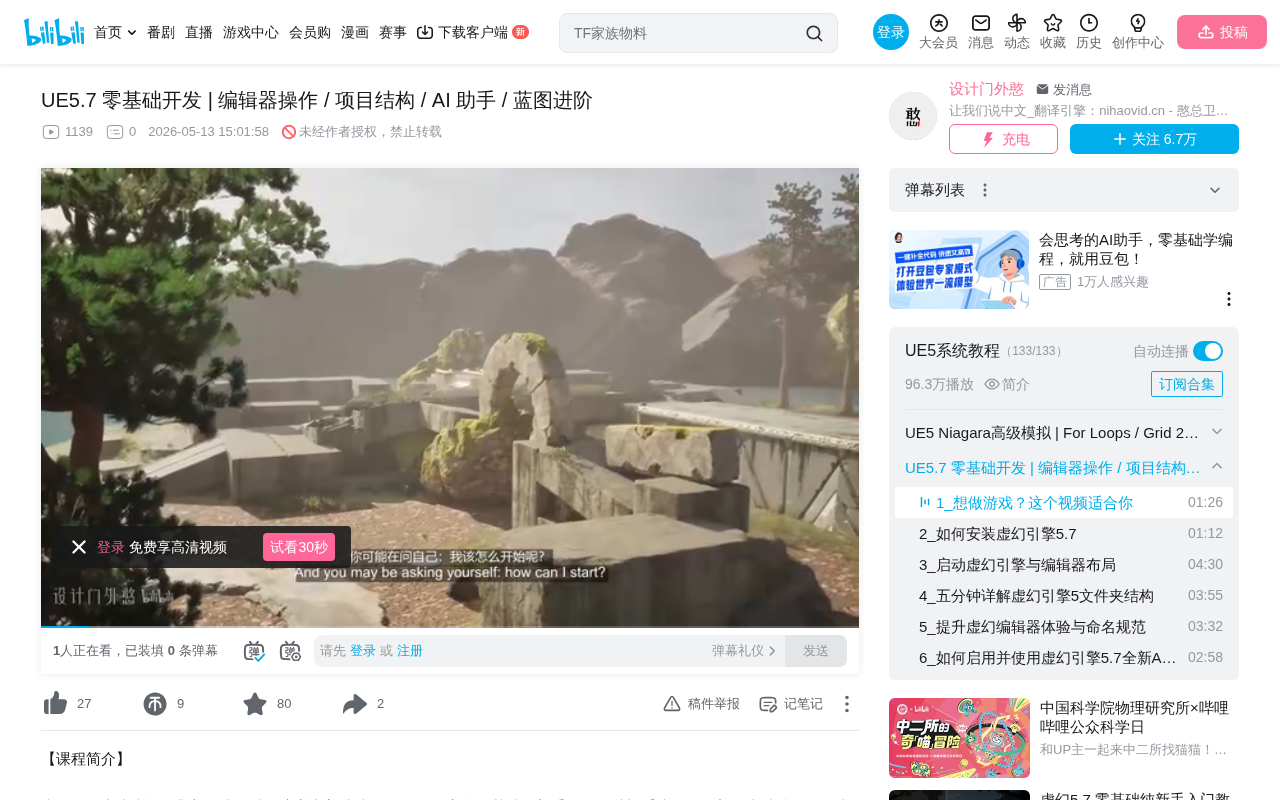
As the tutorial creator puts it: "The hardest part is actually getting started." This resonates with many who've wanted to get into game development but never took the first step. UE5.7's optimized toolchain and workflow, combined with its built-in AI assistant, have significantly lowered the barrier to entry.
The Technical Evolution of Unreal Engine
Unreal Engine, developed by Epic Games, has undergone numerous major iterations since its initial release in 1998. The UE5 series introduced Nanite virtualized micropolygon geometry and the Lumen global illumination system—two technologies that fundamentally changed the quality ceiling of real-time rendering. Nanite allows developers to directly import film-quality high-poly models without manually creating LODs (Level of Detail), while Lumen delivers dynamic global illumination without pre-baked lightmaps. UE5.7 builds on this foundation with further optimizations to editor performance and workflow, with notably stronger support for small teams and indie developers.
UE5.7 Editor Operations: The Essential First Step
Viewport Navigation and Interface Layout
Learning any engine begins with mastering the editor interface. While UE5.7's editor is incredibly powerful, the sheer amount of information can be overwhelming for newcomers. The core objectives at this stage are:
- Understanding viewport navigation and controls
- Learning panel layouts and the location of commonly used tools
- Mastering basic scene operations (moving, rotating, and scaling objects)
Editor operations form the foundation for everything that follows—time spent here is never wasted. Proficient editor navigation makes all subsequent creative work significantly more efficient.
Project Structure and Asset Management Best Practices
Building a Clear File Organization System
Understanding UE5's project structure is crucial for long-term development. A well-organized project structure means:
- Logical folder categorization for assets (materials, blueprints, levels, audio, etc.)
- Established naming conventions
- Efficient use of the Content Browser
Many beginners only realize the pain of a disorganized structure after their project grows in scale, so building good habits from the start is critical.
Asset Management in Practice
UE5 uses a .uasset file format-based asset management system, with all assets organized through the Content Browser. Industry-standard naming conventions include: BP_ prefix for Blueprints, M_ prefix for materials, T_ prefix for textures, and so on. UE5's asset reference system is path-dependent—once a file is moved outside the editor rather than renamed through it, reference links will break. This is precisely why establishing a clear folder structure from the project's inception is so important—the cost of restructuring later far exceeds the cost of planning upfront. Larger projects typically also use Perforce or Git LFS for version control to prevent asset conflicts during team collaboration.
UE5.7 AI Assistant: An Accelerator for Beginners
Leveraging the AI Assistant to Boost Learning Efficiency
One of UE5.7's major highlights is its integrated AI assistant. For zero-experience users, this is a revolutionary support tool. The AI assistant can help developers:
- Quickly find engine features and API documentation
- Answer questions encountered during development
- Provide suggestions and references for Blueprint logic
Integrating the AI assistant into your learning workflow is like having an experienced mentor by your side at all times, dramatically shortening the gap between "I don't know how to do this" and "I found a solution."
The Technology and Industry Trends Behind the AI Assistant
UE5.7's integrated AI assistant is built on Large Language Model (LLM) technology, capable of understanding natural language queries and providing context-relevant development suggestions. This trend isn't unique to Epic—Microsoft's GitHub Copilot, Unity's Muse, and other tools are all integrating generative AI into development workflows. What sets UE5.7 apart is that the AI assistant is embedded directly in the editor environment, able to perceive the current project context and provide more precise Blueprint logic suggestions and problem diagnosis. For beginners, this means no more constantly switching between the engine and a search engine—the learning loop can be completed entirely within the editor.
Blueprint Visual Programming: Implementing Game Logic Without Writing Code
From Node Connections to Interactive Gameplay
Blueprint is UE5's visual programming system, enabling people who can't write code to implement game logic. At this stage, the course teaches:
- How to add custom interactive content
- How to change the appearance of objects in a level (materials and lighting)
- Blueprint node connection logic and event-driven mechanisms
The Blueprint system is one of UE5's most beginner-friendly features—you can build complex game behaviors simply by dragging nodes and connecting wires.
The Technical Principles Behind Blueprints
Blueprints are essentially UE5's visual abstraction layer over C++ code, ultimately compiled into virtual machine bytecode for execution. Each Blueprint node corresponds to one or more C++ function calls, and the connections between nodes are divided into execution flow (white wires controlling logic sequence) and data flow (colored wires passing variable values). Blueprints use an event-driven architecture, with common entry points including BeginPlay (triggered when the game starts), Tick (triggered every frame), and various input events. While Blueprints may not match native C++ in extreme performance scenarios, they're more than sufficient for the vast majority of game logic, and Epic continuously optimizes Blueprint VM execution efficiency. This means beginners can absolutely complete an entire game project using only Blueprints without worrying about performance bottlenecks.
From Level Design to Game Packaging and Sharing
The course's ultimate goal is highly practical: create a complete level, polish the details, then package it into a playable game version that can be shared directly with friends. This "begin with the end in mind" teaching approach gives learners a clear sense of direction throughout.
Creating a shareable game version involves:
- Level completeness checks
- Game packaging settings
- Basic performance optimization
Technical Details of Packaging and Distribution
UE5's game packaging process involves multiple steps including asset cooking, shader compilation, code compilation, and final bundling. The cooking process converts editor-format assets into optimized formats for the target platform, while shaders are compiled for specific GPU architectures. For beginner projects, Windows platform packaging is the most straightforward, generating an .exe file that can be shared directly. Basic performance optimizations include: disabling unused plugins to reduce package size, setting reasonable texture streaming pool sizes, and ensuring there aren't too many dynamic light sources in the level. A simple UE5 project typically ranges from 500MB to 2GB after packaging—understanding these basics helps beginners set reasonable expectations for their final output.
Practical Tips for Learning UE5.7 Efficiently
This course emphasizes "maintaining a beginner's mindset," which is an extremely important reminder. Unreal Engine's feature set is enormous, and trying to master everything at once will only lead to frustration. The right strategy is:
- Complete the entire course first to build a holistic understanding
- Dive deeper into areas that interest you during your free time
- Hands-on practice matters more than repeatedly watching tutorials
- Use the AI assistant to get unstuck when you hit roadblocks
Game development is a highly interdisciplinary field encompassing art, programming, design, and more. As an introductory course, its value lies in opening the door for you—subsequent deep exploration requires sustained investment based on your personal interests.
Conclusion
UE5.7 provides beginners with a more accessible starting point than any previous version. The addition of the AI assistant, the maturity of the Blueprint system, and the abundance of community tutorial resources together form a comprehensive learning ecosystem. If you've always wanted to make games but didn't know where to start, now truly is the best time—because the hardest part is simply clicking that "Start" button.
Key Takeaways
- UE5.7's integrated AI assistant significantly lowers the learning barrier for complete beginners
- The course follows a progressive learning path: Editor Operations → Project Structure → AI Assistant → Advanced Blueprints → Level Design → Game Packaging
- The Blueprint visual programming system enables people without coding experience to implement game interaction logic
- The course's ultimate goal is creating a playable game version to share with friends—a "begin with the end in mind" teaching design
- Emphasizes maintaining a beginner's mindset: build holistic understanding first, then dive deep into areas of interest
Related articles
 Tutorials
Cursor + Codex Dual-IDE Collaboration: A Practical Methodology for Open-Source Project Customization
A complete methodology for open-source project customization based on real-world experience, detailing the Cursor+Codex dual-IDE workflow, seven-stage process, MVP validation, and AI source code reading techniques.
 Tutorials
Cursor Multi-Agent in Practice: Building a Full-Stack Next.js Blog in 50 Minutes
Build a full-stack blog in 50 minutes using Cursor IDE's multi-Agent mode with Next.js, Clerk auth, and Supabase. Learn the 4-phase AI Agent workflow and key integration pitfalls.
 Tutorials
Building an AI Software Factory from Scratch: A Cursor Engineer's Hands-On Experience with Multi-Agent Collaboration
Cursor engineer Eric shares practical insights on building an AI software factory: automation levels, guardrail design, parallel Agent management, and scaling to 1000+ Agents for 24/7 development.