5 Cursor Alternatives Worth Trying in 2026: From Zed to Windsurf

Duelpedia ranks five Cursor alternatives covering lightweight, open-source, team, and agent scenarios.
Based on a roundup by the YouTube channel Duelpedia, this article introduces five Cursor alternatives worth trying, analyzing each one's positioning and target audience by rank. #5 Zed is a lightweight native editor focused on speed with built-in AI; #4 Klein is open source and free with support for bringing your own model keys, emphasizing control and privacy; #3 GitHub Copilot is deeply integrated into VS Code with a low learning curve and easy team rollout; #2 ClaudeCode is an agent for large codebases and complex reasoning, representing the shift from assisted input to delegated execution; #1 Windsurf tops the list for being closest to Cursor's experience with low migration cost. The article concludes by recommending developers choose based on team size, existing toolchain, and privacy requirements, and try several in parallel.
Article Content
Cursor is powerful, but it's not the only option. The YouTube channel Duelpedia rounded up five Cursor alternatives worth trying, ranging from lightweight editors to open-source solutions to team collaboration tools—covering the needs of different development scenarios. Below, we break down each one's characteristics and target audience based on the video content.
#5: Zed — A Lightweight Editor Built for Speed
Zed is a lightweight editor focused on speed with built-in AI capabilities. Its design philosophy is clear: deliver a modern editing experience while pushing startup and response times to the extreme. For developers tired of the lag from Electron-based architecture, Zed's native implementation and smooth operation are a major selling point. Built-in AI means you don't need to install extra plugins to get code completion or conversational assistance—ideal for users who want a clean toolchain and don't want to spend too much time on configuration.
#4: Klein — Open Source and Free, With Control Over Your Model Keys

Klein's core selling points are being open source and free. It allows users to bring their own model API keys (Bring Your Own Key), meaning you can freely choose the underlying LLM and avoid being locked into a single provider. For developers who care about data privacy and want full control over costs and model behavior, Klein offers maximum flexibility. Being open source also means the community can audit the code and customize features—suitable for technical teams that like to tinker and have self-hosting needs.
"Bring Your Own Key" (BYOK) is a common model in recent AI coding tools: the tool itself doesn't resell model call credits, but instead lets users enter their own API Key (such as OpenAI, Anthropic, or a self-hosted model service endpoint), with users settling directly with the model provider.
This model has three advantages: first, cost transparency—you pay based on actual token usage, and heavy users can reduce expenses by choosing cheaper models or caching strategies; second, model replaceability—users can switch between powerful and fast models depending on task difficulty; third, clearer data boundaries—requests go directly to the user-specified endpoint, making it easier to meet compliance and privacy requirements. The trade-off is that you need to manage keys, credits, and rate limits yourself, which poses a barrier for non-technical users.
#3: GitHub Copilot — The Safe Choice Within VS Code
GitHub Copilot isn't a standalone editor but an AI coding assistant deeply integrated into VS Code. Its advantage lies in seamlessly fitting into existing workflows—you don't need to switch editors and can keep your familiar shortcuts, themes, and plugin ecosystem. For teams already using VS Code, Copilot's learning curve is nearly zero, and it integrates closely with GitHub's collaboration features. The video specifically notes it's "a strong choice for teams" because a unified environment and permission management make it easier to roll out.
#2: ClaudeCode — An Agent for Large Codebases

ClaudeCode is described as "an agent for large codebases and complex reasoning." Unlike traditional code completion, it's more like an agent you can delegate tasks to: you give it a larger task, it plans and executes autonomously, and you review the results. This model suits scenarios like cross-file refactoring, complex feature implementation, or codebase analysis. For projects requiring deep understanding and multi-step reasoning, ClaudeCode represents the evolution of AI coding from "assisted input" toward "delegated execution."
"Agents" are fundamentally different from traditional code completion. Completion-style tools predict the next snippet of code at the cursor, with humans always in control; agents have goal decomposition, tool-calling, and multi-step execution capabilities—they can read files, search codebases, run tests, modify multiple files, and adjust strategy after errors.
This model introduces two new problems: first, context management—large codebases can't fit entirely into the model window, so retrieval and indexing mechanisms are needed to locate relevant files; second, review cost—the more actions an agent takes, the heavier the burden on humans to review its results. Therefore, such tools typically come with diff comparison, sandboxed execution, and step-by-step confirmation mechanisms, letting developers delegate tasks without losing control over code changes.
#1: Windsurf — The Closest Experience to Cursor

Windsurf tops the list because it's "the closest to Cursor," with a similar editor and agent workflow. If you like Cursor's interaction model but want to try other options, Windsurf offers a nearly parallel experience: familiar AI chat, code generation, and agent operations. This similarity lowers migration costs, and Windsurf may have its own advantages in details or pricing—worth comparing and testing as a top alternative.
The article repeatedly mentions lag from Electron architecture, referring to how many modern editors (including VS Code and products based on it) are built with the Electron framework—essentially packaging a web rendering engine into a desktop app. Its advantages are cross-platform consistency, a rich front-end ecosystem, and fast iteration; its drawbacks are higher memory usage, slower cold starts, and input latency in scenarios with very large files or complex syntax highlighting.
Editors like Zed choose to write a native rendering layer in Rust, paired with GPU-accelerated UI drawing, to gain an edge in startup speed and input responsiveness. Understanding this underlying difference helps assess the trade-offs a tool makes between "feature-rich" and "lightweight and smooth."
How to Choose?
Each of the five tools has its focus: Zed suits individual developers seeking extreme speed; Klein suits open-source enthusiasts and users who need model autonomy; GitHub Copilot suits teams already rooted in VS Code; ClaudeCode suits engineering teams handling large, complex tasks; and Windsurf suits users looking for a Cursor "drop-in replacement." We recommend deciding based on team size, existing toolchain, and privacy requirements—or trying several in parallel to find the one that best fits your workflow.
According to Duelpedia's ranking, these five tools span the spectrum from lightweight to heavy-duty and from closed-source to open-source. As competition among AI coding tools intensifies in 2026, more choices for developers means a better chance of finding a tool that truly fits.
Related articles
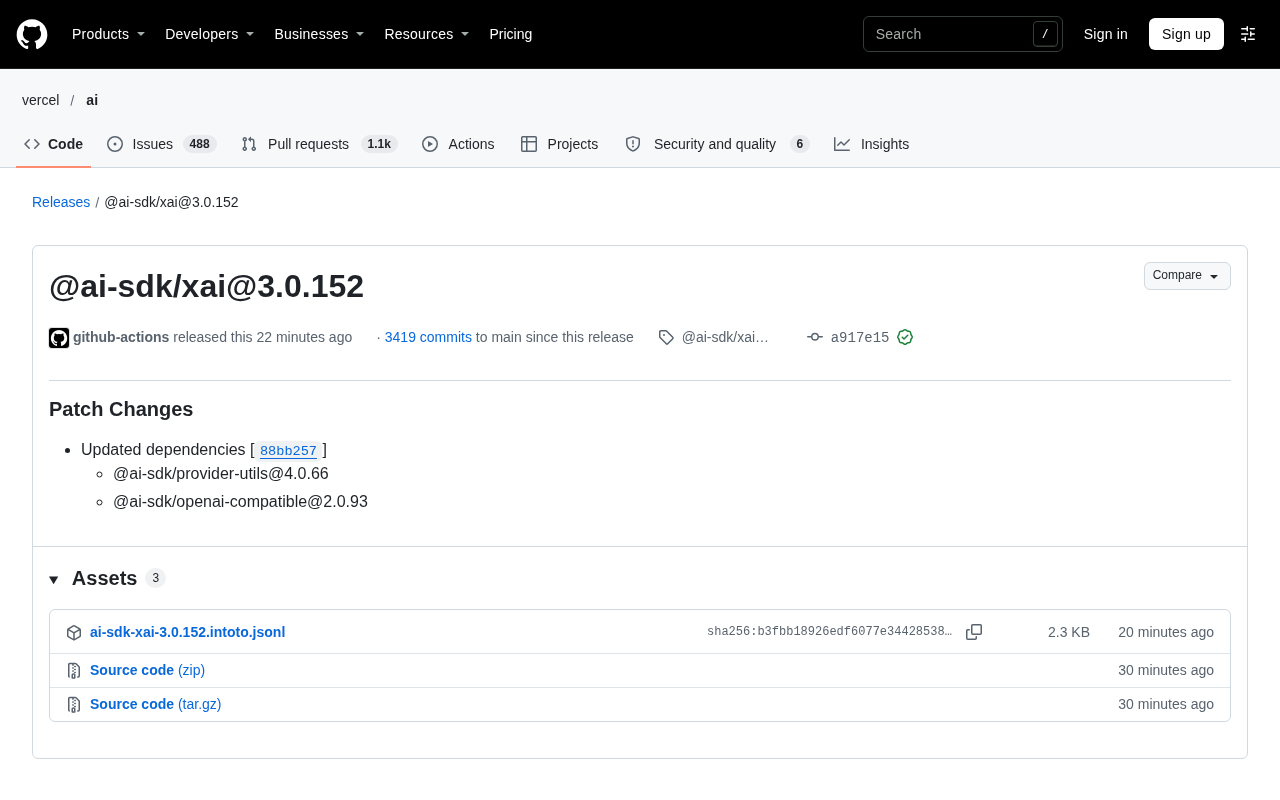
AI SDK xAI 3.0.152 Patch Update: Dependency Upgrades and Ecosystem Compatibility
AI SDK's xAI provider releases patch 3.0.152, updating provider-utils and openai-compatible dependencies. This article analyzes the patch contents, the xAI provider's positioning, and upgrade considerations.
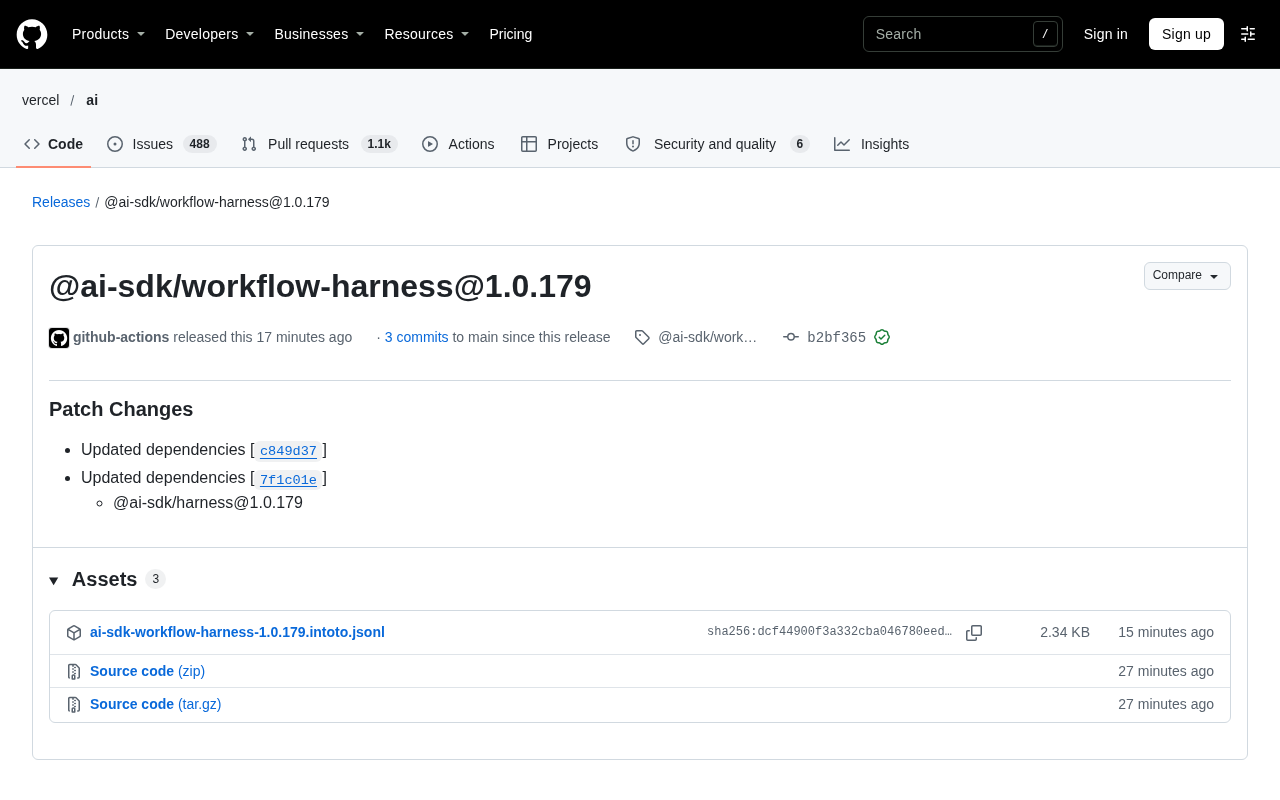
@ai-sdk/workflow-harness 1.0.179 Released: Dependency Patch Update
@ai-sdk/workflow-harness releases patch version 1.0.179 with two dependency updates and a synchronized @ai-sdk/harness upgrade. Release overview, patch change meaning, and upgrade advice.
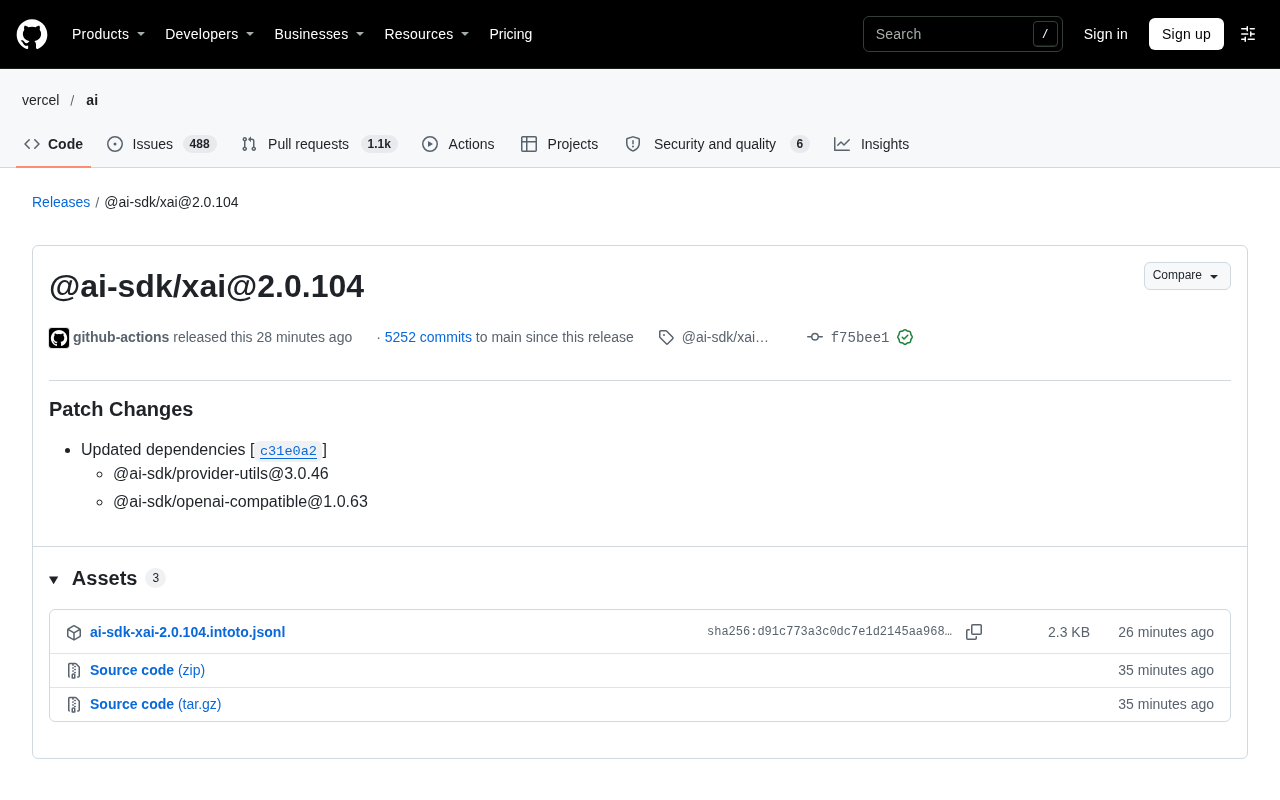
@ai-sdk/xai 2.0.104 Patch Release: Coordinated Dependency Updates
@ai-sdk/xai releases patch version 2.0.104, syncing provider-utils to 3.0.46 and openai-compatible to 1.0.63. Here's what this coordinated dependency update means for developers.