Browser Automation Success Doesn't Mean Desktop Automation Success
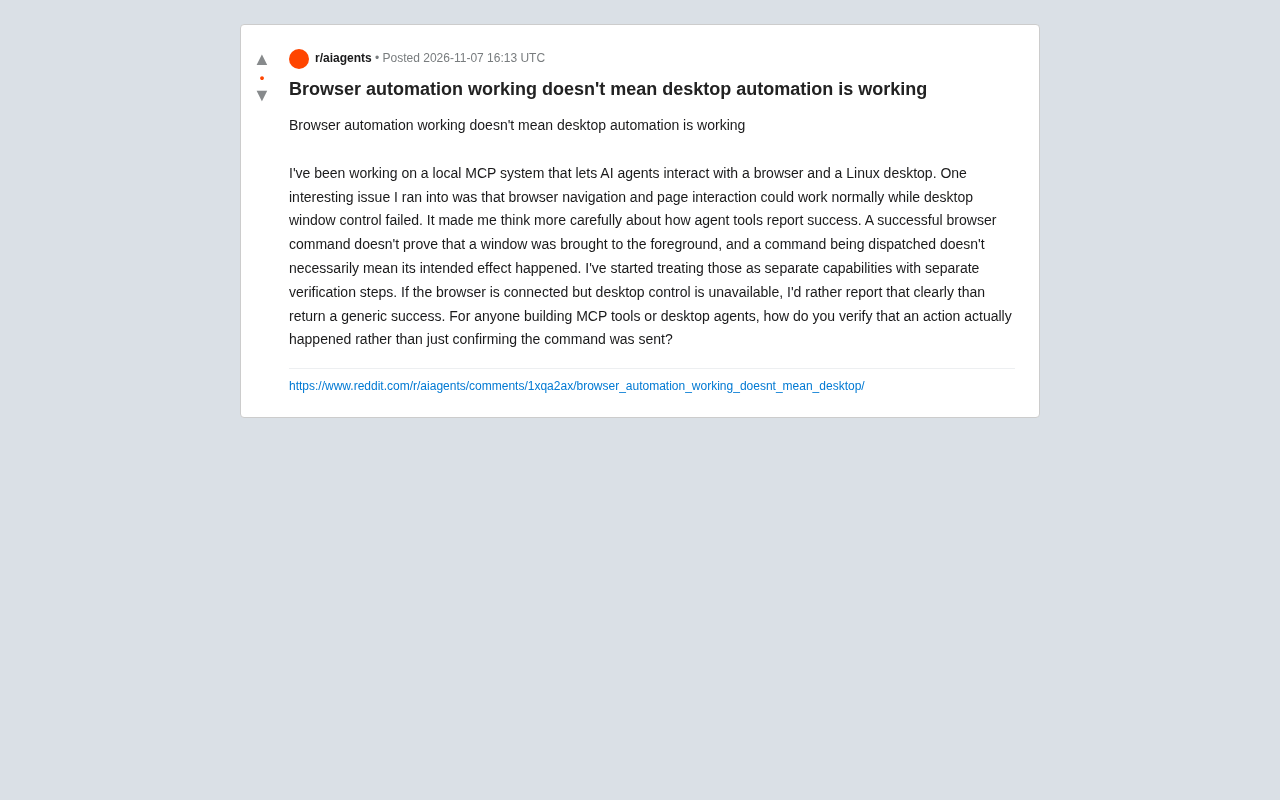
Browser automation success doesn't mean desktop control success; agent tools should verify actual effects, not just trust command return values.
The article centers on a Reddit developer's practice: in a local MCP system, browser navigation works fine but desktop window control fails. The author distinguishes the two: browsers get rich feedback via the DevTools protocol, while desktop operations rely on system-level window management and input simulation and are vulnerable to focus policy and permission restrictions, so a successful command return doesn't equal an achieved effect. The article stresses verifying browsers and desktops as independent capabilities and having tools report status at a fine granularity with explicit errors instead of generic success.
Introduction
When building a local MCP (Model Context Protocol) system, many developers encounter a seemingly contradictory phenomenon: browser navigation and page interaction work fine, but desktop window control fails. This raises a key question: how do AI agent tools report success? A Reddit user shared his experience and raised the necessity of verifying that actions actually happen. Based on that discussion, this article explores the differences between browser automation and desktop automation, and how to design more reliable agent tools.
MCP (Model Context Protocol) is an open protocol proposed by Anthropic, designed to provide large language models with a standardized way to connect to external tools and data sources. You can think of MCP as the "USB-C port" of AI applications: the model sends requests through an MCP client to an MCP server, which then invokes underlying capabilities (such as browsers, file systems, and desktop automation) and returns the results. In local MCP systems, browser automation is typically implemented with libraries like Playwright/Puppeteer, while desktop control relies on operating system APIs or tools like pyautogui. The protocol layer is only responsible for routing and formatting messages; it does not guarantee that the underlying action actually takes effect — this is exactly the root cause of the "command returns success but the effect never happens" problem.
The Essential Difference Between Browser Automation and Desktop Automation
Browser automation is usually implemented through the DevTools protocol or similar interfaces, allowing the agent to precisely control page loading, clicks, input, and other operations, and to easily obtain the results of those operations (such as changes in page content). Desktop automation, by contrast, involves operating-system-level window management, input simulation, and so on, and its success depends more heavily on system state and permissions. For example, bringing a window to the foreground may fail due to focus policy or permission restrictions, yet the command itself may still return success. This difference means that even if the browser part works fine, desktop control can independently fail.
DevTools protocol (Chrome DevTools Protocol, CDP) is the debugging interface exposed by Chromium-based browsers, allowing external programs to send commands over WebSocket to control page navigation, DOM queries, network interception, and input event injection. Because every CDP command returns a structured response (such as element coordinates, node handles, and load status), the agent can use it to determine whether an operation truly completed, forming a closed "request—response—verification" loop. By contrast, desktop automation is often implemented by simulating keyboard and mouse events or calling window management APIs; these calls usually only return whether the system accepted the invocation, not whether the window actually gained focus or was brought to the front, so the feedback is noticeably coarser.
Dispatching a Command Is Not the Same as Achieving the Effect
The developer pointed out that a successful browser command does not prove that a window was brought to the foreground, and that a command being dispatched does not necessarily mean the intended effect occurred. This reveals a common pitfall in agent tool design: conflating the sending of a command with the execution result. In desktop environments, verifying whether an action actually takes effect becomes much harder because there is no feedback mechanism as rich as the browser's. As a result, developers have begun treating browsers and desktops as independent capabilities and designing verification steps for each separately.
How Do You Verify That an Action Actually Happened?
To ensure reliability, agent tools need to implement verification mechanisms. For browsers, this can be confirmed by checking DOM changes or network requests. For desktops, screenshot comparison, window state queries, or system log analysis may be needed. The developer prefers to explicitly report an error when the browser connects but desktop control is unavailable, rather than returning a generic success. This requires tools to be designed with fine-grained status reporting and verification feedback in mind.
In desktop automation, window focus policy is a common cause of "command succeeds but effect fails." Modern operating systems generally restrict background processes from seizing foreground focus (for example, Windows' SetForegroundWindow is constrained by foreground lock rules, and macOS has strict requirements for accessibility permissions), so even if an API call returns success, the target window may still be obscured by other windows. Screenshot comparison is an intuitive verification method: take a frame before and after the operation, and determine whether the target interface appeared via pixel differences or OCR; window state queries can read whether a window is visible, is in the foreground, and has the expected size and position. Combining multiple verification signals can significantly reduce the false-positive rate.
Implications for MCP Tool Development
For developers building MCP tools or desktop agents, this experience highlights the importance of separating concerns. Browser automation and desktop automation should be tested and verified as independent capabilities. At the same time, tools should provide clear error messages to help users understand which part failed. In community discussions, some suggested using multimodal feedback (such as screenshots) to verify desktop operations, but this adds complexity. Balancing reliability and development cost is key.
Conclusion
Success in browser automation does not guarantee success in desktop automation. By treating the two as independent capabilities and implementing verification steps, developers can build more reliable AI agent systems. This discussion reminds us that in the automation field, dispatching a command is only the first step — verifying the actual effect is the core of ensuring quality.
One-line Summary
Browser automation success doesn't mean desktop control success; agent tools should verify actual effects rather than relying on command return values.
Paragraph Summary
The article centers on a Reddit developer's practice, noting that in a local MCP system browser navigation works fine but desktop window control fails. The author analyzes the essential differences between the two types of automation: browsers can obtain rich feedback through the DevTools protocol, while desktop operations rely on system-level window management and input simulation and are easily affected by focus policy and permission restrictions, so a successful command return does not equal an achieved effect. The article emphasizes treating browsers and desktops as independent capabilities to be verified separately — browsers can check DOM or network requests, while desktops require screenshot comparison, window state queries, and other means — and argues that tools should report capability status at a fine granularity and give explicit errors rather than returning a generic success, thereby building more reliable AI agent systems.
Related articles
 Tech Frontiers
Pushing the Limits of Extreme Sudoku on a 16GB GPU: Insights from Depth and Flow Matching
A researcher trained a 16.54M-parameter model on a 16GB GPU to solve extreme Sudoku, finding effective depth breaks the 60% plateau and flow matching with improved sampling pushes accuracy past 99% with ~50× lower layer-evaluation budget.
 Tech Frontiers
AI Agent Approval Workflows: Why Human Confirmations Always Get Mindlessly Clicked
Why do AI agent approval workflows always get mindlessly clicked? A Reddit discussion shows that separating rules from keys, low-frequency high-risk approvals, and GitHub Environments-style gates are the keys to effective approvals.
 Tech Frontiers
MuJoCo: An Analysis of DeepMind's Open-Source General-Purpose Physics Simulator
An in-depth analysis of Google DeepMind's open-source physics simulator MuJoCo: high-performance C++ kernel, MJCF modeling format, contact solving principles, MJX GPU acceleration, and robot reinforcement learning use cases.