Chrome Enhanced Autofill Upgrade: Using Gemini to Extract Information from Gmail for Form Filling
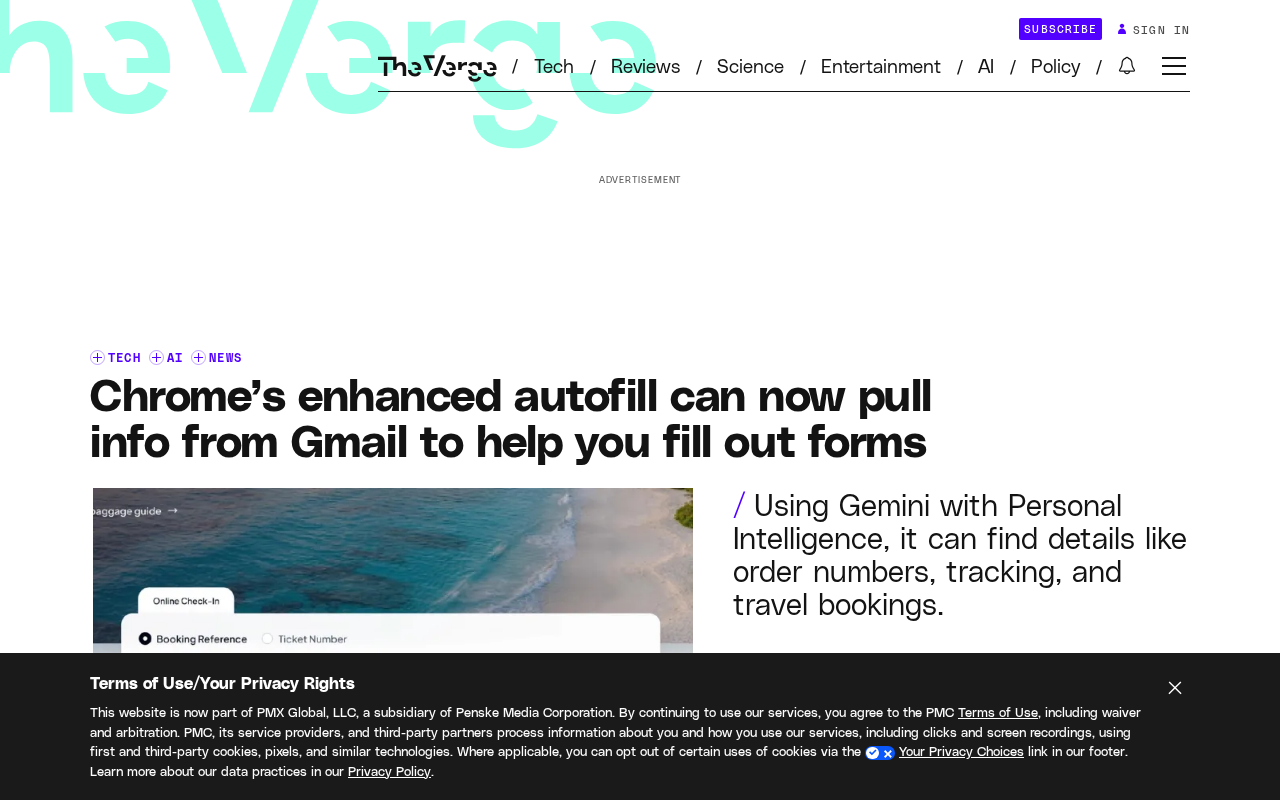
Chrome Enhanced Autofill integrates Gmail, using Gemini semantic understanding to generate form filling suggestions.
Chrome's Enhanced Autofill now extracts information from Gmail using Gemini's Personal Intelligence to understand email semantics, determine form relevance, and generate filling suggestions. This expands data sources from structured account data to unstructured email content, covering fields like order numbers and appointment times that traditional autofill struggles with. While convenience improves, privacy concerns arise over reading sensitive email data. The article notes this represents browser autofill evolving from passive field recording to an intelligent assistant that actively understands user data, with other vendors' responses and privacy trade-offs worth watching.
Chrome's Enhanced Autofill is getting smarter. Over the past year, this feature has been pulling names, passport numbers, email addresses, and physical addresses from sources like Google accounts and Google Wallet to help users fill out forms. Now, Chrome has set its sights on Gmail.
Extracting Form Data from Gmail
According to reports from RSS sources, Chrome's Enhanced Autofill has begun leveraging Gemini's Personal Intelligence capabilities to extract information from users' Gmail and provide filling suggestions. This means that when you encounter a web form requiring certain information, the browser may directly infer and recommend answers from your email content, saving you the hassle of manually searching and typing.
This expansion builds on Chrome's previous improvements to Enhanced Autofill. The feature already supported pulling information from data sources within the Google account ecosystem, covering common form fields like identity information and addresses. With the introduction of Gmail, the information sources expand from structured account data to unstructured email content, significantly broadening the range of available information and use cases.
The original article states that the feature "potentially saving" users' time—the wording leaves room, indicating that actual effectiveness depends on how well the email content matches the form requirements.
Enhanced Autofill is an optional feature that Chrome offers on top of basic autofill, requiring users to actively enable it in settings. Unlike traditional autofill that only remembers simple fields like addresses and phone numbers, Enhanced Autofill pulls more complete identity information (such as name, passport number, email, physical address) from logged-in data sources like Google account profiles and Google Wallet, and provides filling suggestions in web forms. Its data sources are limited to the user's own Google ecosystem, and suggestions are presented as candidates for the user to decide whether to adopt.
How Gemini's Personal Intelligence Intervenes
The key player here is Gemini's Personal Intelligence. It doesn't simply search for keywords in Gmail; rather, it understands the semantic content of emails, determines which information is relevant to the current form, and then generates filling suggestions.
The value of this approach lies in handling information that is difficult to match through fixed fields. For example, order numbers, appointment times, and membership information mentioned in emails are hard for traditional autofill to cover, and semantic understanding can fill this gap.
However, this also means the feature's accuracy is highly dependent on the model's ability to understand email context. The more cluttered and colloquial the email content, the greater the difficulty of extraction and recommendation.
Gemini's Personal Intelligence refers to the Gemini model's ability to understand and reason within the context of a user's personal data, rather than general Q&A. In this scenario, it needs to perform semantic-level parsing of Gmail emails—identifying unstructured information such as order numbers, appointment times, and membership IDs implied in emails, and determining how this information corresponds to current web form fields, thereby generating candidate filling content. This capability relies on the model's understanding of context rather than keyword matching or regex extraction, so it can cover field types that traditional autofill cannot handle, but accuracy will fluctuate with the ambiguity of email phrasing.
Balancing Convenience and Privacy
Incorporating Gmail data into autofill directly improves convenience, but privacy concerns are equally unavoidable. Users' emails contain a large amount of sensitive information, and the browser reading and utilizing this content for form filling requires clear authorization and data processing boundaries.
From the original information, this feature is part of Chrome's Enhanced Autofill system, which itself requires users to actively enable. This provides some degree of control, but users should still understand the data flow before enabling: what information will be read, in what scenarios it will be suggested, and whether data will be stored or used for other purposes.
What's worth noting is that the boundaries of such features will continue to expand as model capabilities improve. Today it's Gmail; tomorrow it could be more Google services. For users, regularly checking browser autofill and privacy settings will be more prudent than enabling once and never revisiting.
The difference between structured data and unstructured data is key to understanding this upgrade. Information in Google account profiles and Wallet is structured data: fields are clear, formats are fixed, and programs can directly map them to form input fields. Gmail emails are typical unstructured data, with information scattered across body text, signatures, and reply threads without a unified format. To use such content for form filling, semantic understanding and information extraction must first be performed—which is precisely why large model capabilities are being introduced. The change in data format simultaneously means an expanded range of available information and an increased privacy exposure surface; these are two sides of the same upgrade.
Impact on the Autofill Landscape
Browser autofill has long remained at the level of "remembering form fields." Chrome's introduction of large model semantic understanding represents a trend of this basic feature evolving toward an intelligent assistant.
For ordinary users, the most direct experience is that form filling becomes more effortless; for the industry, this means the value of the browser as an entry point is further tapped—it's no longer just passively recording, but actively understanding user data and providing suggestions. Whether other browser vendors will follow suit with similar capabilities, and how to find the balance between convenience and privacy, will be directions worth watching.
Currently, the original article does not provide more details on the specific availability scope and rollout timeline of this feature; actual experience will depend on Chrome's official release.
One-line Summary
Chrome Enhanced Autofill integrates Gmail, using Gemini semantic understanding to generate form filling suggestions.
Paragraph Summary
Chrome's Enhanced Autofill feature, building on its original data sources of Google accounts and Google Wallet, now adds the ability to extract information from Gmail. Leveraging Gemini's Personal Intelligence, it understands email semantics, determines relevance to forms, and generates filling suggestions. This expands information sources from structured account data to unstructured email content, covering fields like order numbers, appointment times, and membership information that traditional autofill struggles with. While convenience improves, the reading and utilization of sensitive email data also raises discussions about privacy boundaries. The article suggests this represents browser autofill evolving from passively recording fields to an intelligent assistant that actively understands user data, and whether other browser vendors will follow and how they balance convenience and privacy is worth observing.
Related articles

Will GitHub Die? Open Source Maintainer Burnout and the Collaboration Crisis in the AI Era
Lex Fridman podcast discussion on open source maintainer burnout and GitHub's predicament: massive pull requests overwhelm core maintainers, and AI worsens code bloat. Using math journal peer review and Poincaré conjecture verification as analogies, the article analyzes why verification in knowledge production must be deliberately slow, and how open source communities can avoid the failure mode of maintainers exiting.

Stop Building Cookie-Cutter AI Websites: 3 Tools That Transform Your Coding Agent
Three tools that boost AI coding agents: FFmpeg skill for local video editing in Claude Code and Cursor, Hallmark's 50 design themes to fix cookie-cutter AI sites, and Jailbreaks' 25+ model prompts.

How America's Gerontocracy Squeezes the Younger Generation
Americans over 55 hold nearly three-quarters of national wealth, alongside an 80-year-old president and elderly congressional leaders. The Atlantic's Idrees Kahloon explains how gerontocracy drives up housing costs, squeezes opportunities for the young, and explores zoning reform and child poverty reduction as practical fixes.