ComfyUI Prompt Studio: A Workflow for Turning Reference Images into Production-Ready Prompts

Prompt Studio is a ComfyUI workflow that turns reference images into model-specific image and video prompts automatically.
Prompt Studio is a ComfyUI workflow tool built by a Reddit user to eliminate repetitive manual work in AI image and video creation. It takes a reference image and a brief creative direction, then automatically outputs customized still-image prompts for models like FLUX, SDXL, and Krea 2, along with structured MiniMax H3 video scripts and automatic aspect ratio detection. It offers RECREATE and DIRECT modes, treats image and video prompts as separate tasks, uses OpenRouter for multimodal analysis, and stores API keys locally. Available on GitHub and CivitAI as ComfyUI-Prompt-Studio.
A ComfyUI Workflow Built to Eliminate Repetitive Work
Anyone doing AI image and video creation knows the drill: load a reference image, analyze the scene, figure out the aspect ratio, write a detailed image prompt, then write a separate video script. Each step seems simple on its own, but doing it from scratch every single time is both time-consuming and error-prone.
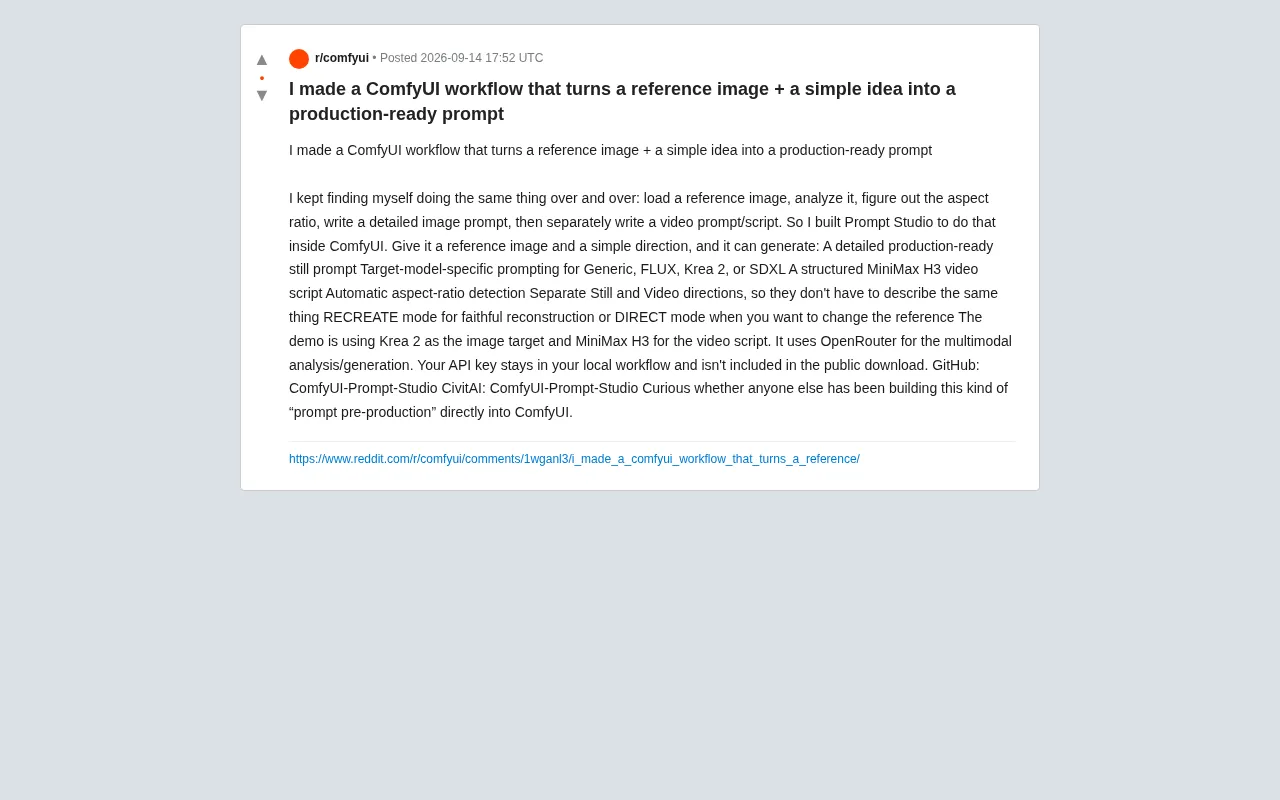
A Reddit user shared a tool they built to solve exactly this pain point — Prompt Studio, a prompt "pre-production" workflow that runs directly inside ComfyUI. The core idea: give it a reference image and a simple creative direction, and it automatically produces a complete set of production-ready prompt assets.
What It Actually Does
According to the author, Prompt Studio's output covers the full pipeline from still images to video:
- Production-ready detailed image prompts: Not just a pile of keywords, but structured descriptions with complete detail.
- Model-specific customized prompts: Supports the distinct prompt syntax of Generic, FLUX, Krea 2, SDXL, and other models. Different models respond to prompts differently, and targeted optimization can significantly improve output quality.
- Structured MiniMax H3 video scripts: Generates script content ready for use with video generation models.
- Automatic aspect ratio detection: No more manual measuring and setting.
- Separate creative directions for stills and video: Each can have its own independent instructions, avoiding redundant descriptions.
This design philosophy is worth noting — it treats "image prompting" and "video prompting" as two distinct but related tasks, rather than simply reusing the same block of text. This reflects real creative needs: a still image emphasizes composition and texture, while a video script cares more about motion, camera movement, and timing.
RECREATE vs. DIRECT: Two Modes for Different Intentions
The tool offers two working modes corresponding to different creative goals:
RECREATE Mode
For faithful reconstruction of a reference image. Use this when you want to reproduce the style, composition, and details of a reference as closely as possible — ideal for replication or as a starting point for derivative work.
DIRECT Mode
For when you want to transform the reference image — creating variations or an entirely new interpretation based on it. This mode gives creators greater freedom; the reference serves as inspiration rather than a strict template.
This distinction addresses a common tension in AI creation: do you want "precise reproduction" or "inspiration-driven generation"? Putting that choice explicitly in the user's hands is a pragmatic product decision.
Technical Implementation and Privacy Considerations
On the technical side, Prompt Studio uses OpenRouter for its multimodal analysis and generation tasks. The demo configuration uses Krea 2 as the target image model and MiniMax H3 as the video script model.
One thing worth highlighting is the privacy handling: the author explicitly states that API keys are saved in the user's local workflow and are not included in the publicly downloadable files. For users who care about key security, this is an important assurance — it eliminates the risk of accidentally leaking credentials when sharing workflows.
The tool has been open-sourced on both GitHub and CivitAI under the name ComfyUI-Prompt-Studio.
Why "Prompt Pre-Production" Is a Smart Direction
At the end of the post, the author posed an open question: is anyone else building this kind of "prompt pre-production" directly into ComfyUI?
The framing itself points to a real trend. As AI generative models become increasingly capable, the bottleneck is shifting from "can the model do this?" to "how do I efficiently translate ideas into instructions the model can understand?" Writing high-quality prompts by hand is a skill that takes experience — automating, templating, and model-tuning that process can dramatically lower the barrier to entry.
Transforming prompt engineering from a one-off manual task into reusable workflow nodes is a natural product of the ComfyUI ecosystem maturing. The value of tools like Prompt Studio isn't in any single feature — it's in consolidating scattered, repetitive work into a single pipeline. That's exactly the kind of efficiency boost professional creators need most.
Summary
Prompt Studio is a highly targeted, practical tool that addresses a real pain point in AI image and video creation: repetitive manual labor. Its standout features include multi-model support, separate handling of image and video prompts, and local key storage for privacy. For creators who use ComfyUI regularly, this kind of "pre-production" workflow may well become a standard part of their setup.
Related articles

Will GitHub Die? Open Source Maintainer Burnout and the Collaboration Crisis in the AI Era
Lex Fridman podcast discussion on open source maintainer burnout and GitHub's predicament: massive pull requests overwhelm core maintainers, and AI worsens code bloat. Using math journal peer review and Poincaré conjecture verification as analogies, the article analyzes why verification in knowledge production must be deliberately slow, and how open source communities can avoid the failure mode of maintainers exiting.

Stop Building Cookie-Cutter AI Websites: 3 Tools That Transform Your Coding Agent
Three tools that boost AI coding agents: FFmpeg skill for local video editing in Claude Code and Cursor, Hallmark's 50 design themes to fix cookie-cutter AI sites, and Jailbreaks' 25+ model prompts.

How America's Gerontocracy Squeezes the Younger Generation
Americans over 55 hold nearly three-quarters of national wealth, alongside an 80-year-old president and elderly congressional leaders. The Atlantic's Idrees Kahloon explains how gerontocracy drives up housing costs, squeezes opportunities for the young, and explores zoning reform and child poverty reduction as practical fixes.