Escaping Doomscrolling: Reshaping Your Digital Life with These Apps
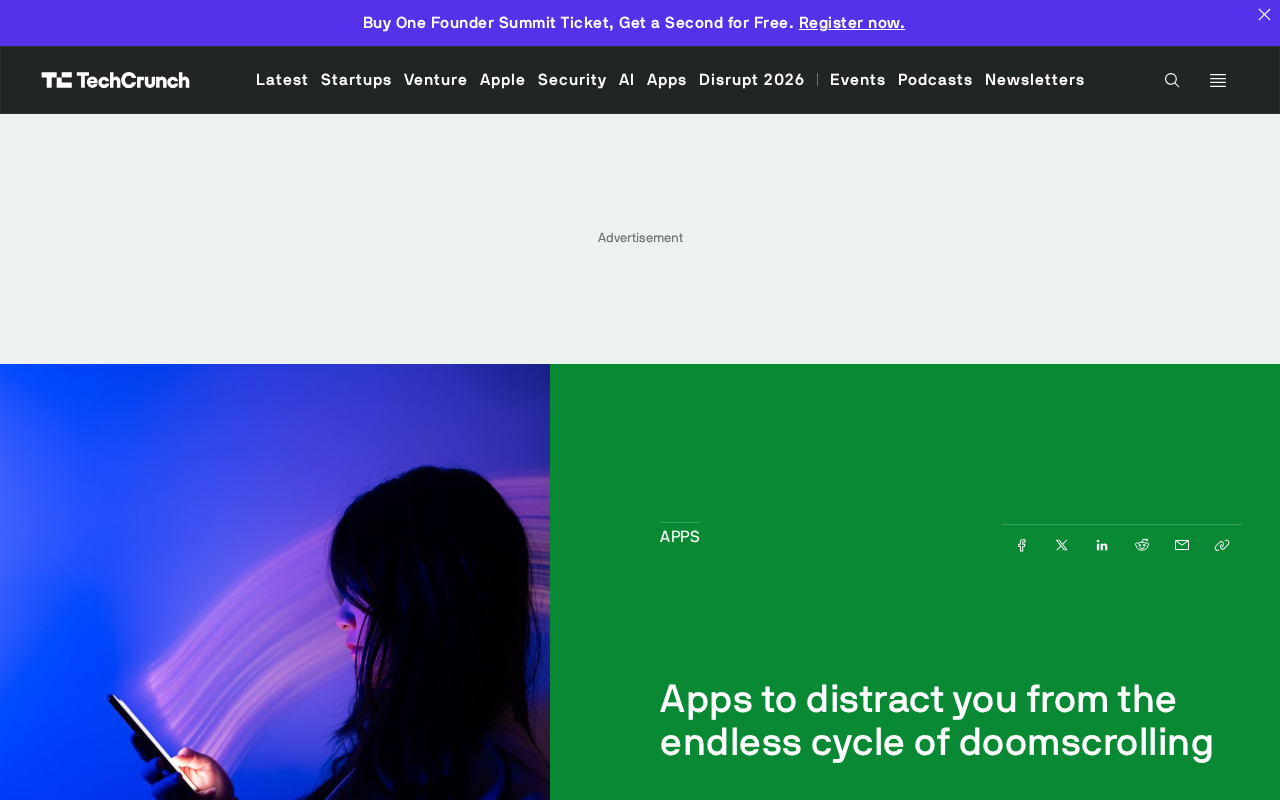
Doomscrolling stems from product design—rebuild your digital environment through replacement, not abstinence.
The article argues that doomscrolling's root cause isn't willpower but feed products designed to maximize time spent, where negative content creates an anxiety-scrolling loop. It advocates using apps to redirect time toward more engaging and productive content—replacement rather than abstinence—via three app categories: reading/learning, creation/journaling, and focus/habits. Three principles for rebuilding digital life: reduce friction, set specific replacement goals, and accept setbacks. Tools are just the starting point; the key is finding replacement content worth investing in. The editorial perspective notes the tension between retention metrics and users' psychological costs.
The Doomscrolling Trap
"Doomscrolling" describes a browsing habit that's hard to control: your thumb keeps swiping up, negative news and fragmented information pour in endlessly, time slips away, and your mood gets worse and worse. The original article states plainly that "breaking the doomscrolling cycle is hard," but the good news is that there are plenty of apps that can help you spend your time on more engaging and productive content.
The root of the problem isn't willpower—it's product design. Feed apps are built to maximize time spent, and negative content tends to capture attention more effectively, creating a loop of "the more anxious you get, the more you scroll; the more you scroll, the more anxious you get." To break out of this cycle, willpower alone accomplishes little; redesigning your digital environment with external tools is a more realistic path.
The "Replace, Don't Quit" Approach
The core idea in the original article isn't to completely abstain from your phone, but rather to use more compelling content to distract you from the endless cycle. This aligns with the basic logic of behavior change: rather than fighting a habit, cover the old habit with a new one.
Following this direction, you can start with three types of apps:
- Reading and learning apps: Replace feed-scrolling time with structured reading, courses, or skill practice, giving your attention a clear destination.
- Creation and journaling apps: Lightweight creative tools like writing, note-taking, or drawing apps that turn passive consumption into active output.
- Focus and habit apps: Set boundaries for phone use through timers, blocking, or reminder mechanisms.
The original article emphasizes that the value of these apps lies in getting you to "spend more time on engaging and productive content"—the key words being engagement and productivity, not mere time restriction.
Why "Distraction" Works Better Than "Forced Abstinence"
Forced abstinence easily triggers rebound: once restrictions are lifted, compensatory scrolling tends to be even more intense. Filling the gap with high-quality content, on the other hand, satisfies the brain's need for novel stimulation while accumulating real benefits—finishing a chapter of a book or completing a journal entry delivers positive feedback far stronger than the emptiness after watching one more short video.
This kind of behavioral rebound is often linked in psychology to "ironic process theory": when people deliberately suppress a thought, the brain simultaneously activates a monitoring mechanism to check "am I thinking about it?"—which actually increases the thought's accessibility. Daniel Wegner's classic white bear experiment showed that participants told to "not think about a white bear" thought about it more frequently. The same applies to abstinence-based restriction—the more forcefully you prohibit feed-scrolling, the more salient feeds become in cognition, and once restrictions are lifted, compensatory use becomes harder to avoid. This also explains why covering old habits with replacement behaviors, rather than directly suppressing them, is usually more stable.
Three Principles for Rebuilding Your Digital Life
First, reduce friction. Put the apps you want to cultivate on your home screen, and move feed apps into folders or onto a second screen. Every extra tap is an opportunity to re-choose.
Second, set clear replacement goals. Don't just say "scroll less"—be specific: "read twenty pages a day" or "write a journal entry every day." The more specific the goal, the easier the replacement behavior is to execute.
Third, accept setbacks. Doomscrolling is a product of environmental design, and occasionally slipping back into old habits doesn't mean failure. Adjusting your app layout, switching content sources, and continuously fine-tuning is more sustainable than one-time "abstinence."
"Reducing friction" is underpinned by the availability heuristic and the default effect: people's evaluation of options depends heavily on how easily they present themselves, and default options are often accepted without scrutiny. Moving feed apps off the home screen is equivalent to changing the "default action" from scrolling to reading or creating—no need to rely on willpower for every decision. "Choice architecture" in behavioral economics also points out that small interface layout adjustments can significantly shift behavioral distributions, often more effectively than repeated self-admonishment. Therefore, friction design isn't a mere trick—it's a structural means of shifting the environment's default from "consumption" toward "accumulation."
Editorial Perspective
The original article is brief—essentially an app recommendation introduction that doesn't list specific apps or provide data on usage effects. This is both a limitation and a hint at a direction: the truly effective antidote isn't some "magic app," but a deliberately designed digital environment. Tools are just the starting point; whether you can divert your attention away from the endless feed depends on whether you've found replacement content worth investing in.
For tech professionals and content creators, this is also a mirror: improvements in product retention metrics often come at the cost of users' psychological well-being. When designing recommendation algorithms and content feeds, factoring in "how users feel after they leave" may be a metric more worth pursuing than time spent.
One-line Summary
Doomscrolling stems from product design; rebuild your digital environment through replacement rather than abstinence.
Paragraph Summary
The article points out that the root of doomscrolling isn't willpower but feed products designed to maximize time spent, where negative content creates a loop of "the more anxious you are, the more you scroll." The original article acknowledges that breaking the cycle is hard but advocates using apps to redirect time toward more engaging and productive content. The core approach is "replacement" rather than "abstinence": covering old habits with three types of apps—reading and learning, creation and journaling, and focus and habit. The article further proposes three principles for rebuilding digital life—reduce friction, set specific replacement goals, and accept setbacks—and emphasizes that tools are just the starting point; the key is finding replacement content worth investing in. The editorial perspective reminds us that there's tension between product retention metrics and users' psychological costs, and that design should consider how users feel after they leave.
Related articles
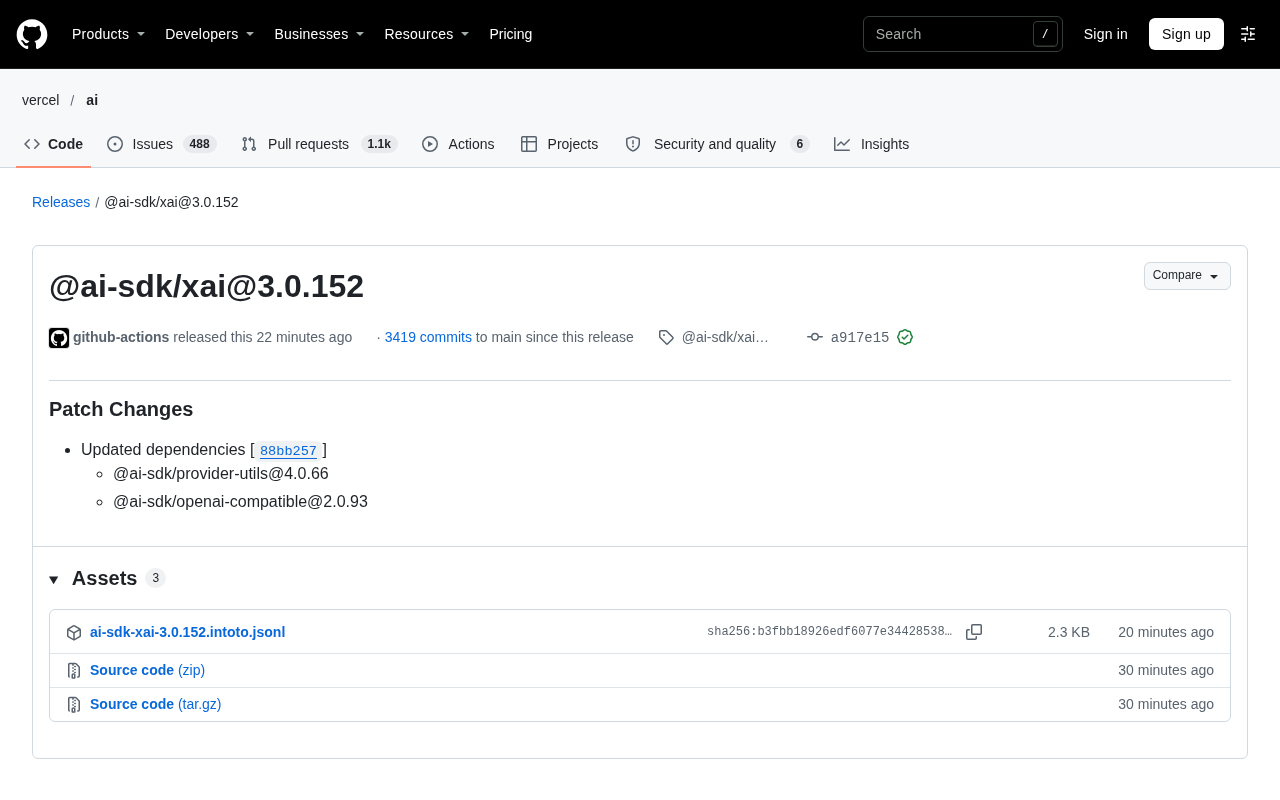
AI SDK xAI 3.0.152 Patch Update: Dependency Upgrades and Ecosystem Compatibility
AI SDK's xAI provider releases patch 3.0.152, updating provider-utils and openai-compatible dependencies. This article analyzes the patch contents, the xAI provider's positioning, and upgrade considerations.
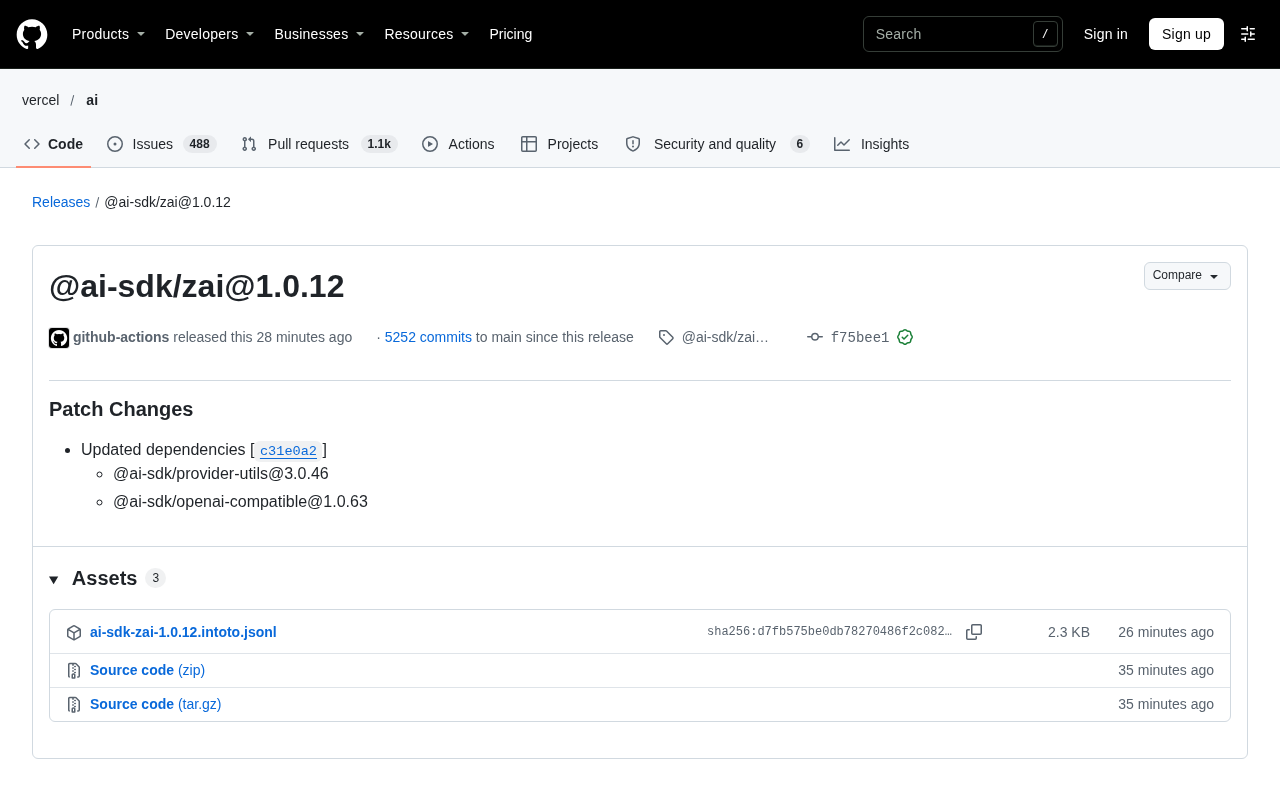
ZAI Adapter Patch Release in Vercel AI SDK: A Dependency Chain Upgrade Explained
Explaining the @ai-sdk/zai@1.0.12 patch release in Vercel AI SDK: only updates two dependencies, provider-utils and openai-compatible. A maintenance version — impact and upgrade advice in one article.
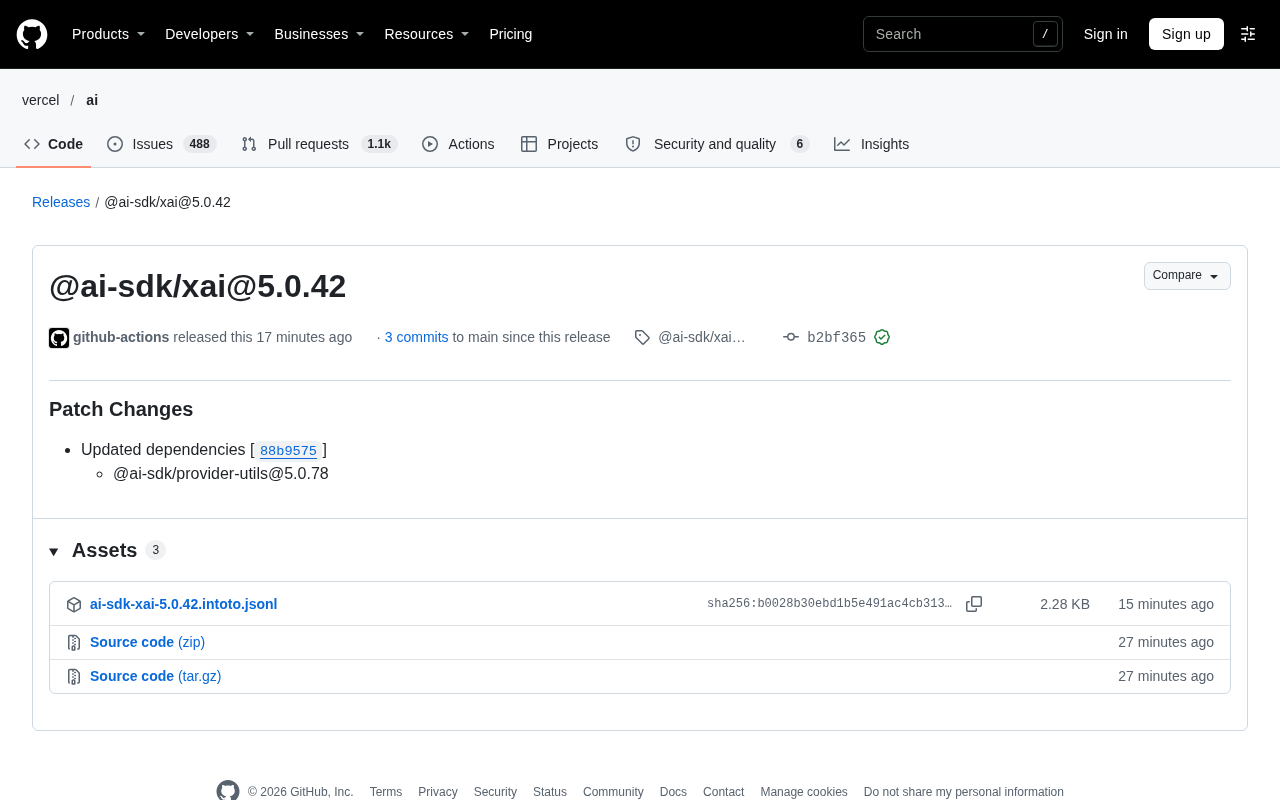
@ai-sdk/xai 5.0.42 Patch Release: Behind the Dependency Update
@ai-sdk/xai 5.0.42 patch released, upgrading the dependency @ai-sdk/provider-utils to 5.0.78. This article explains the content of this dependency-driven update, its impact on developers, and upgrade recommendations.