Getting Started with Claude Code: A Practical Guide to Terminal Agents for Developers in China

A practical guide to using Claude Code with DeepSeek as a secure, controllable AI coding setup in China.
This guide explains why Claude Code is a top-tier terminal agent for AI-assisted programming, contrasts terminal agents with riskier device agents, and presents a practical Claude Code + DeepSeek technology stack for developers in China. It covers environment setup, security considerations, and why project-scoped, human-controlled AI tools are the safest choice for enterprise development.
Why Claude Code?
In a world overflowing with AI programming tools, conversational AI platforms like DeepSeekAd and Doubao are already well-known to the general public. But for developers, the tools that truly boost productivity are often the specialized ones that run in the command line. Claude Code stands out as one of the best.
Claude Code is a command-line programming tool developed by Anthropic, designed to run in a terminal (command-line) environment. The rationale for choosing it is straightforward: Anthropic has deep technical expertise in AI-powered coding. Their models have consistently ranked among the best in the world for coding capabilities, and many of the technical terms we're now familiar with — such as MCP (Model Context Protocol) and Skills — were originally coined and popularized by this company.
In other words, choosing Claude Code essentially means choosing a tool refined by the most authoritative company in the AI programming space.
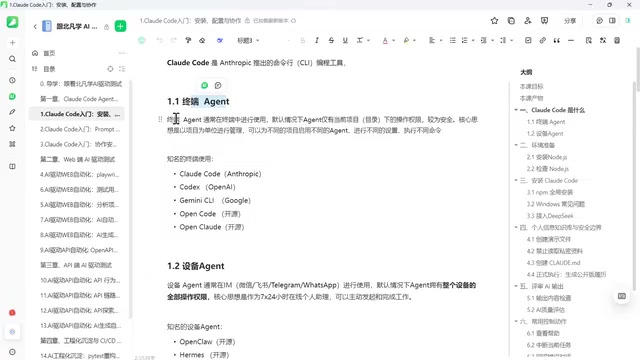
Two Types of AI Agents: Terminal Agents vs. Device Agents
Before diving deeper, it's crucial to understand the classification of Agents. An Agent is an AI-driven system that can think autonomously, drive tasks forward, and see work through to completion. Currently, Agents on the market can be broadly categorized into two types: Terminal Agents and Device Agents.
Terminal Agents: Project-Scoped, Human-Controlled
As the name suggests, Terminal Agents run inside the terminal (command line). In the past, coding experts and tech enthusiasts were accustomed to working in the terminal, but for most everyday users, it remains relatively unfamiliar territory.
Terminal Agents have two core characteristics:
- Used within the command line: All interactions happen through the terminal.
- Operate at the project/directory level: This is especially important. The agent only runs within the current project or directory — it does not take over your entire computer.
This means you remain the ultimate decision-maker for your device. You only hand over a specific directory or project to the AI, rather than surrendering control of your entire machine. For enterprises, a computer is an asset that may even contain confidential data — it should never be casually handed over to an AI with unpredictable behavior. That's why Terminal Agents are currently the most mainstream, trusted, and widely adopted solution in enterprise environments.
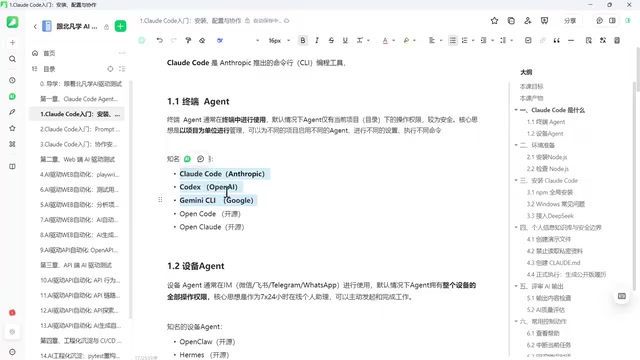
Since Terminal Agents operate at the project level, you can configure different settings and run different commands for different projects on the same computer, maintaining full control over the entire device while AI handles only a portion of the work.
Notable Terminal Agents include:
- Claude Code (Anthropic)
- Codex (uses GPT models by default)
- Gemini CLI (uses Gemini models by default)
These are all tools released by commercial companies, and they typically default to using their own proprietary models. But beyond commercial options, there are also open-source alternatives — such as the amusingly named OpenCode and OpenClaude, both of which are modeled after and benchmarked against Claude Code. This further confirms Claude Code's status as an industry benchmark.
Device Agents: Low Barrier, High Risk
In contrast to Terminal Agents, there are Device Agents. Their usage model is fundamentally different.
Controlled via Chat Tools, Taking Over the Entire Device
Device Agents are typically used through instant messaging tools (such as WeChat, Feishu, or DingTalk). You simply send commands using the familiar chat interface — no need to open a computer or memorize commands. The barrier to entry is extremely low, which is their biggest advantage.
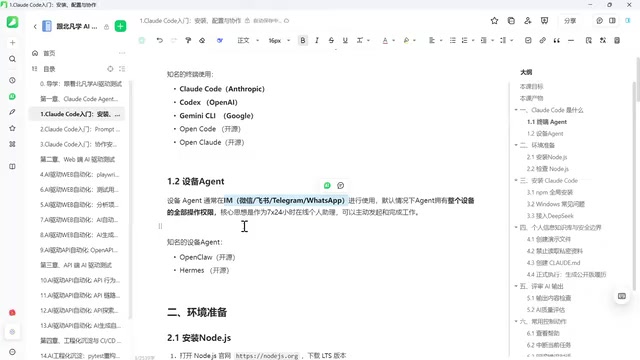
But behind this convenience lies significant risk. When you send a command from your phone, it's routed to a backend gateway, and the AI receives the message from the chat tool to carry out a series of complex operations. At that point, your computer might be miles away, and the AI's permissions are no longer limited to a single project — it has full administrative control over the entire device.
This introduces considerable uncertainty. There have been documented cases where Device Agents deleted system files, causing system crashes, and even leaked confidential data. After such tools gained popularity, national security agencies also issued safety warnings.
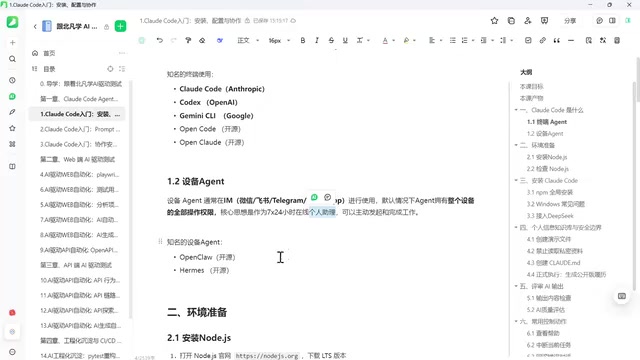
The core positioning of Device Agents is as a personal assistant, making them unsuitable for enterprise scenarios. Many companies have explicitly instructed employees not to use such tools on company projects — because entrusting company assets and even trade secrets to an unpredictable AI is simply too risky. These tools are better suited for personal use: deploying a dedicated AI assistant on your own computer.
Technology Selection: Claude Code + DeepSeek
Overall, for enterprise and project development scenarios, we prefer solutions with strong controllability. Terminal Agents maintain excellent capabilities while keeping decision-making power firmly in human hands, avoiding the nightmare scenario of turning on your computer the next morning only to find it completely wrecked.
Therefore, the technology stack for this tutorial is:
- Agent Tool: Claude Code — the industry benchmark and the reference point for numerous open-source tools.
- AI Model: DeepSeek — accessible within China and cost-effective.
This combination preserves Claude Code's excellent tooling ecosystem while using DeepSeek to solve the model access challenge within China. It's a pragmatic and production-ready solution.
Environment Setup: Starting with Node.js
With the technology direction decided, the next step is setting up the environment. The first step to building a Claude Code runtime environment is installing Node.js. If you've already installed Node.js on your computer, you can skip this step.
For complete beginners, simply follow the sequence of "Install Node.js → Install Claude Code → Configure the DeepSeek model" step by step, and you can go from zero to a working setup in a short time. During actual coding sessions, the tool will autonomously drive tasks forward — you just need to play the role of the "ultimate decision-maker," steering the direction and reviewing the results.
Summary
The fundamental reason Claude Code deserves close attention is that it represents the most mainstream and secure technical approach in AI programming today — project-scoped, human-controlled, AI-assisted. Compared to the high-risk "full delegation" model of Device Agents, Terminal Agents strike an ideal balance between capability and controllability. For developers, mastering the Claude Code + DeepSeek combination lets you enjoy top-tier AI programming capabilities while avoiding risks related to data security and system stability.
Related articles
AWS AgentCore Gateway: Connecting AI A…
AWS AgentCore Gateway: Connecting AI Agents to Enterprise Backends with MCP
How AWS AgentCore Gateway acts as a primary MCP server to aggregate REST APIs, Lambda, and existing MCP services? Analyzing its AST real-time mapping, zero cold start, semantic search for tool overload, session isolation, and key injection security design, plus the architectural approach to decoupling enterprise AI agents from backends.

One Link Gives Figma AI a New Skill: Hands-On with MCP Connectors
Paste one MCP server link and the AI Agent in Figma gains new tool capabilities. We break down the setup flow, 20+ one-click apps, read/write permissions and execution policies, and the public HTTPS requirement.

Cognition SWE-2 in Practice: One Prompt to Handle the Whole Product Launch Process
Analyzing a YouTube creator's prompt for using Cognition SWE-2 to launch a product: a landing page, seven-email sequence, and non-buyer follow-up tool, plus how the 'test and report' constraint changes AI delivery quality.