MTools: A Multi-Function Desktop Productivity Toolbox with Built-In AI Enhancement

MTools is an open-source all-in-one desktop toolbox combining media, image, text, and encoding tools with AI capabilities.
MTools is a Python-based open-source desktop toolbox that consolidates audio/video processing, image editing, text operations, and encoding utilities into a single interface, reducing the need to switch between multiple apps. With over 1,000 GitHub Stars, it targets content creators, developers, and privacy-conscious users. Its key differentiator is built-in AI enhancement, elevating it beyond a simple format converter toward an intelligent productivity assistant. Python's rich ecosystem (FFmpeg, Pillow, OpenCV, AI libraries) drives development efficiency, with the trade-off of larger package size and slower startup versus native apps — an acceptable compromise for a functionality-focused tool. As open-source software, it also supports code auditing and custom development.
MTools: An All-in-One Desktop Productivity Toolbox
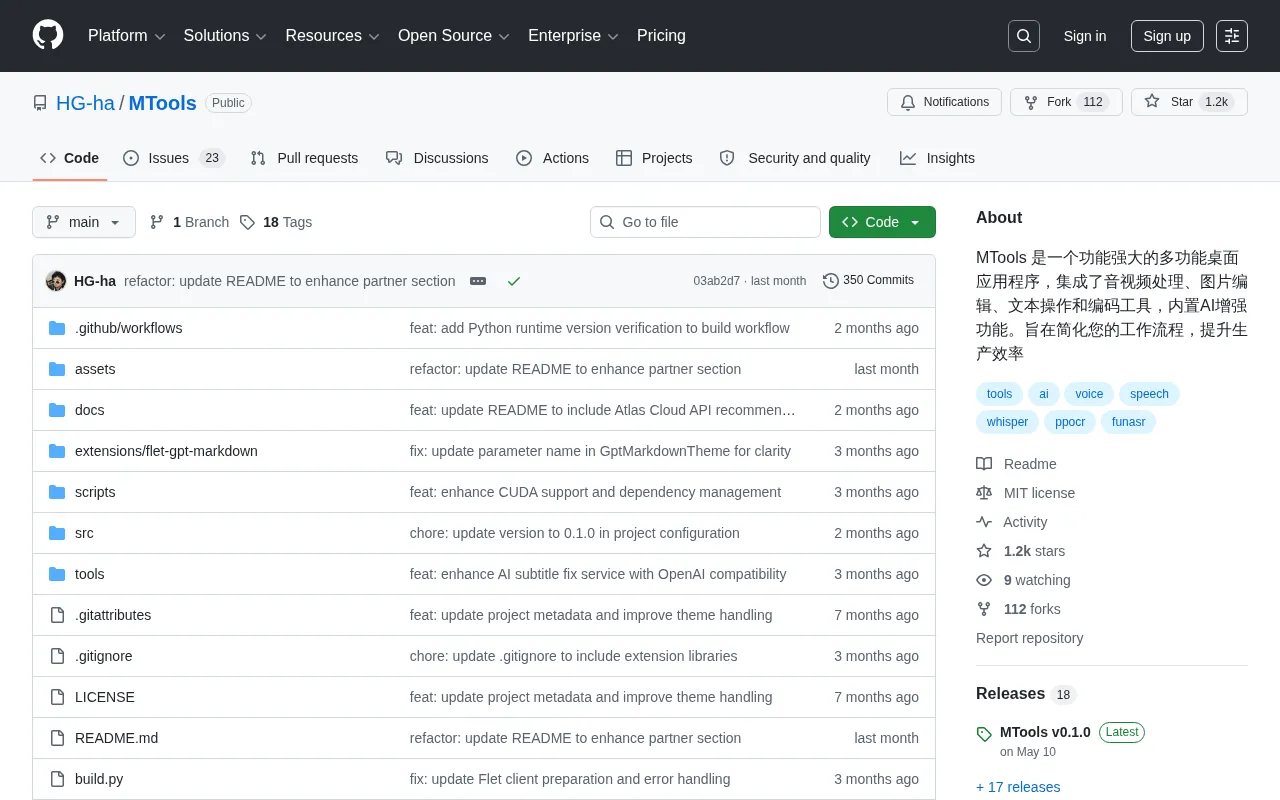
Day-to-day tasks like transcoding audio/video, compressing images, batch-processing text, and converting encodings often require juggling multiple apps. The open-source project MTools (GitHub repository: HG-ha/MTools) aims to consolidate these frequent operations into a single desktop application — with AI enhancement layered on top. The project has garnered over 1,000 Stars and 97 Forks on GitHub and is built with Python.
The Vision: One Interface to Rule Them All
MTools is built around a "all-in-one" philosophy. According to the project description, it integrates four major categories of functionality: audio/video processing, image editing, text operations, and encoding tools. The value of a toolbox-style application like this isn't in excelling at any single task — it's in covering a broad enough range of everyday needs so users can stop context-switching between different apps.
For content creators, developers, or operations professionals who regularly work with media assets, a single tool that handles format conversion, image compression, and text cleanup simultaneously can save a meaningful amount of time. The project's stated goal — "streamline workflows and boost productivity" — clearly targets efficiency use cases rather than deep, professional-grade capabilities in any one area.
Breaking Down the Four Feature Modules
Audio/Video Processing
Audio/video processing typically covers format conversion, trimming, audio extraction, and file size compression. These tasks have traditionally required either FFmpeg command-line usage or bulky professional software — both of which present a steep learning curve for non-technical users. MTools wraps these capabilities in a graphical interface, significantly lowering the barrier to entry.
Image Editing
The image module targets lightweight editing tasks such as batch compression, format conversion, and resizing. Compared to heavy-duty tools like Photoshop, a toolbox-style image processor is far better suited for the "quickly process a batch of images" use case that comes up constantly in everyday work.
Text Operations and Encoding Tools
Text manipulation and encoding utilities are everyday essentials for developers and technical users — think batch find-and-replace, formatting, Base64/URL encoding and decoding, and hash computation. Consolidating these small tools — previously scattered across various online websites — into a local application is both more convenient and eliminates the privacy risk of uploading sensitive data to third-party services.
AI Enhancement Is the Key Differentiator
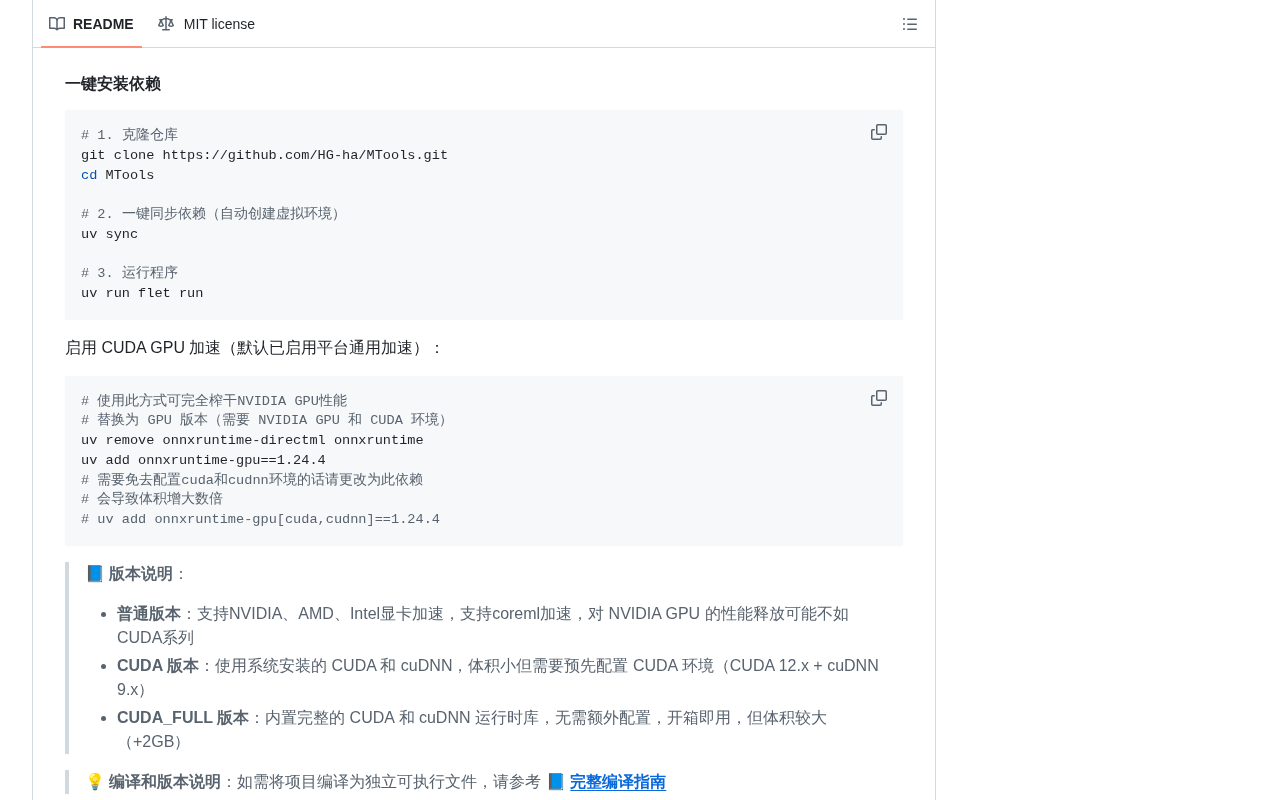
What sets MTools apart from traditional toolboxes most clearly is its built-in AI enhancement. While the project documentation doesn't provide a detailed list of specific AI capabilities, the combination of audio/video, image, and text processing suggests likely directions: image super-resolution, intelligent background removal, speech-to-text transcription, and smart text processing, among others.
The introduction of AI capabilities elevates this kind of tool from a "mechanical format converter" to an assistant with genuine intelligent processing ability. This reflects a clear evolutionary trend in desktop software — embedding large model and traditional algorithm capabilities directly into concrete productivity workflows, rather than expecting users to separately invoke AI services on their own.
The Trade-Offs of a Python Tech Stack
MTools is developed in Python, a choice that makes sense for this use case. Python has a mature ecosystem of libraries for audio/video processing (via FFmpeg bindings), image processing (Pillow, OpenCV), and AI model integration — offering high development velocity and rich community resources.
The trade-off is that Python-based desktop applications typically produce larger package sizes, and their startup speed and runtime performance lag behind native C++ or Rust applications. For a tool whose selling point is functional breadth rather than raw performance, however, this trade-off is entirely acceptable.
Who Is MTools For?
Based on its feature set, MTools is best suited for:
- Content creators who frequently transcode, compress, and process media assets;
- Developers and technical users who regularly rely on encoding conversion and batch text processing;
- Privacy-conscious users who prefer local processing and don't want to upload files to online tools.
As an open-source project, MTools also offers the added value of code auditability and the ability to fork and customize it to fit specific needs. For users looking to build their own tailored toolset, it provides a solid starting point.
Conclusion
MTools represents a pragmatic "toolbox + AI" philosophy: rather than chasing perfection in any single feature, it improves overall efficiency by consolidating high-frequency functions and layering AI capabilities on top. The 1,000+ stars it has attracted from the community suggest this all-in-one approach genuinely resonates with users' pain points. That said, the publicly available project documentation is fairly sparse, and the actual depth of specific features and the real-world performance of its AI capabilities will need to be evaluated through hands-on testing. Interested users can visit the GitHub repository for more details.
Related articles

WorkBuddy in Action: How a Desktop Agent Automates Your Work
WorkBuddy is a desktop-level AI agent workbench that drives computers via command line, connects external tools, and automates file processing, data organization, and document generation. This article analyzes its working principles, complex task processing flow, and a practical path from getting started to taking orders.

Turning AI Intruders Against Themselves: A Hands-On Look at AgentCapture
AgentCapture is an AI countermeasure honeypot platform that integrates with existing networks and reverse proxies, using lossless deployment, AI agent identification, attacker profiling, and session replay to turn automated intruders against themselves.

WorkBuddy In-Depth: The Leap from Conversational AI to Office Automation
What is WorkBuddy? Tencent's AI agent desktop tool understands Chinese commands and directly operates computer files, handling office automation from resume sorting to scheduled reports. This article analyzes its fundamental differences from conversational AI like ChatGPT, its core capabilities, and applicable scenarios.