NodeTerm: Manage Multiple AI Coding Agent Terminal Sessions on an Infinite Canvas

NodeTerm manages multiple parallel AI coding agent sessions as draggable nodes on an infinite canvas, backed by tmux.
NodeTerm is an open-source terminal manager built for AI coding agent workflows, presenting parallel sessions from tools like Claude Code, Aider, and Cursor Agent as draggable nodes on an infinite canvas — replacing tab-switching with spatial browsing. It relies on tmux for session persistence, so agent tasks keep running even when the UI is closed. The project supports macOS, Linux, and a browser-accessible Server Edition for remote access. It quickly gained over 1,100 stars, reflecting a real demand for visual parallel-session management as AI coding workflows shift from single-threaded to multi-threaded.
When the Terminal Meets an Infinite Canvas
As AI coding assistants like Claude Code, Aider, and Cursor Agent become everyday tools for developers, a new problem has emerged: how do you manage multiple AI agent sessions at the same time? Traditional terminal tabs or split-pane layouts quickly fall apart when you're running three, five, or even a dozen agents in parallel. Developers end up constantly switching windows with no easy way to get a clear picture of what each session is doing.
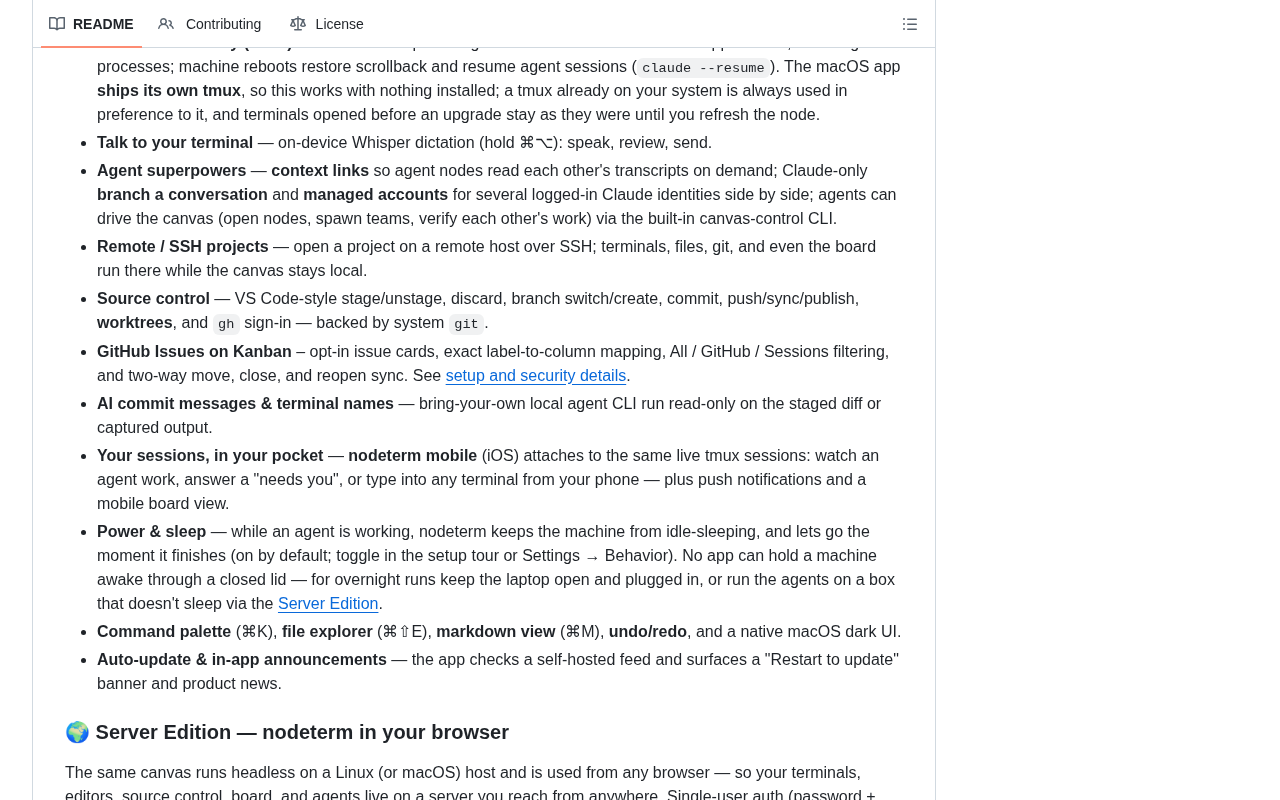
The open-source project NodeTerm (eneskirca/nodeterm) was built specifically to address this pain point. It's a node-based terminal manager designed for AI coding agent workflows, presenting tmux-backed terminal sessions and parallel agent instances as draggable nodes on an infinitely pannable and zoomable canvas.
Since launching, the project has gained traction quickly — it currently has 1,145 stars, with 496 of those added just this week, and 118 forks. Clearly, it's hitting on a real need in today's AI-driven development workflows.
Core Design: Turning Terminals into Draggable Nodes
Managing Parallel Sessions on an Infinite Canvas
NodeTerm's most distinctive design choice borrows the interaction model from whiteboard tools like Figma and tldraw — each terminal session becomes an independent node on the canvas. Developers can:
- Arrange all their sessions on an infinite canvas that supports free panning and zooming;
- Drag and drop nodes to organize them spatially by project, task, or agent type;
- Get a bird's-eye view of all running agents at once, without tabbing through them one by one.
This spatial organization fundamentally shifts the experience from "switching through time" to "browsing through space." When you have multiple AI agents each handling different tasks — refactoring, testing, documentation — the canvas view meaningfully reduces cognitive overhead.
tmux as the Underlying Persistence Engine
Under the hood, every terminal node in NodeTerm is backed by a tmux session. This is a pragmatic choice: tmux is a battle-tested terminal multiplexer with built-in support for session persistence, reconnection after disconnects, and background execution.
In practice, this means that even if you close the NodeTerm interface, the underlying tmux sessions keep running — long-running agent tasks won't be interrupted, and you can pick up right where you left off when you reopen the app. For agent tasks that can run for minutes or longer, that kind of persistence isn't a nice-to-have; it's essential.
Multi-Platform Support and Remote Access with Server Edition
Built in TypeScript, NodeTerm covers the major development environments:
- macOS native desktop app;
- Linux desktop app;
- A browser-accessible Server Edition.
The Server Edition deserves particular attention. It means you can deploy NodeTerm on a remote server or dev machine and access it through a browser, connecting to your running agent sessions from anywhere. This is especially useful for:
- Running AI agents on a more powerful cloud machine while using your local device just as a control panel;
- Sharing a development server across a team to check in on each other's agent progress;
- Picking up a session from any device's browser when working on the go.
Real Development Pain Points NodeTerm Addresses
From Single-Threaded to Multi-Threaded AI Coding Workflows
The rise of AI coding assistants is changing how developers work. We used to operate in a linear, one-terminal-one-task rhythm. Now, a seasoned developer might be delegating to several agents at once — one running unit tests, one doing a refactor, one researching and summarizing documentation.
This "multi-threaded" collaboration model demands new tooling: visual management of parallelism. NodeTerm's node canvas fills exactly that gap, freeing developers from the busywork of managing terminals so they can focus on the higher-level work of orchestrating agents.
At-a-Glance Monitoring of Agent Status
Another weakness of traditional tabbed terminals is opacity around state: you don't know which agent has finished, which is waiting for input, and which has thrown an error — you have to click through each one to find out. With a node canvas, all sessions are laid out at once, making it possible to monitor everything dashboard-style and dramatically improving visibility into what's happening across the board.
Why NodeTerm Is Worth Watching
NodeTerm's rapid rise isn't a fluke. It sits at the intersection of two clear trends: the rapid adoption of AI coding agents, and the growing popularity of canvas-based, node-driven UI paradigms in developer tools. Combining the two — using an infinite canvas to orchestrate parallel AI sessions — is a product idea that feels both intuitive and timely.
That said, as an early-stage project, it still needs time to prove itself at scale — in terms of performance with large numbers of sessions, cross-platform consistency, and depth of compatibility with various AI agents. But with nearly 500 stars in a single week, the community's enthusiasm for this direction is hard to ignore.
For developers who work with multiple AI coding assistants every day, NodeTerm offers a new organizational paradigm: stop switching windows, start seeing the whole picture. That might just be what the terminal tool of the AI era should look like.
Related articles
AWS AgentCore Gateway: Connecting AI A…
AWS AgentCore Gateway: Connecting AI Agents to Enterprise Backends with MCP
How AWS AgentCore Gateway acts as a primary MCP server to aggregate REST APIs, Lambda, and existing MCP services? Analyzing its AST real-time mapping, zero cold start, semantic search for tool overload, session isolation, and key injection security design, plus the architectural approach to decoupling enterprise AI agents from backends.

One Link Gives Figma AI a New Skill: Hands-On with MCP Connectors
Paste one MCP server link and the AI Agent in Figma gains new tool capabilities. We break down the setup flow, 20+ one-click apps, read/write permissions and execution policies, and the public HTTPS requirement.

Cognition SWE-2 in Practice: One Prompt to Handle the Whole Product Launch Process
Analyzing a YouTube creator's prompt for using Cognition SWE-2 to launch a product: a landing page, seven-email sequence, and non-buyer follow-up tool, plus how the 'test and report' constraint changes AI delivery quality.