SSO Login Consent Screen: What It Is and How to Handle Rejection
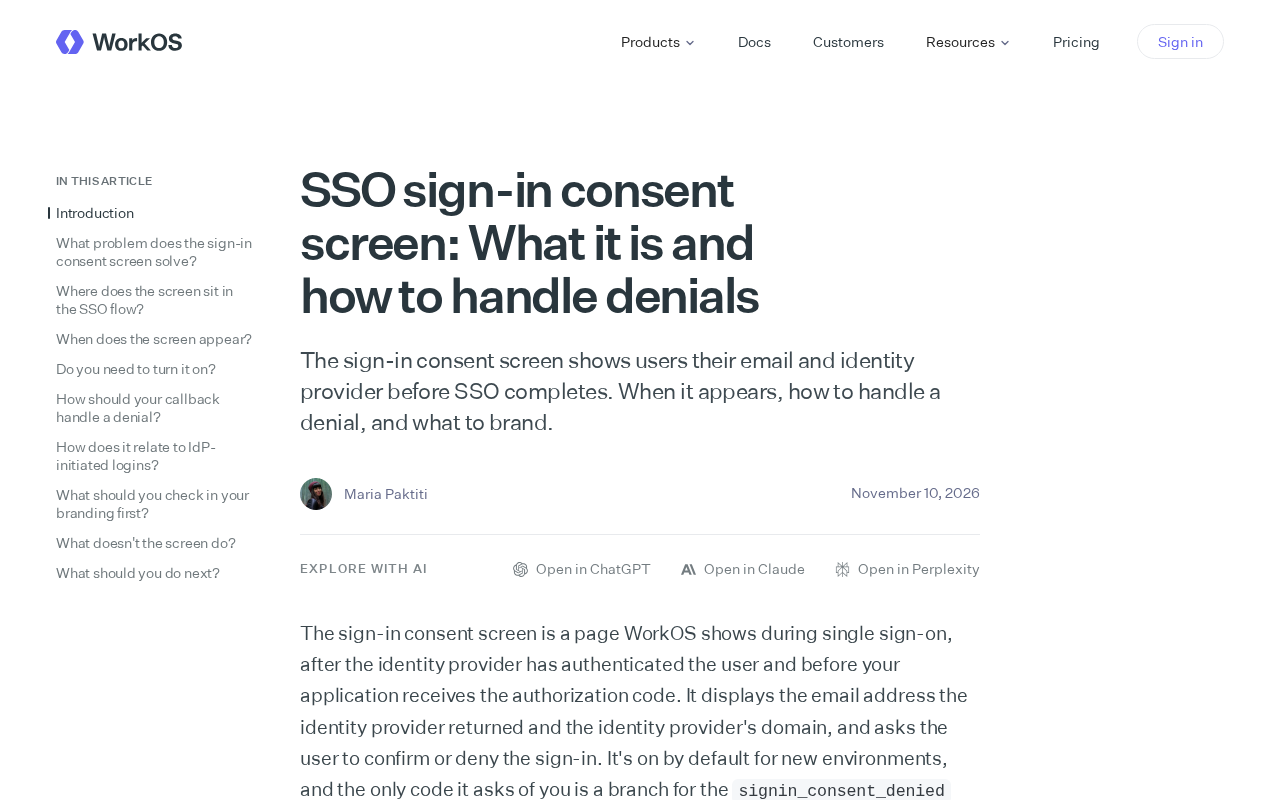
The SSO login consent screen enhances authentication transparency by displaying email and IdP info; rejection must be handled properly with moderate branding.
The article explains the role and design considerations of the login consent screen in enterprise SSO flows. This screen displays the user's email and IdP name before authentication via the identity provider, aiming to confirm identity accuracy and prevent account misuse or connection to the wrong IdP. It typically appears during first SSO login, re-authentication after session expiration, or when switching identity providers. When users reject, the application should provide clear rejection reasons, allow retry or account switching, and log events for security auditing, avoiding dead ends. For branding, logos, colors, and explanatory text can be customized to enhance trust, but should remain simple, emphasizing identity information and the consent action to avoid confusion from over-design. The article concludes that this screen is a key element in balancing security and experience.
In enterprise single sign-on (SSO) flows, users sometimes encounter a login consent screen that displays their email and identity provider information before authentication is completed. This seemingly simple step can become a balancing point between user experience and security. Based on the original material, this article explains the purpose of this screen, when it appears, how to handle rejection, and branding recommendations.
What Is an SSO Login Consent Screen?
The SSO login consent screen is a confirmation page users see before completing authentication through an identity provider (IdP). It clearly displays the email address and identity provider name the user is about to use, allowing them to confirm that the identity information is correct. This design aims to enhance transparency and security, preventing users from mistakenly using someone else's account or connecting to the wrong IdP.
Identity Provider (IdP) is an external service in the SSO architecture responsible for verifying user identity and issuing authentication assertions. Common examples include Okta, Azure AD, Google Workspace, and Auth0. The application (service provider, SP) does not store user passwords itself; instead, it redirects authentication requests to the IdP, which completes the login and then informs the SP "who this user is" via SAML assertions or OIDC tokens. The consent screen appears in this redirect chain, essentially letting users confirm the legitimacy of the target identity provider before leaving the application domain and entering the IdP authentication domain. Attackers often launch "login CSRF" or "IdP confusion" attacks by forging IdPs, tricking users into handing credentials to the wrong party. The consent screen serves as a human-interaction defense line to mitigate such risks.
When Does the Screen Appear?
This screen typically appears in the following situations: when a user logs into an application via SSO for the first time, when re-authenticating after a session expires, or when the user switches identity providers. The specific trigger conditions depend on the application and IdP configuration. The original material does not detail all trigger scenarios, but emphasizes that users need to perform an explicit consent action when the screen appears.
SSO sessions are maintained on the IdP side, usually as browser cookies, with an expiration time independent of the application (e.g., 8 hours or 30 days). When the application detects a local session expiration and re-initiates an authentication request, if the IdP session is still valid, the user may not need to re-enter their password, but the application can still require them to confirm the identity information about to be used. Additionally, multi-tenant applications may trigger the consent screen when users belong to multiple organizations or when administrators have configured a "forced account selection" policy. The trigger logic is typically controlled by the SP's prompt=consent parameter (OIDC) or the IdP's account selection policy, and not all integrations enable it by default.
How to Handle User Rejection?
When a user chooses to reject on the consent screen, the application should provide clear feedback and next steps. Common practices include: displaying a rejection reason prompt, allowing users to retry or switch accounts, and logging rejection events for security auditing. The original material suggests that handling rejection should avoid putting users in a dead end, but instead guide them back to login options or contact support.
Security audit logs should record key fields of rejection events: timestamp, user identifier (if known), requested IdP, application identifier, client IP, and User-Agent. The rejection behavior itself may be a sign of an attacker attempting to switch identities after account compromise, or a signal that a user has detected a phishing page, so it is worth including in SIEM alert rules. At the compliance level, rejection records can also be used to prove the integrity of the authentication process and user informed consent, meeting SOC 2 or ISO 27001 requirements for access control audit trails.
Branding Recommendations
The consent screen can be customized with brand elements such as the application logo, color scheme, and explanatory text to enhance trust. However, care should be taken not to over-brand and cause user confusion. The material points out that branding should remain simple, with emphasis on identity information and the consent action.
Summary
The SSO login consent screen is an important part of the authentication flow, and reasonable design can improve both security and user experience. By clearly displaying information, properly handling rejection, and applying moderate branding, enterprises can optimize this step.
(Note: This article is based on limited material, and some details may be incomplete.)
Related articles
Anthropic Model Benchmarking: Fable 5 vs 5.1 vs 5.2 Comparison
Based on Reddit community comparison material, this analyzes benchmark differences among Anthropic models Fable 5, 5.1, and 5.2, and discusses the practical implications of version iterations for developers and model selection advice.
Jensen Huang Steps Down as Nvidia CEO, Asian Governments Scramble to Respond to Chip Supply Shifts
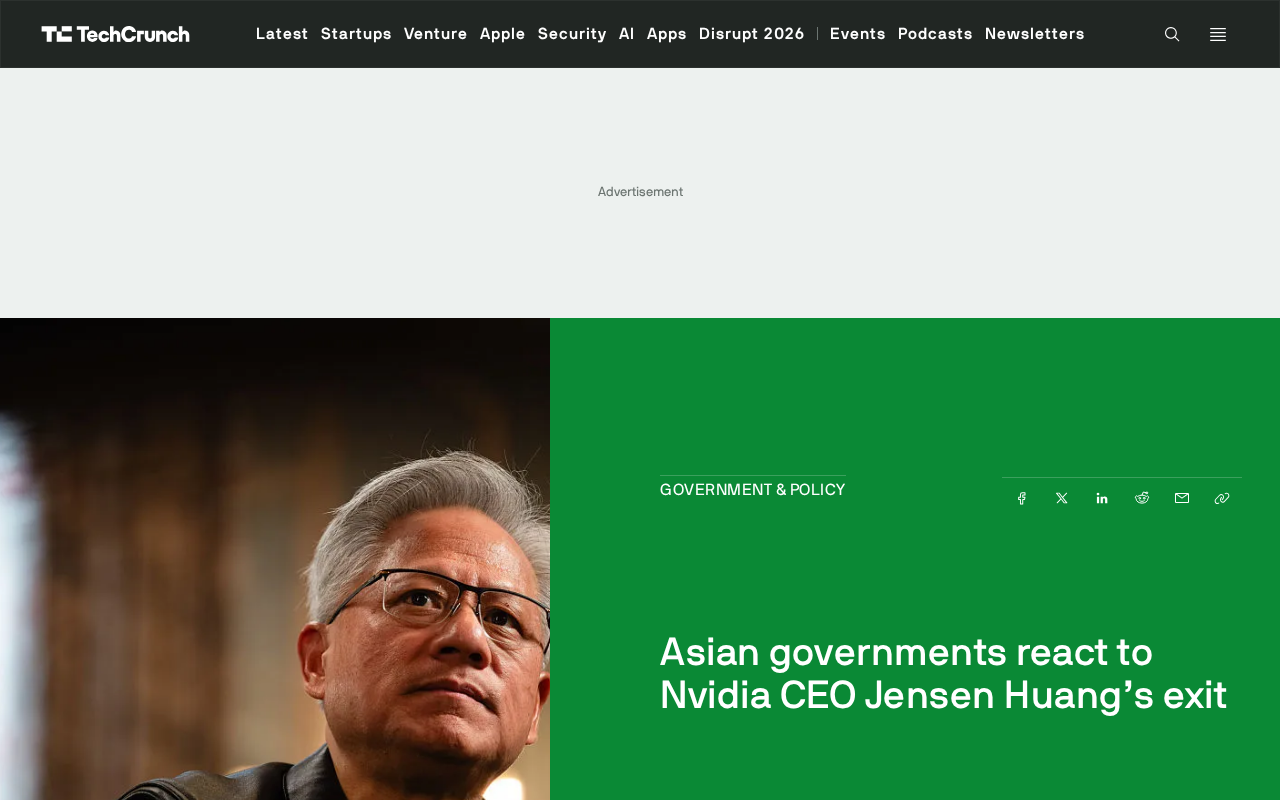
Jensen Huang's departure as Nvidia CEO triggers chain reactions across Asian governments: some confirm chip supply commitments, others monitor local AI project impacts and handle related investigations. This article analyzes supply chain stability, project risks, and compliance uncertainty.
Reddit Player Builds RISK Game Environment and Trains an AI That's Nearly Impossible to Beat
Reddit player builds a RISK training environment and trains an aggressive AI model that's nearly unbeatable. Strong at expansion but weak at defense, the author hits a bottleneck trying human data training, revealing common game AI development challenges.