12 Practical Tips for Vibe Coding with Trae SOLO: From Getting Started to Efficient Collaboration
12 actionable tips for mastering AI-assisted vibe coding with Trae SOLO's agents and workflow tools.
This guide presents 12 practical tips for effective vibe coding with Trae SOLO, organized along a complete collaboration workflow. From choosing the right agent and writing clear prompts, to using Plan mode, managing context windows, and building custom rules, these techniques help developers establish a reliable AI programming partnership that reduces rework and maintains focus.
Many people hit the same wall the first time they use AI to write code: the tool is clearly powerful, but results are inconsistent. Sometimes everything works on the first try; other times you spend hours going in circles. The difference usually isn't the model itself—it's whether you've properly managed your task context and collaboration rhythm.
This article, based on practical experience shared by a Bilibili creator using Trae SOLO, organizes 12 high-frequency tips along a clear collaboration workflow. You don't need to memorize everything at once—just understand what problem each tip solves, then gradually integrate them into your own development process.
Getting Started: Choose the Right Tool, Communicate Clearly
Tip 1: Choose the Right Built-in Agent Based on Project Needs
The two most common agents in Trae SOLO are Solo Coder and Solo Builder:
- Solo Coder: Better suited for iterating, refactoring, and fixing bugs in existing codebases. It excels at understanding project context, making it ideal for complex code collaboration scenarios.
- Solo Builder: Better suited for building end-to-end projects from scratch, going directly from requirements to preview and deployment.
The decision criteria is simple: if you already have a project that needs modification and maintenance, go with Solo Coder. If you're starting from requirements and want rapid prototyping, choose Solo Builder. Picking the wrong agent reduces the efficiency of every subsequent conversation.
Agents are an important concept in AI—they refer to autonomous programs that can perceive their environment, make decisions, and execute actions. Unlike simple conversational AI, agents are goal-oriented: they don't just answer questions but continuously push tasks forward toward a clear objective. In programming scenarios, agents add value by understanding code context, remembering task state, and executing step by step according to a plan. The distinction between Solo Coder and Solo Builder essentially comes down to different system prompts and tool-calling permissions, allowing each to perform more reliably in its specialized domain.
Tip 2: Optimize Your Input—Ditch Vague Instructions
Vague instructions are the biggest efficiency killer in AI programming. Instead of saying "optimize this code," say "extract the user validation logic into a standalone function and add error handling." The clearer you are about goals, scope, and constraints, the more controllable the output.
Trae offers input optimization capabilities—you can write a rough prompt first, then let it help you refine the expression. For complex projects, you can also attach referenced files, code snippets, and contextual information so the AI knows exactly which part you're modifying rather than guessing blindly.
This relates to the core principles of Prompt Engineering. Research shows that model output quality is highly correlated with input structure. A good prompt typically contains three layers: role definition (what identity you want the AI to adopt), task description (what specifically needs to be done), and constraints (output format, boundary limitations). Vague instructions are inefficient because the model has to guess your intent across an enormous possibility space, while explicit instructions dramatically narrow that search space.
Tip 3: Enable Plan Mode—Plan First, Execute Second
For tasks like API refactoring, cross-module restructuring, or tricky bugs, don't rush the AI into coding immediately. Have it outline a plan first, then review the steps, scope, and risk points.
The value of planning isn't to slow things down—it's to surface rework early. You can modify the plan before execution, remove unnecessary steps, and add acceptance criteria. Once the direction is confirmed, let the AI start implementing. For complex tasks, this step often saves massive amounts of rework time.
The plan-first-execute-later pattern isn't new in software engineering—waterfall models and Sprint Planning in agile development follow similar logic. But in AI programming, this pattern has special value: large language models tend to "jump ahead" in single-generation passes, and once they start writing code, they lean toward their initial direction even if it's off-track, making self-correction difficult. Having the AI output a plan first forces it into Chain-of-Thought reasoning, exposing implicit assumptions. The cost of reviewing a plan is far lower than reviewing complete code—that's why Plan mode significantly reduces rework rates.
Execution Phase: Control the Rhythm, Push Forward Efficiently
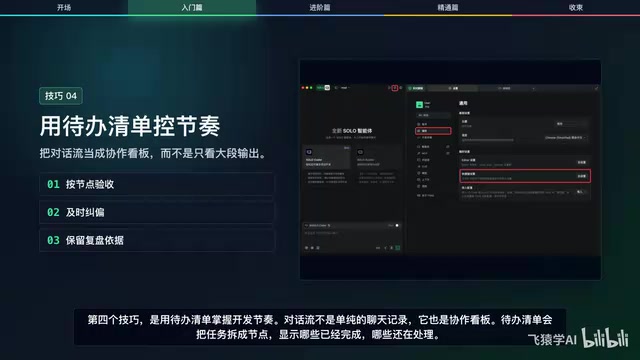
Tip 4: Use Task Checklists to Control Development Rhythm
The conversation flow isn't just a chat log—it's also a collaboration board. Task checklists break work into nodes, showing what's completed and what's still in progress. You can use these nodes for verification and course correction.
For example, if the frontend pages are done but API integration hasn't been verified, don't rush to close the task. For beginners, this is much easier to manage than staring at a wall of AI output.
Tip 5: Run Multiple Tasks in Parallel with Clear Boundaries
Trae SOLO supports running multiple tasks within the same workspace. You can have one task pushing the main feature forward, another handling technical Q&A, and a third working on a secondary module.
The key to parallelization is clear boundaries: core development, problem consulting, research compilation, and local fixes should run separately. This keeps each task's context cleaner and makes it easier to find your place using titles and summaries.
Tip 6: Use Keyboard Shortcuts to Stay in Flow
Creating new tasks, triggering completions, opening the command palette, opening settings—if you reach for the mouse every time, you'll break your focus. Start by memorizing four core shortcuts: new task, command palette, settings, and completion trigger. No need to memorize the entire shortcut table at once; once these four become muscle memory, expand gradually.
Precise Targeting: Help AI Modify the Right Things
Tip 7: Select Errors or Page Elements for Precise Modifications
In the Solo browser, you can directly select page elements to let the AI know exactly which UI component to modify. Console logs can also be fed into the conversation so the AI can locate issues based on actual errors.
This is far more effective than descriptions like "the page doesn't look good" or "it's throwing an error." The more specific your targeting, the less likely the AI is to modify the wrong thing, and the more likely it is to only touch what needs changing.
Tip 8: Use Voice Input—Dump Ideas First, Organize Later
Many development requirements are actually more natural to speak than type, especially when describing behaviors, debugging issues, or adding requirements while looking at the interface.
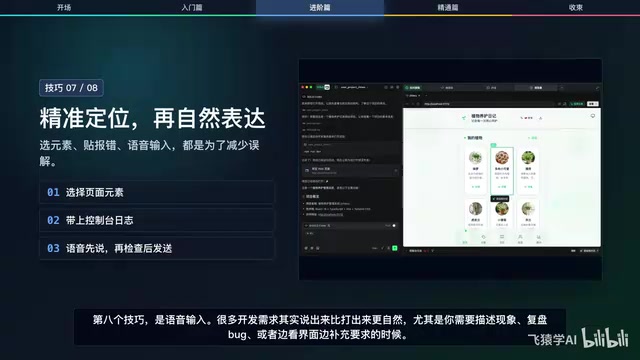
Voice input works well for quickly dumping your thoughts, then letting the input optimization feature organize them into a structured prompt. But note: always review before sending, confirming that the task goal, boundaries, and acceptance criteria are clearly expressed.
Long-term Growth: Build Your Personal AI Collaboration System
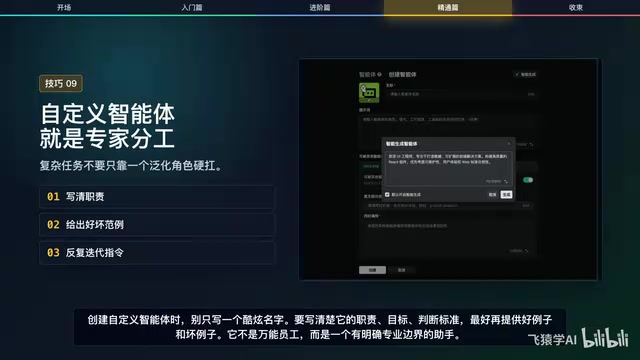
Tip 9: Create Custom Agents to Build Your AI Expert Team
Complex tasks often require different roles—frontend styling, performance optimization, backend architecture, test verification. Solidifying these roles into custom agents makes task decomposition more stable.
When creating custom agents, don't just write a name. Clearly define their responsibilities, goals, and decision criteria, ideally with good and bad examples. It's not an all-purpose employee—it's an assistant with clear professional boundaries.
Tip 10: Configure Personalized Rules to Reduce Repetitive Communication
Many preferences don't need to be restated every time—things like "communicate primarily in Chinese," "keep code concise without over-abstraction," or "follow a specific project convention." These can be written into configuration rules.
Trae SOLO provides two layers of rules: personal rules for stable preferences, and project rules for current codebase conventions. Don't let rules grow endlessly—only include content that's truly high-frequency, global, and effective long-term.
Tip 11: Manage Context to Keep AI Focused
The longer the context, the harder it is for AI to stay on point. Trae SOLO displays a context progress bar and supports compression when needed—collapsing redundant conversations while preserving key task information.
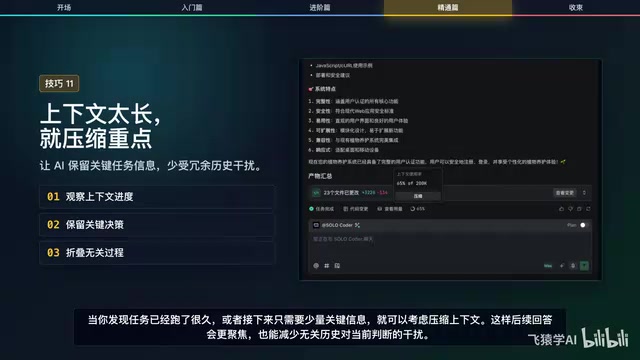
When you notice a task has been running for a long time, or you only need a small amount of key information going forward, consider compressing the context. This makes subsequent responses more focused and reduces interference from irrelevant history on current judgments.
Understanding this requires knowledge of how large language models handle context windows. Models have a fixed Context Window—the maximum text length they can process at once. Even within that window, the model's "attention" isn't evenly distributed. Research has identified a "Lost in the Middle" phenomenon where models remember information at the beginning and end more strongly while tending to overlook middle sections. This explains why AI tends to "drift" as conversations grow longer. Context compression essentially moves key information back into high-attention zones while removing historical conversations that are no longer needed, concentrating the model's limited attention on the current task.
Tip 12: Use Built-in Tools to Reduce Context-Switching Costs
Trae SOLO integrates tools like Supabase, Figma, Vercel, and Stripe, allowing you to access databases, parse design files, deploy services, or configure models within the same workspace.
Built-in tools are best suited for pipeline tasks—like going from design mockups to frontend implementation, then to deployment preview and data integration. If every step requires jumping to another application and manually copying data, the probability of errors and omissions increases significantly.
This integration capability relies on Function Calling and protocol designs similar to MCP (Model Context Protocol). In simple terms, the AI doesn't directly operate these services—instead, it "understands" what each tool can do through standardized interface descriptions, then generates corresponding calling instructions. This design eliminates the need for developers to constantly switch between multiple applications and manually copy data, reducing information loss and operational errors in pipeline tasks.
Summary: Three Actions to Start Your Vibe Coding Journey
Looking at all 12 tips together, they form a complete AI programming collaboration methodology: choose the right agent → communicate requirements clearly → plan first → progress via checklists → parallelize when you need speed → select elements and errors when you need precision → solidify agents and rules when you need long-term reuse.
If it feels like too much to adopt at once, start with three actions:
- Open Plan mode for complex tasks—let AI outline the plan while you review
- Attach screenshots or logs for specific problems—give AI precise targeting information
- Write recurring preferences into rules—avoid repeating the same instructions every conversation
Once these three actions become stable habits, gradually add parallel tasks, context compression, and built-in tools. Tools won't automatically produce great projects for you, but good collaboration methods make AI more reliably helpful. Treat Trae SOLO as a manageable development partner rather than a casual chat window, and the efficiency gap will steadily widen.
Related articles
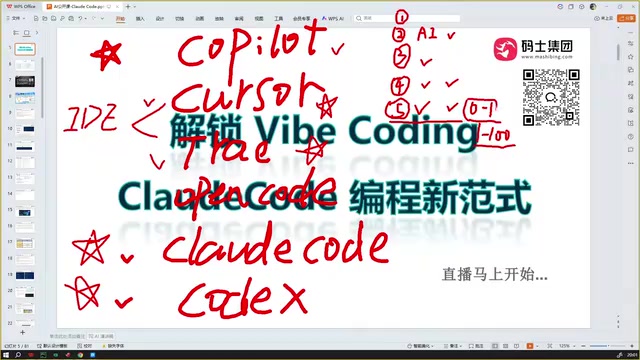
Claude Code Installation Guide & The Five Stages of AI Programming Tools Explained
Complete Claude Code installation guide with the five stages of AI programming tools, from manual coding to agents. Learn 0-to-1 project building and 1-to-100 iteration challenges.

Enterprise-Level AI Project Rules Files: 5 Hard Rules + 6 Writing Techniques
AI keeps messing up your code? Learn 5 hard rules and 6 writing techniques for enterprise-level Rules files in Claude Code, Cursor & more, with templates.
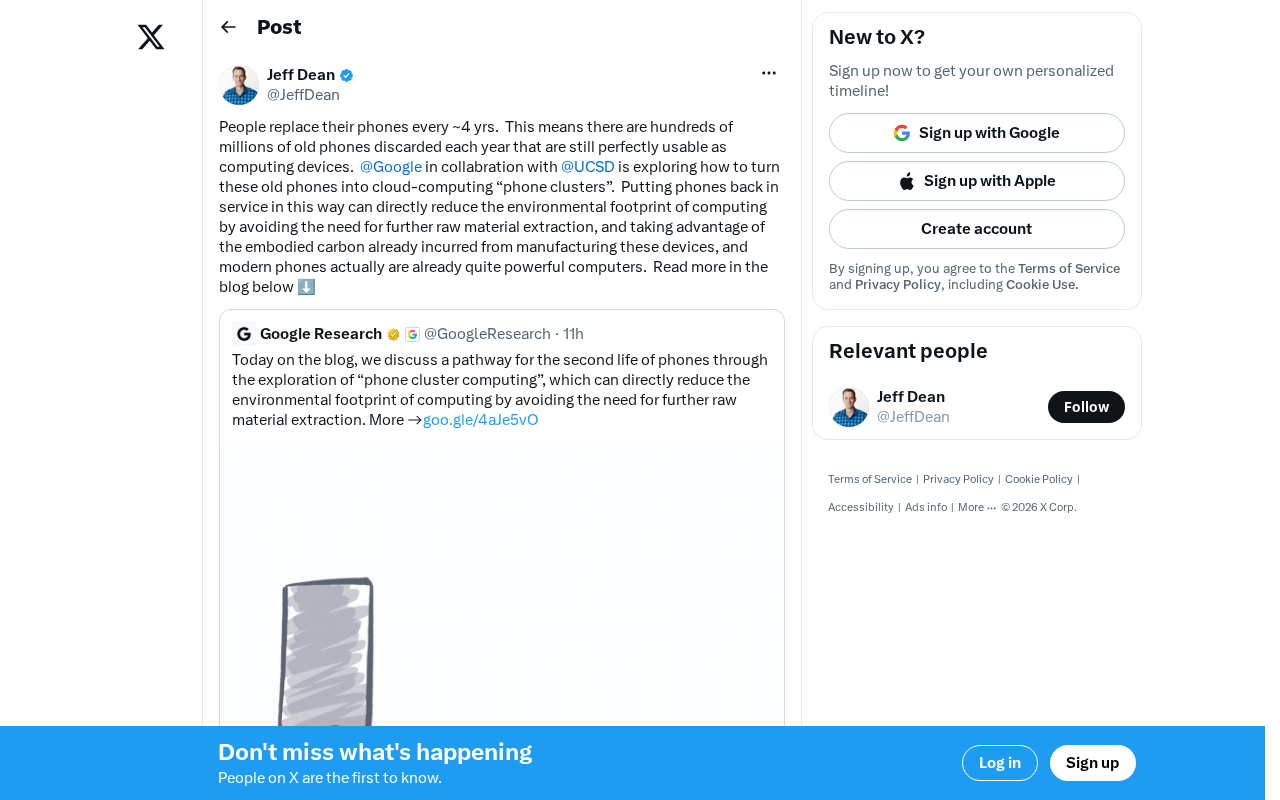
Building Cloud Computing Clusters from Old Phones: Google and UCSD Explore a New Path to Sustainable Computing
Google and UCSD explore building cloud clusters from old phones, leveraging ARM chip efficiency to cut e-waste and data center carbon footprints.