15 Curated Programming MCP Tools: A Practical Guide from Browser Debugging to One-Click Deployment
A curated guide to 15 battle-tested programming MCP tools covering browser debugging to one-click deployment.
Based on testing over 100 MCP tools, this guide selects 15 essential programming MCP Servers demonstrated with Claude Code and Codex. Coverage includes Chrome DevTools for browser automation, Neon and Supabase for cloud databases, Figma for design-to-code, Context7 for knowledge gaps, Replicate for AI images, Vercel for deployment, GitHub for collaboration, and Semgrep for security scanning.
As AI programming tools become increasingly prevalent, MCP (Model Context Protocol) — AI's standardized toolbox — is fundamentally transforming developer workflows. However, among the hundreds of MCP tools available on the market, only a handful are truly useful. This article is based on hands-on testing of over a hundred programming-focused MCP tools, distilling them down to 15 MCP Servers that are genuinely worth configuring. Each is demonstrated in practice using Claude Code and Codex, two of the most popular AI programming platforms.
What Is MCP? Why Do Developers Need It?
MCP (Model Context Protocol) is essentially a standardized toolbox for AI. Through MCP, AI can communicate with external systems, performing tasks on behalf of humans such as operating browsers, managing databases, and deploying projects. Many people consider MCP a technology where "there are more developers than users," but in reality, the truly useful MCP tools are concentrated in the programming domain, where they can double developer productivity.
It's important to note that more MCP Servers isn't necessarily better. Each configured MCP Server consumes additional context window space, so the best practice is to only configure what you actually use — keep it lean.
Chrome DevTools MCP: The Ultimate Browser Automation Solution
The community previously developed several browser automation MCPs, such as Browser Tools MCP and Chrome MCP, but they were cumbersome to configure and required browser extensions. Now Google has officially entered the arena with Chrome DevTools MCP, decisively ending this competition.
This MCP requires no complex configuration — as long as Chrome is installed on your computer, it works out of the box. In Claude Code, simply copy and paste the configuration command to complete installation. To apply it across all projects, add the --scope user parameter to the command.
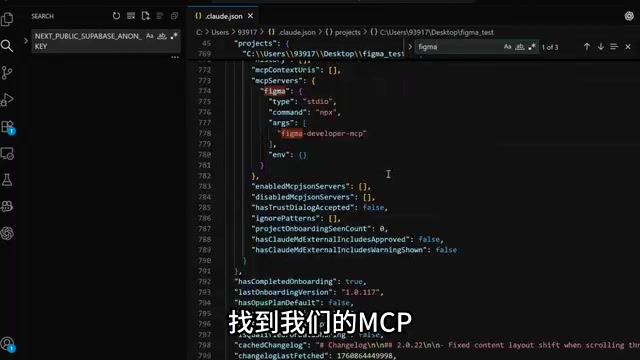
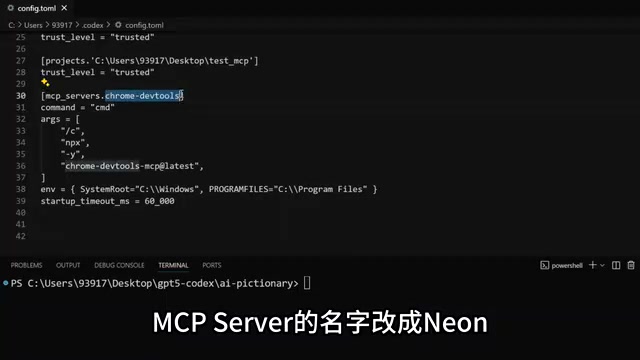
For Codex, configuration requires editing the config.toml file (Windows path: C:\\Users\\username\\.codex\\config.toml). Windows configuration is relatively involved, while Mac setup can be simplified.
In practical testing, Chrome DevTools MCP not only automates browser operations (such as opening GitHub, searching for projects, and clicking Star) but also assists with code debugging — reading console errors and network requests to precisely locate issues. For example, during testing, the AI discovered that a PUT request should have been a POST request, successfully fixing the code bug.
Cloud Database MCPs: Neon vs. Supabase
Neon MCP: Free Cloud PostgreSQL
Neon is a free cloud database built on PostgreSQL. Once its MCP is connected, AI instantly gains database operation capabilities. Configuration requires completing OAuth authorization in the browser.
In testing, when given a CSV file containing student IDs, names, and scores, Codex used the Neon MCP to automatically create a new Project, execute SQL to create tables, and insert data — the entire process was fully automated. This means AI programming agents now have complete database operation capabilities.
Supabase MCP: More Powerful Backend Infrastructure
Supabase wraps PostgreSQL with user authentication, file storage, visual admin panels, and more, providing a complete out-of-the-box backend infrastructure. Its MCP uses remote invocation, requiring the --transport http parameter during configuration.
In a practical case, the AI not only created database tables through the Supabase MCP but also leveraged its built-in authentication features to implement a complete user registration and login flow with Next.js — including email verification and login validation. Even more conveniently, the environment variables needed for the project (URL and API Key) can be automatically retrieved and filled in via MCP, eliminating manual lookup.
Figma MCP: An Efficient Bridge from Design to Code
Figma MCP bridges the gap between design and development. Configuration is relatively complex, requiring parameters like the Figma API Key. In Claude Code, it's recommended to complete the basic configuration via command line first, then edit the configuration file to add parameters.
The results are impressive: after providing the AI with a link to a Figma login page design, it used the MCP to retrieve the design's structural information, download image assets, and then write the code. The final generated webpage achieved approximately 90% similarity to the original design, requiring only minor adjustments before going live.
Knowledge Enhancement MCPs: Context7 and Ref Solve AI Knowledge Gaps
AI large language models all have knowledge cutoff dates and often struggle with new technologies. Context7 MCP helps AI look up the latest programming documentation to fill knowledge gaps.
A typical example: Python 3.14 introduced t-strings (template strings) as a new feature. When asked directly to write t-string example code, the AI completely failed to understand it, generating error-filled code. But after adding "use context7" to the prompt, the AI first looked up documentation through the MCP, then accurately wrote examples demonstrating t-string lazy evaluation, custom processing, and safety checks.
Ref MCP offers similar functionality to Context7 but is more flexible, capable of deep retrieval from sources like academic papers and GitHub repositories — ideal for scenarios requiring less mainstream documentation.
Replicate MCP: AI Image Generation for Product Assets
When using AI for programming, product prototype imagery is often a challenge. Replicate MCP can generate AI images via API calls for direct use in products. Configuration requires filling in the Replicate API Token as an environment variable.
In a practical case, when creating a sales package page for a hot air balloon tourism website, the AI used Replicate MCP to generate 6 images matching the package themes in one go, significantly enhancing the product's visual appeal.
One-Click Deployment: Vercel MCP and Domestic Alternatives
Once code is written, Vercel MCP can deploy a project with a single command. After configuration, the AI can not only deploy projects but also query information about all projects under your account.
For users in China where Vercel may have network issues, EdgeOne Pages MCP is a viable alternative that also supports free one-click deployment.
Additionally, Cloudflare offers a rich matrix of MCP Servers covering documentation lookup, Worker deployment, log monitoring, global traffic trend queries, sandbox environments, and more — essentially integrating all of Cloudflare's API capabilities.
GitHub MCP and Semgrep MCP: Collaborative Development and Security
GitHub MCP: End-to-End Code Management
GitHub's official MCP Server connects AI programming agents directly to the GitHub platform, enabling operations like reading repositories, managing Issues, and creating PRs. Configuration requires filling in a GitHub API Token in the Header.
In practice, a complete bug fix workflow was demonstrated: someone submitted a GitHub Issue reporting that a button was hard to see. The AI read the Issue content via GitHub MCP, modified the code locally to fix the problem, then automatically created a Pull Request and pushed it to GitHub. From Issue creation to PR submission, the entire bug fix workflow was fully automated.
Semgrep MCP: Code Security Scanning
Semgrep is a static security analysis tool with over 5,000 built-in security rules. Through its MCP, AI can perform comprehensive security scans on projects, identifying potential vulnerabilities in a timely manner. Configuration also uses HTTP remote invocation.
More Noteworthy MCP Tools
- ShadCN MCP: Automatically finds and imports component code from the ShadCN frontend component library, eliminating the hassle of manual copying
- Stripe MCP: Integrates with the Stripe payment platform, allowing AI to read product information, create payment pages, and implement complete payment flows
- Custom MCP SDK: The official GitHub MCP repository provides SDKs in multiple languages, enabling developers to create their own MCP Servers using Python, TypeScript, and more
Conclusion: How to Choose and Combine MCP Tools
These 15 MCP tools cover the core scenarios of AI programming: browser debugging, database management, design-to-code conversion, knowledge enhancement, image generation, project deployment, code collaboration, security scanning, and payment integration. Their common characteristics are simple configuration, practical functionality, and deep integration with mainstream AI programming tools.
Practical recommendations for developers:
- Configure on demand, don't be greedy — each MCP consumes context window space
- Prioritize official MCPs (such as Chrome DevTools, GitHub, etc.) for better stability
- Leverage MCP combinations — for example, Figma + Replicate + Vercel can achieve full-pipeline automation from design to deployment
When existing MCPs can't meet your needs, consider building your own MCP Server using the official SDK.
Related articles
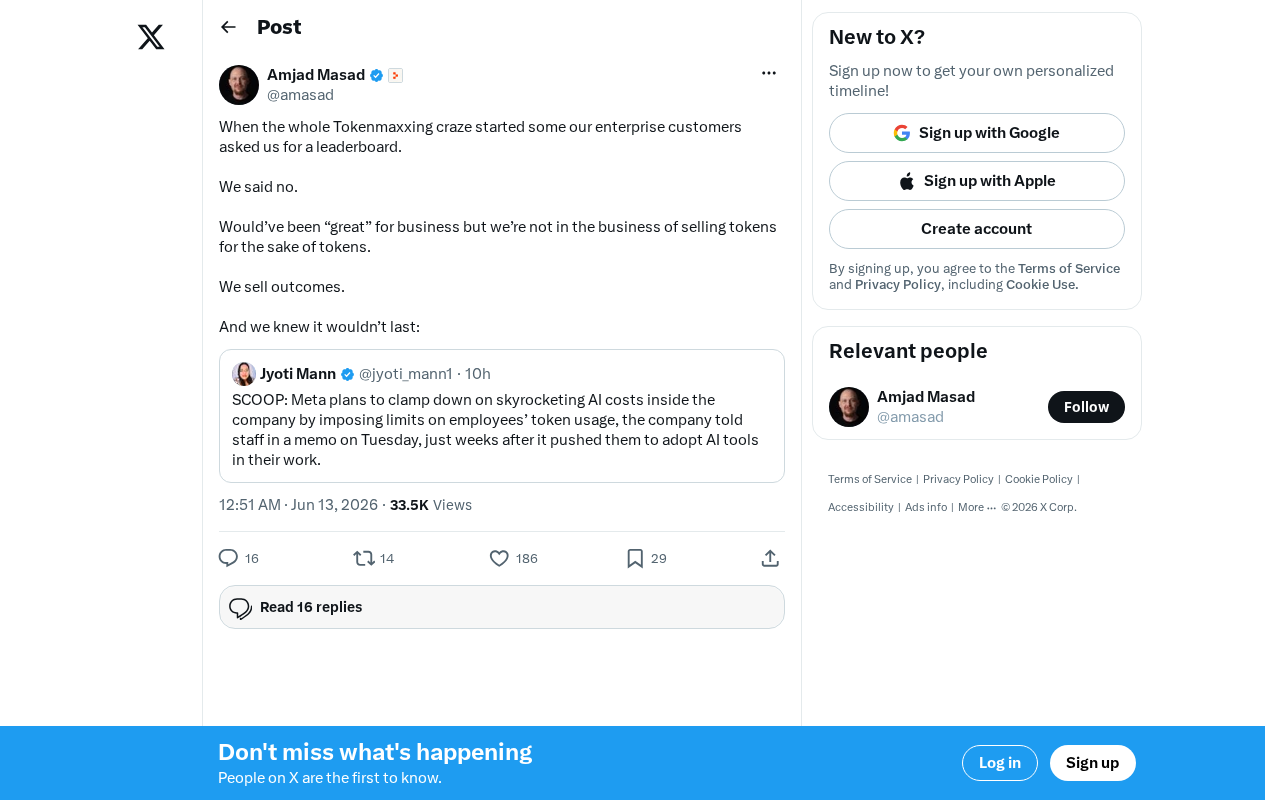
The Decline of Tokenmaxxing: Why Selling Outcomes Matters More Than Selling Tokens
The Tokenmaxxing craze is fading as enterprise AI procurement shifts from chasing Token counts to focusing on actual business outcomes. Learn why outcome-based AI evaluation is the right approach.
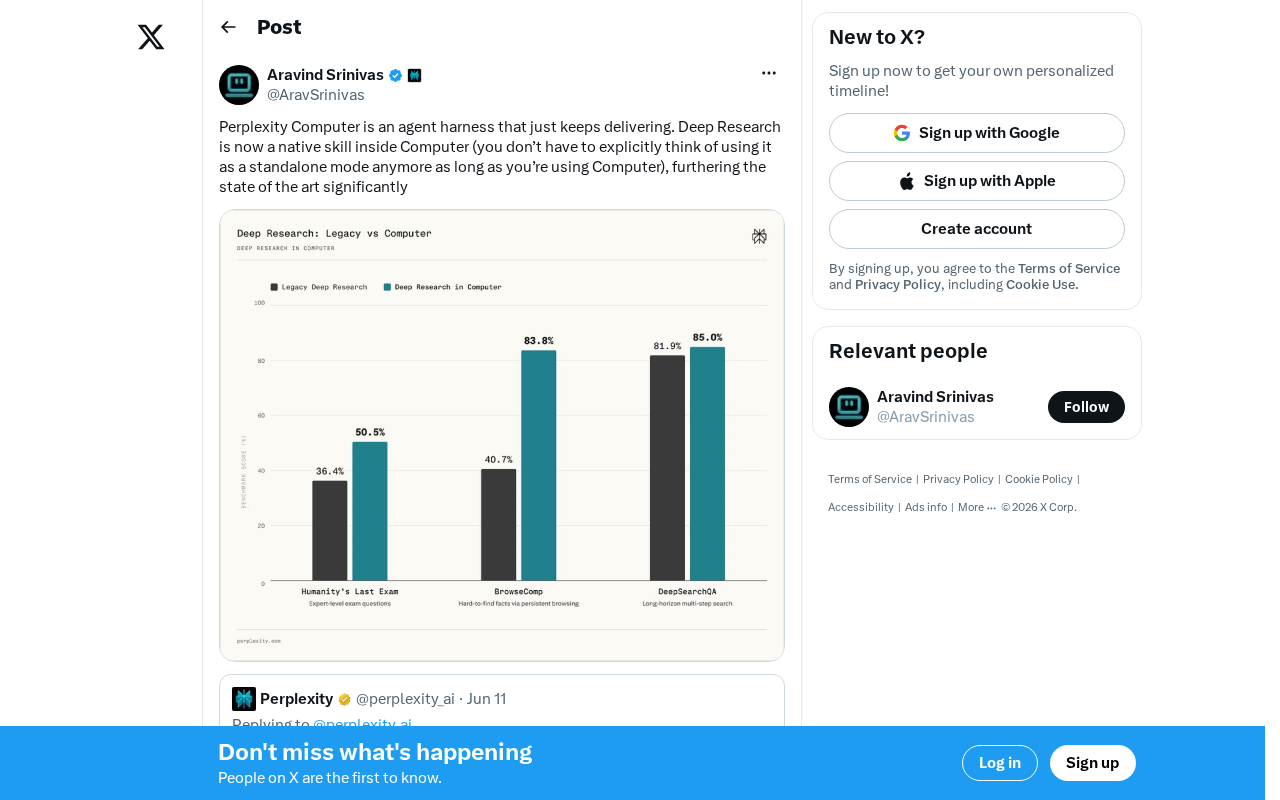
Perplexity Computer Integrates Deep Research as a Native Skill: A New Paradigm for AI Agent Capability Fusion
Perplexity integrates Deep Research as a native skill in Computer, enabling automatic invocation without manual mode switching. Analyzing the Agent Harness design philosophy and AI capability fusion trends.
Key Takeaways from Andrew Ng × OpenAI's Prompt Engineering Course: Two Core Principles Explained
Deep dive into Andrew Ng & OpenAI's ChatGPT Prompt Engineering course: Base LLM vs instruction-tuned models, two core prompting principles, and API-first development thinking for developers.